1. Sissejuhatus
Tänan ostu eestasing the VIBOX 49-inch 120Hz Curved Ultra-Wide Gaming Monitor. This manual provides essential information for setting up, operating, and maintaining your monitor. Please read it thoroughly before use to ensure optimal performance and safety.
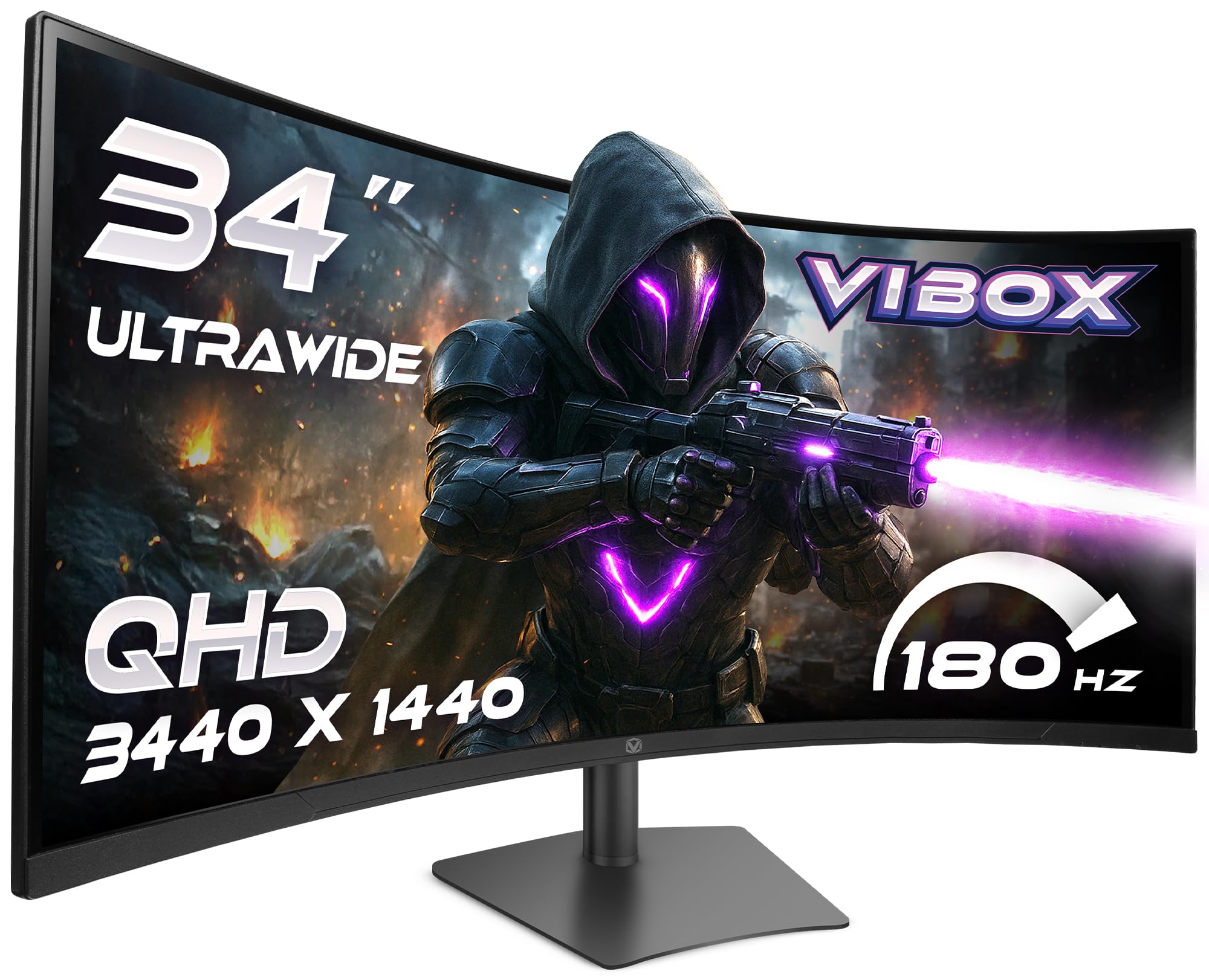
Image: The VIBOX 49-inch Curved Ultra-Wide Gaming Monitor, showcasing its expansive display.
2. Ohutusalane teave
Kahjustuste vältimiseks ja ohutu töö tagamiseks järgige järgmisi ettevaatusabinõusid:
- Ärge jätke monitori vihma, niiskuse ega äärmuslike temperatuuride kätte.
- Vältige monitori asetamist soojusallikate lähedusse või otsese päikesevalguse kätte.
- Tagage piisav ventilatsioon; ärge blokeerige ühtegi ventilatsiooniava.
- Kasutage ainult monitoriga kaasasolevat toiteadapterit.
- Disconnect the power cable during lightning storms or when unused for extended periods.
- Ärge proovige monitori ise lahti võtta ega parandada. Jätke kogu hooldus kvalifitseeritud personalile.
3. Pakendi sisu
Veenduge, et pakis on kõik esemed olemas:
- VIBOX 49-inch Curved Ultra-Wide Gaming Monitor
- Monitori alus (alus ja kael)
- Toiteadapter ja kaabel
- HDMI kaabel
- DisplayPort-kaabel
- Kasutusjuhend
4. Toote lõppview
4.1. Tagapaneel ja pordid
The rear panel of your monitor features various ports for connectivity and power. Familiarize yourself with these connections before setup.

Pilt: Tagumine view of the VIBOX monitor, highlighting the power input, 2x HDMI 2.0 ports, 2x DisplayPort, and 3.5mm audio port, along with RGB lighting around the stand connection.
- Toite sisend: Ühendub toiteadapteriga.
- HDMI 2.0 pordid (x2): Ühendage seadmetega, mis toetavad HDMI-väljundit.
- DisplayPort (x2): Ühendage seadmetega, mis toetavad DisplayPort-väljundit.
- 3.5 mm heliport: Väliste kõrvaklappide või kõlarite ühendamiseks.
- Juhtnupud: Typically located on the rear or bottom for navigating the On-Screen Display (OSD) menu.
5. Seadistamine
5.1. Statiivi kokkupanek
- Eemaldage monitori ja aluse komponendid ettevaatlikult pakendist.
- Kinnitage statiivi kael monitoripaneeli külge, veendudes, et see klõpsatab kindlalt oma kohale või on kruvidega kinnitatud, nagu kiirjuhendis näidatud.
- Kinnitage statiivi alus statiivi kaela külge, kinnitades selle kaasasoleva kruviga.
- Asetage kokkupandud monitor stabiilsele ja tasasele pinnale.
5.2. Seadmega ühenduse loomine
- Connect one end of the HDMI or DisplayPort cable to the corresponding port on your computer or gaming console.
- Connect the other end of the cable to an available HDMI or DisplayPort on the monitor's rear panel.
- Ühendage toiteadapter monitori toitesisendisse ja seejärel ühendage toitekaabel seinakontakti.
5.3. Monitori aluse reguleerimine
Monitori alus pakub ergonoomilisi seadistusi optimaalseks tööks. viewmugavust saades.

Image: A diagram illustrating the adjustable height, tilt, and swivel capabilities of the VIBOX monitor stand, allowing for a customized viewnurk.
- Kõrguse reguleerimine: Lükake või tõmmake monitori õrnalt üles või alla soovitud kõrgusele.
- Kallutuse reguleerimine: Tilt the monitor screen forward or backward to find the best viewnurk.
- Pööramise reguleerimine: Pöörake monitori alusel vasakule või paremale.
6. Kasutusjuhised
6.1. Toide sisse/välja
Press the power button, usually located on the rear or bottom of the monitor, to turn it on or off. The power indicator light will illuminate when the monitor is active.
6.2. Ekraanikuva (OSD) menüü
Use the control buttons to navigate the OSD menu and adjust various settings:
- Pildi seaded: Heledus, kontrastsus, teravus, värvitemperatuur.
- Sisendi valimine: Lülitage käsitsi HDMI ja DisplayPort sisendite vahel.
- Helisätted: Volume control for built-in speakers or connected headphones.
- Mängufunktsioonid: Adaptive Sync, Response Time overdrive, Crosshair.
- Süsteemi seaded: Language, OSD Transparency, Reset to Factory Defaults.
7. Põhiomadused
7.1. Super Ultrawide 49-inch DQHD Display
Experience an expansive 32:9 aspect ratio with a DQHD (5120 x 1440) resolution, offering a vast workspace and immersive gaming environments.

Image: A visual comparison demonstrating the difference between a standard QHD (2560x1080) display and the VIBOX Ultrawide QHD (5120x1440) VA panel, showcasing enhanced resolution and detail.
7.2. 1500R Curved Design
The 1500R curvature matches the natural field of view, reducing eye strain and enhancing immersion, especially in gaming and cinematic content.

Image: The VIBOX 49-inch curved monitor displaying a racing game, illustrating the 1500R curvature that brings the action closer to the user for ultimate immersion.
7.3. Ultra-Smooth 120Hz Refresh Rate & 1ms Response Time
Enjoy fluid motion and rapid pixel transitions with a 120Hz refresh rate and a 1ms (MPRT) response time, crucial for fast-paced gaming.

Image: A comparison showing a 60Hz monitor with significant motion blur on the left, contrasted with the VIBOX monitor (120Hz, 1ms MPRT) on the right, demonstrating superior clarity and smoothness in fast-moving scenes.
7.4. Adaptive Sync Technology
Compatible with AMD FreeSync, this technology synchronizes the monitor's refresh rate with your GPU's frame rate, eliminating screen tearing and stuttering for a seamless visual experience.

Image: A split image illustrating the effect of Adaptive Sync. The left side shows screen tearing and stuttering when sync is off, while the right side displays a fluid and responsive visual experience with sync enabled.
7.5. Frameless Design
The ultra-thin bezels enhance the aesthetic of your setup and provide a more immersive viewing experience, especially in multi-monitor configurations.

Pilt: Panoraamfoto view from an airplane cockpit simulator displayed on the VIBOX monitor, emphasizing the elegant frameless design that maximizes screen real estate.
8. Veaotsing
Kui teil tekib monitoriga probleeme, vaadake järgmisi levinud probleeme ja lahendusi.
| Probleem | Võimalik lahendus |
|---|---|
| Ekraanil pole pilti | Ensure power cable is securely connected. Check video cable (HDMI/DisplayPort) connections. Select correct input source via OSD. |
| Pilt on udune või moonutatud | Adjust resolution and refresh rate settings on your computer. Check video cable for damage. Perform OSD factory reset. |
| Kõlaritest/kõrvaklappidest ei kostu heli | Check audio cable connection (if external speakers). Adjust volume in OSD and on your computer. Ensure audio output is set to the monitor on your computer. |
| Ekraani virvendamine või rebenemine | Ensure Adaptive Sync is enabled in the OSD and on your graphics card settings. Update graphics drivers. |
9. Tehnilised andmed
Detailed technical specifications for the VIBOX 49-inch 120Hz Curved Ultra-Wide Gaming Monitor:
| Funktsioon | Spetsifikatsioon |
|---|---|
| Kaubamärk | VIBOX |
| Mudeli number | 49Z120UWQHDC |
| Ekraani suurus | 49 tolli |
| Resolutsioon | DQHD Ultra Wide 1440p (5120 x 1440 Pixels) |
| Kuvasuhe | 32:9 |
| Ekraani pinna kirjeldus | Matt |
| Reageerimisaeg | 1 millisekund (MPRT) |
| Värskendussagedus | 120 Hz |
| Kuva tüüp | VA |
| Ühenduvustehnoloogia | DisplayPort, HDMI (2x HDMI 2.0, 2x DisplayPort) |
| Eriomadused | Built-in Speaker, Curved, Ultra-Wide Screen |
| Pildikvaliteedi parandamine | Adaptive Sync (FreeSync compatible) |
| Kauba mõõtmed (P x L x K) | 17.8S x 118.9L x 54.4K sentimeetrit |
| Kauba kaal | 7.95 kilogrammi |
| Värv | Must |
| VESA kinnituse tüüp | Töölaua kinnitus |
10. Hooldus
10.1. Ekraani puhastamine
Monitori ekraani puhastamiseks pühkige seda õrnalt pehme ja ebemevaba lapiga. Kangekaelsete plekkide korral nühkige seda kergeltampen the cloth with water or a specialized screen cleaner. Avoid using harsh chemicals, abrasive cleaners, or spraying liquid directly onto the screen.
10.2. C puhastamineasing
Pühkige monitori casinpehme ja kuiva lapiga. Vajadusel kasutage kergelt kuiva lappi.amp cloth. Do not use any solvents or abrasive materials.
11. Garantii ja tugi
Your VIBOX 49-inch 120Hz Curved Ultra-Wide Gaming Monitor is covered by a 2-aastane tootjagarantii alates ostukuupäevast. See garantii katab tootmisdefektid ja tagab vigaste komponentide remondi või asendamise.
For technical support, warranty claims, or further assistance, please contact VIBOX customer service through the retailer where you purchased the product or visit the official VIBOX websait kontaktteabe saamiseks.
Palun hoidke oma ostutõend garantii kehtivuse tagamiseks alles.


