1. Sissejuhatus
This manual provides detailed instructions for the installation, operation, and maintenance of your Zebronics ZEB-WR3004G 4G/5G SIM Router. Please read this manual thoroughly before using the device to ensure proper functionality and safety. This router is designed to provide high-speed internet access using 4G or 5G nano SIM cards, featuring LAN/WAN auto-switching and WPA2-PSK security.
2. Ohutusalane teave
- Kasutage ainult seadmega kaasas olevat toiteadapterit.
- Ärge jätke ruuterit vee, niiskuse ega äärmuslike temperatuuride kätte.
- Avoid placing the router near heat sources or in direct sunlight.
- Ülekuumenemise vältimiseks tagage ruuteri ümber korralik ventilatsioon.
- Ärge proovige seadet ise avada ega parandada. Jätke kogu hooldus kvalifitseeritud personalile.
- Keep the router away from children and pets.
3. Pakendi sisu
Veenduge, et pakendis on kõik esemed olemas:
- Zebronics ZEB-WR3004G Router
- Toiteadapter
- Võrgukaabel
- Kasutusjuhend (see dokument)
4. Toote lõppview
The Zebronics ZEB-WR3004G router is designed for reliable and high-speed internet connectivity. It features multiple external antennas for enhanced signal coverage and performance.
Pilt: Esikülg view of the Zebronics ZEB-WR3004G router, showcasing its sleek white design and external antennas.
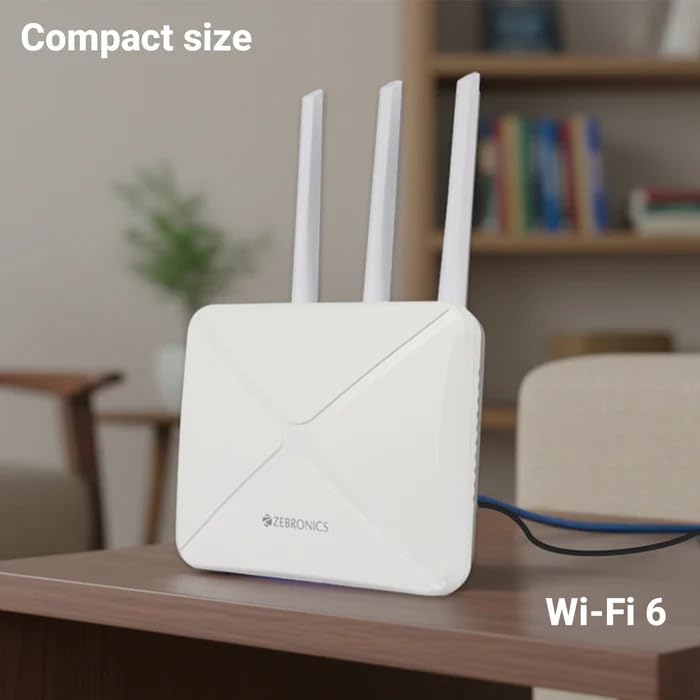
Image: The Zebronics ZEB-WR3004G router placed on a desk, illustrating its compact size and modern aesthetic.
4.1. Pordid ja indikaatorid
Familiarize yourself with the ports and indicators on your router:
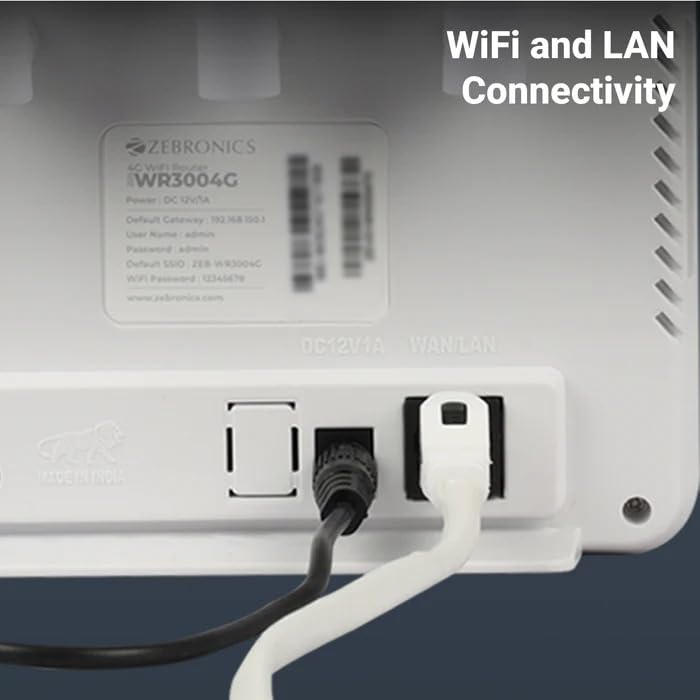
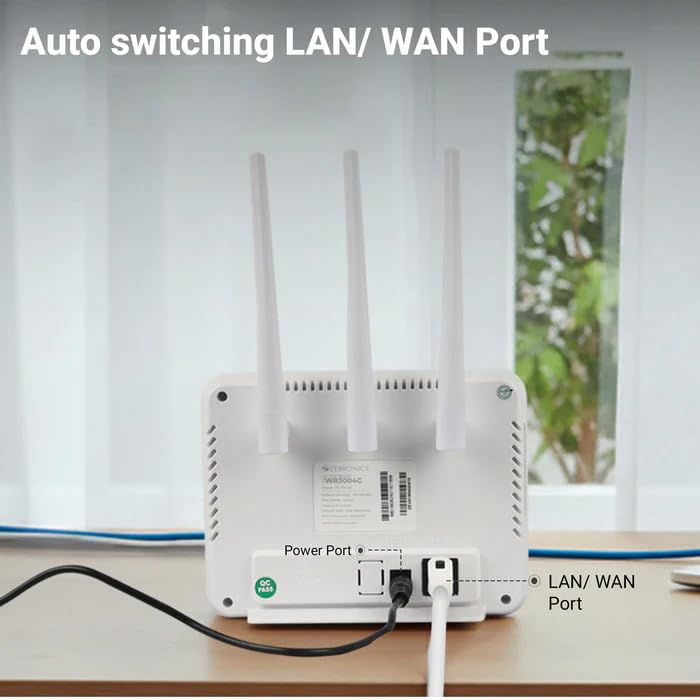
Pilt: Tagumine view of the Zebronics ZEB-WR3004G router, highlighting the power port and the auto-switching LAN/WAN port.
- Toiteport: Ühendub toiteadapteriga.
- LAN/WAN-port: An auto-switching port for connecting to a wired network or an external modem.
- SIM-kaardi pesa: For inserting a nano SIM card.
- Lähtestamisnupp: Used to restore factory default settings (usually a small pinhole button).
- LED indikaatorid: Provide status information for power, internet connectivity, Wi-Fi, and signal strength.
5. Seadistamine
5.1. SIM-kaardi paigaldamine
- Veenduge, et ruuter on välja lülitatud.
- Leidke ruuteril SIM-kaardi pesa.
- Insert a nano SIM card into the slot with the gold contacts facing down and the notched corner aligned correctly. Push until it clicks into place.
5.2. Toiteühendus
- Connect the supplied power adapter to the router's power port.
- Ühendage toiteadapter seinakontakti.
- The router will power on automatically. Wait for the LED indicators to stabilize, which may take a few minutes.
5.3. Esialgne konfiguratsioon
- Ühendage Wi-Fi-ga: On your computer or mobile device, search for available Wi-Fi networks. The default Wi-Fi name (SSID) and password are usually printed on a label on the bottom of the router.
- Juurdepääs administraatoripaneelile: Avage a web brauseris ja sisestage vaikelüüsi IP-aadress (nt
192.168.1.1) into the address bar. This IP address is also typically found on the router's label. - Logi sisse: Sisestage vaikimisi kasutajanimi ja parool (nt
adminfor both). It is highly recommended to change these default credentials immediately for security. - Võrguseaded: Follow the on-screen wizard or navigate to the network settings to configure your internet connection. The router should automatically detect the SIM card and establish a connection.
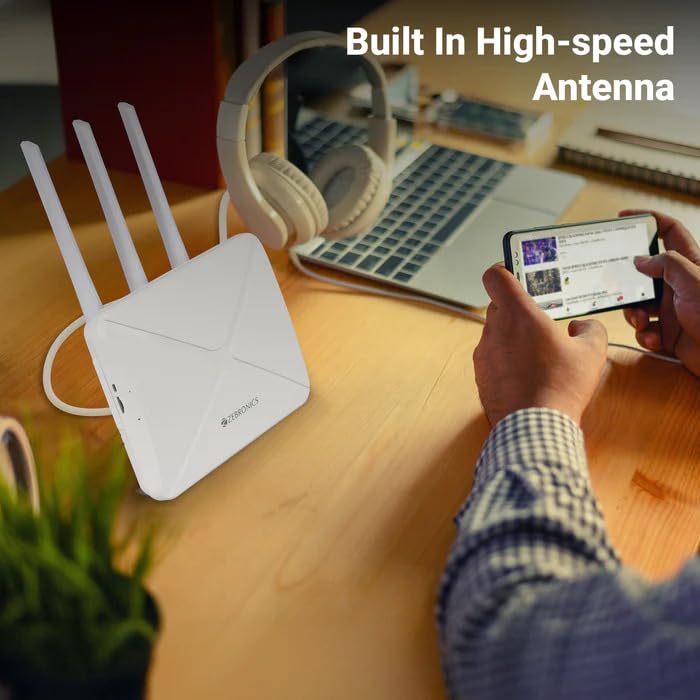
Image: The Zebronics ZEB-WR3004G router on a desk, emphasizing its built-in high-speed antenna system for optimal signal reception.
6. Kasutusjuhised
6.1. Seadmete ühendamine
- Wi-Fi ühendus: On your wireless devices (smartphones, laptops, tablets), select the router's Wi-Fi network name (SSID) and enter the Wi-Fi password.
- LAN-ühendus: Use an Ethernet cable to connect devices like desktop computers, smart TVs, or gaming consoles to the LAN/WAN port on the router. The port automatically switches to LAN mode when a device is connected.
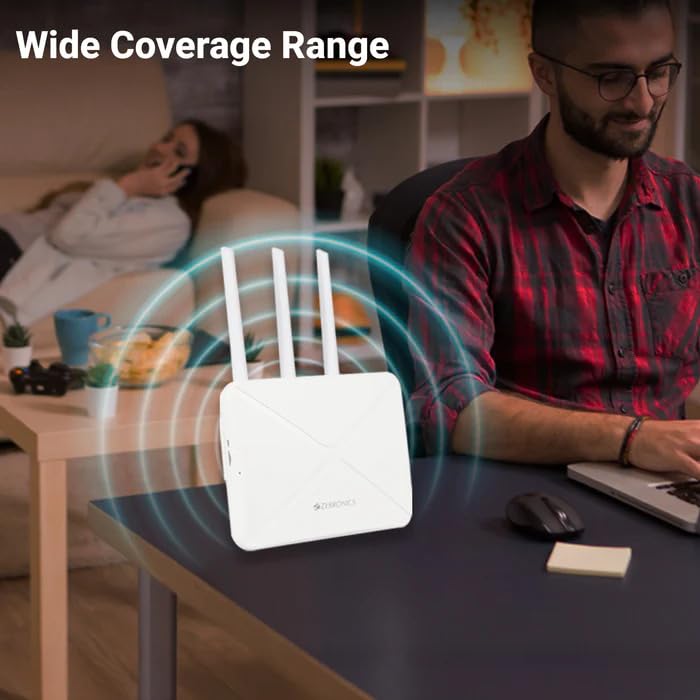
Image: The Zebronics ZEB-WR3004G router emitting a wide coverage range, indicating its ability to provide internet across a large area.
6.2. Ruuteri sätted
Juurdepääs ruuterile web-based management interface (as described in Section 5.3) to configure advanced settings:
- WiFi seaded: Change SSID, password, security type (WPA2-PSK is recommended), and channel.
- Võrgurežiim: Configure 4G/5G specific settings if required by your service provider.
- LAN/WAN Configuration: Adjust IP address, DHCP server settings, or switch between LAN and WAN modes manually if auto-switching is not desired.
- Turvalisus: Set up firewall rules, port forwarding, and parental controls.
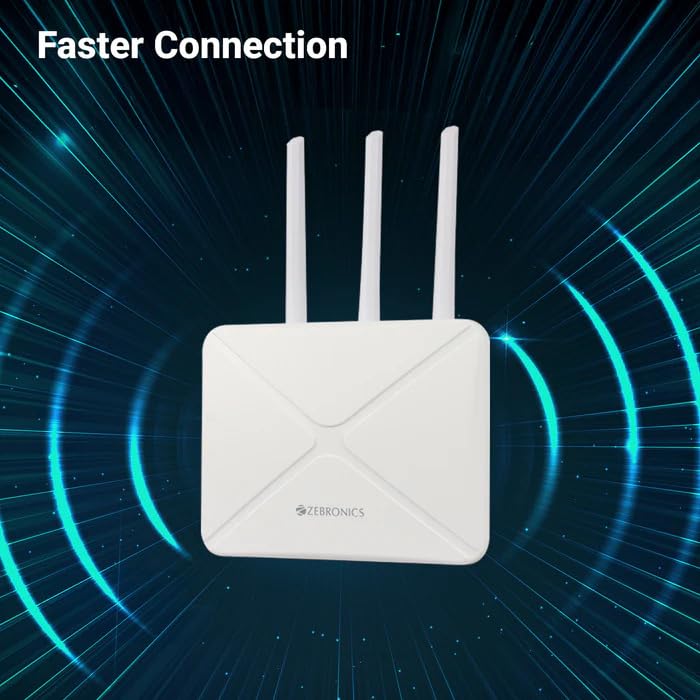
Image: The Zebronics ZEB-WR3004G router with visual cues indicating a faster and more efficient internet connection.
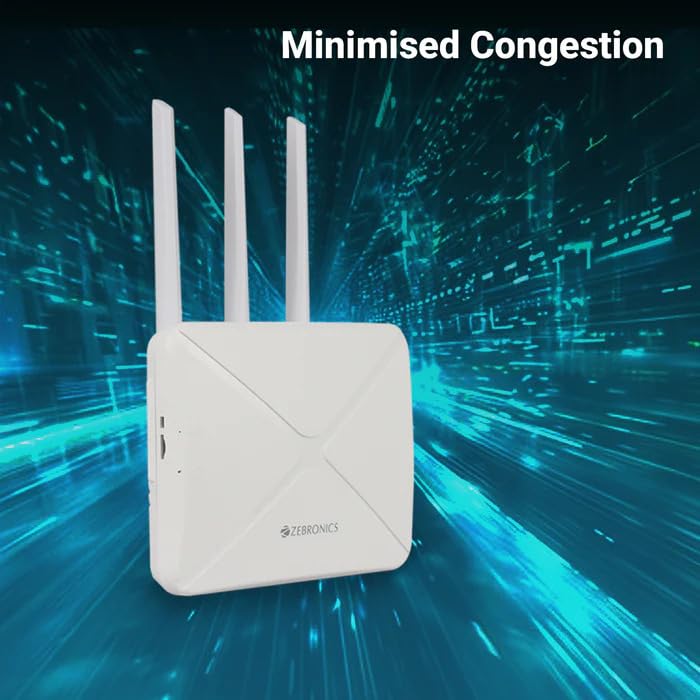
Image: The Zebronics ZEB-WR3004G router with visual representation of minimized network congestion, ensuring smoother data flow.
7. Hooldus
7.1. Püsivara värskendused
Periodically check the Zebronics official website for firmware updates. Keeping your router's firmware up-to-date ensures optimal performance, security, and access to new features. Follow the instructions provided with the firmware update carefully.
7.2. Puhastamine
Use a soft, dry cloth to clean the exterior of the router. Do not use liquid cleaners or aerosols, as they may damage the device.
7.3. Optimaalne paigutus
For the best Wi-Fi coverage and signal strength, place the router in a central location in your home or office, away from obstructions like thick walls, metal objects, and other electronic devices that may cause interference.
8. Veaotsing
| Probleem | Võimalik põhjus | Lahendus |
|---|---|---|
| Interneti-ühendus puudub | SIM card not inserted correctly, no data plan, network issue, incorrect APN settings. | Check SIM card insertion. Verify data plan with your service provider. Check APN settings in the router's admin panel. Restart the router. |
| Nõrk Wi-Fi signaal | Router placement, interference, outdated firmware. | Relocate the router to a central, open area. Avoid placing near other electronics. Update firmware. |
| Cannot access admin panel | Incorrect IP address, wrong credentials, network conflict. | Ensure correct IP address (e.g., 192.168.1.1). Verify username and password. Try a different browser. Reset router to factory defaults if necessary. |
| LAN/WAN port not working | Faulty cable, incorrect settings, device issue. | Try a different Ethernet cable. Ensure the connected device is working. Check LAN/WAN settings in the admin panel. |
9. Tehnilised andmed
| Funktsioon | Detail |
|---|---|
| Mudel | ZEB-WR3004G |
| Ühilduvus | 4G and 5G Nano SIM cards |
| Antenni süsteem | Built-in High-speed Antenna, Multiple External Antennas |
| Sadamad | 1x LAN/WAN Auto-switching Port, Power Port |
| Turvalisus | WPA2-PSK encryption |
| Traadita ühenduse standardid | 802.11b, 802.11g, 802.11n |
| Andmeedastuskiirus | Kuni 150 Mbps |
| Operatsioonisüsteemi ühilduvus | Android, iOS, macOS, Windows |
| Toite sisend | 12 volti |
| Mõõdud (PxLxK) | 20 x 15.2 x 18.5 cm |
| Kaal | 200 g |
10. Garantii ja tugi
For warranty information and technical support, please refer to the warranty card included with your product or visit the official Zebronics webveebisait. Hoidke ostutšekk ostutõendina garantiinõuete korral.
Zebronics Customer Support:
- Websait: www.zebronics.com
- Contact information can typically be found in the 'Support' or 'Contact Us' section of the websaidile.