1. Sissejuhatus
This manual provides essential information for setting up, operating, maintaining, and troubleshooting your NIMO 15.6-inch Laptop N152. Please read this manual thoroughly before using your device to ensure proper functionality and longevity.

Image 1.1: NIMO 15.6-inch Laptop, top-down view.
2. Seadistamine
2.1 Karbist väljavõtmine ja esmane kontroll
Carefully remove all components from the packaging. Verify that all items listed in the 'What's in the Box' section (Section 6) are present and undamaged. If any items are missing or damaged, contact customer support.
2.2 Charging the Laptop
Before first use, fully charge your NIMO laptop. Connect the provided 65W USB-C PD Fast Charger to the laptop's USB-C port and then to a power outlet. The charging indicator light will illuminate. A 15-minute charge provides approximately 2 hours of use.

Image 2.1: The 65W USB-C PD Fast Charger can charge multiple devices.
2.3 Sisselülitamine ja algkonfiguratsioon
Press the power button to turn on the laptop. Follow the on-screen instructions to complete the Windows 11 Home setup, including language selection, network connection, and user account creation. You can set up the fingerprint reader during this process for secure login.
3. Kasutusjuhised
3.1 Klaviatuur ja puuteplaat
The NIMO N152 features an ergonomic backlit keyboard. To adjust the backlight brightness or toggle it on/off, use the dedicated function keys (Fn + F-key combination, refer to keyboard legends). The touchpad supports multi-touch gestures for enhanced navigation.
3.2 sõrmejäljelugeja
The fingerprint reader is integrated into the touchpad for secure and instant login. Once configured, simply place your registered finger on the sensor to unlock your device.
3.3 Ekraani funktsioonid
The 15.6-inch Full HD (1920x1080) IPS anti-glare display offers clear visuals. The 180° hinge allows the screen to lay completely flat, useful for sharing content or collaborating.

Image 3.1: The 180° lay-flat hinge for versatile viewing.
3.4 Ühenduvus
Sülearvuti on varustatud erinevate portidega väliste seadmete jaoks:
- USB 3.0 pordid: Kiire andmeedastuse jaoks.
- USB 2.0 port: Standardsete USB-seadmete jaoks.
- HDMI: Ühendage väliste kuvarite või projektoritega.
- C-tüüpi pordid: Laadimiseks ja andmeedastuseks.
- Micro SD Reader: Salvestusruumi laiendamiseks või ümberpaigutamiseks files mälukaartidelt.
- Helipistik: Kõrvaklappide või väliste kõlarite jaoks.
- Kensingtoni lukk: Füüsilise turvalisuse tagamiseks.
Pilt 3.2: Külg view of the NIMO laptop showing available ports.
For wireless connectivity, the laptop supports Wi-Fi 6 for stable, high-speed internet and Bluetooth 5.2 for connecting wireless peripherals.
4. Põhiomadused
4.1 Toimivus
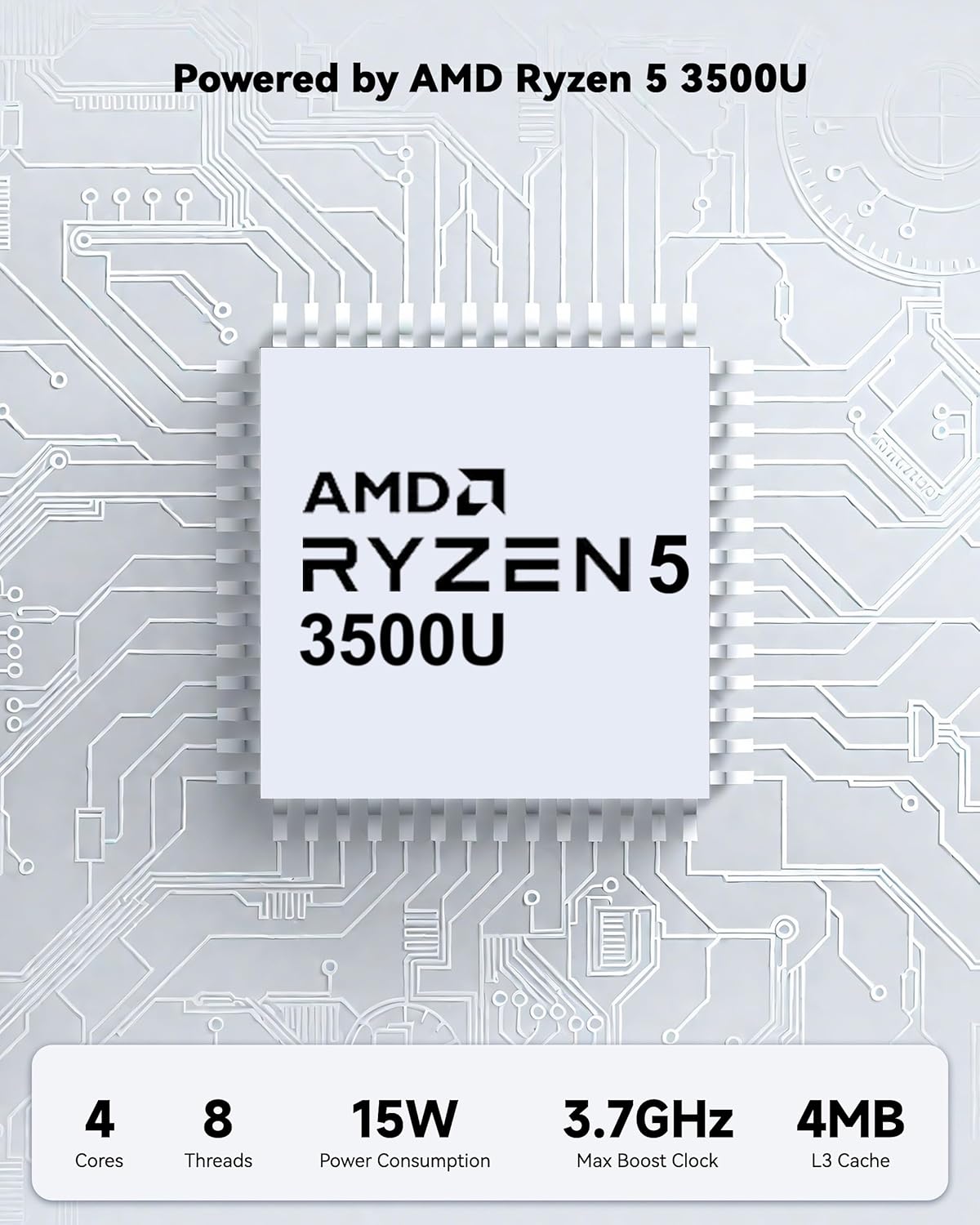
Powered by an AMD Ryzen 5 processor with 4 cores up to 3.7GHz and 16GB DDR4 RAM, the NIMO N152 is designed for efficient multitasking. The 512GB PCIe SSD ensures fast boot-ups and quick file transfers. The RAM is upgradable for future needs.

Image 4.1: AMD Ryzen 5 processor details.
4.2 Visuals and Audio
The 15.6-inch Full HD (1920x1080) IPS anti-glare display provides vibrant visuals with an 85% screen-to-body ratio. The integrated 2MP webcam allows for clear video calls.
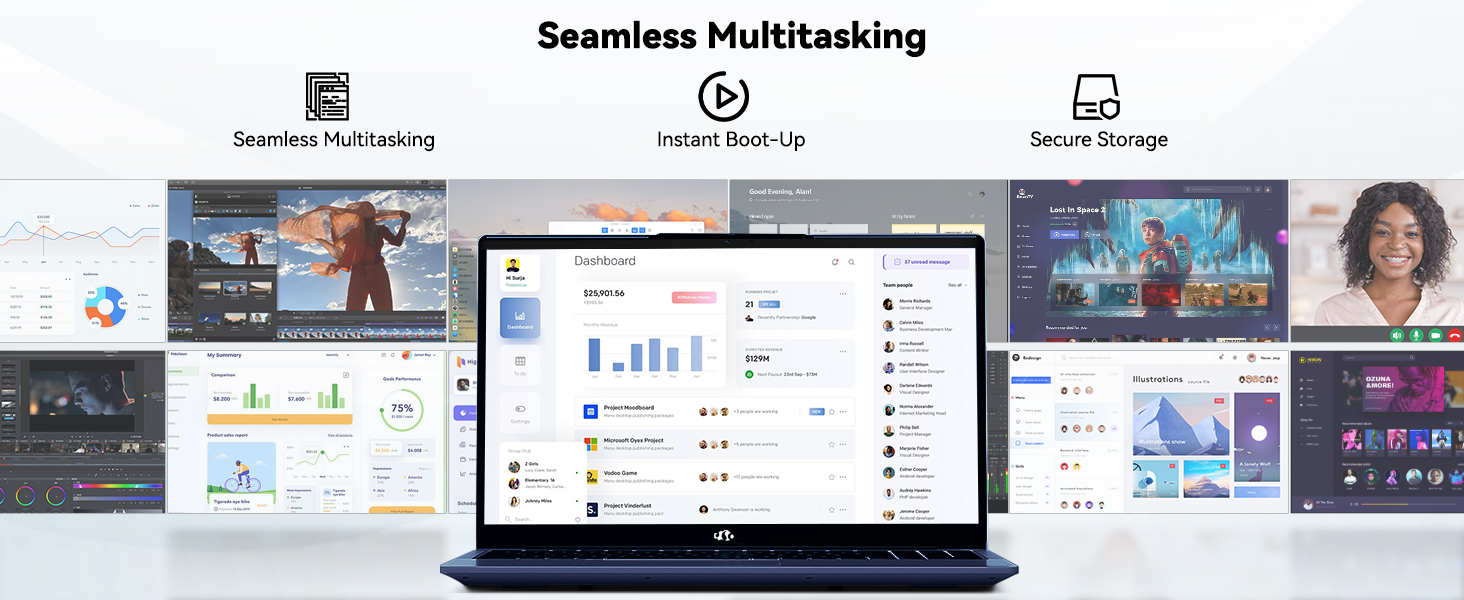
Image 4.2: The laptop's stunning Full HD display.

Image 4.3: The 1080p FHD camera for clear video conferencing.
4.3 Aku tööiga
The laptop features a 54WH battery with smart battery optimization for extended lifespan and efficient power control, providing approximately 9 hours of average battery life.

Image 4.4: Smart Battery Optimization features.
4.4 Disain ja kaasaskantavus
The NIMO N152 has a durable metal A-shell and a slim, lightweight design, weighing approximately 3.75 pounds.

Image 4.5: The NIMO laptop's lightweight and slim profile.
4.5 Toode on üleview Video
Video 4.1: Kindral üleview of the NIMO 15.6-inch laptop, highlighting its features and design.
4.6 Power and Portability Video
Video 4.2: This video demonstrates the power and portability aspects of the NIMO 15.6-inch laptop.
5. Hooldus
5.1 Puhastamine
- Ekraani ja välispinna puhastamiseks kasutage pehmet, ebemevaba lappi.
- Kangekaelsete plekkide korral dörtsige kergeltampLoputage lappi veega või ekraanipuhastusvahendiga.
- Vältige karme kemikaale, abrasiive ega lahusteid.
- Keep vents clear of dust and debris to ensure proper airflow.
5.2 Aku hooldus
- Vältige aku sagedast täielikku tühjenemist.
- Hoidke sülearvutit jahedas ja kuivas kohas, kui seda pikka aega ei kasutata.
- Use only the provided NIMO charger.
5.3 Tarkvaravärskendused
Regularly update your operating system and drivers to ensure optimal performance and security. Windows 11 Home will prompt you for updates.
6. Veaotsing
6.1 Sülearvuti ei lülitu sisse
- Veenduge, et laadija oleks kindlalt ühendatud nii sülearvuti kui ka töötava pistikupesaga.
- Veenduge, et pistikupesa töötab, ühendades sellega teise seadme.
- Allow the laptop to charge for at least 30 minutes before attempting to power on again.
6.2 Ekraaniprobleemid
- If the screen is blank, try connecting an external monitor to check if the display output is working.
- Reguleerige ekraani heledust funktsiooniklahvide abil.
- Taaskäivitage sülearvuti.
6.3 Ühenduvusprobleemid
- WiFi: Check your router and internet connection. Ensure Wi-Fi is enabled on the laptop.
- Bluetooth: Verify Bluetooth is enabled and devices are in pairing mode.
- USB-seadmed: Try connecting the device to a different USB port or another computer to rule out device issues.
6.4 Aeglane jõudlus
- Sulgege taustal töötavad mittevajalikud rakendused.
- Kontrollige ja installige kõik ootel olevad Windowsi värskendused.
- Veenduge, et SSD-l oleks piisavalt vaba ruumi.
- Käivita viirusekontroll.
7. Tehnilised andmed
| Funktsioon | Spetsifikatsioon |
|---|---|
| Mudeli nimi | NIMO N152 |
| Ekraani suurus | 15.6 tolli |
| Ekraani eraldusvõime | 1920 x 1080 pikslit (Full HD IPS) |
| Protsessor | AMD Ryzen 5 (4 Cores, up to 3.7 GHz) |
| RAM | 16 GB DDR4 (Upgradable) |
| Mälu kiirus | 3200 MHz |
| Kõvaketas | 512 GB SSD (PCIe) |
| Graafika kaasprotsessor | AMD Integrated graphics |
| Operatsioonisüsteem | Windows 11 Home |
| Traadita tüüp | Wi-Fi 6 (802.11a/b/g/n/ac), Bluetooth 5.2 |
| USB 2.0 pordid | 1 |
| USB 3.0 pordid | 3 |
| Keskmine aku tööiga | 9 tundi |
| Kauba kaal | 3.75 naela |
| Toote mõõtmed | 14.07 x 8.98 x 0.76 tolli |
| Värv | Sinine |
| Tagumine Webkaamera eraldusvõime | 2 MP |
| Eriomadused | Backlit Keyboard, Fingerprint Reader, HD Audio, Numeric Keypad |
7.1 Mis on karbis
- 1 x NIMO N152 Laptop
- 1 x Type-C 65W PD Fast Charger
- 1 x kasutusjuhend
- Windows 11 Home (Pre-installed)
8. Garantii ja tugi
Your NIMO N152 laptop comes with a 2-aastane tootjagarantii. Additionally, NIMO offers a 90-day hassle-free return and exchange policy. For any product-related questions, technical assistance, or warranty claims, please contact NIMO customer service.
8.1 Kontaktandmed
For support, you can reach out to the professional after-sales team via email or phone. Please refer to the official NIMO website or product page for the most current contact details.

Image 8.1: NIMO products are covered by a 2-year support.

Image 8.2: 90-Day Return policy.


