Sissejuhatus
Thank you for choosing the ZEALOT P11 Bluetooth Speaker. This manual provides essential information for setting up, operating, and maintaining your speaker. Please read it thoroughly to ensure optimal performance and longevity of your device.

Image: The ZEALOT P11 Bluetooth Speaker, black with an orange handle, shown with water splashing, demonstrating its IPX6 waterproof rating.
Mis on karbis
- ZEALOT P11 Bluetooth-kõlar
- USB laadimiskaabel
- Kasutusjuhend (see dokument)

Image: The ZEALOT P11 speaker, its packaging, and included accessories like USB cables and the user manual.
Seadistamine
1. Kõlari laadimine
Before first use, fully charge the speaker. Connect the provided USB cable to the speaker's charging port and a compatible USB power adapter (not included). The charging indicator light will show the charging status. A full charge provides up to 20 hours of continuous playtime at 50% volume.
2. Toite sisse / välja lülitamine
- Sisselülitamiseks: vajutage ja hoidke toitenuppu all (⑂) for a few seconds until the indicator lights illuminate.
- To power off: Press and hold the power button (⑂) again for a few seconds until the lights turn off.
3. Bluetoothi sidumine
- Veenduge, et kõlar on sisse lülitatud ja Bluetoothi sidumisrežiimis (Bluetoothi indikaatortuli vilgub).
- Luba oma seadmes (nutitelefon, tahvelarvuti jne) Bluetooth ja otsi saadaolevaid seadmeid.
- Valige seadmete loendist "ZEALOT P11".
- Once connected, the Bluetooth indicator light will become solid, and you will hear an audible confirmation.
Video: A demonstration of the ZEALOT P11 Bluetooth Speaker's controls and LED lighting effects, including power on/off and mode changes.
Kasutusjuhised
Põhilised juhtnupud
- Esita/peata: Vajutage nuppu Esita / Peata (▶) heli esitamiseks või peatamiseks.
- Helitugevuse suurendamine: Helitugevuse suurendamiseks vajutage nuppu '+'.
- Hääl maha: Helitugevuse vähendamiseks vajutage nuppu '-'.
- Järgmine lugu: Press and hold the '+' button to skip to the next track.
- Eelmine lugu: Press and hold the '-' button to go to the previous track.
- Režiimi lüliti: Press the 'M' button to cycle through input modes (Bluetooth, AUX, USB, TF Card).

Image: Close-up of the speaker's control panel, displaying illuminated buttons for power, EQ, Bluetooth, play/pause, mode selection, and volume adjustment.
Sound Quality and Drivers
The speaker features XBass technology, utilizing two speakers (one tweeter and one bass woofer) to deliver clear highs, deep bass, and a balanced audio profile. DSP chip support ensures rich, smooth, and low-distortion sound, with high-frequency sound up to 40kHz.

Pilt: Plahvatanud view diagram of the ZEALOT P11 speaker, highlighting its internal dual woofers and passive radiators for enhanced sound.
EQ režiimid
The speaker features multiple EQ modes to customize your audio experience. Press the 'EQ' button to cycle through available sound profiles to match your listening preferences.
Dünaamiline valgusshow
The speaker includes soft yet vivid LED lights that can move to the beat of the music or be adjusted manually to various light modes. This feature can enhance the atmosphere for parties or provide ambient lighting.
Wireless Stereo Dual Pairing (TWS)
For an immersive stereo experience, you can pair two ZEALOT P11 speakers together:
- Ensure both P11 speakers are powered on and not connected to any other Bluetooth device.
- On one speaker (this will be the primary speaker), press the TWS pairing button (often indicated by a chain link icon).
- The speakers will automatically search and connect to each other. Once paired, the indicator lights will confirm the connection, and you will experience 360° left and right high-definition surround sound.
- Connect your device to the primary speaker via Bluetooth as described in the "Bluetooth Pairing" section.
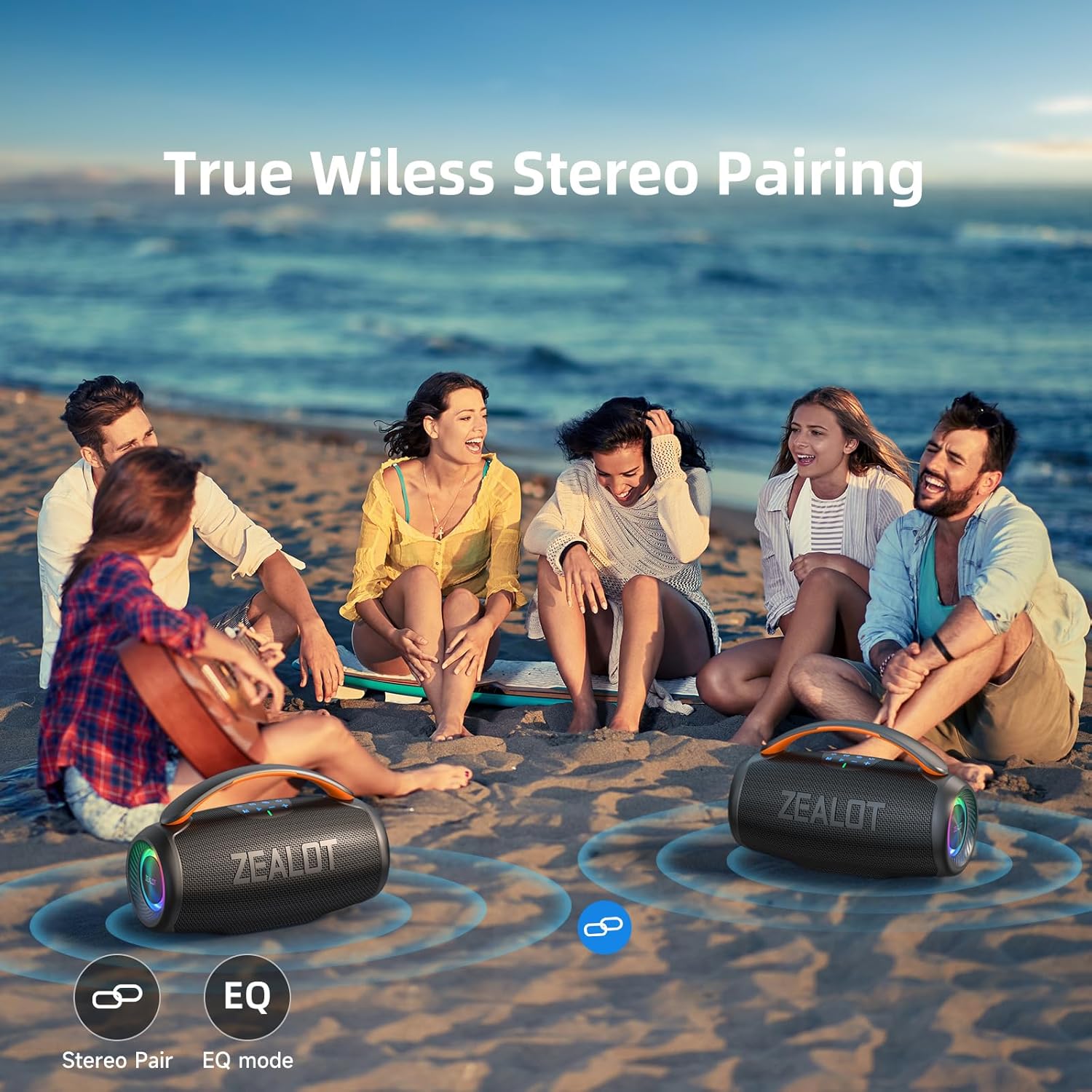
Image: Two ZEALOT P11 speakers positioned on a beach, with visual cues indicating their wireless stereo pairing capability.
Mitu taasesitusrežiimi
Lisaks Bluetoothile toetab ZEALOT P11 mitmeid teisi heli sisendmeetodeid:
- USB-port: Sisestage heli sisaldav USB-mälupulk files.
- AUX-port: Connect an external audio device using a 3.5mm audio cable (not included).
- TF-kaardi pesa: Sisestage heliga Micro SD (TF) kaart files.

Image: The side panel of the ZEALOT P11 speaker, clearly showing the TF card slot, AUX input, USB-C charging port, and USB-A port for various playback options.
Hooldus
Waterproof Rating (IPX6)
The ZEALOT P11 speaker is IPX6 waterproof, meaning it is protected against high-pressure water jets from any direction. This makes it suitable for outdoor use and environments where it might encounter splashes or rain. However, it is ei ole mõeldud uputamiseks in water. Ensure all port covers are securely closed before exposing the speaker to water.
Puhastamine
Pühkige kõlar pehme, damp lapiga. Ärge kasutage abrasiivseid puhastusvahendeid ega lahusteid, kuna need võivad pinda kahjustada.
Säilitamine
When not in use for extended periods, store the speaker in a cool, dry place away from direct sunlight and extreme temperatures. Charge the battery periodically to maintain its health.
Veaotsing
- Toide puudub: Veenduge, et kõlar oleks täielikult laetud. Ühendage see toiteallikaga ja proovige uuesti.
- Heli puudub: Kontrollige nii kõlari kui ka ühendatud seadme helitugevust. Veenduge, et valitud on õige sisendrežiim.
- Bluetoothi sidumisprobleemid:
- Veenduge, et kõlar oleks sidumisrežiimis.
- Keela oma seadmes Bluetooth ja luba see uuesti.
- Liigutage kõlarit seadmele lähemale.
- Clear the "ZEALOT P11" from your device's Bluetooth history and try pairing again.
- Halb helikvaliteet: Ensure the speaker is within Bluetooth range (up to 50ft). Check for obstructions between the speaker and your device. Try a different audio source or file.
- TWS-i sidumise ebaõnnestumine: Ensure both speakers are P11 models and not connected to any other Bluetooth device before initiating TWS pairing.
Tehnilised andmed
| Funktsioon | Detail |
|---|---|
| Kaubamärk | ZEALOT |
| Mudeli nimi | S76 (P11) |
| Kõlari tüüp | Õues/Siseruumides/Kaasaskantav/Kodus/Peol/Traadita |
| Ühenduvustehnoloogia | Bluetooth 5.3 |
| Wireless Range | Kuni 50 jalga |
| Kõlari maksimaalne väljundvõimsus | 50 vatti (tippvõimsus 80 W) |
| Helidraiveri tüüp | Dynamic Driver (1 tweeter, 1 bass woofer) |
| Sagedusvastus | 20 Hz–40 kHz |
| Aku mahutavus | 6000 mAh |
| Mänguaeg | Kuni 20 tundi (50% mahuga) |
| Laadimisaeg | Refer to charging indicator for full charge status. |
| Veekindluse reiting | IPX6 |
| Toote mõõtmed | 5.12" P x 10.12" L x 4.96" K |
| Kauba kaal | 3.31 naela |
| Kontrollimeetod | Puudutage |
| Materjal | Plastikust |

Image: Technical drawing illustrating the dimensions of the ZEALOT P11 speaker.
Garantii ja tugi
The ZEALOT P11 Bluetooth Speaker comes with a limited warranty. For detailed warranty information, product support, or to contact customer service, please refer to the official ZEALOT websaidil või tootepakendil olevas kontaktteabes.
Võite külastada ka ZEALOT pood Amazonis Lisaressursside ja tooteteabe saamiseks.


