Sissejuhatus
This manual provides essential information for setting up, operating, maintaining, and troubleshooting your TECNO Spark GO 2 smartphone. Please read this guide carefully to ensure optimal performance and longevity of your device.
Seadistamine
1. Karbist lahtivõtmine ja esmane ülevaatus
Eemaldage pakendist ettevaatlikult kõik esemed. Veenduge, et kõik jaotises „Karbi sisu” loetletud komponendid on olemas ja kahjustamata.
2. SIM-kaardi ja mälukaardi sisestamine
- Leidke seadme küljelt SIM-kaardi salv.
- Sisestage kaasasolev SIM-kaardi salve väljutustööriist salve kõrval olevasse väikesesse auku ja vajutage õrnalt, kuni salv välja hüppab.
- Place your Nano-SIM card(s) and/or microSD card (if applicable) into the designated slots on the tray, ensuring correct orientation.
- Lükake salv ettevaatlikult seadmesse tagasi, kuni see oma kohale klõpsab.
3. Seadme laadimine
Before first use, fully charge your TECNO Spark GO 2. Connect the provided USB cable to the phone's charging port and the power adapter. Plug the adapter into a wall outlet. The device supports 15W fast charging.

Läbiview of TECNO Spark GO 2 features, including AI, durability, display, and battery.
4. Sisselülitamine ja algseadistus
Press and hold the Power button until the TECNO logo appears. Follow the on-screen instructions to select your language, connect to Wi-Fi, and set up your Google account.
Seadme kasutamine
1. Põhiline navigeerimine
The TECNO Spark GO 2 features a responsive touchscreen. Use gestures such as tap, swipe, pinch-to-zoom, and long-press to navigate the interface, open apps, and interact with content.
2. Ekraani funktsioonid
Experience smooth visuals on the 6.67-inch Punch-Hole Display with a 120Hz refresh rate. This high refresh rate provides a fluid scrolling and viewkogemusi.

The 120Hz Dynamic Punch-hole Display offers smooth visuals.
3. Ella AI with Indian Language Support
Your device includes Ella, an AI assistant that supports voice commands in various Indian regional languages. Utilize Ella for productivity tasks and smart interactions.

Ella AI provides support for multiple Indian languages.
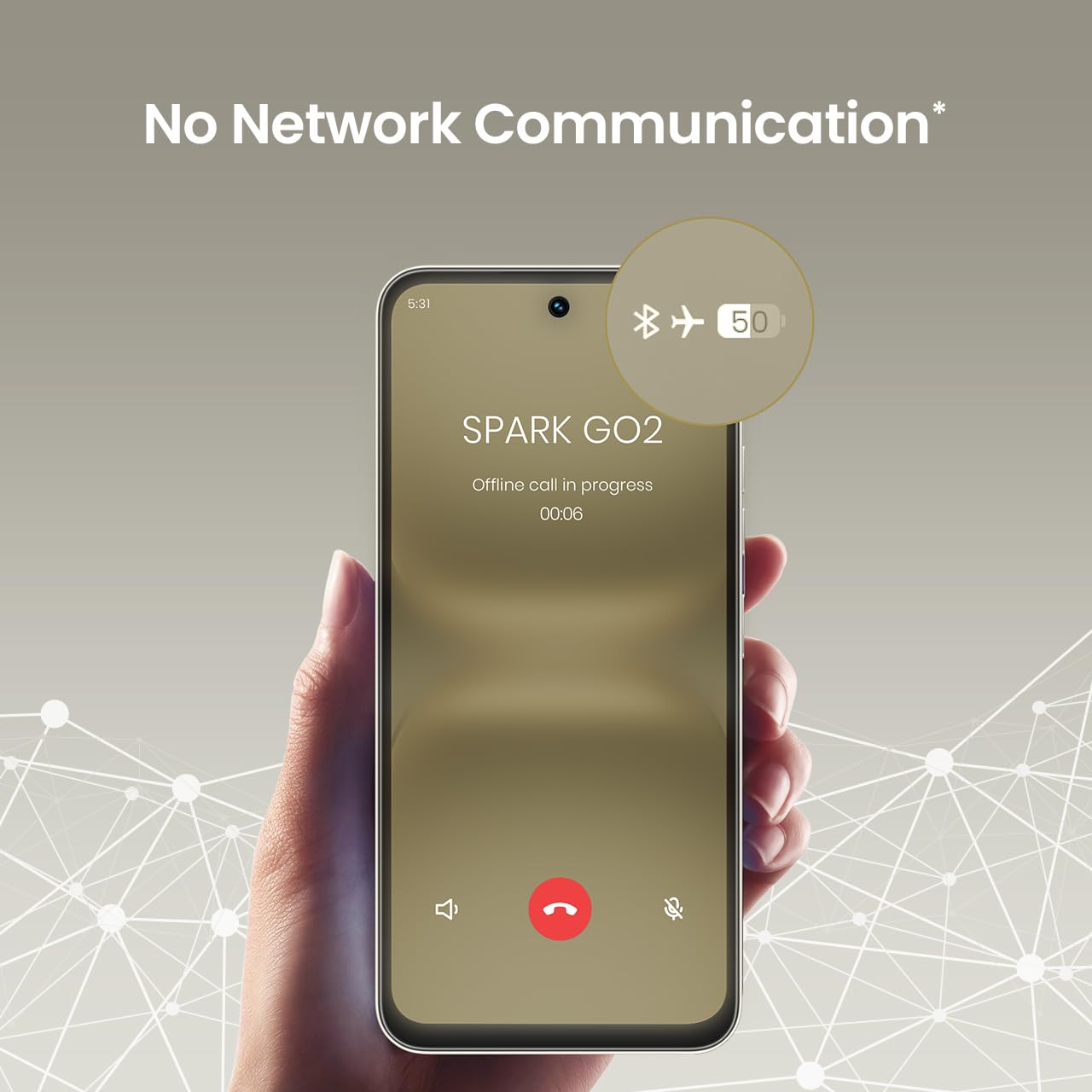
4. No Network Communication Feature
The TECNO Spark GO 2 features a unique 'No Network Communication' capability, allowing certain functions even in areas without cellular signal. Refer to the device's settings for details on how to utilize this feature.

The 'No Network Communication' feature allows limited functionality without cellular service.
5. Kaamera kasutamine
Your device is equipped with a 13MP main camera and an 8MP front camera. Open the Camera application to capture photos and videos. Explore various modes and settings for different photographic effects.
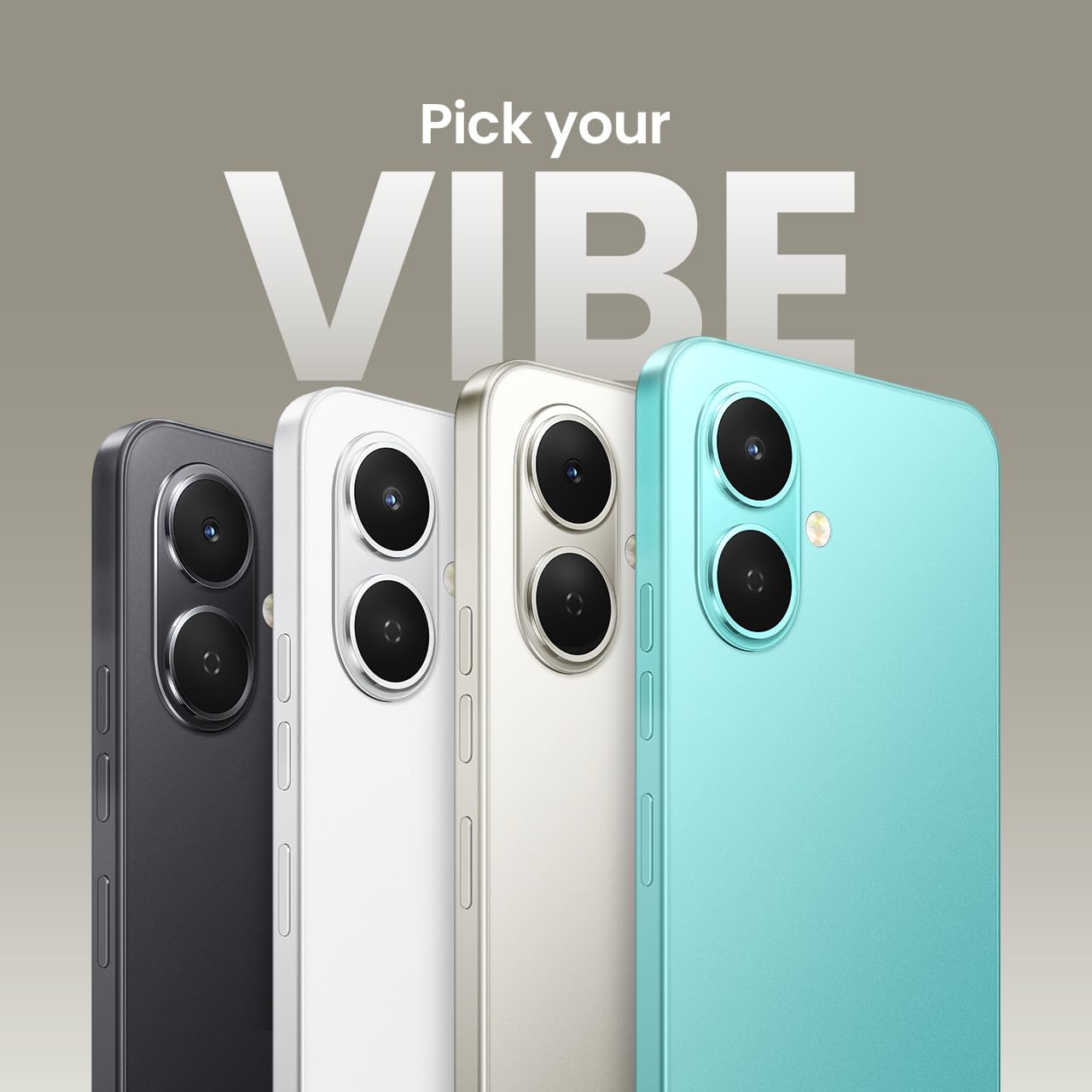
The TECNO Spark GO 2 features a 13MP main camera and an 8MP front camera.
6. AI Active Noise Cancellation
Benefit from AI Active Noise Cancellation during calls to ensure clearer audio by reducing background noise.

AI Active Noise Cancellation enhances call clarity.
Hooldus
1. Vastupidavus ja kaitse
The TECNO Spark GO 2 is IP64 rated and SGS certified, offering protection against dust and splashes. While durable, avoid submerging the device in water or exposing it to excessive dust.

The TECNO Spark GO 2 is IP64 rated for dust and splash resistance.
2. Aku hooldus
To maximize battery life, avoid extreme temperatures. Use only the provided charger and cable. For optimal performance, keep the battery charge between 20% and 80% when possible.
The 5000mAh battery supports 15W fast charging.
3. Tarkvaravärskendused
Regularly check for and install software updates to ensure your device has the latest features, security patches, and performance enhancements. This contributes to the promised 4 years of lag-free performance.
4. Puhastamine
Telefoni ekraani ja korpuse puhastamiseks kasutage pehmet ja ebemevaba lappi. Vältige karmide kemikaalide või abrasiivsete materjalide kasutamist.
Veaotsing
1. Seade ei reageeri
Kui seade ei reageeri, vajutage ja hoidke toitenuppu umbes 10–15 sekundit all, et seade sundida taaskäivitama.
2. Aku kiire tühjenemine
Check for background apps consuming power. Adjust screen brightness, disable unnecessary features like GPS or Bluetooth when not in use, and ensure your software is up to date.
3. Võrguühenduse probleemid
If you experience issues with cellular or Wi-Fi connectivity, try restarting your device. Verify that your SIM card is correctly inserted and that you are within network coverage. For Wi-Fi, ensure the router is functioning correctly.
4. Jõudluse mahajäämus
Close unused applications, clear cache, and ensure sufficient storage space. The device is designed for lag-free performance for up to 4 years, supported by its UNISOC T7250 processor and up to 8GB RAM (including virtual RAM).

The TECNO Spark GO 2 is engineered for 4 years of lag-free performance.

The device offers up to 8GB RAM for smooth multitasking.
Tehnilised andmed
| Funktsioon | Detail |
|---|---|
| Operatsioonisüsteem | Android 15 |
| RAM | 4 GB (Up to 8GB with virtual RAM) |
| Sisemälu | 64 GB |
| Mudeli number | KM4 |
| Toote mõõtmed | 16.6 x 7.7 x 0.8 cm |
| Kauba kaal | 186 g |
| Aku võimsuse reiting | 5000 mAh |
| Laadimise tugi | 15W kiirlaadimine |
| Ekraan | 6.67" Punch-Hole Display, 120Hz Refresh Rate, 720 x 1600 Resolution |
| Peamine kaamera | 13 MP |
| Esikaamera | 8 MP |
| Ühenduvus | Bluetooth, Infrared, USB, Wi-Fi, 4G Carrier Aggregation 2.0 |
| Audio pistik | 3.5 mm |
| Eriomadused | Ella AI with Indian Language Support, IP64 SGS Certified, No Network Communications, AI Active Noise Cancellation |
| Värv | Titaanhall |
Mis on karbis
The TECNO Spark GO 2 package typically includes the following items:
- TECNO Spark GO 2 Smartphone
- Telefoni ümbris
- Toiteadapter
- SIM-i salve väljastus
- USB kaabel
Garantii ja tugi
For warranty information and customer support, please refer to the warranty card included with your product or visit the official TECNO Mobile India website. The manufacturer is G Mobiles India.
For technical assistance or service inquiries, please contact TECNO customer service through their official channels.


