Sissejuhatus
This manual provides essential information for setting up, operating, and maintaining your Sony K55XR80M2 55 Inch Bravia 8 QD-OLED 4K HDR Google TV. Please read these instructions carefully before using your television to ensure optimal performance and safety.
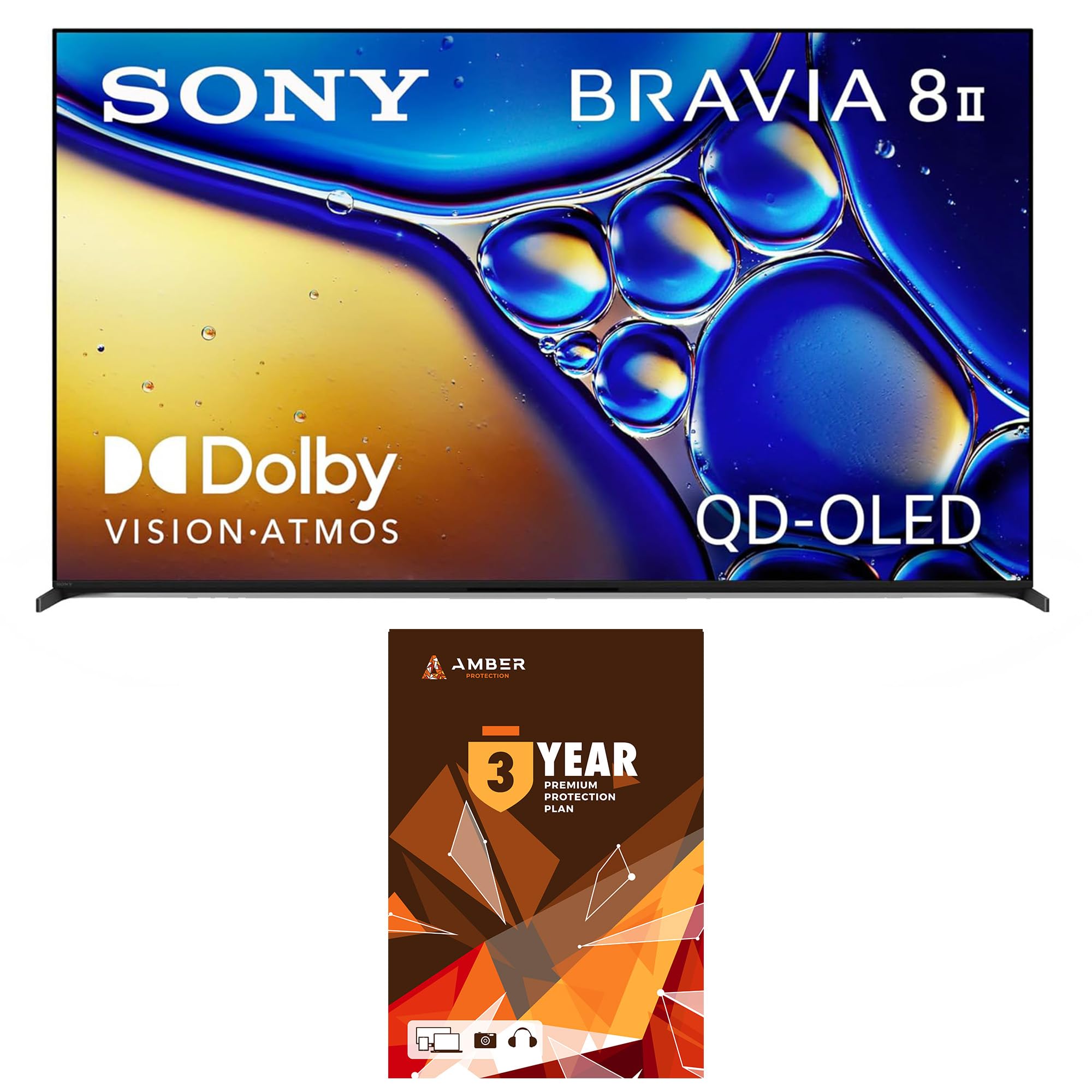
Figure 1: Sony K55XR80M2 55 Inch Bravia 8 QD-OLED 4K HDR Google TV.
Seadistamine
Unboxing and Stand Installation
Carefully remove the television and accessories from the packaging. The TV comes with two feet for tabletop installation. These feet can be installed without screws by simply slotting them into the designated positions on the TV's underside. The TV's weight secures them in place. Alternatively, the TV is VESA compatible for wall mounting.

Figure 2: TV dimensions and remote control layout. The stand can be adjusted to accommodate a soundbar.
Ühendused
The Sony K55XR80M2 features multiple input and output ports:
- HDMI sisendid: 4 ports (including 2 HDMI 2.1 ports supporting 4K 120Hz, with one supporting eARC/ARC).
- USB sisendid: 2 ports.
- Digitaalne heliväljund: 1 optical port.
- Ethernet: 1 port juhtmega võrguühenduse jaoks.
- RF sisend: 1 port for cable/antenna connection.
- RS-232C sisend: 1 port.
Ensure all cables are securely connected. Cable management covers are provided to maintain a tidy appearance on the TV's rear panel.
Video 1: Sony XR80M2 Series TV Product Video. This video demonstrates the physical setup and port locations of the television.
Algseadistus
Upon first power-on, the TV will guide you through the initial setup process. This includes selecting your language and region, connecting to a Wi-Fi network (or using Ethernet), and signing in with your Google account to enable Google TV features. You will also be prompted to agree to Sony's privacy policy and Google services terms. The TV supports voice recognition and offers power-saving options.
Kasutusjuhised
Kaugjuhtimispult
The included remote control features basic navigation, input selection, channel and volume controls, a Google Assistant button for voice commands, and dedicated hotkeys for popular streaming services like Netflix, Prime Video, Disney+, and YouTube.
Google TV funktsioonid
The Sony Bravia 8 runs Google TV, providing access to a vast library of apps and streaming services. Key features include:
- AI Overviews: Enhanced movie and show overviews with full summaries, critic reviews, and season recaps.
- Google TV Freeplay: Access to over 150 free live TV channels without downloads or subscriptions.
- Sports Page: A dedicated section to find live games, upcoming events, and personalized recommendations for sports content.
- Ümbritsev režiim: Transform your idle TV into a personalized masterpiece using AI-powered art or your Google Photos as unique screen savers.
- Avaleht paneel: Control your smart home devices (lights, temperature, cameras) directly from your TV.
Video 2: New features are available on Google TV! This video highlights the latest software features and smart home integration.
Mängufunktsioonid
The TV is optimized for gaming with features such as:
- 120 Hz värskendussagedus: For smooth motion in compatible games.
- Automaatne HDR-toonide kaardistamine: Optimizes HDR settings for connected gaming consoles like PS5.
- Automaatse žanri pildirežiim: Automatically switches to game mode for reduced input lag.
- Mängu menüü: Quick access to all gaming picture settings.
- VRR (muutuv värskendussagedus): Vähendab ekraanipildi rebenemist ja katkendlikkust sujuvama mängukogemuse tagamiseks.
Heli omadused
The Bravia 8 TV offers advanced audio capabilities:
- Acoustic Auto Calibration: Optimizes audio output by measuring room acoustics using the remote control's microphone.
- 3D Audio (TV Speakers): Set up 3D audio for an immersive sound experience.
- Bravia Connect App: For seamless pairing with Bravia soundbars.
Hooldus
Ekraani puhastamine
To clean the screen, use the included Amber Protection HDTV Screen Cleaner Kit. The non-ammonia and alcohol-free cleaning solution is designed not to damage display screens. It effectively removes dust, dirt, and fingerprints. Apply the solution to a microfiber cloth (also included) and gently wipe the screen. Do not spray directly onto the screen.

Figure 3: Amber Protection HDTV Screen Cleaner Kit for safe and effective screen cleaning.
Veaotsing
If you encounter any issues with your Sony Bravia 8 TV, consider the following general troubleshooting steps:
- Toide puudub: Veenduge, et toitejuhe oleks kindlalt nii teleri kui ka töötava pistikupesaga ühendatud. Kontrollige teleri toiteindikaatorit.
- Pilti/heli pole: Verify that the correct input source is selected. Check all cable connections (HDMI, optical, etc.) for looseness or damage.
- Kaugjuhtimispult ei reageeri: Vahetage kaugjuhtimispuldi patareid välja. Veenduge, et kaugjuhtimispuldi ja teleri infrapunasensori vahel ei oleks takistusi.
- Võrguühenduse probleemid: Check your Wi-Fi router and internet connection. Try restarting both the TV and your router. For wired connections, ensure the Ethernet cable is properly connected.
- Pildikvaliteedi probleemid: Reguleerige teleri menüüs pildiseadeid (heledus, kontrastsus, värv). Veenduge, et teie sisuallikas pakub kvaliteetset signaali.
For more detailed troubleshooting or persistent issues, refer to the comprehensive digital manual available through the TV's help menu or contact Sony customer support.
Tehnilised andmed
| Funktsioon | Detail |
|---|---|
| Kaubamärk | Sony |
| Mudeli nimi | K55XR80M2 |
| Ekraani suurus | 55 tolli |
| Kuvamistehnoloogia | QD-OLED |
| Resolutsioon | 4K |
| Värskendussagedus | 120 Hz |
| Protsessor | XR Processor with AI scene recognition |
| Operatsioonisüsteem | Google TV |
| Eriomadused | Voice Zoom 3, Bravia Connect App, Perfect for PS5, Game Menu, Auto HDR Tone Mapping, Auto Genre Picture Mode, XR OLED Motion, Eco Settings Dashboard, Compatible with Bravia Cam, Stand Built to Accommodate Soundbar, Wi-Fi 6E, VESA 300mm x 300mm |
| Toote mõõtmed | 1.37" P x 48.25" L x 27.87" K |
| Kauba kaal | 37.9 naela |
Garantii ja tugi
This Sony K55XR80M2 TV includes a full 1-year manufacturer warranty. Additionally, this bundle comes with a 3-Year Amber Protection Plan, providing extended coverage for mechanical & electrical failures and power surge protection. All plans begin from the date of purchase.
- Amber Protection Features: Mechanical & Electrical Failures, Power Surge Protection, Nationwide Network of Service Providers, 24/7/365 Customer Support.
- Sobivus: Electronics with at least a 90-day manufacturer limited coverage in the United States.
For support, please refer to the contact information provided with your warranty documentation or visit the official Sony support websaidile.

Figure 4: Details of the Amber Protection Plan, including covered items and benefits.