Sissejuhatus
This manual provides comprehensive instructions for the Tiqvi 10-inch Digital Photo Frame (Model TVH10006). This device is designed to display your cherished photos and videos with an IPS screen, offering vibrant colors and sharp details. Featuring WiFi connectivity and compatibility with the Frameo app, it allows for easy sharing of memories with family and friends. The frame includes 32GB of internal memory, expandable via a microSD card, and boasts a user-friendly touch screen interface with automatic rotation and wall-mounting options.
Mis on karbis
Palun kontrollige pakendi sisu lahtipakkimisel:
- Tiqvi 10-Inch Digital Photo Frame
- Toiteadapter
- Seista

Image: Contents of the package, including the digital photo frame, power adapter, and a small stand.
Seadistamine
- Toiteühendus: Connect the power adapter to the frame and plug it into an electrical outlet. The frame will automatically power on.
- Algseadistus: Follow the on-screen instructions to select your language, time zone, and connect to a Wi-Fi network. A stable Wi-Fi connection is required for using the Frameo app and receiving photos.
- Frameo App Installation: Download the "Frameo" app from the Google Play Store or Apple App Store on your smartphone or tablet.
- Connect to Frameo: Open the Frameo app and create an account. On your digital photo frame, navigate to the "Add Friend" section to get a unique code. Enter this code into the Frameo app on your device to link them.

Image: Instructions to download the Frameo app from Google Play or the App Store.
Kasutusjuhised
Sending Photos and Videos
- Use the Frameo app on your smartphone to select photos or short videos from your gallery.
- Choose the Tiqvi frame as the recipient and send. The content will appear on the frame automatically.
- You can add captions to your photos before sending them.

Image: A digital photo frame and a smartphone demonstrating how to share photos and videos using the Frameo app.
Puuteekraanil navigeerimine
- Pühkige: Fotode sirvimiseks pühkige vasakule või paremale.
- Puudutage: Tap the screen to reveal the menu options, such as settings, hiding photos, or adjusting display.
- Seaded: Access settings to adjust brightness, sleep mode, slideshow interval, and other preferences.
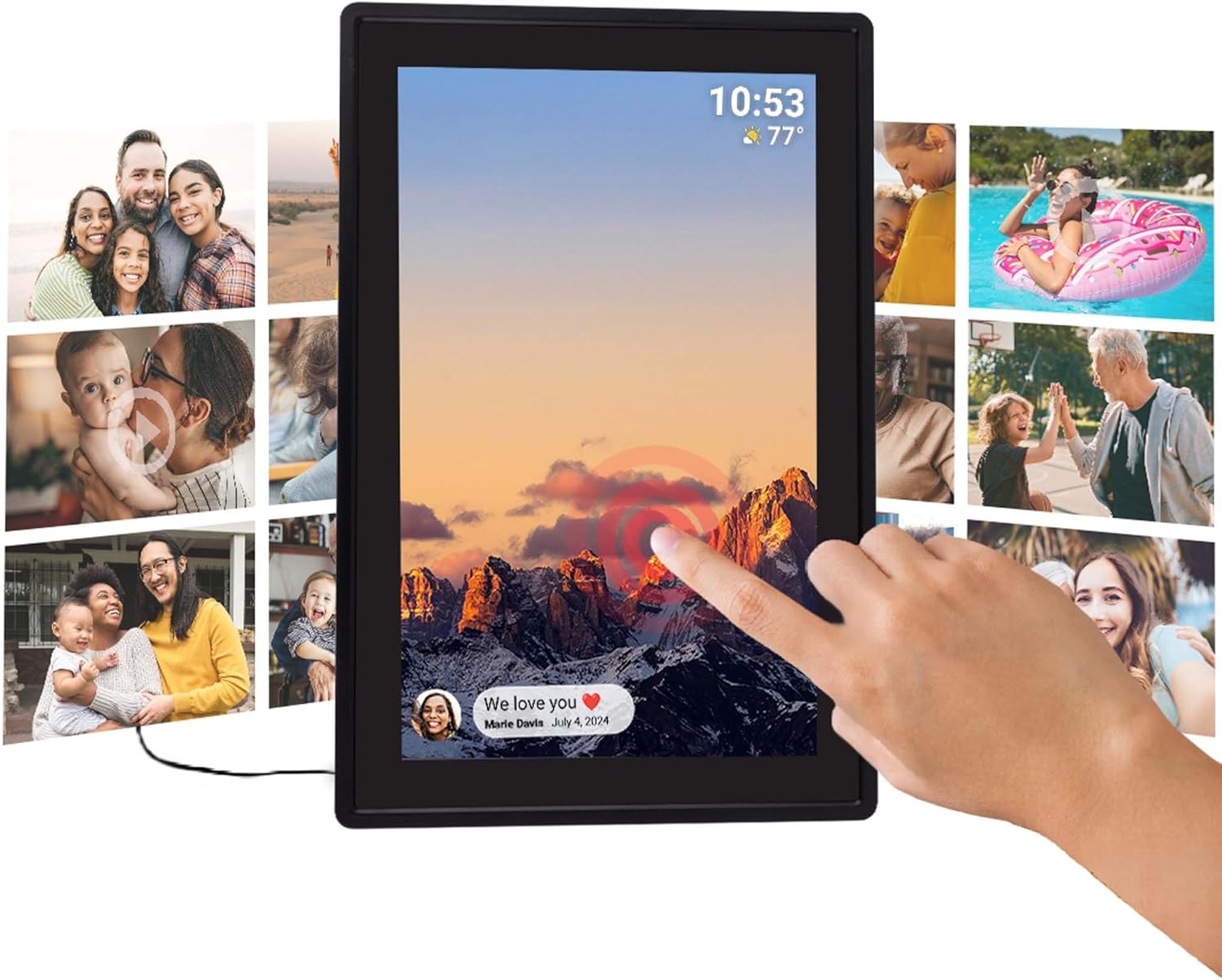
Image: A user interacting with the touch screen of the digital photo frame.
Automaatne pööramine
The frame automatically adjusts the photo orientation (landscape or portrait) based on how it is positioned. This ensures optimal display of your images.

Image: Two frames demonstrating the automatic rotation feature for optimal photo display.
Põhifunktsioonid
- WiFi Connectivity & Frameo App: Seamlessly share photos and videos with up to 500 connected users via the Frameo application.
- Suur salvestusmaht: Equipped with 32GB of internal memory, capable of storing approximately 80,000 photos. Storage is expandable via a microSD card (not included).
- Clear IPS Display: The 10-inch IPS screen provides vivid colors and sharp details for an enhanced viewing experience of your memories.
- Intuitiivne puuteekraan: Easy and direct navigation through menus and photos for all users.
- Mitmekülgne disain: Includes a stable stand for tabletop display and supports wall mounting. Features an energy-efficient design.
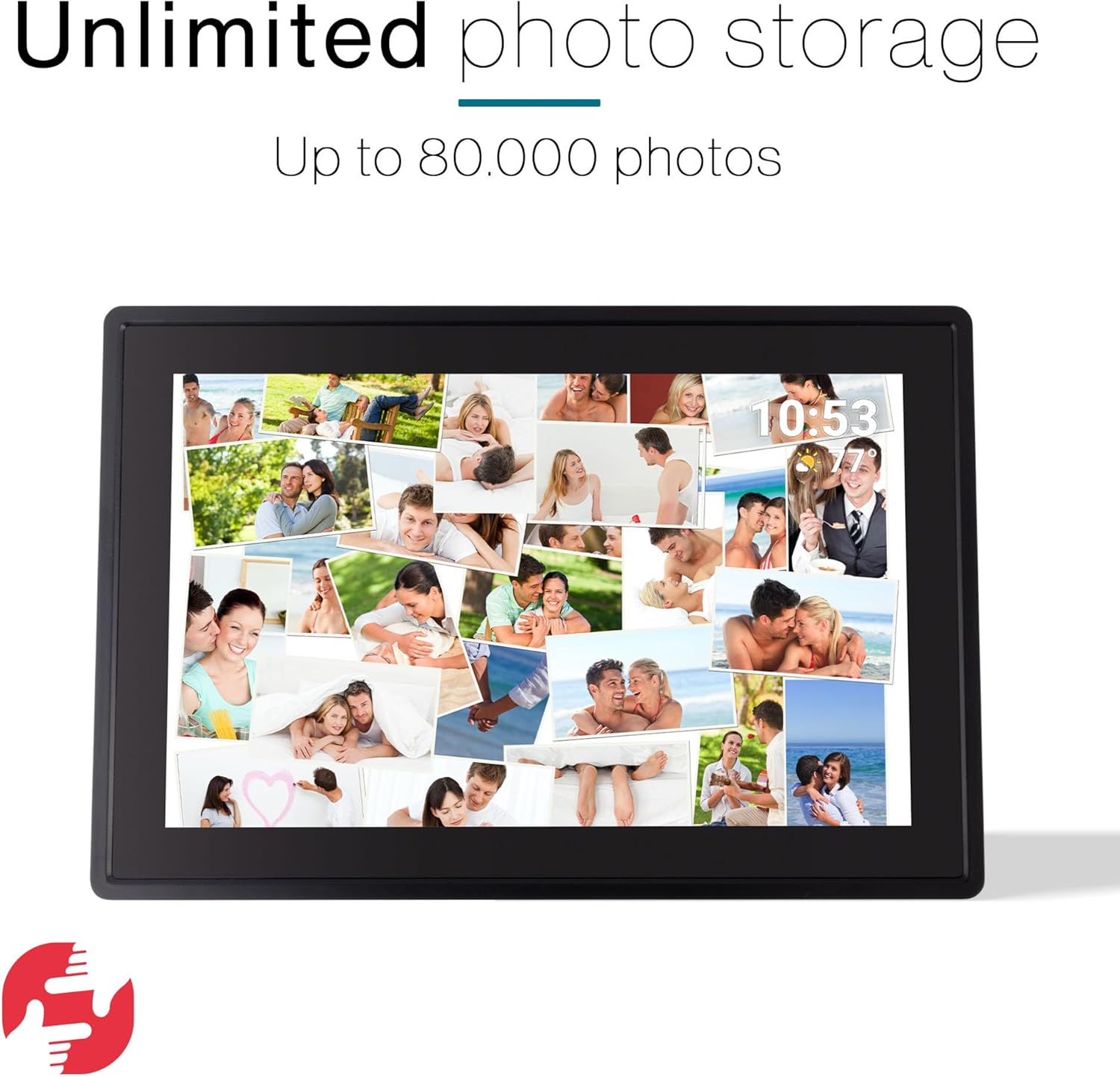
Image: A digital photo frame showcasing a large number of photos, highlighting its storage capability.
Hooldus
- Puhastamine: Use a soft, dry, lint-free cloth to clean the screen and frame. Do not use liquid cleaners or sprays directly on the device.
- Paigutus: Place the frame on a stable surface, away from direct sunlight, heat sources, and moisture.
- Tarkvaravärskendused: Ensure your Frameo app and the digital photo frame's firmware are updated regularly for optimal performance and new features. Updates are typically managed through the Frameo app or the frame's settings.
Veaotsing
- Raam ei lülitu sisse:
Veenduge, et toiteadapter oleks kindlalt ühendatud nii raami kui ka töötava pistikupesaga.
- Wi-Fi-ga ei saa ühendust luua:
Check if your Wi-Fi network is active and within range. Re-enter the Wi-Fi password carefully. Try restarting your router and the photo frame.
- Fotod ei ilmu raamile:
Verify that the frame is connected to Wi-Fi. Ensure you are sending photos to the correct frame from the Frameo app. Check the Frameo app for any error messages.
- Ekraan ei reageeri:
Try restarting the frame by unplugging and re-plugging the power adapter. If the issue persists, perform a factory reset (refer to settings menu, note this will erase all data).
Tehnilised andmed
| Funktsioon | Detail |
|---|---|
| Mudeli number | TVH10006 |
| Ekraani suurus | 10 tolli |
| Kuva tüüp | IPS puuteekraan |
| Sisemälu | 32 GB |
| Ühenduvus | WiFi |
| Rakenduste ühilduvus | Frameo |
| Mõõtmed | 35 x 20 x 2.51 cm |
| Kaal | 1.1 kg |
| Toiteallikas | Elektriline |
| Päritoluriik | Hiina |
Garantii ja tugi
This product comes with a standard manufacturer's warranty. Please refer to the warranty card included in your package for specific terms and conditions. For technical support, troubleshooting assistance, or warranty claims, please contact Tiqvi customer service through their official websaiti või ostuga kaasasolevat kontaktteavet.
Hoidke ostutšekk garantiitingimuste jaoks ostutõendina alles.


