1. Sissejuhatus
The NEDIS SmartLife Outdoor Pan-Tilt Spotlight Camera (WIFICO22CWT) is designed to enhance your home security with advanced features and seamless integration. This manual provides essential information for the proper installation, operation, and maintenance of your camera.
Key features include a 3MP (1296p) sensor for clear images, remote pan and tilt control, automatic tracking, color and infrared night vision, two-way audio, motion and sound detection with instant notifications, and an IP65 weatherproof rating for outdoor reliability.
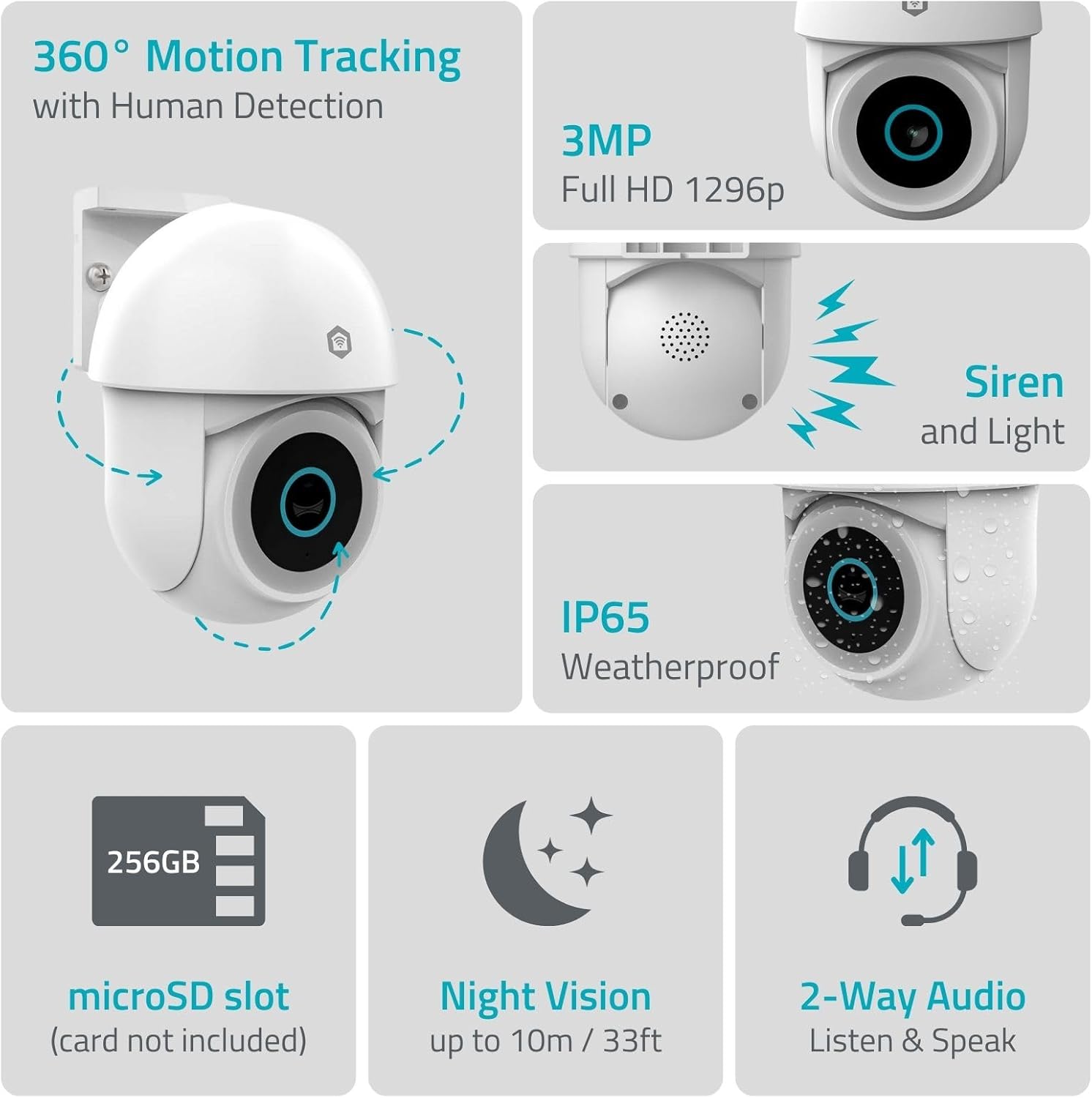
Pilt 1.1: läbiview of NEDIS SmartLife Outdoor Camera features, including 360-degree motion tracking, 3MP resolution, siren and light, IP65 weatherproofing, microSD slot, night vision, and two-way audio.
2. Pakendi sisu
Palun kontrollige pakendilt järgmisi esemeid:
- NEDIS SmartLife Outdoor Pan-Tilt Spotlight Camera (WIFICO22CWT)
- Toiteadapter (5V DC)
- Kinnitusklamber ja kruvid
- Kiirjuhend (see juhend)
3. Seadistamine
3.1. Rakenduse installimine
- Laadige alla Nedis SmartLife rakendus App Store'ist (iOS) või Google Play poest (Android).
- Registreeru uue konto saamiseks või logi sisse, kui sul on see juba olemas.
3.2. Sisselülitamine ja esmane ühendumine
- Ühendage kaamera toiteadapteriga ja ühendage see pistikupessa.
- Wait for the camera's indicator light to flash, indicating it is ready for pairing.
- Open the Nedis SmartLife app, tap '+' to add a new device, and follow the on-screen instructions to connect the camera to your 2.4 GHz Wi-Fi network.
3.3. MicroSD-kaardi paigaldamine (valikuline)
For local storage of recordings, install a microSD card (up to 256GB, not included).
- Locate the microSD card slot on the camera (refer to the camera diagram in the quick start guide).
- Carefully insert the microSD card into the slot until it clicks into place.
- Format the microSD card via the camera settings in the Nedis SmartLife app.
3.4. Kaamera paigaldamine
The camera comes with a wall/ceiling mount. Choose a suitable location with a clear view ja WiFi leviala piires.

Image 3.1: Camera dimensions for mounting reference.
- Märkige puurimiskohad, kasutades kinnitusklambrit mallina.
- Vajadusel puurige augud ja sisestage seinatüüblid.
- Secure the mounting bracket to the wall or ceiling with screws.
- Attach the camera to the mounting bracket and adjust its initial angle.
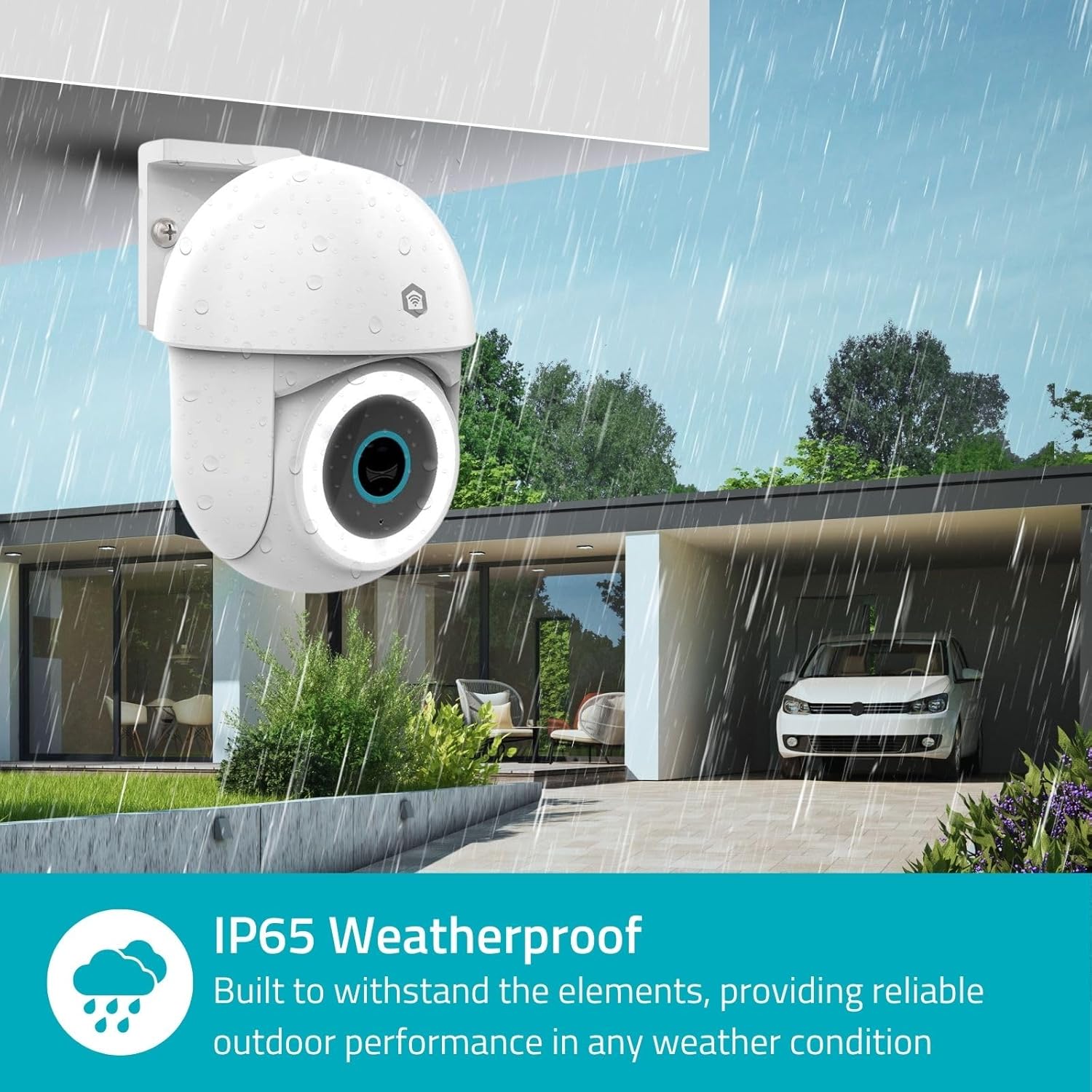
Image 3.2: The IP65 weatherproof design ensures reliable outdoor performance in various weather conditions.
4. Kasutusjuhised
4.1. Ela View ja pan/kallutamise kontroll
Access the live feed from your camera through the Nedis SmartLife app. Use the on-screen controls to remotely pan (horizontal) and tilt (vertical) the camera to monitor a wide area.
4.2. Liikumistuvastus ja -jälgimine
The camera features advanced motion detection, including human detection, to minimize false alarms. You can customize detection zones within the app.
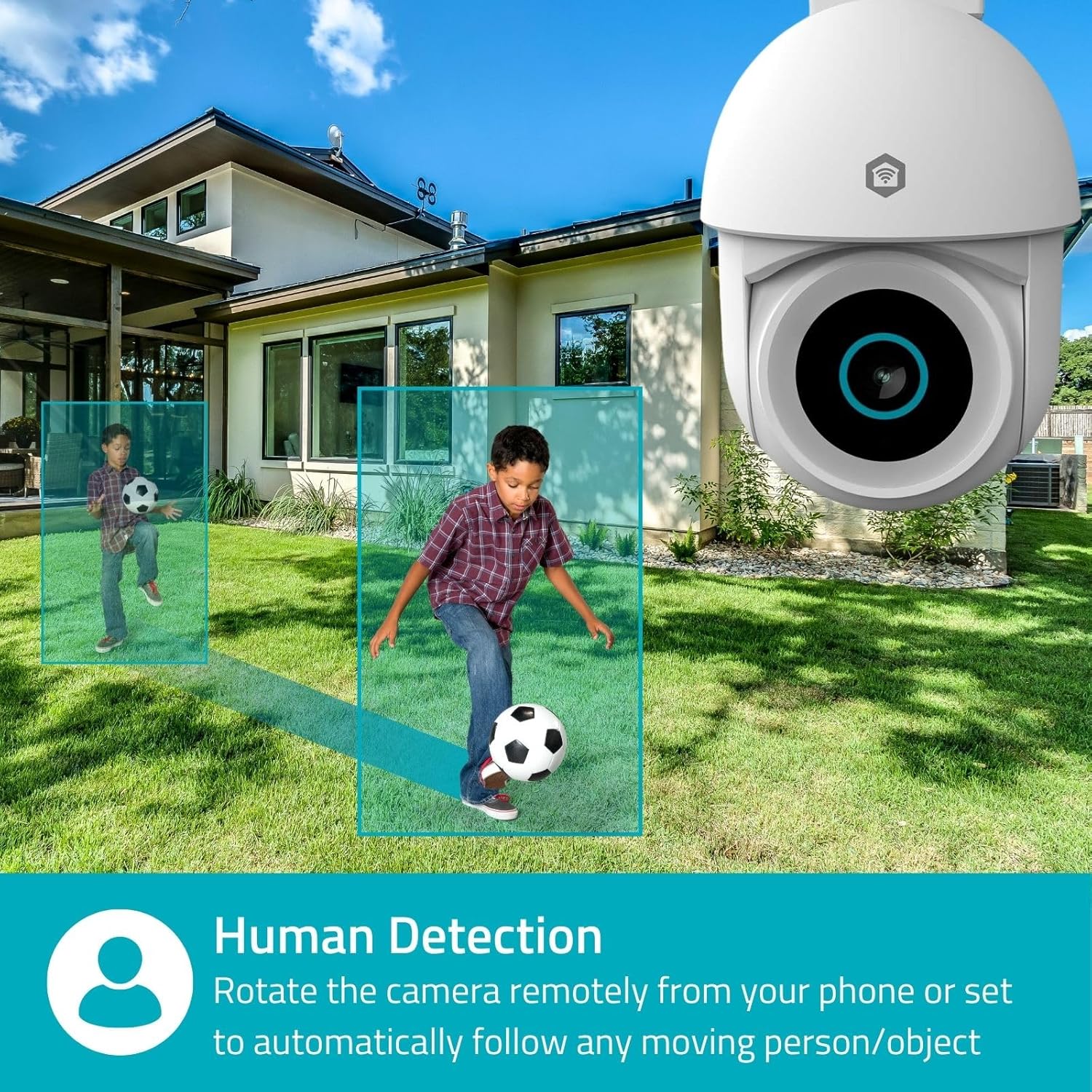
Image 4.1: Human Detection allows the camera to automatically follow moving persons or objects.
Luba Automaatne jälgimine in the app settings to have the camera automatically follow detected movement.
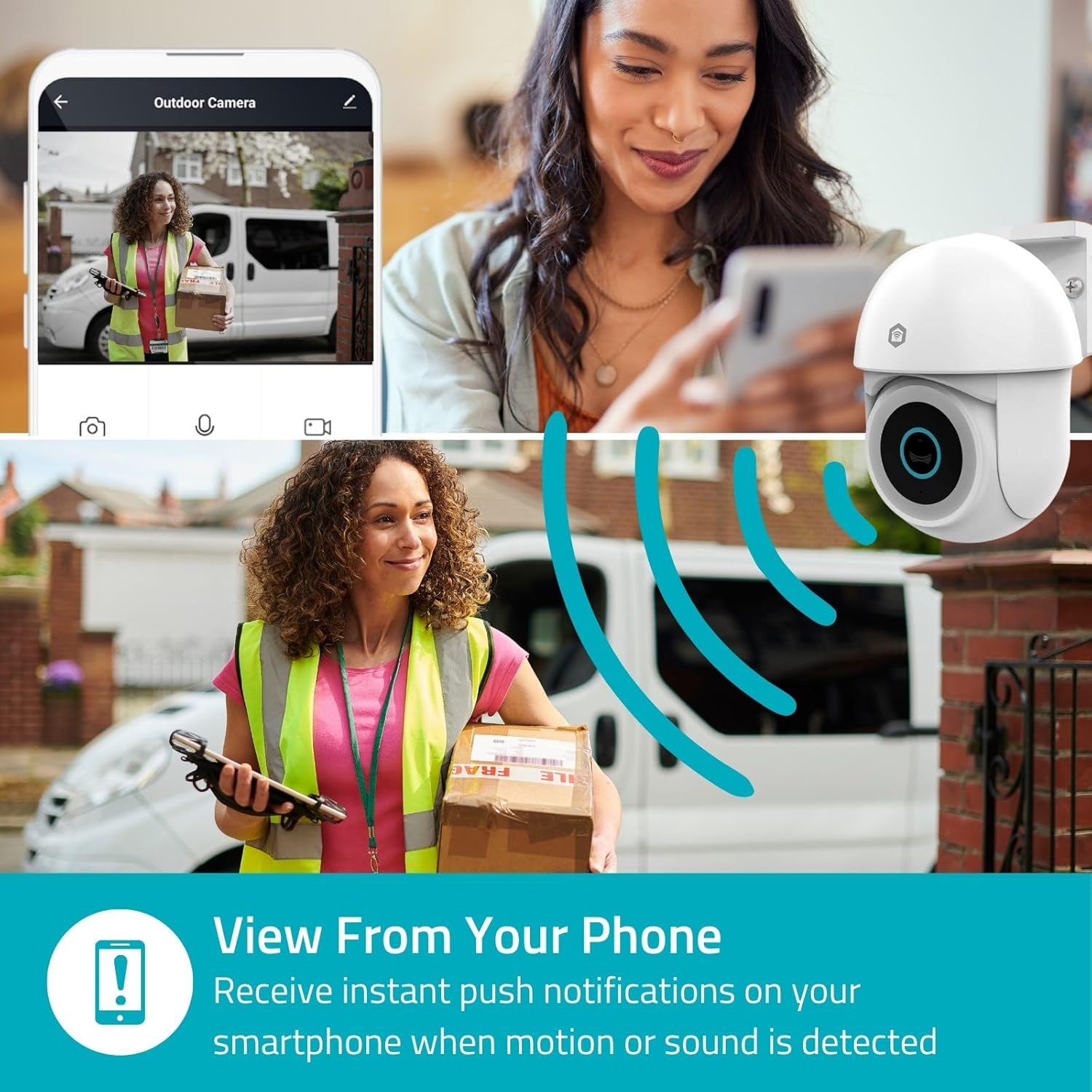
Image 4.2: Receive instant push notifications on your smartphone when motion or sound is detected.
4.3. Kahesuunaline heli
Utilize the built-in microphone and speaker for two-way communication. You can listen to the environment and speak through the camera via the app.
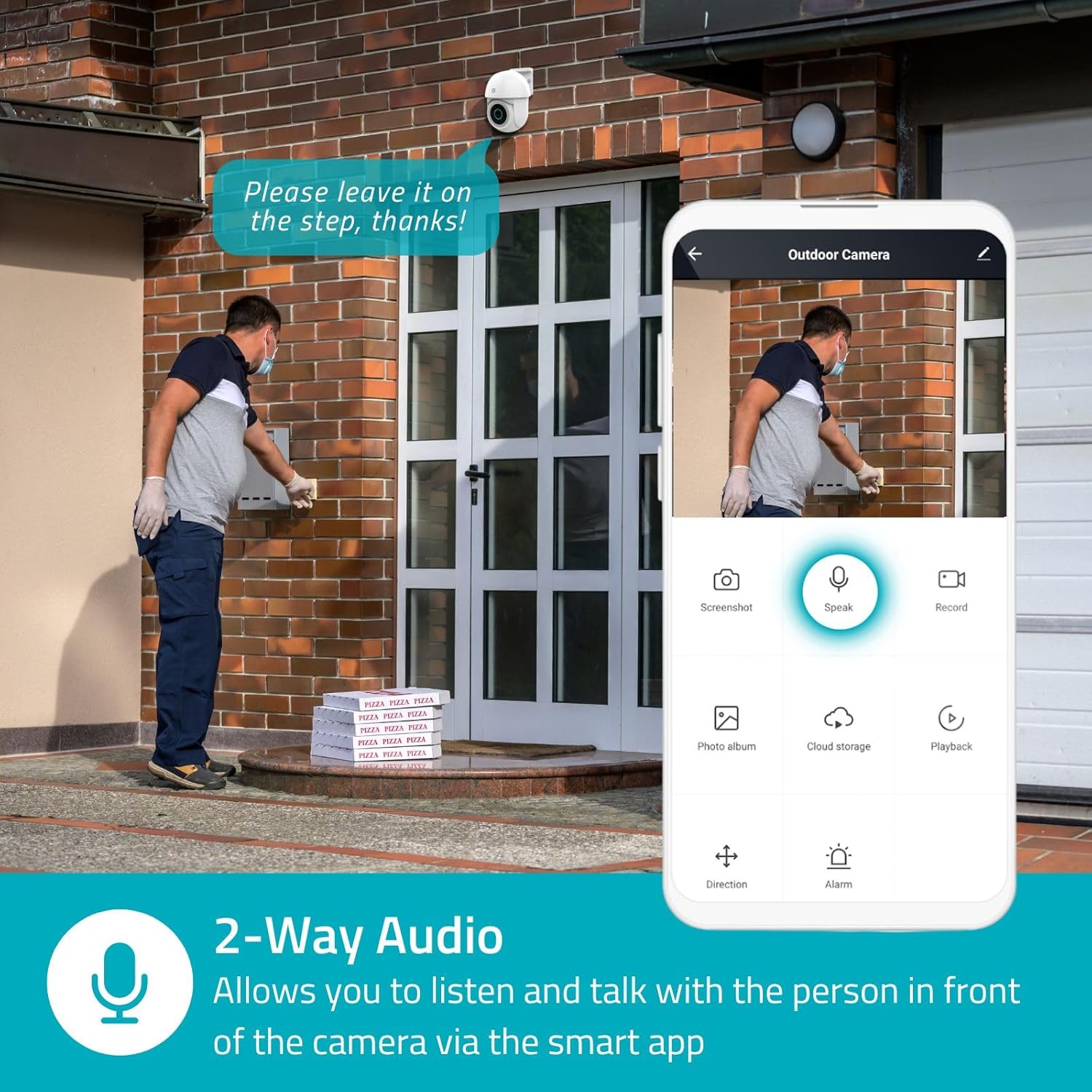
Image 4.3: Two-Way Audio allows you to listen and talk with individuals in front of the camera.
4.4. Öine nägemine
The camera supports two night vision modes:
- Värviline öönägemine: Achieved using dimmable white LEDs, providing full-color images in low light.
- Infrapunase öö visioon: Standard black and white night vision using infrared LEDs, effective up to 10 meters (33 feet).

Image 4.4: Comparison of Day Mode and Night Mode, illustrating the camera's 3MP resolution and 10m night vision capability.
4.5. Spotlight and Siren
When motion is detected, you can configure the camera to activate its white LEDs (spotlight) and/or a siren. This can deter intruders or provide illumination.

Image 4.5: The camera's light and siren can be activated upon motion detection to deter unwanted visitors.
4.6. Salvestamine ja taasesitus
Recordings can be stored on a microSD card (up to 256GB) or via optional cloud storage. Access and playback recorded footage through the Nedis SmartLife app.
4.7. Privaatsusrežiim
Activate Privacy Mode in the app to temporarily disable recording and live view when you are home, ensuring your privacy.
4.8. Targa kodu integreerimine
The camera is compatible with Google Home and Amazon Alexa, allowing for voice control and integration into your smart home ecosystem.
5. Hooldus
- Puhastamine: Pühkige kaamera objektiivi ja korpust õrnalt pehme lapiga.amp riie. Ärge kasutage tugevatoimelisi kemikaale ega abrasiivseid puhastusvahendeid.
- Püsivara värskendused: Regularly check the Nedis SmartLife app for available firmware updates to ensure optimal performance and security.
- Toiteallikas: Ensure the power adapter and cable are free from damage.
6. Veaotsing
6.1. Kaamera ei loo ühendust WiFi-ga
- Veenduge, et teie WiFi-võrk on 2.4 GHz. Kaamera ei toeta 5 GHz WiFi-ühendust.
- Kontrollige, kas WiFi-parool on õigesti sisestatud.
- Asetage kaamera seadistamise ajal Wi-Fi-ruuterile lähemale.
- Taaskäivitage ruuter ja kaamera.
6.2. Halb videokvaliteet
- Check your Wi-Fi signal strength. A weak signal can affect video quality.
- Veenduge, et kaamera objektiiv oleks puhas ja takistustest vaba.
- Adjust the video resolution settings in the app if your network bandwidth is limited.
6.3. Motion Detection Not Working
- Veenduge, et liikumistuvastus oleks rakenduse seadetes lubatud.
- Check the sensitivity settings and detection zones.
- Veenduge, et kaamera ees ei oleks füüsilisi takistusi. view.
6.4. No Audio or Two-Way Audio Issues
- Check the microphone and speaker volume settings in the app.
- Veenduge, et teie nutitelefoni mikrofon poleks rakenduse kaudu rääkimise ajal vaigistatud.
- Verify network connectivity for real-time audio transmission.
7. Tehnilised andmed
| Funktsioon | Spetsifikatsioon |
|---|---|
| Mudeli number | WIFICO22CWT |
| Resolutsioon | 3 MP (1296p) |
| Ühenduvus | WiFi (2.4 GHz) |
| Pan/Tilt funktsioon | Jah |
| Ilmastikukindel hinnang | IP65 |
| Öine nägemine | Color (white LEDs) & IR (up to 10m) |
| Kahesuunaline heli | Jah |
| Salvestusvalikud | MicroSD (up to 256GB, not included), Cloud Storage (optional) |
| Toite sisend | 5V DC |
| Mõõdud (P x L x K) | 10 x 8.3 x 11 cm |
| Kaal | 292 grammi |
| Eriomadused | Human Detection, Auto-Tracking, Spotlight, Siren, Privacy Mode, Onvif support |
| Ühilduvus | Google Home, Amazon Alexa |
8. Garantii ja tugi
This product comes with a standard manufacturer's warranty. For detailed warranty information, please refer to the warranty card included in your package or visit the official NEDIS websaidile.
For technical support, troubleshooting assistance, or further inquiries, please contact NEDIS customer service through their official webveebisaidil või tootepakendil oleva kontaktteabe kaudu.
Interneti-ressursid:
- Külastage NEDIS websaidile for product updates and support.
- Check the Nedis SmartLife app for FAQs and in-app support options.


