1. Sissejuhatus
The Moman CP-S Motorcycle Intercom System is designed to provide clear and reliable communication for motorcyclists. Featuring advanced Bluetooth 5.1 technology, noise reduction, and a robust waterproof design, it enhances your riding experience by allowing group communication, music sharing, and hands-free phone calls.

Figure 1: Moman CP-S Intercom Unit with key features.
2. Pakendi sisu
The Moman CP-S package includes the following items:
- Moman CP-S Intercom Unit
- Headphone and Microphone Set
- Mounting Clip (for helmet edge)
- Adhesive Mount (for helmet surface)
- USB laadimiskaabel
- Interchangeable Decorative Shells (3 colors)
- Kasutusjuhend
- Installation Tools (screwdriver)
3. Paigaldusjuhend
Proper installation ensures optimal performance and comfort. Follow these steps to install your Moman CP-S intercom system on your helmet.
3.1. Preparing the Helmet
- Remove the helmet's inner lining and cheek pads if they are removable. This provides easier access for speaker and microphone placement.
- Identify suitable locations for the speakers (near your ears) and the microphone (near your mouth).
3.2. Intercomi seadme paigaldamine
Choose between the clip mount or the adhesive mount based on your helmet type and preference.
Klambriga kinnituse kasutamine:
- Loosen the screws on the clip mount using the provided screwdriver.
- Slide the clip mount onto the bottom edge of your helmet, ensuring it is securely fastened.
- Tighten the screws to secure the clip mount in place.
Kleepkinnituse kasutamine:
- Puhastage kiivri küljel asuv soovitud kinnituskoht hoolikalt.
- Peel off the protective film from the adhesive mount and firmly press it onto the helmet surface for at least 30 seconds. Allow sufficient time for the adhesive to bond before attaching the intercom unit.
Attaching the Intercom Unit:
- Slide the Moman CP-S intercom unit onto the installed clip or adhesive mount until it clicks securely into place.
3.3. Kõlarite ja mikrofoni paigaldamine
- Attach the adhesive pads to the back of the speakers.
- Carefully place the speakers inside the helmet, aligning them with your ears. Press firmly to secure.
- Attach the adhesive pad to the microphone.
- Position the microphone near your mouth, ensuring it is not obstructed by the helmet's padding.
- Connect the speaker and microphone cables to the appropriate ports on the intercom unit.
3.4. Kaablite haldamine
Tuck all excess cables neatly under the helmet's inner lining to prevent discomfort and ensure they do not interfere with helmet function. Reinstall any removed inner lining or cheek pads.
Video 1: Installation guide for Moman H2 Intercom (similar to CP-S).
4. Kasutusjuhised
4.1. Toide sisse/välja
- Toide sisse: Press and hold the Power button for 3 seconds until the indicator light turns on.
- Toide välja: Vajutage ja hoidke toitenuppu 3 sekundit all, kuni märgutuli kustub.
4.2. Bluetoothi sidumine
- With the device off, press and hold the Function button for 3 seconds. The red and blue indicator lights will flash, indicating pairing mode.
- On your mobile phone, enable Bluetooth and search for "FODSPORTS FX-S" (or similar device name). Select it to pair. The pairing is complete when the indicator light changes.
4.3. Muusika taasesitus
- Esita/peata: Vajutage lühidalt funktsiooninuppu.
- Järgmine laul: Rotate the control knob forward once.
- Eelmine laul: Rotate the control knob backward once.
- Helitugevuse reguleerimine: Rotate the control knob forward or backward for 1 second to increase or decrease volume.

Figure 2: Music sharing feature between two riders.
4.4. Telefonikõned
- Kõnele vastamine/lõpetamine: Vajutage lühidalt funktsiooninuppu.
- Keeldu kõnest: Long press the Function button for 1 second.
- Häälassistent: Single click to activate AI voice assistant (e.g., Siri, Google Assistant).
- Käsitsi/automaatse kõnedele vastamise vahetamine: Long press the Function button and ON/OFF button for 3 seconds.

Figure 3: AI Voice Assistant and FM Radio features.
4.5. Intercomi side
- The Moman CP-S supports intercom communication for up to 8 riders within a 2000m range, and 2 riders within a 1000m range.
- It is compatible with other intercom brands.
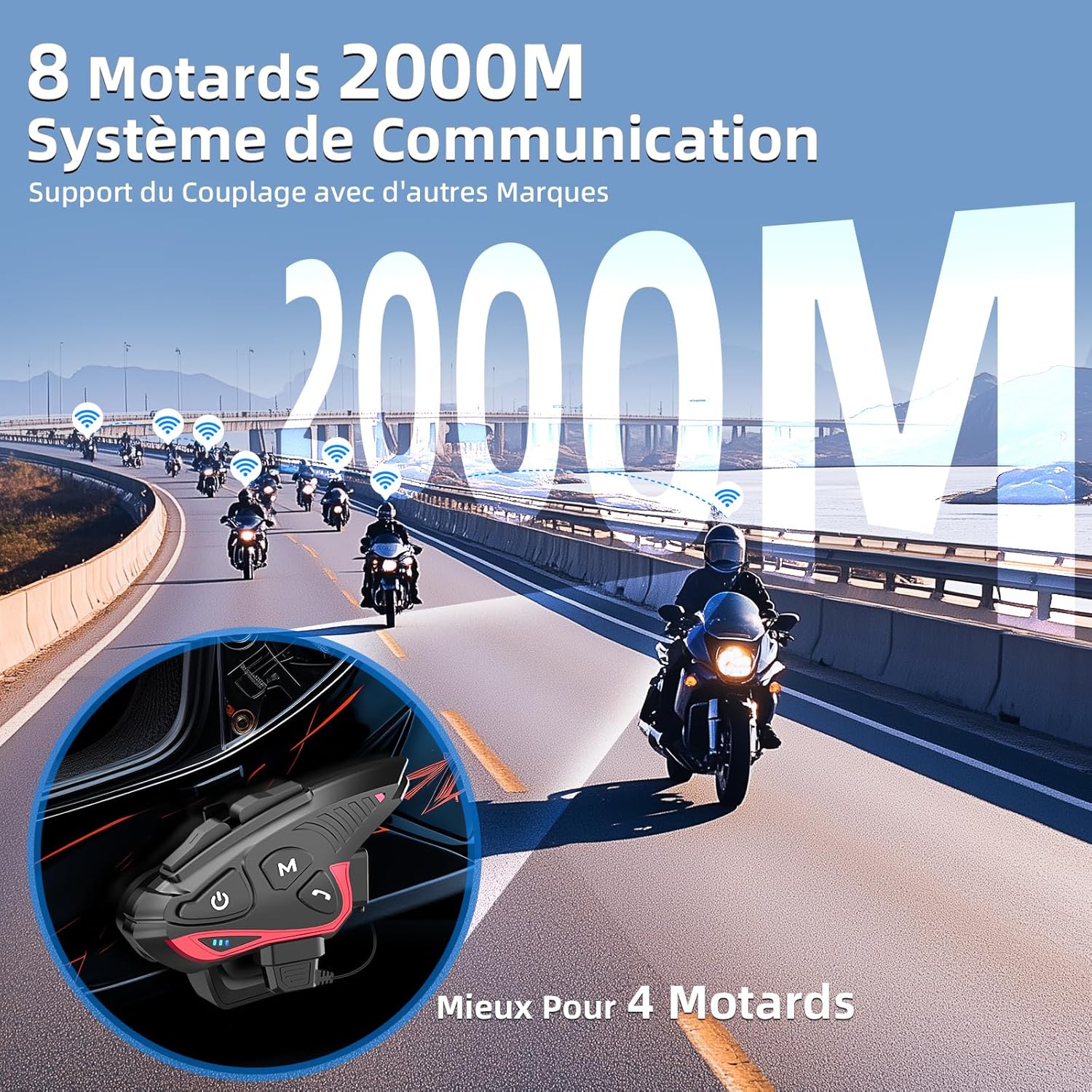
Figure 4: Group intercom communication range and capabilities.
4.6. FM-raadio
- Activate the FM radio function to listen to broadcasts while riding.
Video 2: Üleview of Moman H2S Intercom features (similar to CP-S).
5. Tehnilised andmed
| Funktsioon | Kirjeldus |
|---|---|
| Mudeli number | CP-S |
| Juhtmevaba tehnoloogia | Bluetooth 5.1 |
| Intercom leviala | Up to 2000m (8 riders), 1000m (2 riders) |
| Aku mahutavus | 900 mAh |
| Laadimisaeg | 2 tundi |
| Intercom aeg | Kuni 28 tundi |
| Muusika taasesituse aeg | Kuni 33 tundi |
| Ooteaeg | Kuni 300 tundi |
| Veekindlus | IP65 (veekindel) |
| Müra vähendamine | DSP and 12th Gen CVC |
| Kõlari suurus | 40mm Hi-Fi |
| Kontrollimeetod | Hääl, nupud |
| Hääljuhised | 8 languages (Chinese, English, Japanese, German, French, Italian, Spanish, Korean) |
| Materjal | Plastikust |
| Eriomadused | Noise cancellation, Water resistant, Music sharing, FM Radio, AI Voice Assistant, Interchangeable shells |

Joonis 5: Aku tööiga ja laadimise üksikasjad.
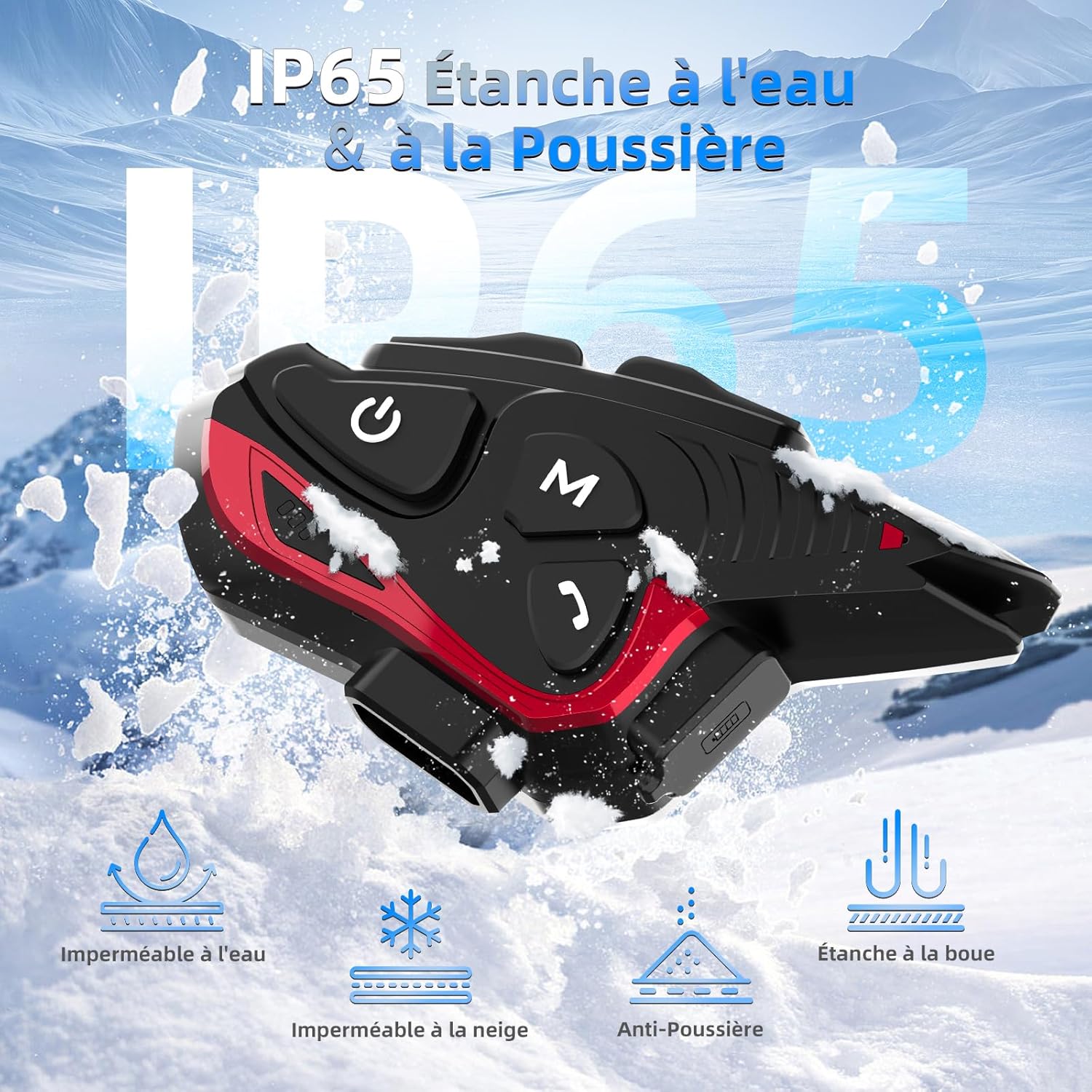
Figure 6: IP65 Water and Dust Resistance.
6. Hooldus
- Hoidke seadet puhta ja kuivana. Pühkige pehme lapiga.amp riie.
- Vältige seadme pikaajalist jätmist äärmuslike temperatuuride või otsese päikesevalguse kätte.
- Veenduge, et laadimispordi kate oleks laadimise ajal kindlalt suletud, et säilitada veekindlus.
- Aku töökorras hoidmiseks laadige seadet regulaarselt, isegi kui seda ei kasutata.
7. Veaotsing
7.1. Pole jõudu
- Veenduge, et aku on laetud. Ühendage seade toiteallikaga kaasasoleva USB-kaabli abil.
- Check if the power button is being held for the correct duration (3 seconds).
7.2. Cannot Pair with Phone
- Ensure the device is in pairing mode (red and blue indicator lights flashing).
- Lülitage oma telefoni Bluetooth välja ja sisse.
- Ensure the device is within range of your phone.
- Forget previous Bluetooth connections on your phone and try pairing again.
7.3. Poor Audio Quality/Noise
- Ensure speakers are correctly positioned near your ears and the microphone is close to your mouth.
- Check for any obstructions around the microphone.
- Verify that the volume is adjusted appropriately.
- The device features DSP and CVC noise reduction, which should minimize ambient noise. If issues persist, ensure the microphone is not picking up excessive wind noise.
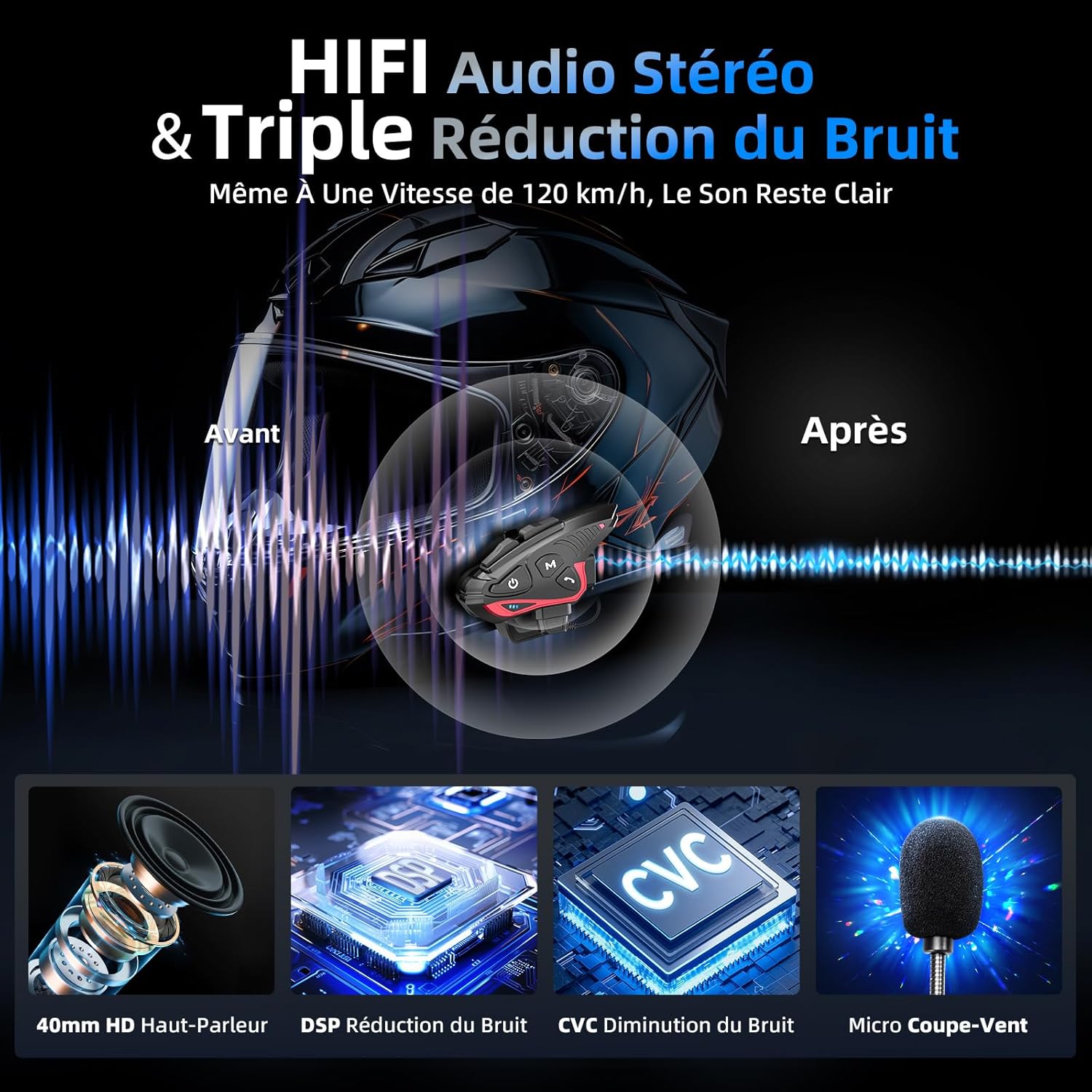
Figure 7: Audio quality and noise reduction technology.
8. Garantii ja tugi
The Moman CP-S Motorcycle Intercom System comes with a 2-year manufacturer's warranty. For technical support, warranty claims, or any other inquiries, please contact Moman customer service through their official channels.


