Sissejuhatus
This manual provides comprehensive instructions for the installation, operation, and maintenance of your AVer TR333V2 4K PTZ Camera. Please read this manual thoroughly before using the product to ensure proper setup and optimal performance. Keep this manual for future reference.
Seadistamine
1. Lahtipakkimine ja ülevaatus
Carefully remove all components from the packaging. Verify that all items listed in the packing list are present and undamaged. If any items are missing or damaged, contact your dealer immediately.
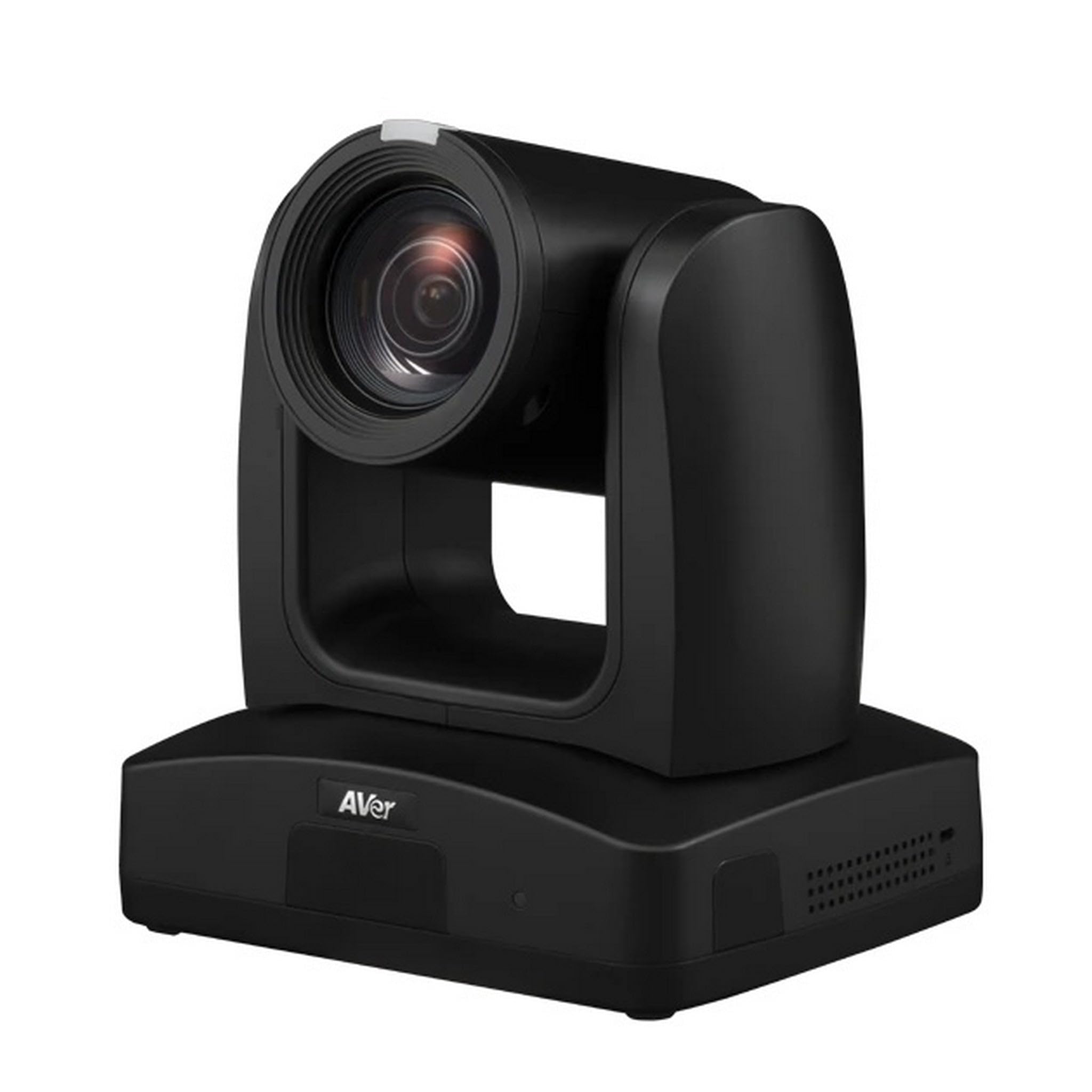
Figure 1: AVer TR333V2 4K PTZ Camera. This image shows the front view of the camera, highlighting its lens and general form factor.
2. Füüsiline paigaldus
The TR333V2 camera can be installed in various configurations, including desktop, wall-mount, or ceiling-mount. Ensure the mounting surface is stable and can support the camera's weight. Use appropriate mounting hardware (not included unless specified by your dealer).
- Töölaua paigutus: Place the camera on a flat, stable surface. Ensure adequate ventilation around the unit.
- Seinale/laele kinnitus: Securely attach the camera to a wall or ceiling using a compatible mounting bracket. Follow the bracket's specific installation instructions. Ensure the camera is level and oriented correctly for your desired field of view.
3. Ühenduskaablid
Connect the necessary cables to the camera's rear panel. Refer to the port labels for correct connections.
- Võimsus: Connect the provided power adapter to the DC IN port and then to a power outlet.
- Video väljund: Connect an HDMI, SDI, or IP cable to your display or streaming device. The camera supports 4K resolution output.
- USB: Connect a USB cable to the USB port for direct connection to a computer for video and control.
- Võrk (LAN): Connect an Ethernet cable to the LAN port for IP streaming and network control.
- Helisisend: Connect external microphones or audio sources to the audio input ports if required.
4. Esialgne sisselülitamine
After all connections are secure, plug the power adapter into an electrical outlet. The camera will perform a self-test, and the indicator light will illuminate. Allow a few moments for the camera to initialize.
Kaamera kasutamine
1. Põhilised juhtnupud
The TR333V2 can be controlled via a remote control, web interface, or third-party control systems. Basic functions include:
- Panoraamimine/kallutamine/suumimine (PTZ): Adjust the camera's horizontal (pan), vertical (tilt), and optical zoom (30x) to frame your subject.
- Fookus: The camera features auto-focus. Manual focus adjustment may be available via the web interface for specific scenarios.
- Eelseaded: Save and recall specific camera positions (pan, tilt, zoom, focus) for quick scene changes.
2. Auto-Tracking Features
The TR333V2 incorporates advanced AI technology for automatic tracking. This feature allows the camera to follow a presenter or subject without manual intervention.
- Kõneleja jälgimine: The camera identifies and follows a designated speaker within the defined tracking area.
- Zone Tracking: Define specific zones within the camera's field of view. The camera will track subjects moving within these predefined zones.
- Konfiguratsioon: Auto-tracking settings, including tracking sensitivity and exclusion zones, are configured via the camera's web liides. Vaadake web interface manual for detailed setup.
3. Otseülekanne ja salvestamine
The camera supports 4K live streaming and can output video simultaneously via USB and IP.
- IP voogesitus: Configure streaming protocols (e.g., RTMP, RTSP) via the web interface to stream directly to platforms or media servers.
- USB väljund: Connect the camera to a computer via USB for use with video conferencing software or recording applications.
4. Web Liidese juurdepääs
To access advanced settings and features, open a web browser and enter the camera's IP address. The default IP address can usually be found in the quick start guide or obtained using AVer's IP Finder utility. Log in with the default username and password (refer to your quick start guide for credentials).
Hooldus
1. Puhastamine
Regularly clean the camera lens and body to ensure optimal performance and image quality.
- Objektiiv: Use a soft, lint-free cloth specifically designed for optical lenses. If necessary, use a small amount of lens cleaning solution. Avoid abrasive materials or harsh chemicals.
- Keha: Wipe the camera body with a soft, dry cloth. Do not use liquid cleaners directly on the camera.
2. Püsivara värskendused
Periodically check the AVer website for firmware updates. Firmware updates can improve performance, add new features, and resolve known issues. Follow the instructions provided with the firmware update package carefully.
3. Ladustamine
If storing the camera for an extended period, disconnect all cables, power off the unit, and store it in a dry, dust-free environment at a moderate temperature. Use the original packaging if available.
Veaotsing
This section addresses common issues you might encounter with the AVer TR333V2 camera.
| Probleem | Võimalik põhjus | Lahendus |
|---|---|---|
| Toiteindikaator puudub | Toitekaabel lahti ühendatud; pistikupesa vigane | Kontrollige toitekaabli ühendust; proovige teist pistikupesa |
| Videoväljund puudub | Video cable disconnected/faulty; Incorrect input selected on display; Camera not initialized | Verify video cable connections; Select correct input on display; Wait for camera initialization |
| Auto-tracking not working | Tracking feature disabled; Incorrect tracking zone setup; Insufficient lighting; Subject too far/small | Enable tracking via web interface; Reconfigure tracking zones; Ensure adequate lighting; Adjust camera position or zoom |
| Ei pääse juurde web liides | Vale IP-aadress; võrgukaabel lahti ühendatud; tulemüür blokeerib juurdepääsu | Verify camera's IP address; Check network cable; Temporarily disable firewall or add exception |
If the problem persists after attempting these solutions, please contact AVer technical support.
Tehnilised andmed
The following table details the key specifications of the AVer TR333V2 4K PTZ Camera.
| Funktsioon | Detail |
|---|---|
| Kaubamärk | AVer |
| Mudeli number | TR333V2 |
| Kauba kaal | 9 naela |
| Video jäädvustamise eraldusvõime | 480p, 720p (Supports 4K UHD output) |
| Optiline suum | 30 x |
| Digitaalne suum | 30 x |
| Objektiivi tüüp | Suumi |
| Fookuse tüüp | Automaatne teravustamine |
| Vormitegur | Kompaktne |
| Pildistamisrežiimid | Automaatne |
| Pildi stabiliseerimine | Ei |
Garantii ja tugi
Garantii teave
AVer products are backed by a limited warranty. The specific terms and duration of your warranty may vary by region and product. Please refer to the warranty card included with your product or visit the official AVer websaidil üksikasjalikku teavet garantii kohta.
Tehniline tugi
For technical assistance, troubleshooting beyond this manual, or warranty claims, please contact AVer customer support. You can find contact information, FAQs, and additional resources on the official AVer websait:


