1. Sissejuhatus
Thank you for choosing the Timex Unisex Digital 43mm Watch. This manual provides essential information for the proper setup, operation, and care of your new timepiece. Please read these instructions carefully to ensure optimal performance and longevity of your watch.
2. Valva üleview
Familiarize yourself with the buttons and display of your Timex Digital 43mm Watch.

Joonis 2.1: Külg view of the watch, highlighting the function buttons. The top left button is typically for INDIGLO, and the top right button is for START/STOP functions.
Your watch features a clear digital display and multiple function buttons for easy access to time, date, stopwatch, and alarm features. The specific button functions are detailed in the operating instructions.
3. Algseadistus
Esmakordsel kasutamisel või pärast patarei vahetamist võib olla vaja seadistada kellaaeg ja kuupäev.
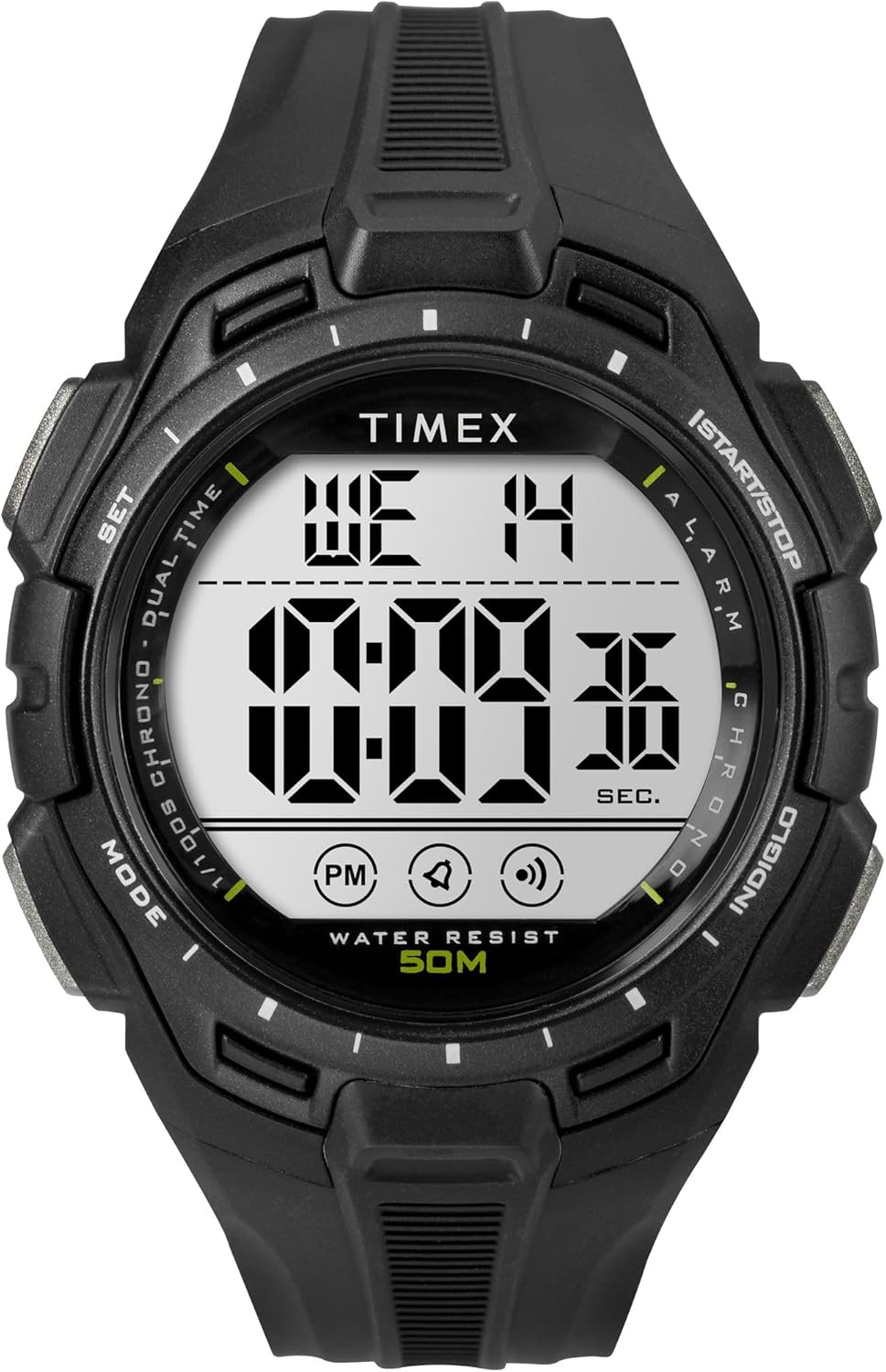
Joonis 3.1: Esiosa view of the Timex Digital 43mm Watch, showing the digital display.
3.1 Kellaaja ja kuupäeva määramine
- Vajutage nuppu REŽIIM button (usually bottom left) repeatedly until the time setting mode is displayed (often indicated by flashing digits).
- Kasutage SET or START/STOP button (usually top right) to adjust the flashing digit (hours, minutes, seconds).
- Vajutage nuppu REŽIIM button again to move to the next setting (e.g., minutes, then year, month, day).
- Kui kõik sätted on õiged, vajutage nuppu REŽIIM button or a dedicated Väljumine nuppu, et naasta tavalisele ajakuvale.
3.2 Alarmi seadistamine
- Vajutage nuppu REŽIIM nuppu, kuni kuvatakse äratuse aeg.
- Kasutage SET or START/STOP button to adjust the alarm hours and minutes.
- Vajutage nuppu REŽIIM nuppu alarmi seadistusrežiimi kinnitamiseks ja väljumiseks.
- To activate/deactivate the alarm, typically press the SET nuppu alarmi kuvamise režiimis. Alarmi ikoon ilmub/kaob.
4. Kasutusjuhised
4.1 Using INDIGLO Night-Light
Vajutage nuppu INDIGLO button (usually top left) to illuminate the watch face for easy viewing in low-light conditions. The light will remain on for a few seconds.
4.2 Stopperi kasutamine
- Vajutage nuppu REŽIIM button until the stopwatch display appears (usually showing 00:00:00).
- Vajutage nuppu START/STOP button (top right) to start the stopwatch.
- Vajutage START/STOP uuesti, et stopper peatada.
- Stopperi lähtestamiseks vajutage nuppu RESET button (often the bottom right button) while the stopwatch is paused.
4.3 12/24-tunnise vormingu vahetamine
While in time setting mode, when adjusting the hours, you can typically toggle between 12-hour (with AM/PM indicator) and 24-hour (military) format by pressing the SET or START/STOP button past 12 PM or 24. Refer to the specific setting sequence for your model.
5. Hooldus ja hooldus
Proper care will extend the life and appearance of your Timex watch.
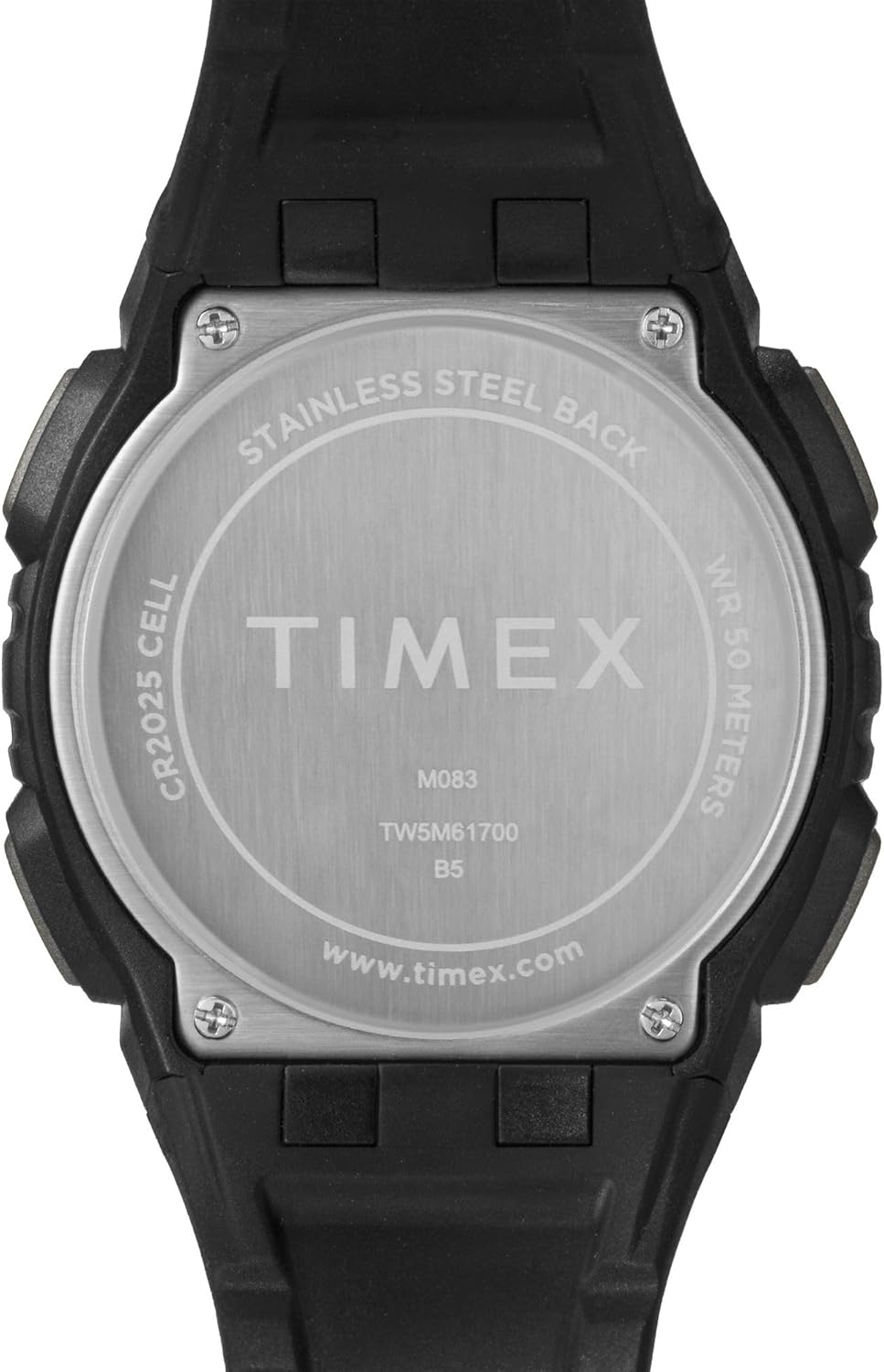
Joonis 5.1: Tagumine view of the watch case, indicating water resistance and battery type.
5.1 Veekindlus
- Your watch is water resistant to 50 meetrit (164 jalga). This means it is suitable for short periods of recreational swimming, but not for diving or snorkeling.
- Ärge kasutage nuppe vee all.
- Vältige kella kokkupuudet kuuma vee, auru või äärmuslike temperatuurimuutustega, kuna see võib veetihendeid kahjustada.
5.2 Aku vahetamine
- The watch uses one CR2025 Lithium Metal battery.
- Battery replacement should ideally be performed by a qualified watch technician to ensure proper sealing and water resistance.
- Improper battery replacement can damage the watch and void the warranty.
5.3 Puhastamine
Puhastage oma kella regulaarselt pehme lapigaamp cloth. Avoid using harsh chemicals or abrasive materials, which can damage the case or strap.
5.4 Avoiding Scratches
The watch crystal is made of acrylic, which is susceptible to scratches. To minimize scratching, avoid contact with abrasive surfaces and store the watch carefully when not in use.
6. Veaotsing
Kui teil tekib kellaga probleeme, vaadake järgmisi levinud lahendusi.
- Watch Not Displaying Correctly / Frozen Display: A soft reset may resolve this. Press and hold all four buttons simultaneously for a few seconds, then release. If the issue persists, the battery may need replacement.
- Display is Dim or Faint: This typically indicates a low battery. Replace the battery as soon as possible.
- Nupud ei reageeri: Ensure the watch is not in a locked mode (if applicable). If buttons remain unresponsive, try a soft reset. If the problem continues, professional service may be required.
- Vesi seespool: If moisture appears inside the watch, stop using it immediately and have it inspected by a qualified technician. Water damage is often not covered under warranty.
7. Tehnilised andmed
| Funktsioon | Detail |
|---|---|
| Mudeli number | TW5M617009J |
| Kuva tüüp | Digitaalne |
| Korpuse läbimõõt | 43 millimeetrit |
| Korpuse paksus | 13.8 millimeetrit |
| Riba laius | 15 millimeetrit |
| Riba materjali tüüp | Vaik |
| Korpuse materjali tüüp | Vaik |
| Kristalli tüüp | Akrüül |
| Veekindluse sügavus | 50 meetrit (164 jalga) |
| Liikumise tüüp | Kvarts |
| Aku tüüp | CR2025 liitiummetallpatarei (kaasas) |
| Kauba kaal | 0.08 kilogrammi |
8. Piiratud garantii
Your Timex watch is warranted against manufacturing defects for a period of üks (1) aasta from the original date of purchase. This warranty does not cover:
- Aku tööiga.
- Vale käitlemise, hoolduse puudumise, õnnetuste või normaalse kulumise tagajärjel tekkinud kahjustused.
- Water damage unless marked as water-resistant and damage occurs within the specified depth rating and proper care instructions were followed.
- Scratches to the crystal, case, or band.
Garantiiteenuse saamiseks palun hoidke ostutõend alles ja võtke ühendust Timexi klienditoega.
9. Klienditugi
For further assistance, frequently asked questions, or to locate an authorized service center, please visit the official Timex websait:
You may also refer to the product page on Amazon for additional details and customer reviews: Timex Unisex Digital 43mm Watch on Amazon


