Sissejuhatus
Thank you for choosing the Duex DX315G 31.5-inch IPS Full HD 360Hz Gaming Monitor. This manual provides essential information for setting up, operating, and maintaining your monitor. Please read it thoroughly before use to ensure optimal performance and safety.
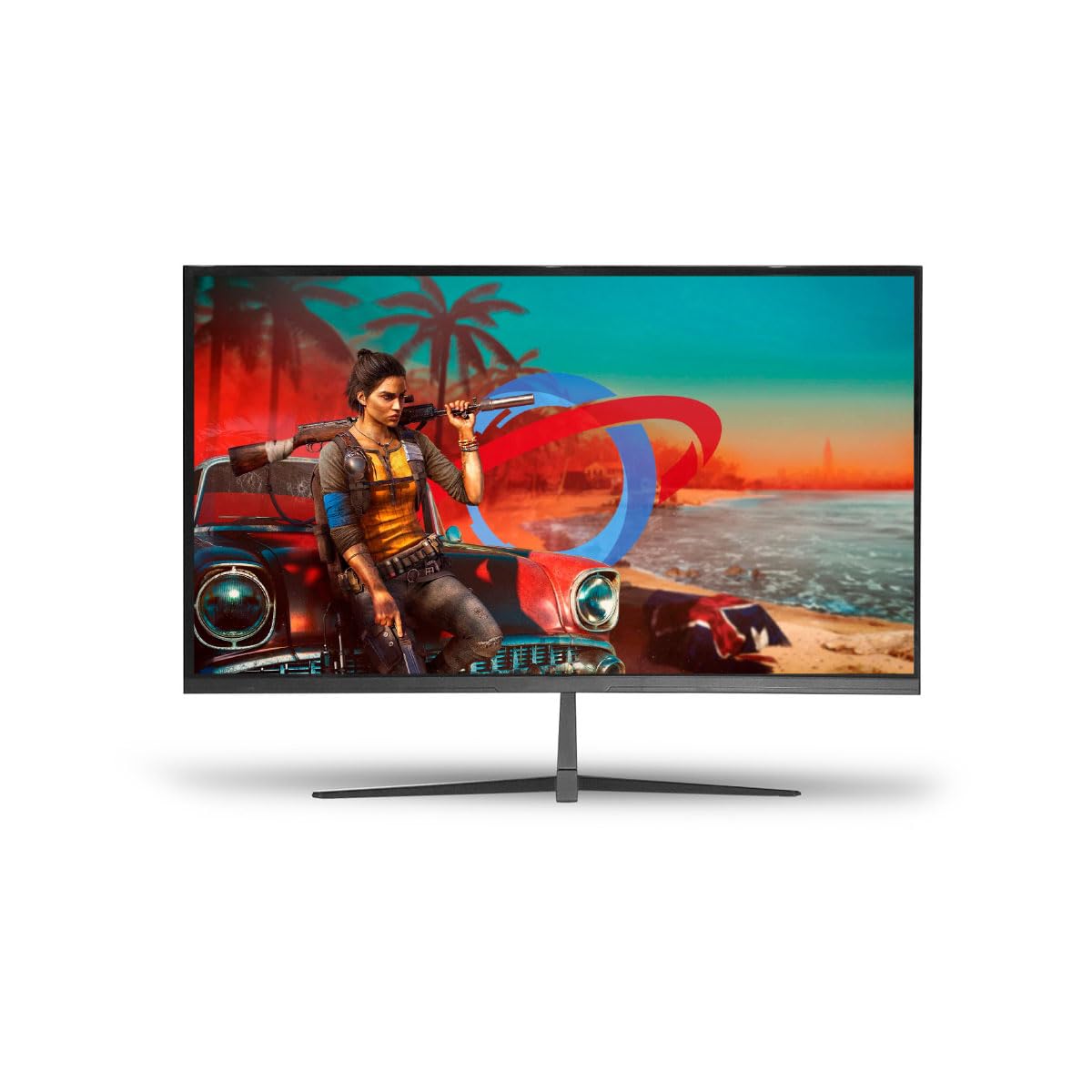
Image: The Duex DX315G 31.5-inch IPS Full HD 360Hz Gaming Monitor, showcasing oma elegantset disaini.
Ohutusteave
- Always disconnect the power cable from the wall outlet before cleaning or if the monitor will not be used for an extended period.
- Tulekahju või elektrilöögi ohu vältimiseks ärge jätke monitori vihma ega niiskuse kätte.
- Ärge avage monitori korpustasing. Sees ei ole kasutaja poolt hooldatavaid osi. Pöörduge kogu hoolduse eest kvalifitseeritud hooldustöötaja poole.
- Asetage monitor stabiilsele ja tasasele pinnale, et see maha ei kukuks.
- Tagage monitori ümber piisav ventilatsioon. Ärge blokeerige ventilatsiooniavasid.
- Kasutage ainult monitoriga kaasasolevat toiteadapterit ja kaableid.
Pakendi sisu
Veenduge, et pakis on kõik esemed olemas:
- Duex DX315G Monitor
- Monitori alus (alus ja kael)
- Toiteadapter ja kaabel
- HDMI kaabel
- DisplayPort-kaabel
- Kasutusjuhend (see dokument)
Seadistamine
1. Monitori aluse kokkupanek
- Eemaldage monitor ettevaatlikult pakendist, hoides ekraani kaitstuna.
- Kinnitage statiivi kael monitoripaneeli külge, joondades sakid ja surudes kindlalt, kuni see klõpsuga paika lukustub.
- Kinnitage statiivi alus statiivi kaela külge. Kinnitage see aluse alumisel küljel asuva kinnituskruviga.
- Alternatively, the monitor supports VESA mount (100x100mm) for wall or arm mounting. Remove the stand neck if already attached before mounting.
Illustration: An image showing the steps for attaching the monitor stand components would typically be included here.
2. Ühenduskaablid
Locate the input ports on the back of your monitor.
- Võimsus: Ühendage toitekaabel monitori toitesisendisse ja seejärel ühendage teine ots pistikupessa.
- Video sisend:
- For optimal performance (360Hz), use the supplied DisplayPort cable to connect your computer's graphics card to the monitor's DisplayPort input.
- Alternatively, use the supplied HDMI cable to connect your computer's graphics card to the monitor's HDMI input. Note that HDMI 2.0 may support up to 240Hz at Full HD, depending on your graphics card.
Illustration: An image detailing the location of the power, DisplayPort, and HDMI input ports on the monitor's rear panel would typically be included here.
3. Esialgne sisselülitamine
Press the power button, usually located on the bottom or back of the monitor, to turn it on. The monitor should automatically detect the active input source. If not, you may need to manually select the input using the OSD menu.
Monitori juhtimine
Ekraanikuva (OSD) menüü
The OSD menu allows you to adjust various monitor settings. Access the OSD menu by pressing the OSD button (refer to your monitor's physical buttons for exact location, often a joystick or a series of buttons on the back/bottom).
Levinumad OSD menüü valikud:
- Pildi seaded: Adjust Brightness, Contrast, Gamma, Color Temperature, and Sharpness.
- Värviseaded: Fine-tune RGB values, select preset color modes (e.g., Standard, Game, Movie).
- Sisendi valimine: DisplayPort- ja HDMI-sisendite vahel käsitsi vahetamine.
- Mänguseaded: Enable/disable FreeSync/G-Sync compatibility, adjust Response Time (OD), and activate features like Crosshair overlay.
- OSD seaded: Reguleerige ekraanimenüü keelt, läbipaistvust ja ajalõppu.
- Lähtesta: Taastage kõik seaded tehase vaikeseadetele.
Illustration: An image showing the OSD menu interface and button layout would typically be included here.
Adaptive Sync (FreeSync/G-Sync Compatibility)
The Duex DX315G monitor supports Adaptive Sync technology, compatible with both AMD FreeSync and NVIDIA G-Sync (when enabled in your graphics card control panel). This technology synchronizes the monitor's refresh rate with your GPU's frame rate, reducing screen tearing and stuttering for a smoother gaming experience. Ensure it is enabled in the monitor's OSD menu and your graphics card software.
Hooldus
Monitori puhastamine
- Ekraan: Pühkige ekraani õrnalt pehme ja ebemevaba lapiga. Kangekaelsete plekkide korral pühkige õrnaltampNiisutage lappi veega või ammoniaagi- ja alkoholivaba ekraanipuhastusvahendiga. Ärge pihustage puhastusvahendit otse ekraanile.
- Casing: Monitori puhastamiseks kasutage pehmet ja kuiva lappi.asing. Vältige abrasiivseid puhastusvahendeid või lahusteid.
Säilitamine
Kui monitori pikemaks ajaks hoiule panna, ühendage kõik kaablid lahti, pakkige see originaalpakendisse (kui see on olemas) ja hoidke seda jahedas, kuivas ja otsese päikesevalguse ning äärmuslike temperatuuride eest kaitstud kohas.
Veaotsing
| Probleem | Võimalik põhjus | Lahendus |
|---|---|---|
| Jõudu pole | Toitekaabel pole ühendatud; pistikupesa on vigane; monitori toitenupp on välja lülitatud. | Ensure power cable is securely connected. Test power outlet. Press monitor power button. |
| Signaali pole | Videokaabel pole ühendatud; valitud on vale sisend; arvuti ei väljasta signaali. | Check video cable connections. Select correct input via OSD. Restart computer. |
| Virvendav ekraan | Faulty cable; Incorrect refresh rate; Graphics driver issue. | Replace video cable. Set refresh rate correctly in OS. Update graphics drivers. |
| Pilt on liiga tume/hele | Heleduse/kontrastsuse sätted on valed. | Reguleerige heledust ja kontrastsust ekraanimenüüs. |
| Surnud/kinni jäänud pikslid | Tootmisviga. | Refer to warranty policy for pixel defect guidelines. |
Tehnilised andmed
- Mudel: DX315G
- Ekraani suurus: 31.5 tolli
- Paneeli tüüp: ELED IPS
- Resolutsioon: 1920x1080 (täis-HD)
- Kuvasuhe: 16:9
- Värskendussagedus: 360 Hz
- Reageerimisaeg: 1 ms
- Heledus: 200 cd/m²
- Kontrastsuse suhe: 1000:1
- Värvitugi: 16.7 miljonit värvi
- Viewnurk: H/V: 178°
- Omadused: HDR, Flicker-Free, FreeSync/G-Sync Compatible
- Ühenduvus: 1x DisplayPort, 1x HDMI
- VESA kinnitus: Yes (specific dimensions not provided, typically 100x100mm for this size)
- Energiatarve: 35W
- Sisend Voltage: AC100-240VAC 50/60HZ
- Toote mõõtmed (ilma aluseta): Approximately 71.5 x 71.5 x 20 cm (Width x Height x Depth, based on product dimensions provided, assuming height includes stand and width is screen width)
- Toote kaal: 6.5 kg
Garantii teave
Duex monitors are covered by a standard manufacturer's warranty against defects in materials and workmanship. The specific duration and terms of your warranty may vary by region and retailer. Please retain your proof of purchase for warranty claims. For detailed warranty information, refer to the warranty card included with your product or contact Duex customer support.
Toetus
If you encounter any issues not covered in this manual or require further assistance, please contact Duex customer support. You can typically find support contact details on the official Duex webveebilehel või toote pakendil.
For the latest drivers, firmware updates, and additional support resources, please visit the official Duex websaidile.


