Sissejuhatus
This manual provides essential information for setting up, operating, and maintaining your TCL 605 smartphone. Please read this guide thoroughly to ensure optimal performance and longevity of your device.
Mis on karbis
Veenduge, et tootepakendis on kõik esemed olemas:
- Nutitelefon TCL 605
- USB kaabel
- Cell Phone Cover
- 10W laadija
- SIM-kaardi salve väljutustööriist
- Ekraani kaitsekile
Seade läbiview
Familiarize yourself with the physical components of your TCL 605 smartphone.

Pilt: Esikülg view of the TCL 605 smartphone, highlighting its 6.7-inch HD+ display and front camera.

Pilt: Külg view of the TCL 605 smartphone, illustrating the placement of the power button and volume controls.
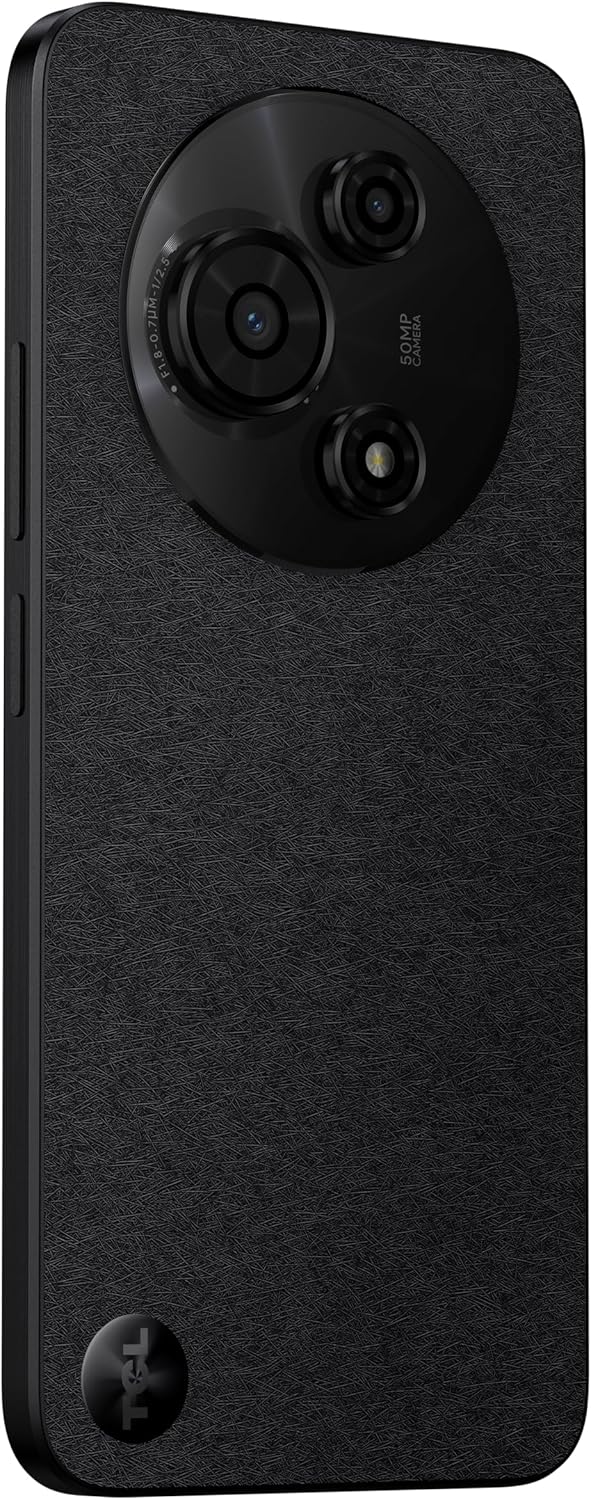
Pilt: Tagasi view of the TCL 605 smartphone, showcasing the distinctive circular camera module housing the 50MP main camera.
Seadistamine
1. SIM-kaardi sisestamine
- Leidke seadme küljelt SIM-kaardi salv.
- Sisestage SIM-kaardi salve väljutustööriist salve kõrval asuvasse väikesesse auku ja vajutage õrnalt, kuni salv välja tuleb.
- Asetage oma Nano-SIM-kaart(id) ja/või microSD-kaart salve nii, et kuldsed kontaktid oleksid allapoole suunatud. Veenduge, et need oleksid õigesti paigas.
- Sisestage salv ettevaatlikult uuesti seadmesse.
2. Esialgne sisselülitamine
- Vajutage ja hoidke all toitenuppu (asub küljel), kuni ilmub TCL-i logo.
- Esialgse seadistamise, sh keele valimise, WiFi-ühenduse ja Google'i konto seadistamise lõpuleviimiseks järgige ekraanil kuvatavaid juhiseid.
3. Aku laadimine
Before first use, it is recommended to fully charge your device. Connect the USB cable to the phone's charging port and the other end to the 10W charger. Plug the charger into a power outlet.
Seadme kasutamine
Ekraan ja navigeerimine
The TCL 605 features a 6.7-inch HD+ display with a 90Hz refresh rate for smooth scrolling and improved visual fluidity.
- Puutežestid: Use standard Android gestures such as tap, swipe, pinch-to-zoom, and long-press for navigation and interaction.
- Avakuva: Kohanda oma avakuva vidinate, rakenduste otseteede ja taustapiltide abil.
- Märguanded: Teavituspaneeli ja kiirseadete avamiseks libistage ekraani ülaosast alla.
Jõudlus ja salvestusruum
Your TCL 605 is equipped with an Octa-Core processor and 4GB RAM, expandable up to 14GB with RAM Boost technology, ensuring seamless performance for multitasking. It offers 256GB of internal storage, capable of storing over 100,000 photos.

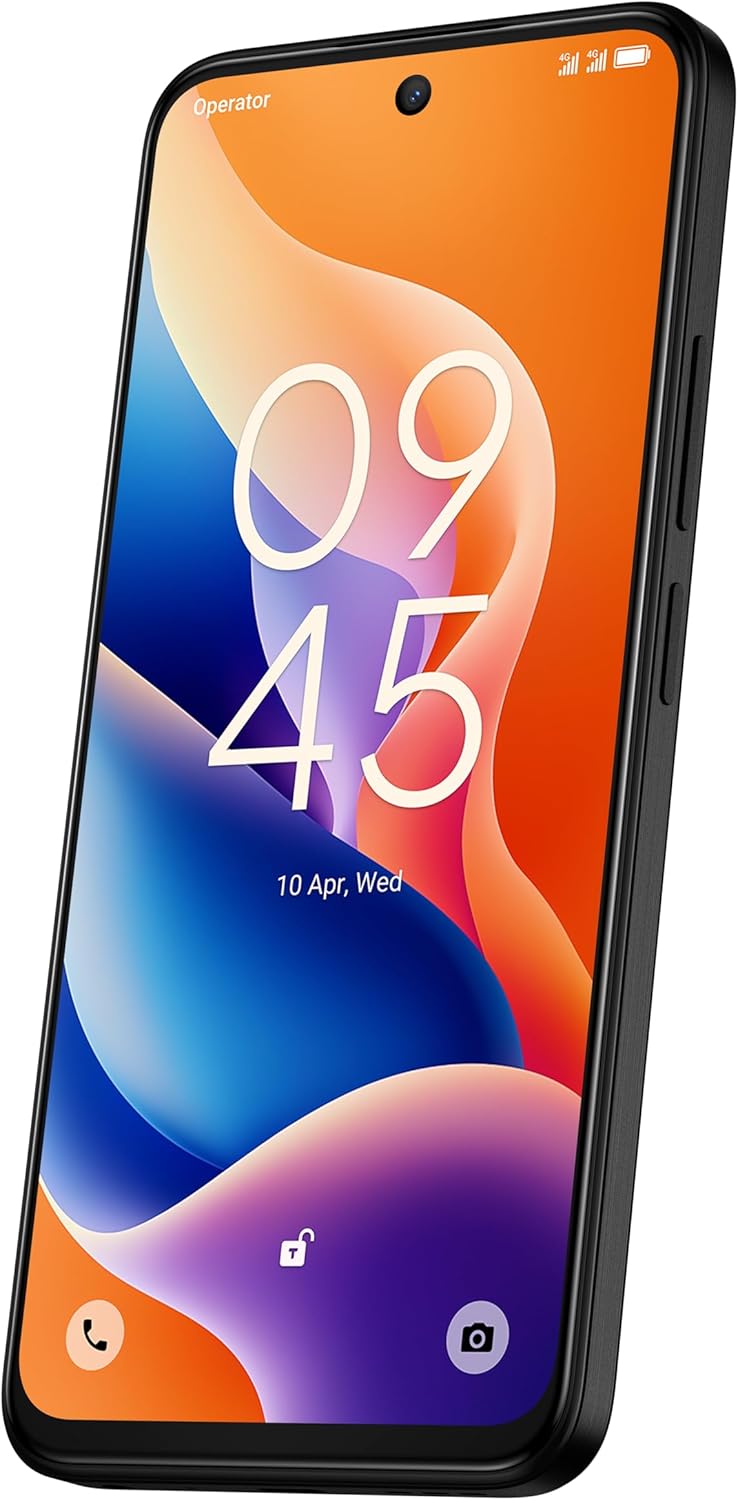
Image: The TCL 605 smartphone showcasing its 6.7-inch display with a dynamic lock screen, indicating the time and date.
Kaamera funktsioonid
The TCL 605 features a 50MP hybrid rear camera (main + macro) and a 5MP front camera. It supports HDR mode for vibrant colors.
Fotode ja videote tegemine
- Avage rakendus Kaamera.
- Valige soovitud režiim (foto, video, portree, makro jne).
- Foto jäädvustamiseks või video salvestamise alustamiseks/peatamiseks puudutage katiku nuppu.
- Suurenduse reguleerimiseks kasutage ekraanil olevaid suuminuppe.
Kaamera režiimid
- 50MP põhikaamera: Captures high-resolution images with clarity.
- Makrorežiim: Allows for detailed close-up shots of small objects.
- HDR-režiim: Enhances dynamic range for more vibrant and balanced photos in challenging lighting conditions.
- 5MP esikaamera: Ideaalne selfide ja videokõnede jaoks.
Pilt: detailne view of the TCL 605's circular camera module, emphasizing the 50MP main lens and its surrounding sensors.
Akuhaldus
The TCL 605 is equipped with a 5200mAh battery, designed for up to 2 days of usage. It supports 18W fast charging.
Näpunäited aku tööea pikendamiseks
- Vähendage ekraani heledust.
- Keela WiFi, Bluetooth ja GPS, kui neid ei kasutata.
- Sulge taustal töötavad rakendused.
- Aku säästurežiimi lubamine.
Ühenduvus
Teie seade toetab mitmesuguseid ühenduvusvõimalusi:
- WiFi: Internetiühenduse loomiseks ühendu traadita võrkudega.
- Bluetooth: Ühenda juhtmevabade kõrvaklappide, kõlarite ja muude ühilduvate seadmetega.
- NFC (lähiväljaside): Use for contactless payments and quick data transfer with compatible devices.
- USB: Connect to a computer for data transfer or use with a USB-C accessory.
- GPS: Integreeritud GPS asukohateenuste ja navigeerimise jaoks.
Vastupidavus
The TCL 605 features enhanced IP54 durability, proven by a 3-minute water-wash test. This provides protection against dust and splashing water. Note: The phone is not professionally water-resistant but is splash-proof, water-repellent, and dust-proof for everyday use. It has passed a 3-minute water-wash test under specific lab conditions. These features may degrade with daily use. Do not charge the phone in humid conditions. The warranty excludes water damage, including damage from immersion in liquids such as seawater, chlorinated water, or drinks. IP54 rating conditions differ from lab tests.
Toote omadused läbiview
Video: Üleview of the TCL 605 smartphone's key features, including its display, storage capacity, seamless performance, camera capabilities, battery life, fast charging, and IP54 durability.
Tehnilised andmed
| Funktsioon | Detail |
|---|---|
| Mudel | TCL 605 (T517J) |
| Operatsioonisüsteem | Android 15 |
| Ekraan | 6.7-inch HD+ 90Hz (720x1600 resolution) |
| Protsessor | Octa-Core (MediaTek Helio, 2 GHz) |
| RAM | 4GB (expandable to 14GB with RAM Boost) |
| Sisemälu | 256 GB |
| Tagumine kaamera | 50MP (Main & Macro) + 0.08MP |
| Esikaamera | 5 MP |
| Aku mahutavus | 5200mAh (5010 milliliitrit)amp Tundi) |
| Laadimine | 10W Charger included, supports 18W fast charging |
| Ühenduvus | Bluetooth, NFC, USB, WiFi, GPS |
| SIM-kaardi tüüp | Kaks SIM-kaarti |
| Mõõtmed | 0.83 x 7.62 x 16.56 cm |
| Kaal | 380 g |
| Sertifitseerimine | ANATEL: 01679250760 |
Veaotsing
Levinud probleemid ja lahendused
- Seade ei lülitu sisse: Veenduge, et aku on laetud. Ühendage laadija ja oodake paar minutit, enne kui proovite uuesti sisse lülitada.
- Ekraan ei reageeri: Try restarting the device by holding the Power button for approximately 10-15 seconds.
- Rakendused jooksevad kokku: Clear the cache of the problematic app (Settings > Apps > [App Name] > Storage > Clear Cache). If the issue persists, reinstall the app.
- Kehv aku kasutusiga: Refer to the "Battery Management" section for tips to optimize battery usage.
- Ühenduvusprobleemid (Wi-Fi/Bluetooth): Toggle Wi-Fi or Bluetooth off and on. Restart your device and/or the router/paired device.
For more complex issues, please refer to the official TCL support websaidil või võtke ühendust klienditeenindusega.
Garantii ja tugi
Your TCL 605 smartphone comes with a standard manufacturer's warranty. Please refer to the warranty card included in your package for specific terms and conditions.
For technical support, service, or additional information, please visit the official TCL websaidil või võtke ühendust nende klienditoe kanalitega.
To consult product homologation, visit: sistemas.anatel.gov.br/sch


