Sissejuhatus
This manual provides detailed instructions for the setup, operation, and maintenance of your Prechen 10.1 inch Portable Touchscreen Monitor, Model HD-101. Please read this manual thoroughly before using the device to ensure proper functionality and to prevent damage.
Toote omadused
- Portable Touchscreen: This 10.1-inch monitor is compact and lightweight, designed for portability. The touchscreen functionality allows for intuitive navigation and interaction, enhancing productivity on the go.
- High-Resolution IPS Display: Features a 1920x1200 resolution with a 16:10 aspect ratio, delivering clear and vibrant visuals. IPS technology provides wide viewing angles and accurate color reproduction, suitable for various applications.
- Mitmekülgne ühenduvus: Equipped with HDMI and USB-C ports, offering flexible connection options. It can be easily connected to Windows PCs, laptops, and gaming consoles like Xbox. Note: USB-C is for touch functionality and power.
- Integreeritud kõlarid: Built-in speakers provide clear and dynamic audio, eliminating the need for external speakers during media consumption, gaming, or virtual meetings.
- Ühildub VESA kinnitusega: The monitor supports VESA mounting standards, allowing for attachment to compatible stands or arms for customized workspace setups and comfortable viewnurgad.
Seadistamine
Pakendi sisu
Veenduge, et pakendis on kõik esemed olemas:
- Prechen 10.1 inch Portable Touchscreen Monitor
- HDMI kaabel
- USB-C-USB-C kaabel
- USB-A to USB-C Cable (for power/touch)
- Toiteadapter
- Kasutusjuhend (see dokument)
Monitori ühendamine
- Toiteühendus: Connect the provided power adapter to the DC Power Port on the monitor and plug it into a power outlet. Alternatively, if your device supports power delivery, connect a USB-C to USB-C cable to the USB-C (Power & Touch) port for both power and signal.
- Video ühendus:
- HDMI: Connect one end of the HDMI cable to the HDMI port on the monitor and the other end to the HDMI output of your computer or device.
- USB-C (DisplayPort Alternate Mode): If your device supports DisplayPort Alternate Mode over USB-C, connect a USB-C to USB-C cable to the USB-C (Power & Touch) port on the monitor and your device. This single cable can provide video, power, and touch functionality.
- Puutefunktsioonid: For touch functionality, ensure the USB-C (Power & Touch) port is connected to your device. If using HDMI for video, you will also need to connect a USB-A to USB-C cable from your device's USB-A port to the monitor's USB-C (Power & Touch) port.
- Heliväljund: If you wish to use external headphones or speakers, connect them to the 3.5mm Audio Port on the monitor.
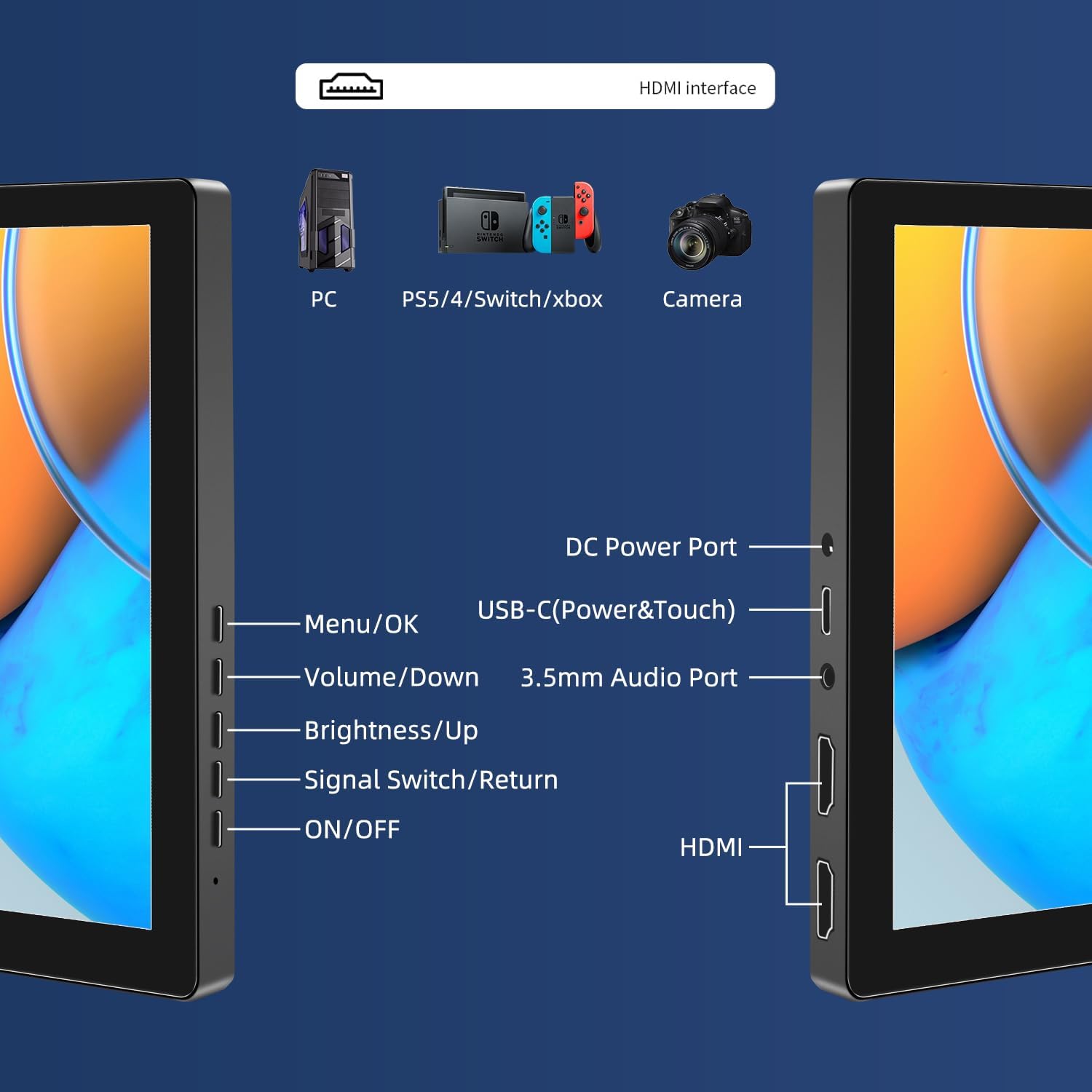
Pilt: Üleview of the monitor's ports including DC Power, USB-C (Power & Touch), 3.5mm Audio, HDMI, and control buttons.
Kasutusjuhised
Sisse/välja lülitamine
- To power on the monitor, press the SISSE/VÄLJA nuppu.
- Väljalülitamiseks hoidke all klahvi SISSE/VÄLJA nuppu paar sekundit all, kuni ekraan välja lülitub.
Ekraanimenüü (OSD) kasutamine
OSD-menüü võimaldab teil reguleerida erinevaid kuvasätteid.
- Vajutage nuppu Menüü / OK nuppu, et avada OSD-menüü.
- Kasutage Hääl maha ja Heledus/üles nupud menüüvalikute vahel navigeerimiseks.
- Vajutage Menüü / OK valiku tegemiseks või sätte kinnitamiseks.
- Vajutage nuppu Signal Switch/Return button to go back to the previous menu or exit the OSD.
Adjusting Display Modes
The monitor supports multiple display modes when connected to a computer:
- Duplikaatrežiim: Displays the same content on both your primary screen and the portable monitor.
- Laiendatud režiim: Extends your desktop across both screens, providing more workspace.
- Teise ekraani režiim: Kasutab ekraanina ainult kaasaskantavat monitori.
These modes are typically configured through your operating system's display settings (e.g., Windows Display Settings, macOS System Preferences).
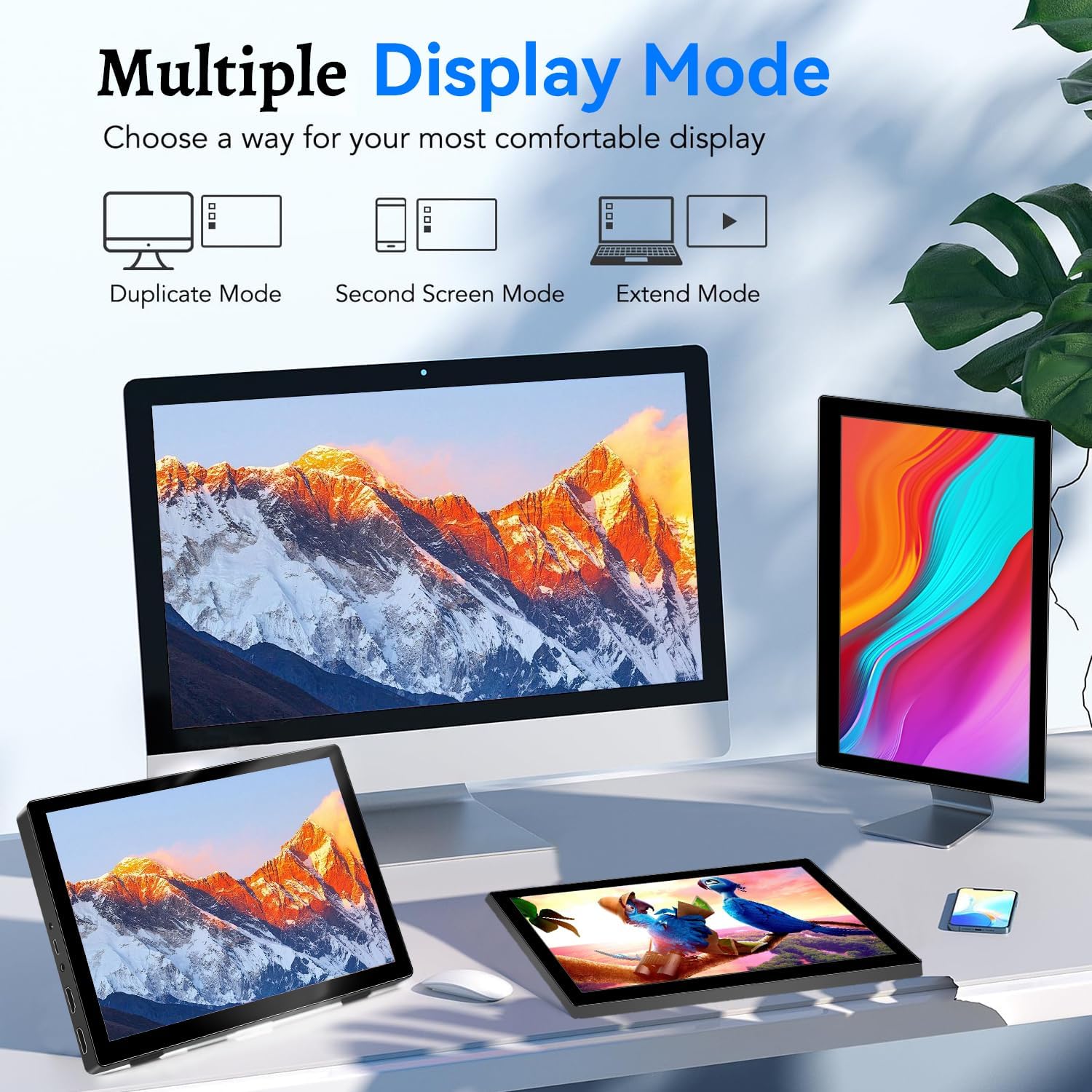
Image: Visual representation of Duplicate, Second Screen, and Extend display modes.
Using Touchscreen Functionality
The monitor supports 10-point touchscreen technology. Ensure the USB-C (Power & Touch) port is correctly connected to your device for touch input to function.

Pilt: ntamples of 10-point touchscreen gestures for interaction.
Hooldus
- Ekraani puhastamine: Kasutage kergelt pehmet ebemevaba lappi dampveega või mitteabrasiivse ekraanipuhastusvahendiga. Ärge pihustage puhastusvahendit otse ekraanile.
- C puhastamineasing: Pühkige monitori casinPuhastage pehme ja kuiva lapiga. Vältige tugevate pesuvahendite või lahustite kasutamist.
- Hoiustamine: When not in use, store the monitor in a cool, dry place, away from direct sunlight and extreme temperatures.
- Käitlemine: Avoid dropping or subjecting the monitor to strong impacts. Do not place heavy objects on top of the monitor.
Veaotsing
| Probleem | Võimalik põhjus | Lahendus |
|---|---|---|
| Ekraani pole/must |
|
|
| Puuteekraan ei reageeri |
|
|
| Kõlaritest ei kostu heli |
|
|
| Pildikvaliteedi probleemid (udune, moonutatud) |
|
|
Tehnilised andmed
| Funktsioon | Detail |
|---|---|
| Kaubamärk | Prechen |
| Mudeli number | HD-101 |
| Ekraani suurus | 10.1 tolli |
| Resolutsioon | 1920 x 1200 (UXGA Wide) |
| Kuvasuhe | 16:10 |
| Paneeli tüüp | IPS |
| Värskendussagedus | 60 Hz |
| Reageerimisaeg | 1 ms |
| Ühenduvus | 1x HDMI, 1x USB-C (Power & Touch), 1x 3.5mm Audio Jack, 1x DC Power Port |
| Mõõdud (P x L x K) | 21.8 x 15.8 x 1.4 cm |
| Kaal | 990 grammi |
| Tootja | Shenzhen Kenowa Electronics Co., LTD |
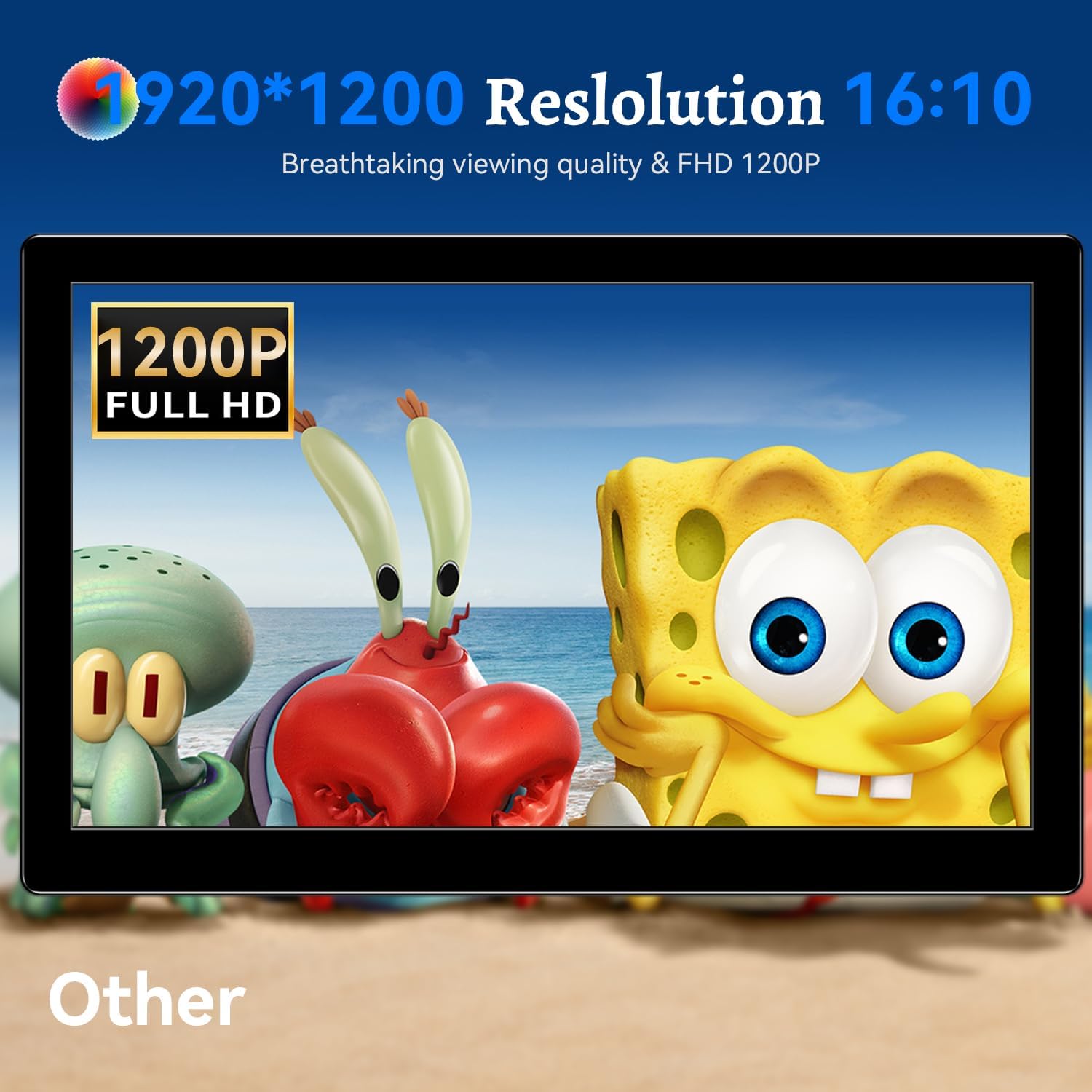
Pilt: Monitori näidikasing its 1920x1200 Full HD resolution.

Image: The monitor's IPS panel offering wide viewing angles and rich colors.
Garantii ja tugi
For warranty information and technical support, please refer to the warranty card included with your product or contact Prechen customer service through their official website. Please have your model number (HD-101) and purchase details ready when contacting support.


