1. Sissejuhatus
This manual provides instructions for the assembly, operation, maintenance, and troubleshooting of your soges Electric Height Adjustable Desk. Please read this manual thoroughly before assembly and use to ensure proper function and safety. Keep this manual for future reference.
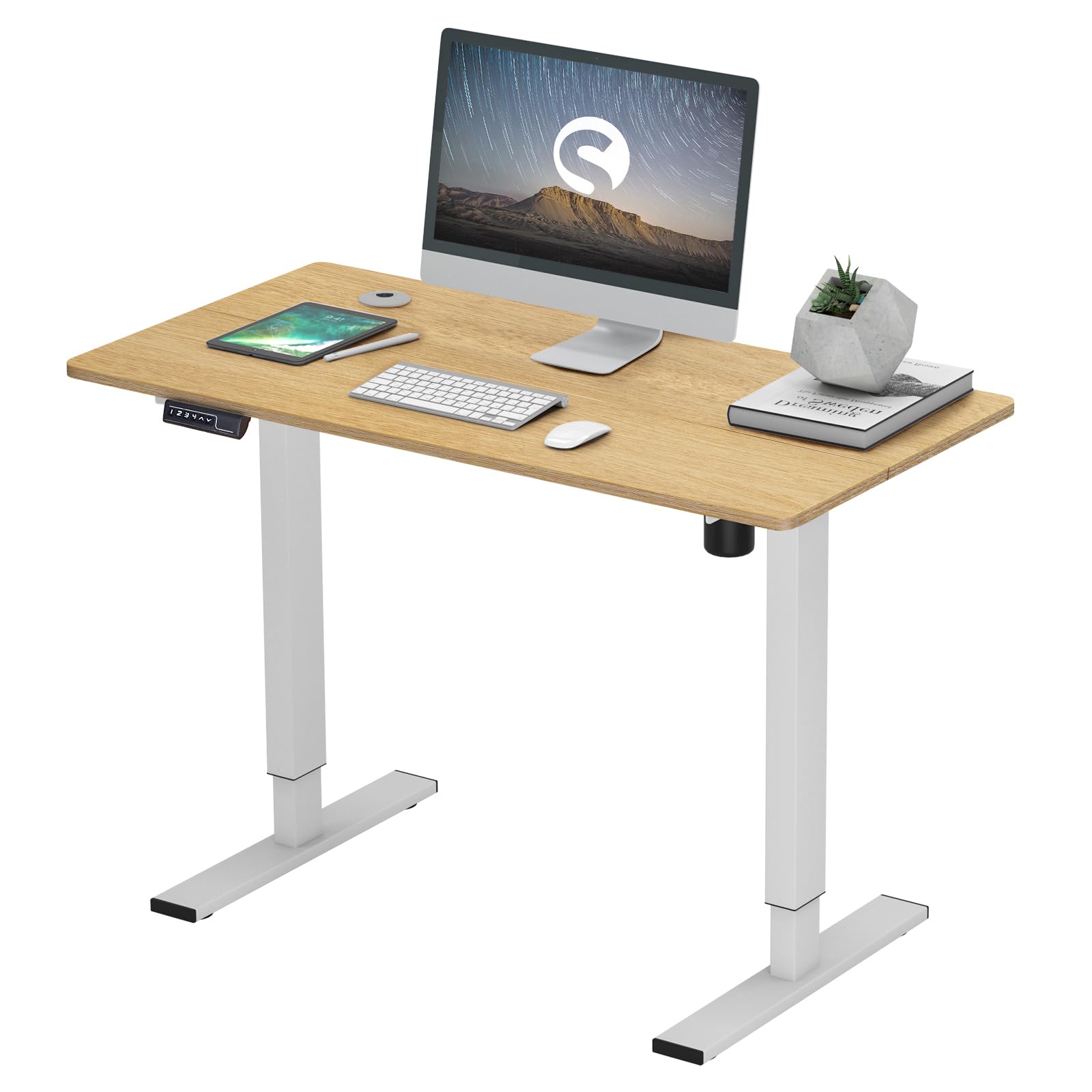
Image 1.1: The soges Electric Height Adjustable Desk set up in a typical office environment, showcasing selle disaini ja funktsionaalsust.
2. Toote spetsifikatsioonid
The following table details the key specifications of the soges Electric Height Adjustable Desk.
| Funktsioon | Spetsifikatsioon |
|---|---|
| Kaubamärk | soges |
| Mudeli number | EU1-10NBZYELT-120YEU-TC |
| Värv | Tiikpuu |
| Desk Dimensions (L x W) | 120 cm x 60 cm (47.24 x 23.62 tolli) |
| Kõrguse reguleerimise vahemik | 73 cm - 120 cm (28.74 - 47.24 tolli) |
| Kauba kaal | 22.9 kilogrammi |
| Maksimaalse kaalu soovitus | 80 kilogrammi |
| Nõutav kokkupanek | Jah |
| Mootori müratase | Kuni 50 dB |
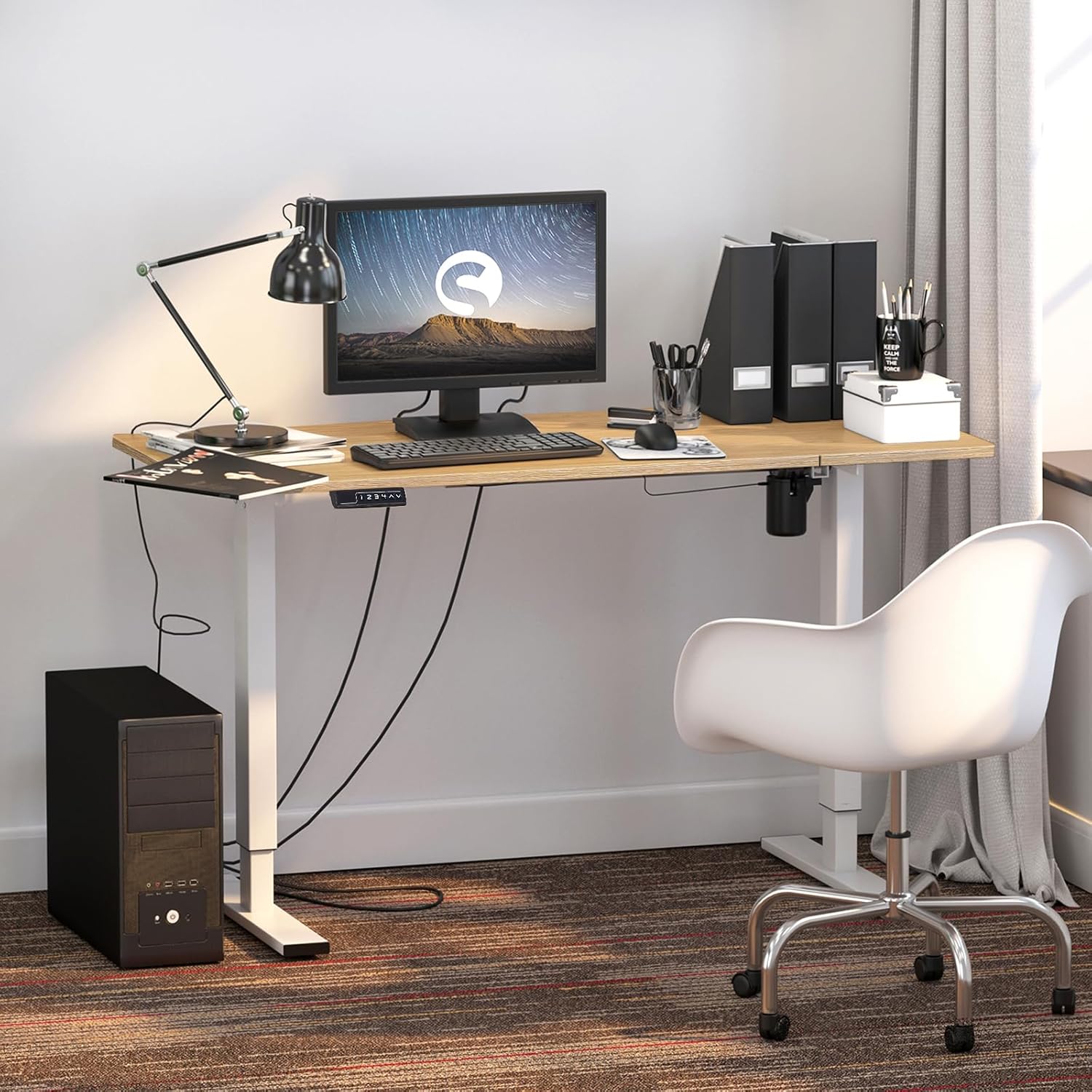
Image 2.1: Detailed dimensions of the desk, illustrating the adjustable height range from 27.2 inches (73 cm) to 47.2 inches (120 cm).
3. Seadistamine ja kokkupanek
The soges Electric Height Adjustable Desk requires assembly. Please follow the included assembly guide carefully. Ensure all components are present before beginning assembly.
3.1 Lahtipakkimine ja komponentide kontrollimine
Carefully unpack all parts and lay them out on a clean, soft surface to prevent scratches. Refer to the parts list in your separate assembly guide to verify all components are included.
3.2 Kokkupanemisetapid
- Kinnitage tõstesambad laua külge.
- Secure the foot caps to the base of the lifting columns. These can be adjusted to stabilize the desk on uneven surfaces.
- Connect the control box and keypad to the motor and power supply according to the wiring diagram in the assembly guide.
- Veenduge, et kõik kruvid on kindlalt kinni keeratud, kuid ärge pingutage üle.
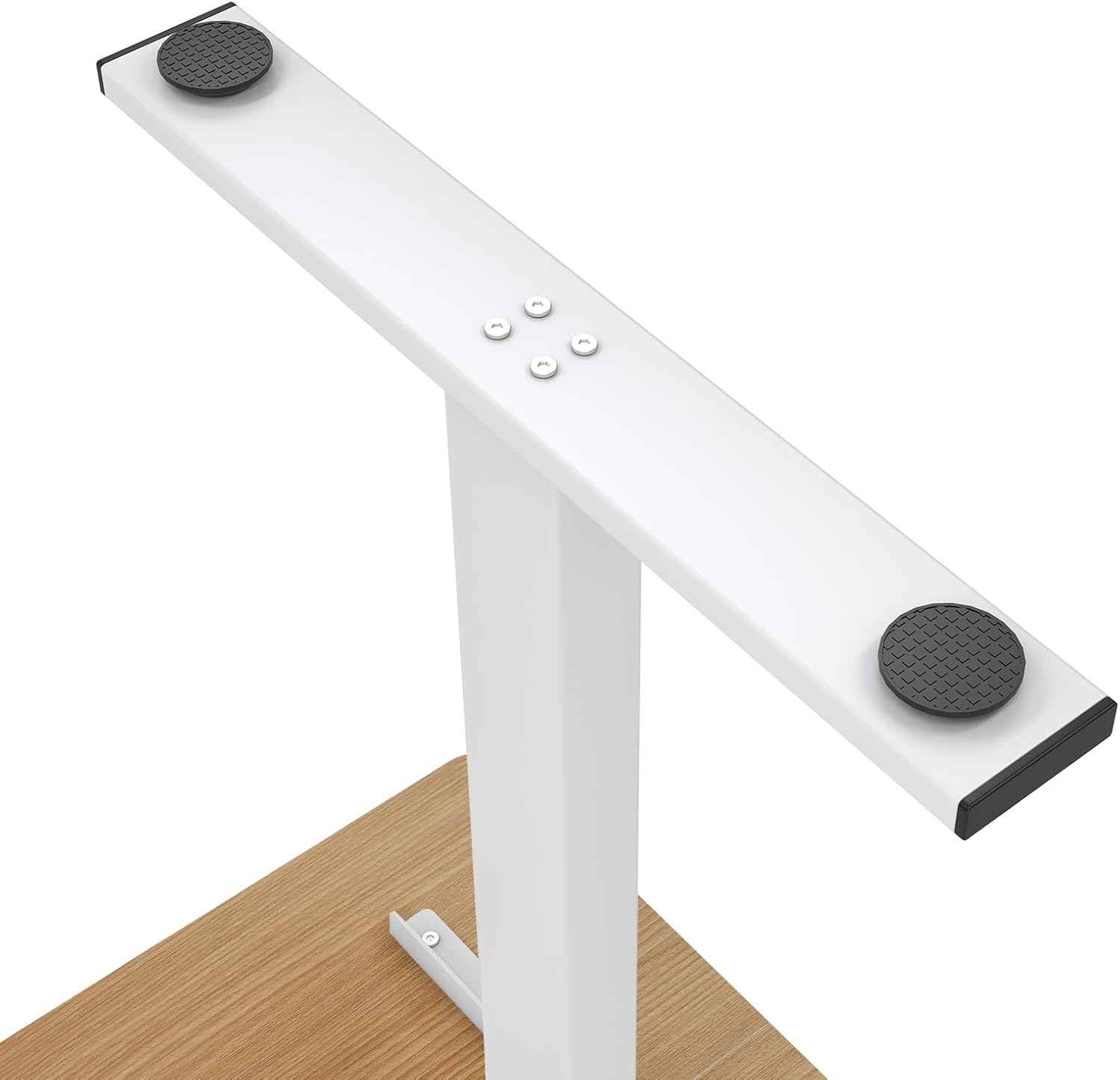
Image 3.1: An illustration of the desk's sturdy steel frame and adjustable foot pads, which help ensure stability on various floor types.
4. Kasutusjuhised
The soges Electric Height Adjustable Desk features an intuitive control panel for easy height adjustments and memory presets.
4.1 Põhiline kõrguse reguleerimine
- Laua tõstmiseks vajutage ja hoidke all nuppu Up Arrow (^) nuppu.
- Laua langetamiseks vajutage ja hoidke all nuppu Down Arrow (v) nuppu.
- Release the button when the desired height is reached. The LED display will show the current height.
4.2 Mälu eelseadistused
The desk allows you to save up to four individual height settings for quick adjustments.
- Reguleerige laua kõrgust üles/alla noolte abil soovitud kõrgusele.
- Vajutage nuppu M button (Memory button). The LED display will flash 'S-'.
- 3 sekundi jooksul vajutage ühte numbrinuppudest (1, 2, 3 või 4), et salvestada praegune kõrgus sellesse eelseadistusse. Kinnitamiseks kuvatakse ekraanil 'S-1', 'S-2' jne.
- To recall a saved height, simply press the corresponding number button (1, 2, 3 või 4). Laud liigub automaatselt salvestatud asendisse.

Image 4.1: The all-in-one keypad, featuring an LED display for current height, memory preset buttons (1-4), and directional arrows for manual height adjustment.
4.3 Sit-Stand Functionality
The desk is designed to support both sitting and standing postures, promoting a healthier work environment. Utilize the memory presets to easily switch between your preferred sitting and standing heights.

Image 4.2: Visual comparison of the desk in standing and sitting positions, highlighting its ergonomic benefits for active work.
4.4 Desk Hooks
The desk includes integrated hooks for convenient storage of items such as bags, headphones, or jackets. These hooks are located on the underside of the desktop.

Pilt 4.3: Lähivõte view of the practical desk hooks, demonstrating their use for hanging headphones or other personal items.
5. Hooldus
Proper maintenance ensures the longevity and optimal performance of your electric height adjustable desk.
5.1 Puhastamine
- Pühkige lauapinda pehme lapigaamp lapiga. Vältige abrasiivseid puhastusvahendeid või karme kemikaale, mis võivad viimistlust kahjustada.
- For the steel frame, use a mild detergent solution if necessary, then wipe dry.
- Veenduge, et vedelikke ei satuks juhtpaneelile ega mootori korpusesse.
5.2 Üldine hooldus
- Regularly check all screws and fasteners to ensure they remain tight. Retighten if necessary.
- Avoid placing excessive weight on the desk, exceeding the maximum weight recommendation of 80 kg.
- Keep the area around the lifting columns clear to prevent obstructions during height adjustment.
6. Veaotsing
Kui teil tekib lauaga probleeme, vaadake järgmisi levinud tõrkeotsingu samme.
6.1 Desk Not Moving
- Kontrollige toiteühendust: Veenduge, et toitejuhe on kindlalt ühendatud nii laua kui ka töötava seinakontaktiga.
- Lähtesta süsteem: Unplug the desk from the power outlet for 10-15 seconds, then plug it back in. This may reset the control system.
- Ülekoormuskaitse: If the desk is overloaded (exceeding 80 kg), it may stop moving. Remove some weight and try again.
6.2 Uneven Movement or Wobbling
- Check Foot Caps: Ensure the adjustable foot caps are properly leveled to compensate for uneven flooring.
- Pingutage kinnitusdetailid: Verify that all assembly screws and bolts are securely tightened.
- Takistused: Ensure there are no obstructions beneath the desk or around the lifting columns.
6.3 Ekraanil kuvatavad veakoodid
If an error code appears on the LED display, consult the specific error code section in your detailed assembly guide or contact customer support for assistance.
7. Garantii ja tugi
For warranty information, please refer to the documentation provided with your purchase or visit the official soges website. If you require technical support or have questions not covered in this manual, please contact soges customer service through their official channels.
Please have your model number (EU1-10NBZYELT-120YEU-TC) and purchase date available when contacting support.


