1. Sissejuhatus
This manual provides detailed instructions for the setup, operation, and maintenance of your Zenwire E520h projector. Please read this manual thoroughly before using the device to ensure proper functionality and to maximize your viewkogemusi.
The Zenwire E520h is a Full HD 1080p projector with 4K support, featuring Android 9.0, dual-band WiFi (2.4/5 GHz), and Bluetooth 5.0 for versatile home theater entertainment.
2. Pakendi sisu
Veenduge, et pakendis on kõik esemed olemas:
- Zenwire E520h Projector
- Kaugjuhtimispult (patareid ei kuulu komplekti)
- Toitekaabel
- HDMI kaabel
- AV Cable (stereo)
- Kasutusjuhend

The image above displays the Zenwire E520h projector along with its standard accessories: a remote control, power cable, HDMI cable, and AV cable. These components are essential for setting up and operating your projector.
3. Toote lõppview
Familiarize yourself with the various parts and connections of your Zenwire E520h projector.

See pilt annab tervikliku ülevaate view of the projector from different angles, highlighting the lens, control panel, ventilation grilles, and various input/output ports located on the sides and rear of the device.

The Zenwire E520h projector supports a wide range of multimedia devices, including streaming sticks (Roku, Fire TV, Chromecast), external audio systems, USB storage, gaming consoles (Xbox, PlayStation), mobile devices (phones, tablets), DVD players, and computers (laptops, desktops) via its various input ports.
4. Seadistamine
4.1 Paigutus
Position the projector on a stable, flat surface. Ensure adequate ventilation around the device. The optimal projection distance ranges from 1.2 to 6 meters, allowing for screen sizes from 36 to 200 inches.

This image demonstrates how varying the distance between the projector and the screen affects the projected image size, showing examples for 45, 120, and 200-inch displays.
4.2 Toiteühendus
Connect the power cable to the projector's power input and then plug it into a suitable electrical outlet.
4.3 Esmane sisselülitamine
Seadme sisselülitamiseks vajutage projektori või kaugjuhtimispuldi toitenuppu. Projektor käivitub Android 9.0 operatsioonisüsteemiga.
5. Kasutusjuhised
5.1 Fookus ja trapetsikorrektsioon
Adjust the focus ring around the lens until the image is clear. Use the 4D keystone correction feature to adjust the image shape if the projector is not perfectly perpendicular to the screen. This can be done via the remote control or on-screen settings.

This image illustrates the process of adjusting the focus ring on the projector lens and demonstrates the effect of keystone correction on the projected image, ensuring a rectangular display even when the projector is angled.
5.2 Android 9.0 nutikas süsteem
The projector runs on Android 9.0, allowing direct access to streaming applications like YouTube, Netflix, HBO, and Spotify. Navigate the interface using the remote control.

The image above shows the projector's smart interface, featuring a grid of popular streaming applications, demonstrating the integrated Android 9.0 system's capability to run apps directly.
5.3 Traadita ühenduvus (WiFi ja Bluetooth)
WiFi: Connect to your home network using the integrated 2.4/5 GHz WiFi. This enables Miracast and Airplay for wireless screen mirroring from iOS, Android, and Windows devices.

This image illustrates the projector's wireless connectivity, showing it mirroring content from a smartphone and tablet, and highlighting its compatibility with iOS, Android, and Windows 10 devices for screen sharing.
Bluetooth 5.0: Pair with external Bluetooth speakers, soundbars, or headphones for enhanced audio. Go to the settings menu to manage Bluetooth devices.
5.4 Juhtmega ühenduvus
The projector features multiple ports for wired connections:
- HDMI (2): Connect laptops, gaming consoles, Blu-ray players, or streaming devices.
- USB: Esitage meediat otse USB-mälupulkadelt.
- OF: Ühendage vanemad seadmed kaasasoleva AV-kaabli abil.
- Mini-Jack: Välise heliväljundi jaoks.
- Micro-SD/TF Card Reader: For playing media from memory cards.
6. Hooldus
6.1 Objektiivi puhastamine
Pühkige projektori objektiivi õrnalt pehme, ebemevaba lapiga, mis on spetsiaalselt mõeldud optiliste pindade jaoks. Ärge kasutage abrasiivseid puhastusvahendeid ega liigset jõudu.
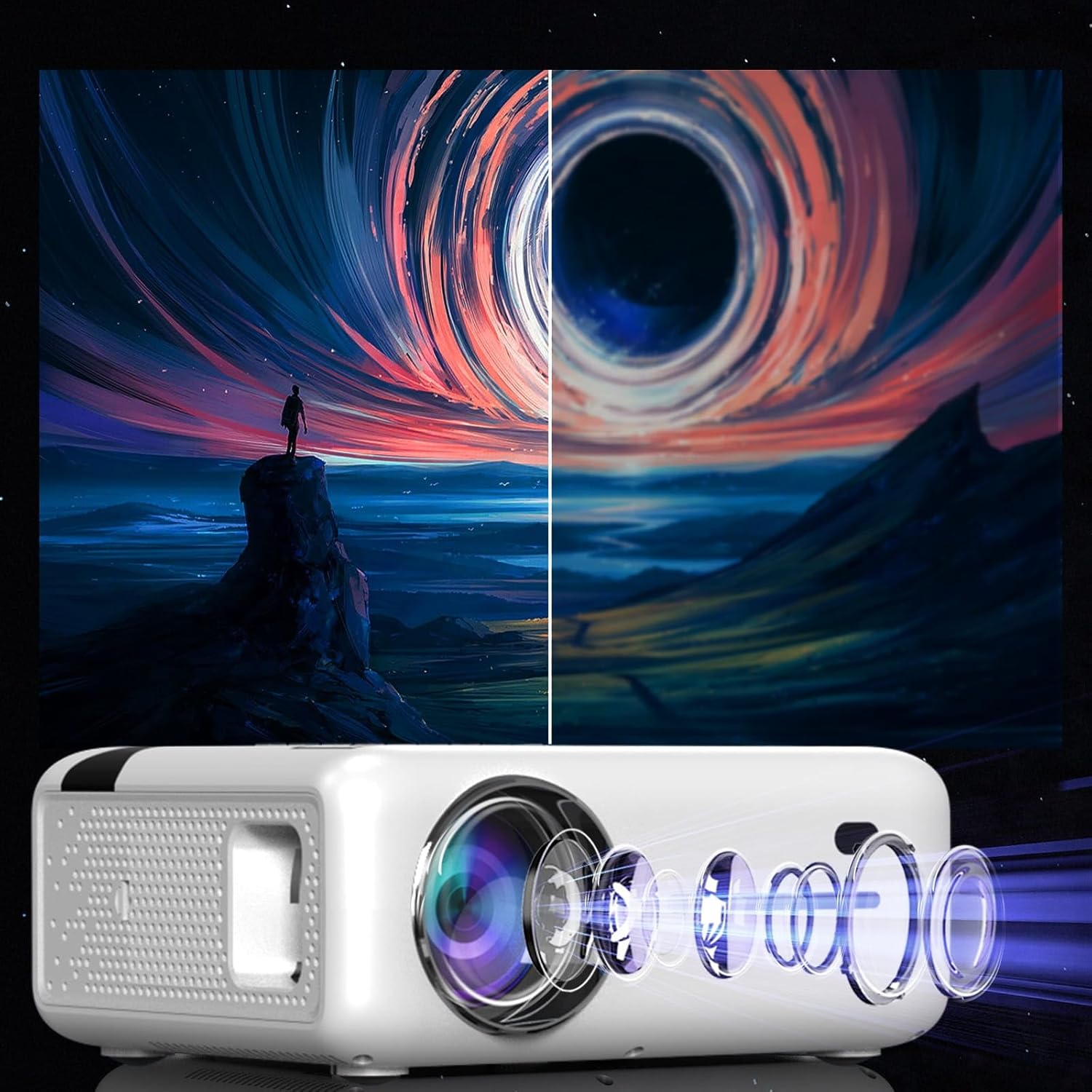
This diagram illustrates the multi-element lens system of the projector, highlighting the precision optics that require careful handling during cleaning to maintain image quality.
6.2 Ventilatsioon
Ensure that the projector's ventilation openings are not blocked to prevent overheating. Regularly check for dust accumulation and clean if necessary using compressed air.
6.3 Säilitamine
When not in use for extended periods, store the projector in a cool, dry place, away from direct sunlight and excessive dust. Use the original packaging or a protective case.
7. Veaotsing
| Probleem | Võimalik põhjus | Lahendus |
|---|---|---|
| Ühtegi pilti ei kuvata | Toitekaabel lahti ühendatud, vale sisendallikas, objektiivikate peal. | Check power connection, select correct input source (HDMI, USB, etc.), remove lens cap. |
| Hägune pilt | Focus not adjusted, keystone incorrect. | Adjust the focus ring, use keystone correction. |
| Ei mingit heli | Volume too low, incorrect audio output selected, external device muted. | Increase projector volume, check audio settings, ensure external device is not muted. |
| WiFi-ühenduse probleemid | Vale parool, ruuter liiga kaugel, häired. | Verify WiFi password, move projector closer to router, check for other wireless devices. |
8. Tehnilised andmed
| Funktsioon | Detail |
|---|---|
| Mudel | Zenwire E520h |
| Natiivne eraldusvõime | 1920 x 1080p (täis-HD) |
| Toetatud eraldusvõime | Kuni 4K |
| Heledus | 9000 luumenit (300 ANSI) |
| Kontrastsuse suhe | 2000:1 |
| Operatsioonisüsteem | Android 9.0 |
| WiFi | 2.4/5 GHz (Miracast, Airplay support) |
| Bluetooth | 5.0 |
| Ühenduvus | 2x HDMI, USB, AV, Mini-Jack, Micro-SD/TF |
| Projektsiooni suurus | 36–200 tolli |
| Projektsiooni kaugus | 1.2–6 meetrit |
| Keystone korrigeerimine | 4D (manual and auto) |
| Voltage | 230 volti |
| Mõõdud (pakett) | 23 x 18.5 x 10.5 cm |
| Kaal (pakend) | 1.2 kg |
9. Garantii ja tugi
For warranty information and technical support, please refer to the contact details provided with your purchase documentation or visit the official Zenwire webveebisait. Hoidke ostutõendit garantiinõuete esitamiseks.


