Sissejuhatus
Tänan ostu eestasing the Present Time Flat LED Alarm Clock with Wireless Charger. This device combines a modern digital alarm clock with the convenience of wireless charging, all housed in an elegant bamboo design. Please read this manual carefully to ensure proper use and maintenance of your new device.
Ohutusteave
Ohutu töö tagamiseks ja kahjustuste vältimiseks järgige järgmisi ohutusnõudeid:
- Ärge jätke seadet vee, niiskuse ega äärmuslike temperatuuride kätte.
- Vältige seadme maha pillamist või tugevate löökide allutamist.
- Ärge proovige seadet ise lahti võtta, parandada ega muuta. Jätke kogu hooldus kvalifitseeritud personalile.
- Kasutage ainult kaasasolevat toiteadapterit või ühilduvat toiteallikat.
- Hoidke seadet eemal soojusallikatest ja otsesest päikesevalgusest.
- Ensure proper ventilation around the device during operation, especially when using the wireless charging function.
Pakendi sisu
Palun kontrollige, kas pakendis on kõik esemed olemas:
- Present Time Flat LED Alarm Clock with Wireless Charger (Model: PTG-KA5934)
- Toiteadapter
- Kasutusjuhend
Toode läbiview
Esi- ja ülaosa View
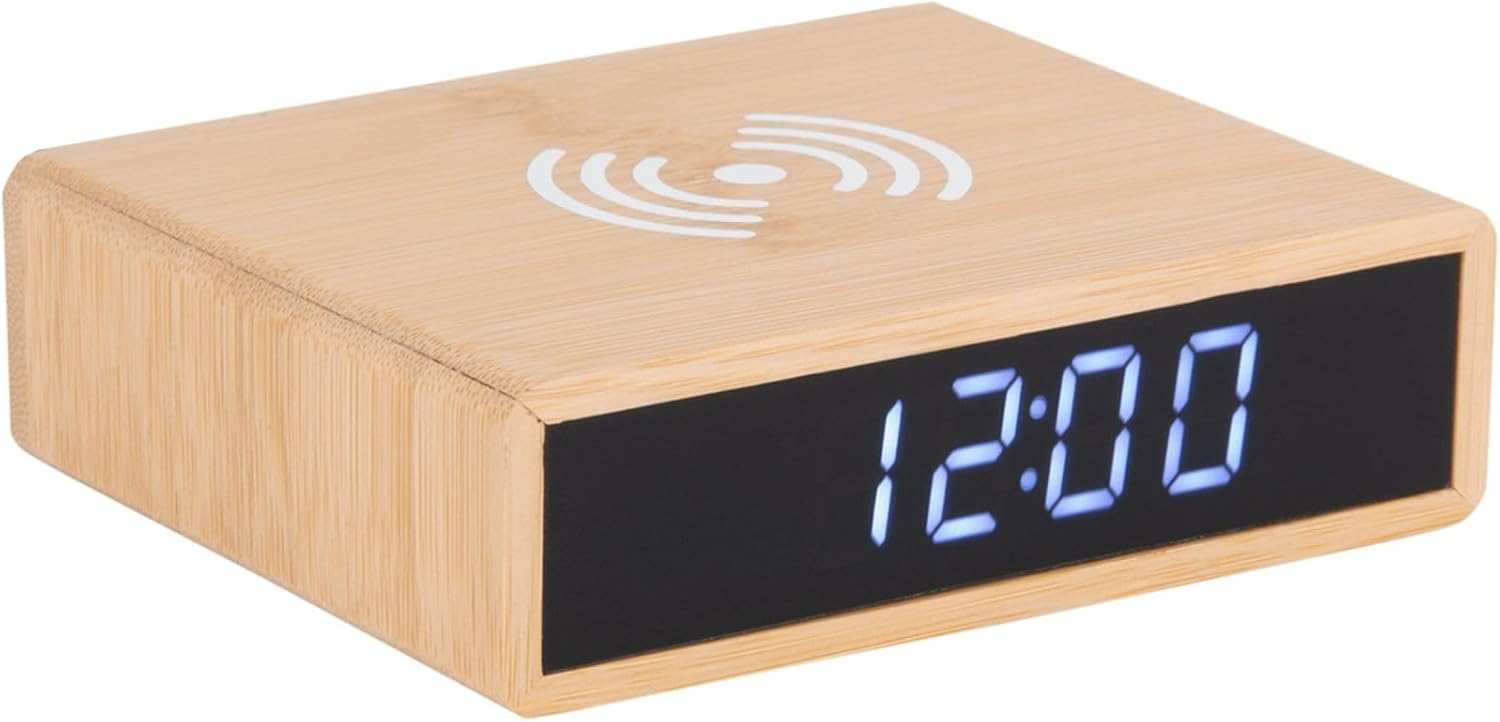
This image displays the front of the alarm clock with its clear digital LED time display and the top surface featuring the wireless charging pad symbol. The clock is made of bamboo.

This image illustrates the wireless charging functionality, showing a smartphone being placed on the top surface of the alarm clock, aligning with the charging symbol.
Tagumine View ja juhtnupud
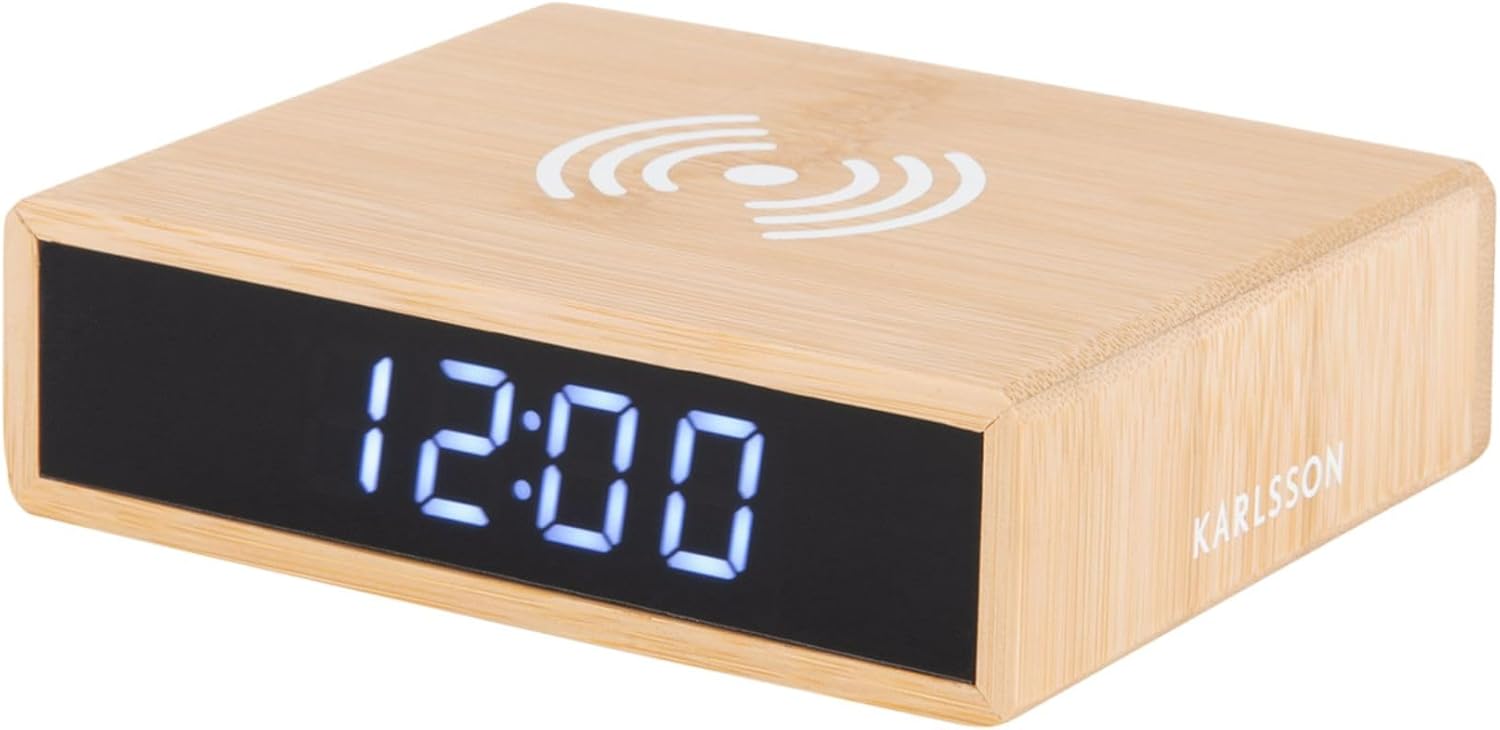
Tagumine view of the device reveals the control panel, including buttons for setting time and alarm, a small reset pinhole, and the DC power input jack.
- Aja määramise nupp: Kasutatakse aja seadistamise režiimi sisenemiseks.
- Äratuse seadistamise nupp: Kasutatakse äratuse seadistamise režiimi sisenemiseks.
- Üles/alla nupud: Seadistamise ajal väärtusi reguleerida.
- Nullhole lähtestamine: For factory reset (use a thin object like a paperclip).
- DC IN port: Ühendub toiteadapteriga.
- Juhtmeta laadimisalus: Asub ülemisel pinnal.
Seadistamine
1. Toiteühendus
- Connect the provided power adapter to the DC IN port on the back of the alarm clock.
- Ühendage toiteadapter tavalisse seinakontakti. LED-ekraan süttib.
2. Kellaaja seadmine
- Vajutage ja hoidke all nuppu Määratud aeg nuppu kella tagaküljel, kuni tunninumbrid hakkavad vilkuma.
- Kasutage Up ja Alla nupud kellaaja reguleerimiseks.
- Vajutage nuppu Määratud aeg Tunni kinnitamiseks ja minutite seadistamisele liikumiseks vajutage uuesti nuppu. Minutinumbrid vilguvad.
- Kasutage Up ja Alla nuppe minutite reguleerimiseks.
- Vajutage nuppu Määratud aeg nuppu veel üks kord, et salvestada aeg ja väljuda seaderežiimist.
3. Äratuse seadistamine
- Vajutage ja hoidke all nuppu Äratuskomplekt nuppu kella tagaküljel, kuni äratuse tunninumbrid hakkavad vilkuma.
- Kasutage Up ja Alla nupud äratuse kellaaja reguleerimiseks.
- Vajutage nuppu Äratuskomplekt button again to confirm the alarm hour and move to the alarm minute setting. The alarm minute digits will flash.
- Kasutage Up ja Alla nupud äratuse minutite reguleerimiseks.
- Vajutage nuppu Äratuskomplekt button one more time to save the alarm time.
- Äratuse sisse- või väljalülitamiseks vajutage lühidalt nuppu Äratuskomplekt nuppu. Kui äratus on aktiivne, kuvatakse ekraanil äratuse ikoon.
Kasutusjuhised
Juhtmevaba laadimise funktsioon
The top surface of the alarm clock features a built-in wireless charging pad compatible with Qi-enabled devices.
- Place your Qi-enabled smartphone or device directly onto the wireless charging symbol on the top of the clock.
- Optimaalse laadimise efektiivsuse tagamiseks veenduge, et seade oleks laadimispadja keskel.
- A charging indicator (if available on your phone) will confirm that charging has begun.
- Eemaldage seade, kui see on täielikult laetud.
Märkus. Wireless charging may not work through thick phone cases or cases containing metal. Remove such cases if charging issues occur.
Ekraani heleduse reguleerimine
The display brightness can typically be adjusted by briefly pressing one of the control buttons (often the Up/Down buttons when not in setting mode, or a dedicated brightness button if present). Refer to the specific button functions on the rear panel for your model.
Edasilükkamise funktsioon
When the alarm sounds, briefly press any button (often the large button on top or a dedicated snooze button) to activate the snooze function. The alarm will temporarily stop and sound again after a set interval (e.g., 5 or 9 minutes). To turn off the alarm completely, press and hold the Alarm Set button or the designated alarm off button.
Hooldus
- Puhastamine: Pühkige seadet pehme ja kuiva lapiga. Ärge kasutage abrasiivseid puhastusvahendeid ega lahusteid.
- Hoiustamine: Kui seadet pikemat aega ei kasutata, eemaldage see vooluvõrgust ja hoidke seda jahedas ja kuivas kohas.
- Üldine hooldus: Avoid placing heavy objects on the device or exposing it to excessive dust.
Veaotsing
| Probleem | Võimalik põhjus | Lahendus |
|---|---|---|
| Ekraan on välja lülitatud või ei sütti. | Toiteühendus puudub. | Veenduge, et toiteadapter on kindlalt kella ja seinakontakti ühendatud. |
| Juhtmevaba laadimine ei tööta. | Phone not Qi-enabled; phone not centered; thick case; foreign objects. | Verify phone compatibility. Reposition phone. Remove thick/metal case. Remove objects from charging pad. |
| Äratus ei kõla. | Alarm not activated; alarm volume too low (if adjustable); incorrect time set. | Check if alarm icon is displayed. Ensure alarm time is correctly set. |
| Aeg on vale. | Kellaaeg pole õigesti seadistatud; voolukatkestus. | Reset the time as per "Setting the Time" instructions. |
Tehnilised andmed
| Kaubamärk | Karlsson |
| Mudeli number | PTG-KA5934 |
| Värv | Wood (Bamboo) |
| Materjal | Bambusest |
| Mõõdud (P x L x K) | 42 x 3.81 x 6 cm (umbes 16.5 x 1.5 x 2.4 tolli) |
| Kaal | 190 g (umbes 0.42 naela) |
| Kuva tüüp | Digitaalne LED |
| Omadused | Alarm, Wireless Charging (Qi-compatible) |
| Toiteallikas | AC/DC Adapter (included) |
Garantii ja tugi
This product is covered by a standard manufacturer's warranty. For detailed warranty information, please refer to the warranty card included in your package or contact your retailer. For technical support or service inquiries, please contact the customer service department of Karlsson or your point of purchase.
For further assistance, please visit the official Karlsson websaidil või võtke ühendust nende klienditoega.


