Sissejuhatus
This manual provides detailed instructions for the safe and efficient use of your LENRUE F13 Portable Bluetooth Speaker. Please read this manual thoroughly before operating the device and retain it for future reference.
Toode läbiview
Pakendi sisu
- LENRUE F13 Portable Bluetooth Speaker
- USB laadimiskaabel
- Eemaldatav kaelapael
- Kasutusjuhend
Kõlari komponendid ja juhtnupud
Familiarize yourself with the various parts and controls of your LENRUE F13 speaker:

Joonis 1: Esiosa view of the LENRUE F13 speaker, showcasing its compact design and metal grille.

Joonis 2: Üles view of the speaker, highlighting the sound output grille.

Joonis 3: Külg view showing the control buttons for volume, track navigation, and power.
Joonis 4: Plahvatas view illustrating the internal 5W high-performance driver and passive subwoofer for clear sound.
The speaker features a sleek metal design with a stainless steel line around its body. The top surface is metal, where the sound is emitted. On the bottom, you will find the main control buttons:
- Toitenupp: Located in the center, used to power the device on/off.
- Esitamise/pausi nupp: Juhib heli taasesitust.
- Helitugevuse suurendamise / järgmise loo nupp: Suurendab helitugevust või liigub järgmise loo juurde.
- Helitugevuse vähendamise / eelmise loo nupp: Vähendab helitugevust või liigub eelmise loo juurde.
- Valgusrežiimi nupp: Changes the colorful LED light modes.
On the rear side of the speaker, you will find the charging input (USB-C) and an auxiliary input port. A small slot is also present for attaching the included lanyard, allowing for easy portability.
Seadistamine
Kõlari laadimine
- Ühendage kaasasolev USB-laadimiskaabel kõlari USB-C-porti.
- Ühendage USB-kaabli teine ots ühilduva USB-toiteadapteriga (ei kuulu komplekti) või arvuti USB-porti.
- The LED indicator will show charging status. Allow sufficient time for a full charge before first use.
Sisse/välja lülitamine
- Sisselülitamiseks: Press and hold the Power button (center button on the bottom) for a few seconds until the LED lights illuminate and an audible prompt is heard.
- Väljalülitamiseks: Press and hold the Power button again for a few seconds until the LED lights turn off and an audible prompt is heard.
Kasutusjuhised
Bluetoothi sidumine
The LENRUE F13 speaker uses Bluetooth 5.0 for stable wireless connection up to 33 feet (10 meters).
- Ensure the speaker is powered on and in pairing mode (LED lights will typically flash).
- Lubage oma nutitelefonis või tahvelarvutis Bluetooth ja otsige saadaolevaid seadmeid.
- Select "LENRUE F13" (or similar name) from the list of devices.
- Once paired, the speaker will indicate a successful connection, and the LED lights may change to a steady pattern.
Heli taasesitus
- Esita/peata: Vajutage üks kord esitus/paus nuppu.
- Helitugevuse suurendamine: Vajutage nuppu "+".
- Hääl maha: Vajutage nuppu "-".
- Järgmine lugu: Vajutage ja hoidke all nuppu "+".
- Eelmine lugu: Vajutage ja hoidke all nuppu "-".
Värvilised valgusrežiimid
The speaker features colorful LED lights to enhance your listening experience.
- Muuda režiimi: Press the Light Mode button (located on the bottom, opposite the Power button) to cycle through different light patterns and colors.
- Lülitage tuled välja: Press and hold the Light Mode button to turn off the LED lights.
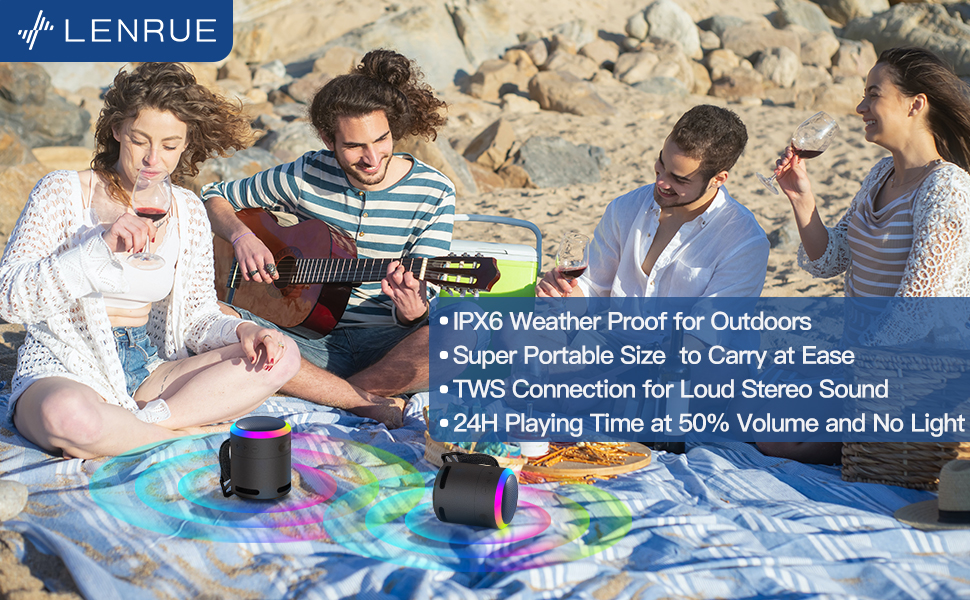
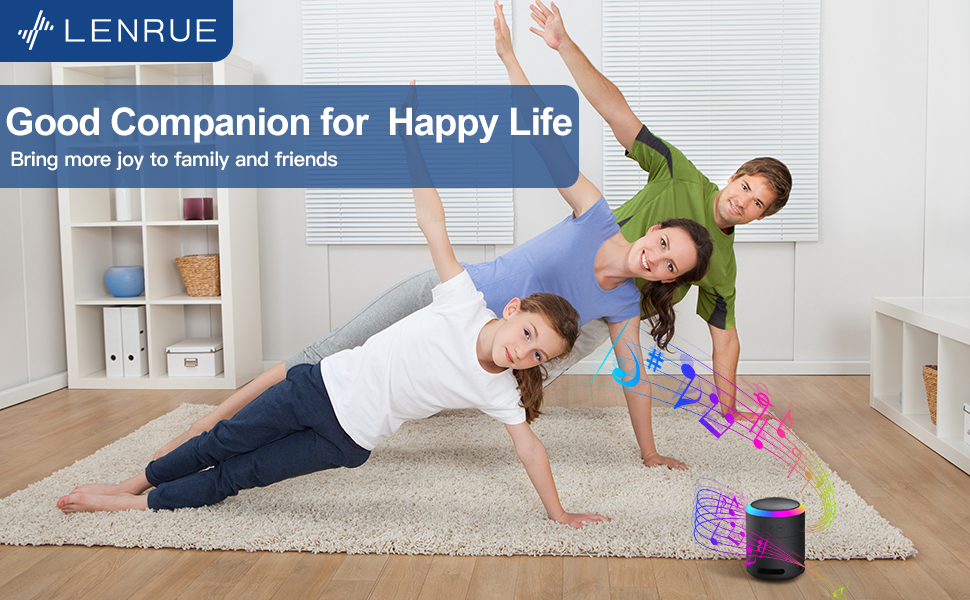
Joonis 5: The speaker's colorful lights create an ambient atmosphere, ideal for relaxation or social gatherings.
Tõeline traadita stereo (TWS) sidumine
If you have two LENRUE F13 speakers, you can pair them together for a true wireless stereo experience.
- Veenduge, et mõlemad kõlarid on sisse lülitatud ja pole ühendatud ühegi teise Bluetooth-seadmega.
- On one speaker (the master speaker), press and hold the Light Mode button for 3 seconds to enter TWS pairing mode.
- The speakers will automatically connect to each other. Once connected, they will function as a stereo pair.
- Connect your device to the master speaker via Bluetooth as described above.
Joonis 6: Two speakers connected via TWS for an enhanced stereo audio experience.
Hooldus
Puhastamine
- Pühkige kõlarit pehme ja kuiva lapiga.
- Ärge kasutage abrasiivseid puhastusvahendeid ega lahusteid.
Veekindlus (IPX6)
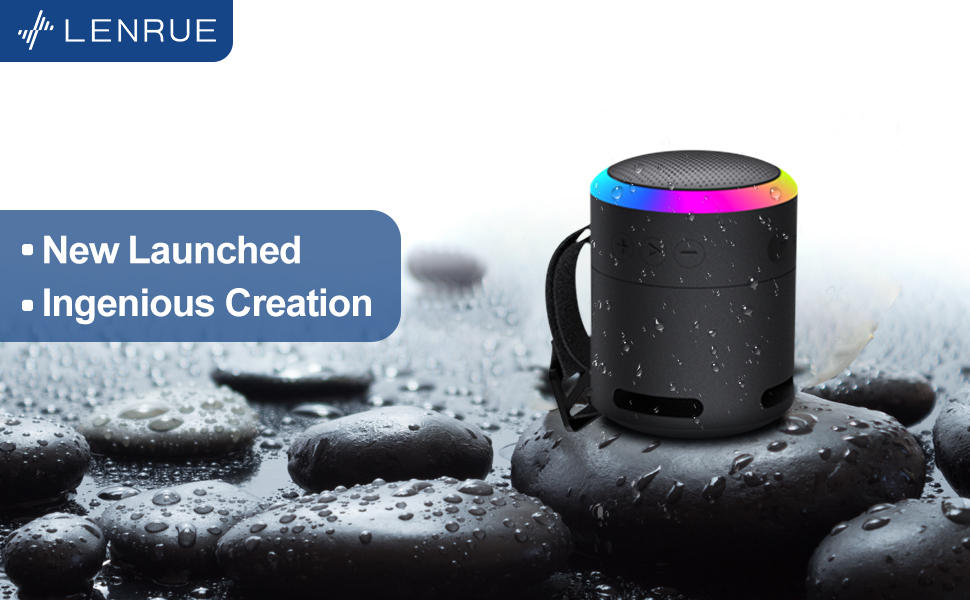
The LENRUE F13 speaker is IPX6 waterproof, making it resistant to strong jets of water. It is suitable for use in environments like showers, by the pool, or during light rain.
- Ensure all port covers are securely closed to maintain water resistance.
- Ärge kastke kõlarit vette.
- Pärast veega kokkupuudet pühkige kõlar enne laadimist kuivaks.
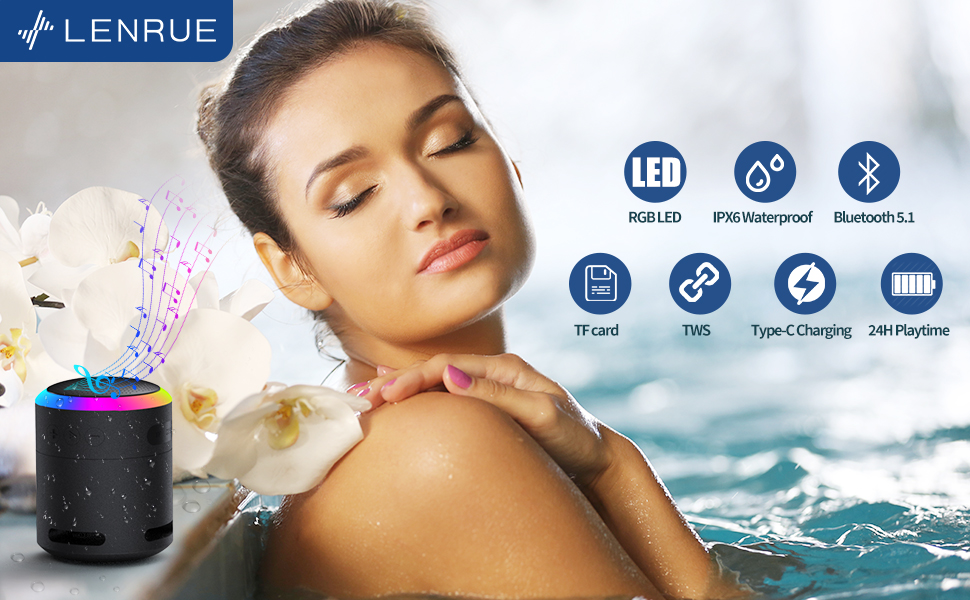
Joonis 7: The IPX6 water resistance allows for worry-free use in various wet environments.
Veaotsing
| Probleem | Võimalik põhjus | Lahendus |
|---|---|---|
| Kõlar ei lülitu sisse | Aku tühi | Laadige kõlar täielikult. |
| Ei saa Bluetoothi kaudu siduda | Kõlar ei ole sidumisrežiimis / Seadme Bluetooth on välja lülitatud / Seadmest liiga kaugel | Ensure speaker is in pairing mode, Bluetooth is enabled on your device, and device is within 33 feet (10 meters). |
| Taasesituse ajal pole heli | Volume too low / Paused / Not connected | Increase volume on both speaker and device, check if playback is paused, ensure successful Bluetooth connection. |
| TWS -i sidumine ebaõnnestub | Speakers already paired to other devices / Too far apart | Ensure both speakers are disconnected from other devices. Place them close together and retry TWS pairing. |
Tehnilised andmed
- Mudeli nimi: F13
- Kõlari tüüp: Kaasaskantav Bluetooth kõlar
- Kõlari maksimaalne väljundvõimsus: 5 vatti
- Ühenduvustehnoloogia: Bluetooth 5.0
- Bluetoothi vahemik: 10 meetrit (33 jalga)
- Veekindluse reiting: IPX6
- Mänguaeg: Up to 24 hours (at 50% volume, no LED light); 5 hours (typical use)
- Laadimisport: USB-C
- Eriomadused: Colorful LED Lights, Metal Construction, Detachable Lanyard, TWS Pairing
- Toote mõõtmed: 2.8" P x 2.8" L x 3.6" K
- Kauba kaal: 10.5 untsi
Garantii ja tugi
For any questions, concerns, or support needs regarding your LENRUE F13 Portable Bluetooth Speaker, please contact LENRUE customer service through the retailer where the product was purchased. Keep your purchase receipt for warranty claims.


