1. Sissejuhatus
The JZAQ A13 Bluetooth Helmet Speakers and Intercom System provides wireless communication and audio playback for motorcycle riders, skiers, cyclists, and other sports enthusiasts. This system features Bluetooth 5.3 connectivity, two-way intercom functionality, noise cancellation, and a waterproof design for reliable performance in various conditions.

Image 1.1: JZAQ A13 Bluetooth Helmet Headset overview.
2. Pakendi sisu
Enne paigaldamist veenduge, et pakendis on olemas kõik allpool loetletud esemed:
- JZAQ A13 Headphone Host
- Hard Earbuds
- Soft Earbuds
- Klipi alus
- Paste Base
- Horn Velcro
- TÜÜP-C laadimiskaabel
- Hard and Soft Velcro Pads
- Kasutusjuhend

Image 2.1: All components included in the JZAQ A13 package.
3. Toote lõppview
Familiarize yourself with the main unit and its controls:
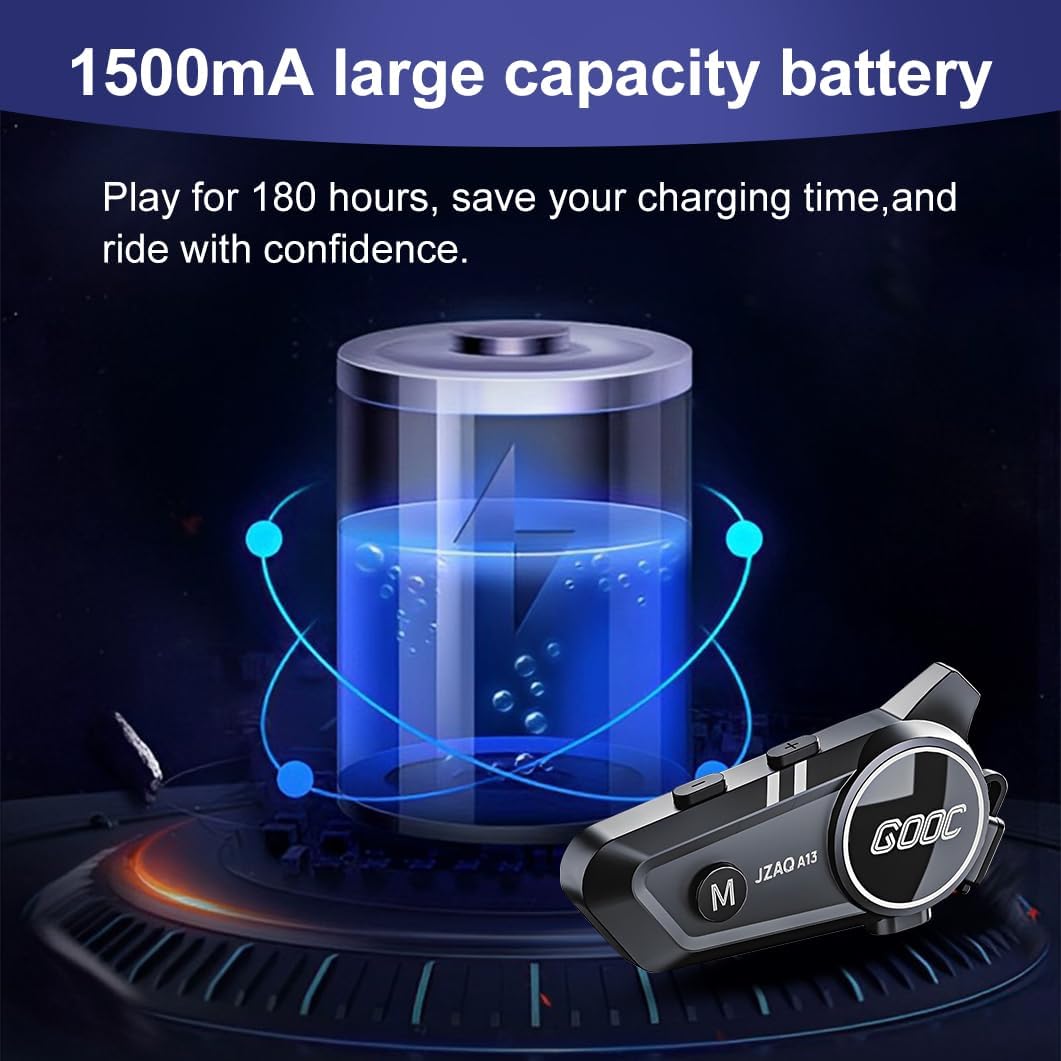
Image 3.1: Diagram illustrating the button functions and ports on the JZAQ A13 unit.
- Power On/Off/Pause/Play/Connect Button: Controls power, music playback, and Bluetooth connection.
- Volume Up/Next Song Button: Suurendab helitugevust ja liigub järgmisele loole.
- Volume Down/Previous Song/Voice Assistant Button: Decreases volume, goes to the previous track, and activates the voice assistant.
- Laadimisport: USB Type-C port for charging the device.
- Kõrvaklappide pesa: Connects the speakers and microphone.
4. Seadistamine ja installimine
4.1 Seadme laadimine
Before first use, fully charge the JZAQ A13 unit. Connect the provided TYPE-C charging cable to the charging port on the unit and a USB power source. A full charge typically takes approximately 2 hours. The device features a 1500mAh battery, providing up to 180 hours of continuous play time.

Image 4.1: Illustration of the 1500mAh large capacity battery.
4.2 Kiivri paigaldamine
The JZAQ A13 is designed to be compatible with various helmet types. The speakers are ultra-thin (10mm) to ensure comfort and avoid ear pressure.

Pilt 4.2: Näideamples of various helmet types compatible with the JZAQ A13.
Follow these steps to install the system in your helmet:
- Kõlari paigutus: Identify suitable locations within your helmet for the speakers, typically in the ear recesses. Use the provided Velcro pads to secure the speakers.
- Microphone Attachment: Choose between the hard or soft earbuds (microphones) based on your helmet type and preference. Attach the microphone using Velcro in a position that allows clear voice pickup without obstructing your vision or comfort.
- Main Unit Mounting: Use either the clip base or the paste base to attach the main JZAQ A13 unit to the side of your helmet. Ensure it is securely fastened and easily accessible for operation.
- Kaabli haldamine: Route all cables neatly within the helmet padding to prevent discomfort or interference.

Image 4.3: Step-by-step visual guide for installing the JZAQ A13 system into a helmet.
5. Kasutusjuhised
5.1 Toide sisse/välja
- Toide sisse: Vajutage ja hoidke toitenuppu umbes 3 sekundit all, kuni märgutuli süttib.
- Toide välja: Vajutage ja hoidke toitenuppu umbes 3 sekundit all, kuni märgutuli kustub.
5.2 Bluetoothi sidumine
The JZAQ A13 uses Bluetooth 5.3 for stable wireless connectivity.
- Veenduge, et seade on välja lülitatud.
- Vajutage ja hoidke toitenuppu umbes 5–7 sekundit all, kuni märgutuli vilgub vaheldumisi punaselt ja siniselt, mis näitab sidumisrežiimi.
- On your mobile phone or Bluetooth-enabled device, search for "JZAQ A13" in the Bluetooth settings.
- Select "JZAQ A13" to connect. Once paired, the indicator light will flash blue slowly.
5.3 Muusika taasesitus
After successful Bluetooth pairing, you can play music from your connected device. The system features Hi-Fi stereo sound and DSP noise reduction technology for clear audio.

Image 5.1: The JZAQ A13 provides clear music playback with noise reduction.
- Esita/peata: Vajutage üks kord toitenuppu.
- Helitugevuse suurendamine: Vajutage helitugevuse suurendamise (+) nuppu.
- Hääl maha: Vajutage helitugevuse vähendamise (-) nuppu.
- Järgmine laul: Vajutage ja hoidke all helitugevuse suurendamise (+) nuppu.
- Eelmine laul: Vajutage ja hoidke all helitugevuse vähendamise (-) nuppu.
5.4 Kahepoolne sisetelefon
The JZAQ A13 supports two-way intercom communication between two riders within a range of up to 200 meters. The universal pairing function allows connection with other compatible intercom systems.

Image 5.2: Illustration of two-way intercom communication between riders.
- Intercomi käivitamine: Consult the specific instructions for initiating intercom with another JZAQ A13 unit or a universally paired device.
- Lõpeta intercom: Press the Power button once during an active intercom call.
5.5 Telefonikõned
The system supports hands-free calling with automatic answering and DSP noise reduction for clear voice communication.
- Vasta kõnele: The system will automatically answer incoming calls after a few rings.
- Kõne lõpetamine: Vajutage üks kord toitenuppu.
- Keeldu kõnest: Vajutage ja hoidke toitenuppu 2 sekundit all.
5.6 Häälassistent
Activate your smartphone's voice assistant (e.g., Siri) directly from the JZAQ A13.
- Hääleabi aktiveerimine: Press the Volume Down (-) button twice quickly.
6. Hooldus
6.1 Veekindlus
The JZAQ A13 features IPX67 deep waterproof technology with Nano coating, making it suitable for use in rainy or snowy conditions and capable of operating in temperatures as low as -20°F.
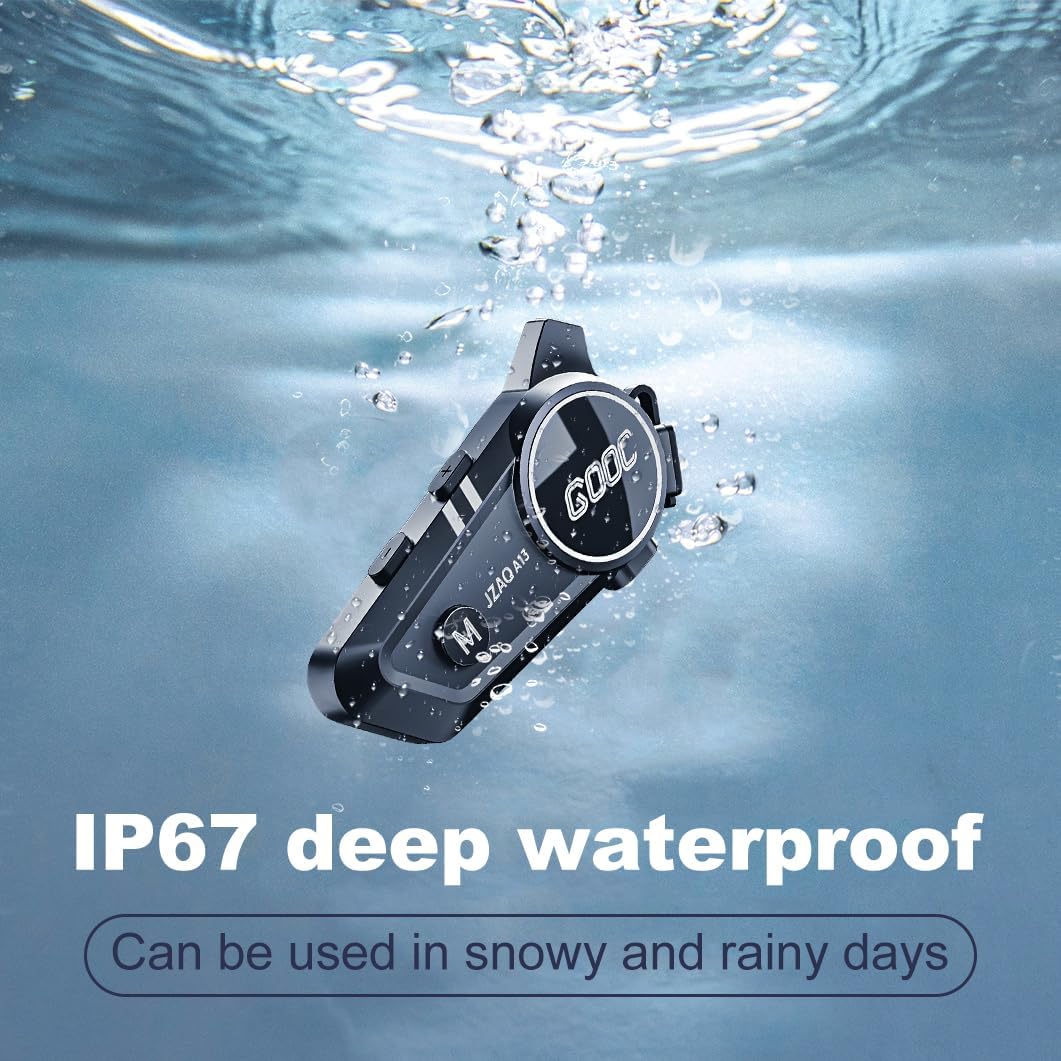
Image 6.1: The JZAQ A13 demonstrating its IP67 deep waterproof capability.
6.2 Puhastamine ja ladustamine
- Pühkige seadet pehme, damp riie. Vältige tugevatoimeliste kemikaalide või abrasiivsete puhastusvahendite kasutamist.
- Veenduge, et laadimispordi kate oleks veekindluse säilitamiseks kindlalt suletud.
- Hoidke seadet jahedas ja kuivas kohas, kui seda ei kasutata.
7. Veaotsing
If you encounter issues with your JZAQ A13, refer to the following common problems and solutions:
| Probleem | Võimalik põhjus | Lahendus |
|---|---|---|
| Seade ei lülitu sisse | Aku tühjenemas; Seade hangub | Charge the device fully; Perform a hard reset (if applicable, refer to manufacturer for specific steps). |
| Ei saa telefoniga siduda | Not in pairing mode; Bluetooth off on phone; Device already paired | Ensure device is in pairing mode (flashing red/blue); Turn on phone's Bluetooth; Forget previous connections on phone and re-pair. |
| Kõlaritest ei kosta heli | Volume too low; Speakers disconnected; Faulty connection | Increase volume on device and phone; Check speaker connections; Try re-plugging speakers into the main unit. |
| Intercom ei loo ühendust | Out of range; Incorrect pairing procedure | Ensure riders are within 200m range; Repeat intercom pairing steps for both units. |
| Poor voice quality during calls/intercom | Microphone position; Excessive wind noise | Adjust microphone closer to mouth; Ensure microphone is shielded from direct wind. |
8. Tehnilised andmed
Key technical specifications for the JZAQ A13 Bluetooth Helmet Speakers & Intercom System:
| Funktsioon | Spetsifikatsioon |
|---|---|
| Mudeli nimi | A13 |
| Kaubamärk | JZAQ |
| Ühenduvustehnoloogia | Juhtmeta (Bluetooth) |
| Bluetoothi versioon | 5.3 |
| Aku mahutavus | 1500 mAh |
| Aku tööiga (mänguaeg) | Kuni 180 tundi |
| Laadimisaeg | 2 tundi |
| Intercom leviala | Up to 200 meters (two-way) |
| Veekindluse tase | IPX67 (veekindel) |
| Mürakontroll | Sound Isolation, DSP Noise Reduction |
| Eriomadused | Built-In Voice Assistant, Fast Charging, Includes microphone, Lightweight |
| Kauba kaal | 7.4 untsi (0.21 kilogrammi) |
| Töötemperatuur | -20°F to (unspecified upper limit) |
9. Garantii ja tugi
The JZAQ A13 Bluetooth Helmet Speakers & Intercom System comes with a 2-aastane garantii. For any product-related inquiries, technical assistance, or warranty claims, please contact JZAQ customer service through the Amazon Buyer Center. Our customer service team is available to assist you.


