Sissejuhatus
This manual provides comprehensive instructions for the installation, operation, maintenance, and troubleshooting of your Sharp 40-inch Full HD Smart LED Roku TV. Please read this manual thoroughly before using your television to ensure proper setup and functionality. Keep this manual for future reference.

Pilt: Esikülg view of the Sharp 40-inch Full HD Smart LED Roku TV.
Seadistamine
1. Karbist väljavõtmine ja pakendi sisu
Eemaldage pakendist ettevaatlikult kõik komponendid. Veenduge, et kõik allpool loetletud esemed on olemas:
- Sharp 40-inch Full HD Smart LED Roku TV
- Kaugjuhtimispult (vajab 2 AAA patareid, ei kuulu komplekti)
- Table Stand with Screws
- Kasutusjuhend (see dokument)
- Garantii teave
2. Telerialuse kinnitamine
If you are placing the TV on a table or entertainment unit, you will need to attach the included stand. Place the TV screen-down on a soft, clean surface to prevent scratches. Align the stand legs with the mounting holes on the bottom of the TV and secure them using the provided screws.

Image: The Sharp Roku TV displayed on its table stand in a room.
3. Väliste seadmete ühendamine
Your Sharp Roku TV offers various ports for connecting external devices such as cable boxes, gaming consoles, and USB drives.
- HDMI pordid: Connect high-definition devices using HDMI cables. This TV features 3 HDMI inputs.
- USB-port: Connect USB storage devices for media playback. This TV features 1 USB input.
- Komposiitvideo sisend: For older devices, use the composite video (AV) input.
- Optiline heliväljund: Väliste helisüsteemidega ühendamiseks.

Image: Rear panel of the TV illustrating the power connector and various input/output ports (HDMI, USB, Optical, AV).
4. Toiteühendus
Connect the power cord to the TV's power input and then plug it into a standard electrical outlet (120V AC, 60Hz).
5. Esialgne seadistamine ja võrguühendus
Upon first power-on, the TV will guide you through the initial setup process. This includes selecting your language, connecting to your Wi-Fi network, and activating your Roku account. A stable Wi-Fi connection is required to access smart TV features and streaming content.
Kasutusjuhised
1. Kaugjuhtimispuldi funktsioonid
The included remote control uses infrared technology. Ensure there is a clear line of sight between the remote and the TV's IR receiver. Insert two AAA batteries into the remote control, observing polarity.
2. Roku OS Interface
Your TV operates on the Roku OS, providing a user-friendly interface for accessing streaming channels, live TV, and connected devices. The home screen displays your installed channels and input selections.

Image: The Roku TV home screen interface and a smartphone displaying the Roku mobile app remote control with voice search functionality.
3. Hääljuhtimine
The Sharp Roku TV supports voice control through compatible devices like Amazon Alexa or Google Assistant. You can use voice commands to search for movies, change channels, switch inputs, and more.
4. Striimimine ja rakendused
Access a wide variety of streaming services and applications through the Roku Channel Store. Many popular apps are pre-installed, and you can download additional ones to customize your viewkogemusi.
5. Dolby Audio
This television features Dolby Audio technology, which enhances sound quality for a more immersive listening experience. Ensure your audio settings are configured to utilize this feature for optimal performance.
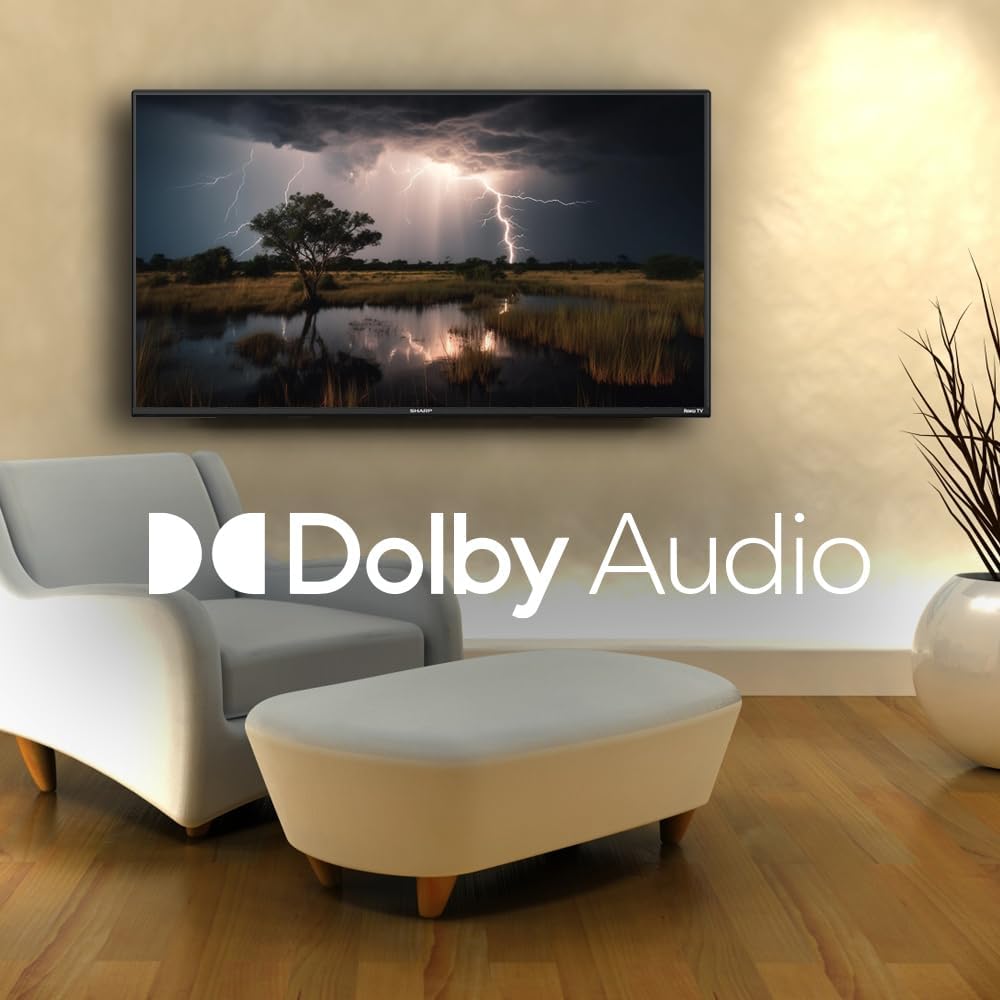
Image: A television screen displaying a dramatic scene with the Dolby Audio logo prominently featured.
Hooldus
1. Teleriekraani puhastamine
Ekraani puhastamiseks pühkige seda õrnalt pehme ja ebemevaba lapiga. Kangekaelsete plekkide korral nühkige seda kergeltampen the cloth with water or a screen-specific cleaning solution. Avoid using harsh chemicals, abrasives, or direct spraying onto the screen.
2. Cleaning the TV Casing
Pühkige telerit casinPuhastage pehme ja kuiva lapiga. Ärge kasutage vedelaid puhastusvahendeid otse seadme pinnal.asing.
3. Ventilatsioon
Ensure that the ventilation openings on the back of the TV are not blocked. Proper airflow is essential to prevent overheating.
Veaotsing
Kui teil tekib teleriga probleeme, vaadake järgmisi levinud probleeme ja lahendusi.
| Probleem | Võimalik lahendus |
|---|---|
| Jõudu pole | Check if the power cord is securely connected to both the TV and the electrical outlet. Ensure the outlet is functional. |
| Pilti pole, aga heli on olemas | Veenduge, et valitud on õige sisendallikas. Kontrollige välisseadmete ühendusi. |
| Heli pole, aga pilt on olemas | Kontrollige helitugevust ja vaigistuse olekut. Veenduge, et välised helisüsteemid on korralikult ühendatud ja sisse lülitatud. |
| Kaugjuhtimispult ei tööta | Replace the batteries in the remote control. Ensure no obstructions are between the remote and the TV. |
| Ei saa WiFi-ga ühendust luua | Verify your Wi-Fi password. Restart your router and the TV. Ensure the TV is within range of your Wi-Fi network. |
| Nutikad funktsioonid ei reageeri | Check your internet connection. Restart the TV by unplugging it for 30 seconds and plugging it back in. |
Tehnilised andmed
| Funktsioon | Detail |
|---|---|
| Mudeli number | 2TC40EF4UR |
| Ekraani suurus | 40 tolli (nähtav diagonaal 102 cm) |
| Kuvamistehnoloogia | LED |
| Resolutsioon | Full HD (1920 x 1080) |
| Värskendussagedus | 60 Hz |
| Operatsioonisüsteem | Roku OS |
| RAM | 512 MB |
| Heli väljundvõimsus | 16 Watts (2.0 Dolby) |
| HDMI pordid | 3 |
| USB-pordid | 1 |
| Ühenduvus | HDMI, USB, Wi-Fi, Composite Video |
| Hääljuhtimise ühilduvus | Amazon Alexa, Google'i assistent |
| Energiatarve (sisselülitatud režiimis) | 65 vatti |
| Voltage | 120 volti (AC) |
| Mõõdud (koos alusega) | 99 cm (L) x 12 cm (S) x 57 cm (K) |
| Kaal | 5.7 kg |
| Kaugjuhtimispuldi tehnoloogia | Infrapuna |
| Bluetoothi tugi | Ei |

Image: The Sharp Roku TV with its width, depth, and height dimensions indicated.
Garantii ja tugi
Garantii teave
Your Sharp 40-inch Full HD Smart LED Roku TV comes with a manufacturer's warranty. Please refer to the warranty document included in your product packaging for detailed terms, conditions, and registration information. Keep your proof of purchase for warranty claims.
Klienditugi
For technical assistance, troubleshooting beyond this manual, or warranty service, please contact Sharp customer support. Contact information can typically be found on the Sharp official webveebisaidil või garantiidokumentides.


