Sissejuhatus
This manual provides comprehensive instructions for the iFLYTEK Translator 2.0 easytrans 800. It covers device setup, operation, maintenance, and troubleshooting to ensure optimal performance and user experience. The iFLYTEK Translator 2.0 is designed for seamless communication across language barriers, offering advanced voice and camera translation capabilities.
Pakendi sisu
Veenduge, et pakendis on kõik esemed olemas:
- iFLYTEK Translator 2.0 easytrans 800 Device
- USB laadimiskaabel
- Kiirjuhend
- Kasutusjuhend (see dokument)
- Lanyard/Strap

Image: The iFLYTEK Translator 2.0 easytrans 800 device, its charging cable, and documentation laid out next to the product box.
Toode läbiview
The iFLYTEK Translator 2.0 easytrans 800 features a compact design with a user-friendly interface.

Pilt: Esikülg view of the iFLYTEK Translator 2.0 easytrans 800 showing the screen, navigation buttons, and speaker. Rear view shows the camera lens and SOS button.
Seadme komponendid:
- Esipaneel: Touchscreen display, navigation buttons (ABC, O, 中文), speaker.
- Tagapaneel: Camera lens, SOS button.
- Külgmised nupud: Power button, volume controls.
- Pordid: USB charging port, 3.5mm headphone jack.
Seadistamine
1. Seadme laadimine
Before first use, fully charge the translator. Connect the provided USB cable to the device's charging port and a compatible USB power adapter (not included).
- Täislaadimine võtab tavaliselt umbes 2-3 tundi.
- Ekraanil olev aku indikaator näitab laadimise olekut.
2. Toite sisse / välja lülitamine
- Sisselülitamiseks: Press and hold the Power button (usually on the side) until the screen illuminates.
- Väljalülitamiseks: Vajutage ja hoidke toitenuppu all, seejärel valige ekraanilt „Lülita välja”.
3. Initial Language Selection
Upon first power-on, you will be prompted to select the device's interface language. Follow the on-screen instructions.
4. Võrguühendus
The iFLYTEK Translator requires an internet connection for optimal translation accuracy. Connect to a Wi-Fi network or utilize the built-in global communication feature.
- WiFi: Navigate to Settings > Wi-Fi, select your network, and enter the password.
- Global Communication: The device includes 2 years of global communication coverage in 98 countries. This feature activates automatically when a Wi-Fi connection is not available.
Kasutusjuhised
The iFLYTEK Translator 2.0 easytrans 800 offers two primary translation modes: Voice Translation and Camera Translation.
1. Voice Translation (59 Languages)
This mode allows for real-time spoken language translation.
- Select the source and target languages on the device screen.
- Press and hold the designated voice input button (e.g., "ABC" for language A, "中文" for language B).
- Speak clearly into the device's microphone.
- Release the button. The device will process your speech and provide the translation audibly and on-screen.
The device features advanced noise reduction technology and four microphones for high accuracy even in noisy environments, with a response time of approximately 0.5 seconds.

Image: The iFLYTEK Translator 2.0 device screen showing a Japanese phrase and its translation, demonstrating voice translation functionality.
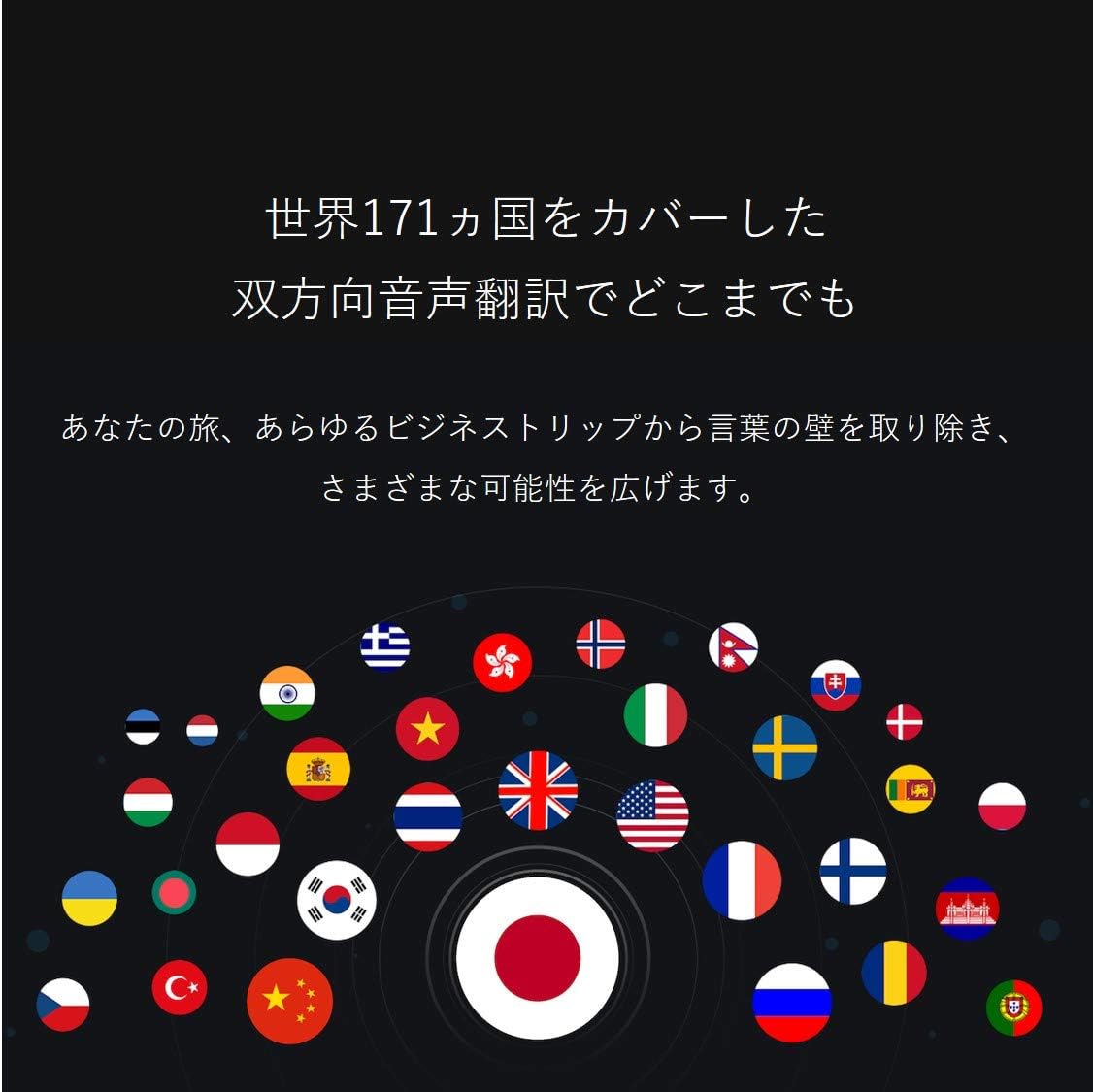
Image: A collection of national flags, symbolizing the extensive language support of the iFLYTEK Translator 2.0 across 171 countries.
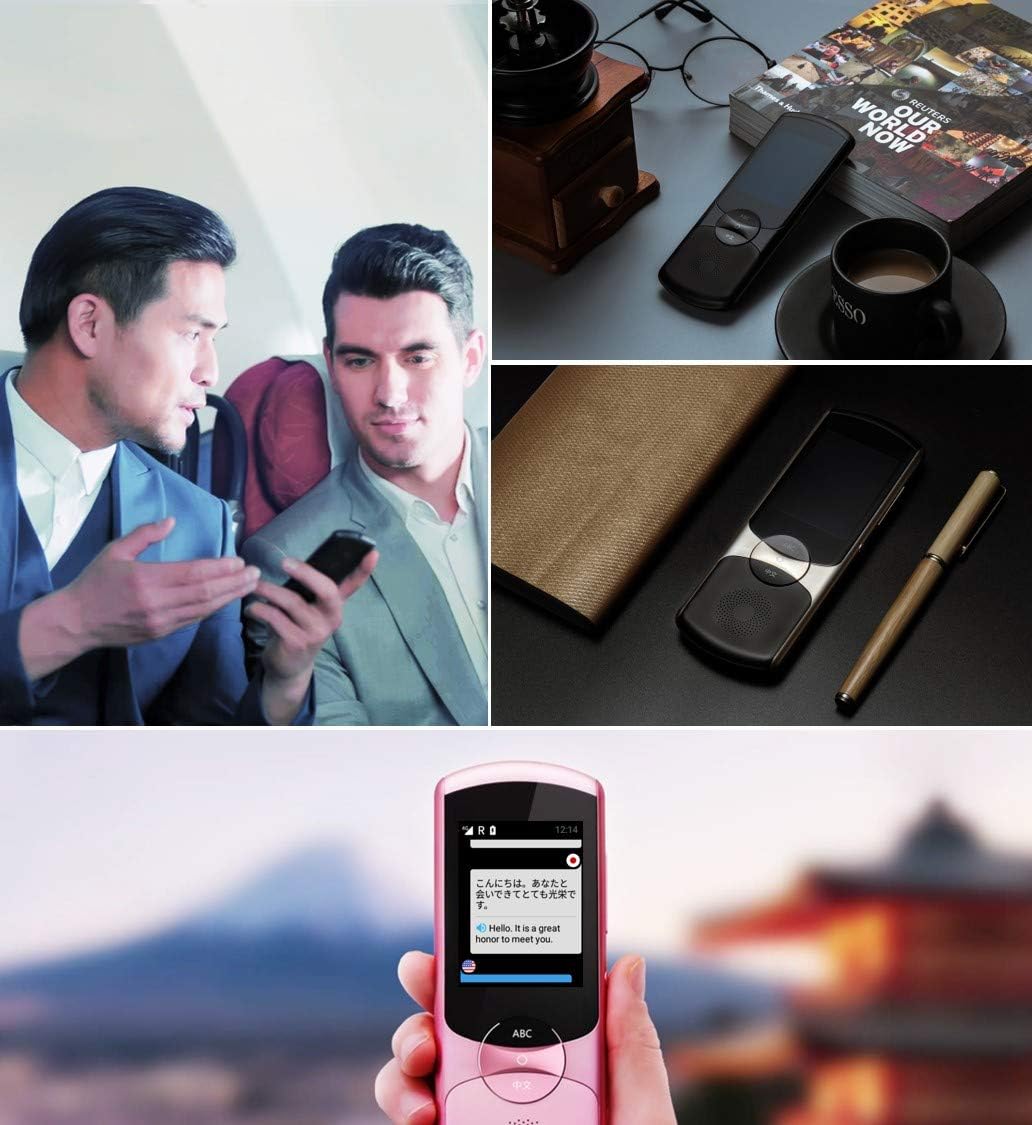
Image: A collage showing the iFLYTEK Translator 2.0 being used in different scenarios, including a business meeting and a travel setting, highlighting its versatility.
2. Camera Translation (11 Languages)
This mode translates text captured by the device's camera.
- Select Camera Translation mode from the main menu.
- Point the device's camera at the text you wish to translate (e.g., signs, menus, documents).
- Ensure the text is well-lit and within the camera's frame.
- Tap the capture button on the screen. The device will process the image and display the translated text.

Image: A user holding the iFLYTEK Translator 2.0 to translate text on a map, demonstrating the camera translation feature.
3. Pronunciation Scoring and Accent Check
The device includes an AI-powered feature to help users improve their pronunciation and check accents.
- Access the Pronunciation Scoring feature from the menu.
- Select the language for practice.
- Speak the displayed phrases or words into the microphone.
- The device will provide feedback on your pronunciation and accent.

Image: An adult and a child interacting with the iFLYTEK Translator 2.0, illustrating its use for pronunciation scoring and language learning.
Hooldus
- Puhastamine: Seadme puhastamiseks kasutage pehmet ja kuiva lappi. Ärge kasutage vedelaid puhastusvahendeid ega aerosoole.
- Hoiustamine: Hoidke seadet jahedas ja kuivas kohas, eemal otsesest päikesevalgusest ja äärmuslikest temperatuuridest.
- Aku hooldus: Aku tööea pikendamiseks vältige aku sagedast täielikku tühjendamist. Laadige seadet regulaarselt, isegi kui seda pikka aega ei kasutata.
- Tarkvaravärskendused: Optimaalse jõudluse ja uutele funktsioonidele juurdepääsu tagamiseks kontrollige ja installige regulaarselt tarkvarauuendusi.
Veaotsing
| Probleem | Võimalik põhjus | Lahendus |
|---|---|---|
| Seade ei lülitu sisse. | Aku tühjeneb; seade hangub. | Charge the device for at least 30 minutes. Perform a force restart by holding the power button for 10-15 seconds. |
| Tõlge on ebatäpne või aeglane. | Poor internet connection; unclear speech; incorrect language selection. | Ensure a stable Wi-Fi or cellular connection. Speak clearly and directly into the microphone. Verify that the correct source and target languages are selected. |
| Camera translation not working. | Insufficient lighting; blurry image; text too small. | Ensure adequate lighting. Hold the device steady to avoid blur. Position the device closer to the text if it's too small. |
| Kõlarist ei kostu heli. | Volume too low; speaker obstructed. | Increase the volume using the side buttons. Check if the speaker is blocked by debris. |
Tehnilised andmed
| Funktsioon | Detail |
|---|---|
| Kaubamärk | iFLYTEK |
| Mudeli number | EASYTRANS 800 |
| Voice Translation Support | 59 Keeled |
| Camera Translation Support | 11 Keeled |
| Müra vähendamise tehnoloogia | Yes, with 4 microphones |
| Globaalne suhtlus | 2 years coverage in 98 countries |
| Reageerimisaeg | Umbes 0.5 sekundit |
| Ühilduvad seadmed | Laptop, Personal Computer (for data transfer/updates) |
| Riistvara liides | 802.11 b/g/n (Wi-Fi) |
| Helivorming | WAV |
| Kõrvaklappide pesa | 3.5 millimeetrit |
| Aku tüüp | 1 liitium-ioon aku (kaasas) |
| Kauba kaal | 120 grammi |
| Ekraani suurus | 5.8 tolli |
| Aku tööiga | Kuni 6 tundi |
| Digitaalne salvestusaeg | 120 minuti |
Garantii ja tugi
For warranty information and technical support, please refer to the official iFLYTEK webveebisaidilt või võtke ühendust nende klienditeenindusega. Hoidke ostutšekk ostutõendina garantiinõuete korral.
The device includes 2 years of global communication, which is a service feature rather than a warranty.


