Sissejuhatus
This manual provides comprehensive instructions for the ENDORFY Omnis Pudding Onyx White Red mechanical keyboard (Model EY5A036). This full-size keyboard features Kailh Red mechanical switches, durable PBT Pudding keycaps, and customizable ARGB backlighting. It is designed for various applications, including gaming, creative work, and general office use, offering a responsive and comfortable typing experience. Key features include a reinforced chassis, a detachable magnetic wrist rest, and a metal volume wheel for convenient audio control.
Pakendi sisu
- ENDORFY Omnis Pudding Onyx White Red Mechanical Keyboard
- Detachable USB-A Cable
- Magnetiline randmetugi
- Kasutusjuhend (see dokument)
Seadistamine
1. Klaviatuuri ühendamine
Connect the detachable USB-A cable to the USB-C port on the keyboard and then to an available USB-A port on your computer. The keyboard is plug-and-play and should be recognized automatically by your operating system.
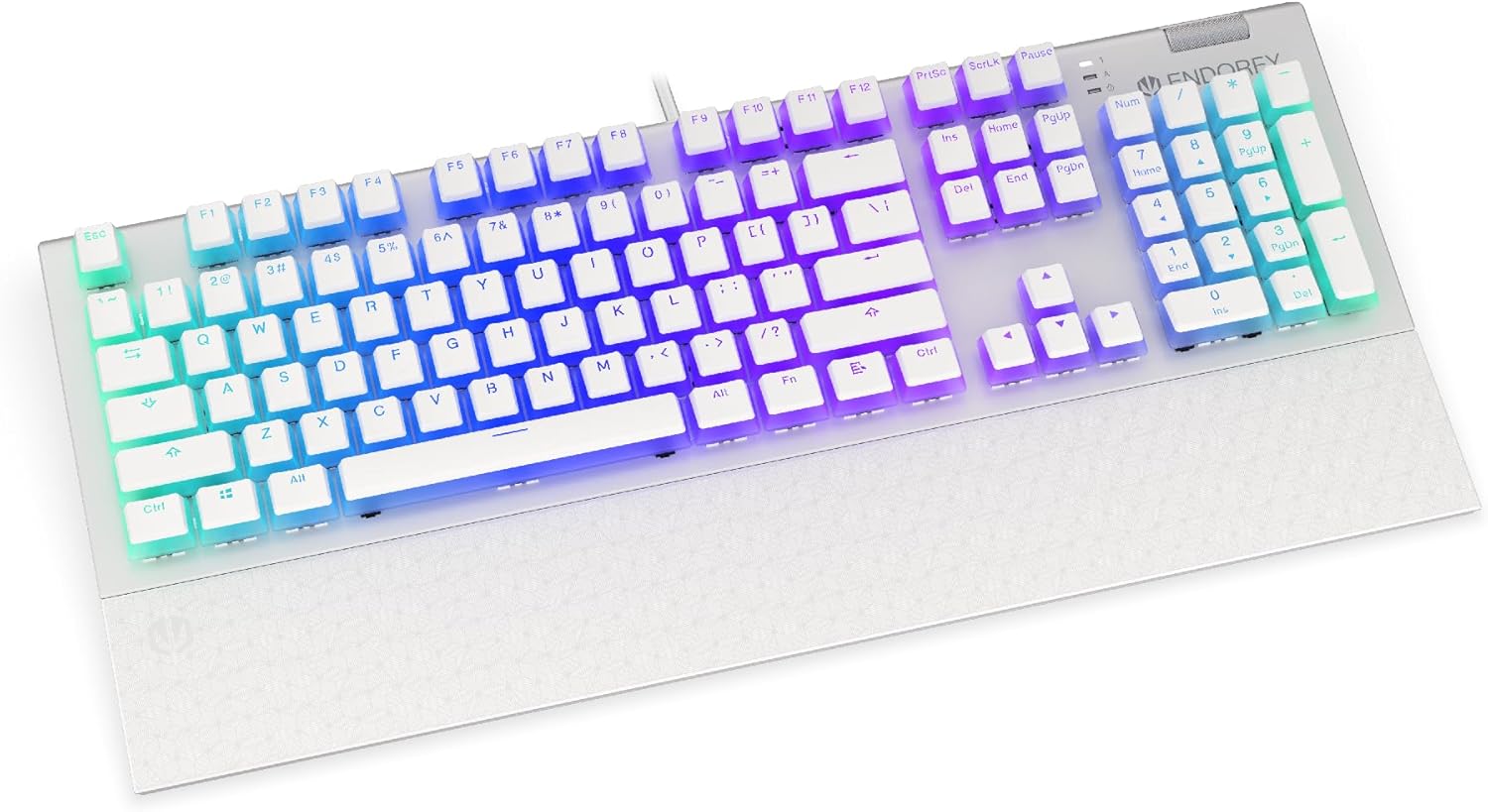
Pilt: Esikülg view of the ENDORFY Omnis Pudding Onyx White Red mechanical keyboard, showcasing its full layout and connected cable.
2. Randmetoe kinnitamine
Align the magnetic wrist rest with the front edge of the keyboard. The magnets will automatically secure it in place, providing ergonomic support during use.

Pilt: Nurk view of the ENDORFY Omnis Pudding Onyx White Red mechanical keyboard with the magnetic wrist rest attached, highlighting the seamless integration.
3. Tarkvara installimine (valikuline)
For advanced customization of lighting effects, key assignments, and macros, download the official ENDORFY software from the manufacturer's websaidil. Järgige installimiseks ekraanil kuvatavaid juhiseid.
Kasutusjuhised
Klaviatuuri põhifunktsioonid
The keyboard features a standard full-size layout with a dedicated numpad, function keys (F1-F12), and navigation keys. All keys operate as standard input devices for your computer.
Volume Wheel Operation
The metal volume wheel located on the top right of the keyboard allows for quick audio adjustments:
- Rotate Up: Suurenda helitugevust.
- Rotate Down: Vähenda helitugevust.
- Vajutage alla: Heli vaigistamine/heli sisselülitamine.
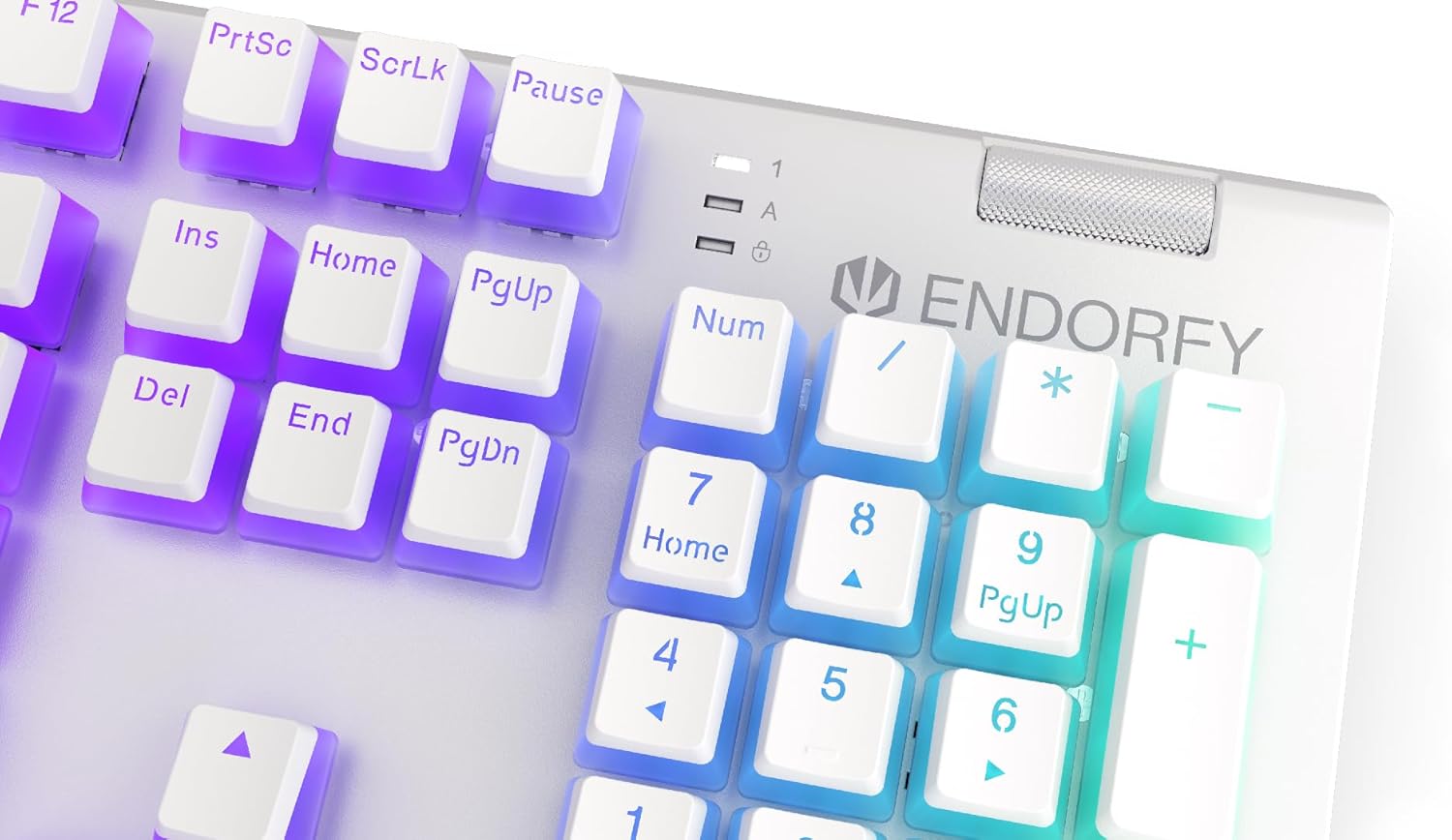
Pilt: Lähivõte view of the keyboard's numpad and the prominent metal volume wheel, indicating its position for easy access.
RGB taustvalgustuse juhtimine
The keyboard features customizable ARGB backlighting. Lighting effects and brightness can be adjusted using the dedicated ENDORFY software. Some basic lighting modes and brightness levels may also be accessible via keyboard shortcuts (e.g., Fn + arrow keys or specific function keys), though advanced customization is recommended through the software.

Image: The ENDORFY Omnis Pudding Onyx White Red mechanical keyboard illuminated with vibrant RGB backlighting, showcasing the Pudding keycaps.
N-klahvi üleminek (NKRO)
The keyboard supports N-Key Rollover, which means every key press is registered independently, regardless of how many other keys are being pressed simultaneously. This feature is particularly beneficial for fast typists and gamers, preventing ghosting or missed inputs.
Tarkvara funktsionaalsus
The ENDORFY software allows users to:
- Customize ARGB lighting effects and colors.
- Üksikute klahvide ümberkaardistamine.
- Loo ja määra makrosid keerukate käskude jadade jaoks.
- Halda mitut profitfiles erinevate rakenduste või mängude jaoks.
Hooldus
Klaviatuuri puhastamine
Optimaalse jõudluse ja välimuse säilitamiseks:
- Enne puhastamist ühendage klaviatuur arvutist lahti.
- Kasutage kergelt pehmet ebemevaba lappi dampklahvikatete ja korpuse pühkimiseks loputage veega või õrna puhastuslahusega.
- Klahvikatete vaheliste tolmu ja prahi eemaldamiseks kasutage suruõhku.
- Vältige tugevate kemikaalide või abrasiivsete materjalide kasutamist.
Keycap Removal and Replacement
The PBT Pudding keycaps can be removed for thorough cleaning or replacement. Use a keycap puller (not included) to gently lift keycaps straight up. When replacing, align the keycap with the switch stem and press down firmly until it clicks into place.

Pilt: Lähivõte view of the Kailh Red mechanical switches, visible when keycaps are removed, illustrating the switch mechanism.
Veaotsing
- Klaviatuur ei reageeri:
Ensure the USB cable is securely connected to both the keyboard and the computer. Try connecting the keyboard to a different USB port or a different computer to rule out port or system issues. Restart your computer. - Taustvalgustus ei tööta või on vale:
Check the brightness settings via the ENDORFY software or any onboard shortcuts. Ensure the software is up to date. If specific keys have incorrect lighting, reset the lighting profile tarkvaras. - Võtmed ei registreeru:
Clean under the affected keycaps to remove any debris that might be obstructing the switch. If the issue persists, it may indicate a hardware fault; refer to the Warranty and Support section. - Wrist Rest Not Attaching Securely:
Ensure there is no debris between the keyboard and the wrist rest that might interfere with the magnetic connection.
Tehnilised andmed
| Funktsioon | Detail |
|---|---|
| Kaubamärk | ENDORFY |
| Mudeli number | EY5A036 |
| Värv | Valge |
| Võtmelülitid | Kailh Red Mechanical |
| Klahvistikud | PBT Pudding |
| Paigutus | Full-size (US Layout) |
| Taustvalgustus | ARGB (Configurable RGB) |
| Ühenduvus | USB-A (Detachable Cable) |
| Randmetugi | Magnetic, Detachable |
| Helitugevuse juhtimine | Metal Volume Wheel |
| N-klahviga üleminek | Jah |
| Ühilduvad operatsioonisüsteemid | Linux, Mac OS X 10.12 Sierra, Windows 7, Windows 8, Windows 10 |
| Soovitatav kasutamine | Gaming, Multimedia |
| Materjal | Polübutüleentereftalaat (PBT) |
Garantii ja tugi
ENDORFY products are covered by a manufacturer's warranty. For detailed warranty terms, technical support, or service inquiries, please refer to the official ENDORFY webveebisaidilt või võtke ühendust kohaliku edasimüüjaga. Hoidke ostutõend garantiinõuete esitamiseks alles.


