1. Sissejuhatus
Thank you for choosing the Soundcore by Anker Space Q45 Adaptive Active Noise Cancelling Headphones. These headphones are designed to provide an immersive audio experience with advanced noise cancellation, high-resolution sound, and extended battery life. This manual will guide you through the setup, operation, and maintenance of your new headphones.
2. Mis on karbis
- Soundcore Space Q45 Noise Cancelling Headphones
- USB-C kaabel
- 3.5 mm AUX-kaabel
- Reisikohver

3. Toote lõppview
The Soundcore Space Q45 headphones feature a foldable design for portability and intuitive controls for ease of use. Key components include:
- Toitenupp: Located on the right earcup, used for turning the headphones on/off.
- NC nupp: Located on the left earcup, cycles through Noise Cancellation, Normal, and Transparency modes.
- Helitugevuse üles / alla nupud: Reguleerib helitugevust.
- Esitamise/pausi nupp: Controls media playback and call management.
- USB-C laadimisport: Kõrvaklappide laadimiseks.
- 3.5 mm AUX-port: Juhtmega heliühenduse jaoks.

Video demonstrating the operation and functions of the Soundcore Space Q45 headphones, including button usage and features.
4. Seadistamine
4.1. Toite sisse / välja lülitamine
- Sisselülitamiseks: Vajutage ja hoidke toitenuppu 3 sekundit all. LED-indikaator süttib.
- Väljalülitamiseks: Vajutage ja hoidke toitenuppu 3 sekundit all. LED-indikaator kustub.
4.2. Bluetoothi sidumine
- With the headphones powered off, press and hold the Power button for 5 seconds until the LED indicator flashes blue. This indicates pairing mode.
- On your device (smartphone, tablet, laptop), enable Bluetooth and search for "Soundcore Space Q45".
- Select the headphones from the list to connect. Once connected, the LED indicator will turn solid blue.
- The headphones support multipoint connection, allowing simultaneous connection to two devices. To connect a second device, repeat the pairing process.

4.3. Soundcore'i rakenduse installimine
Download the Soundcore app from your device's app store to unlock full features, customize settings, and update firmware.
- Otsi „Soundcore” App Store'is (iOS) või Google Play poes (Android).
- Install the app and follow the on-screen instructions to connect your Space Q45 headphones.
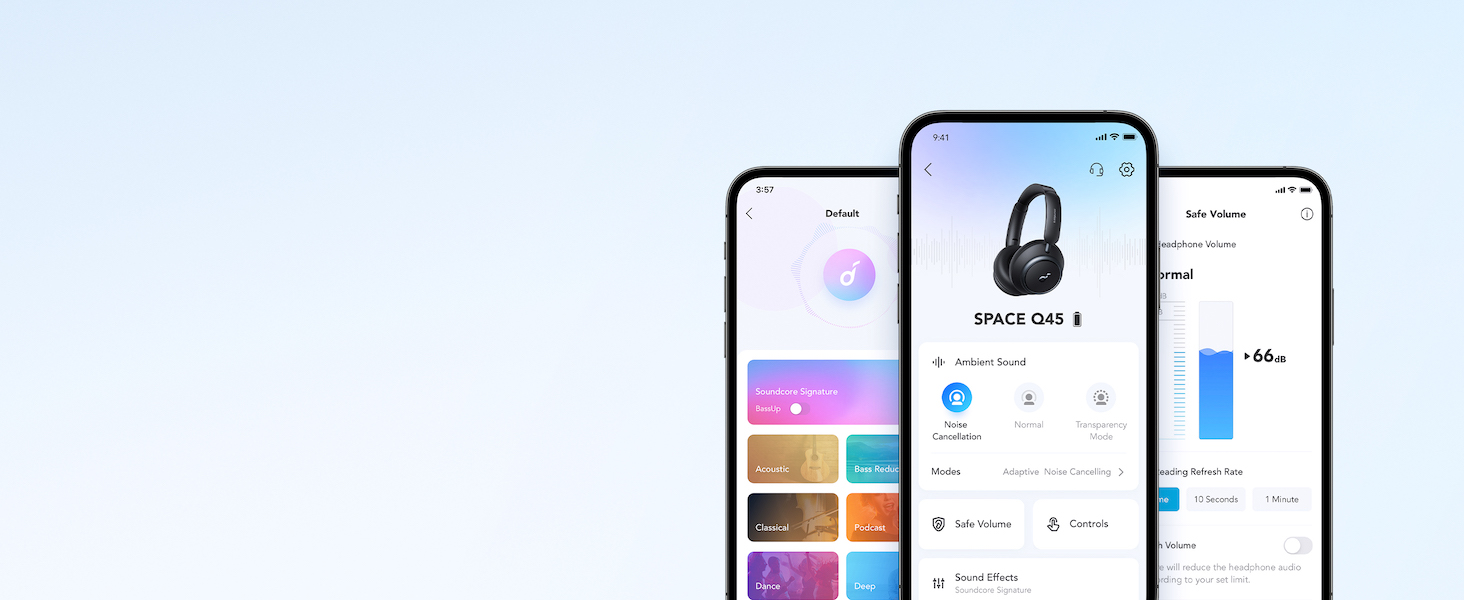
Videoshowcasing the features and listening controls available through the Soundcore app for the Space Q45 headphones.
5. Kasutusjuhised
5.1. Põhilised juhtnupud
- Helitugevuse suurendamine/mahandamine: Vajutage nuppe '+' või '-'.
- Esita/peata: Vajutage üks kord esitus/paus nuppu.
- Järgmine lugu: Vajutage ja hoidke nuppu „+” 2 sekundit all.
- Eelmine lugu: Vajutage ja hoidke nuppu '-' 2 sekundit all.
5.2. Kõnehaldus
- Kõnele vastamine/lõpetamine: Vajutage üks kord esitus/paus nuppu.
- Keeldu kõnest: Vajutage ja hoidke nuppu Esita/Paus 2 sekundit all.
5.3. Switching Noise Cancellation Modes
Press the NC button on the left earcup to cycle through the following modes:
- Müra tühistamine: Blokeerib ümbritseva müra.
- Tavaline: Standard audio playback without active noise cancellation or transparency.
- Läbipaistvus: Võimaldab kuulda ümbritsevat heli samal ajal kuulates.
6. Adaptive Noise Cancellation
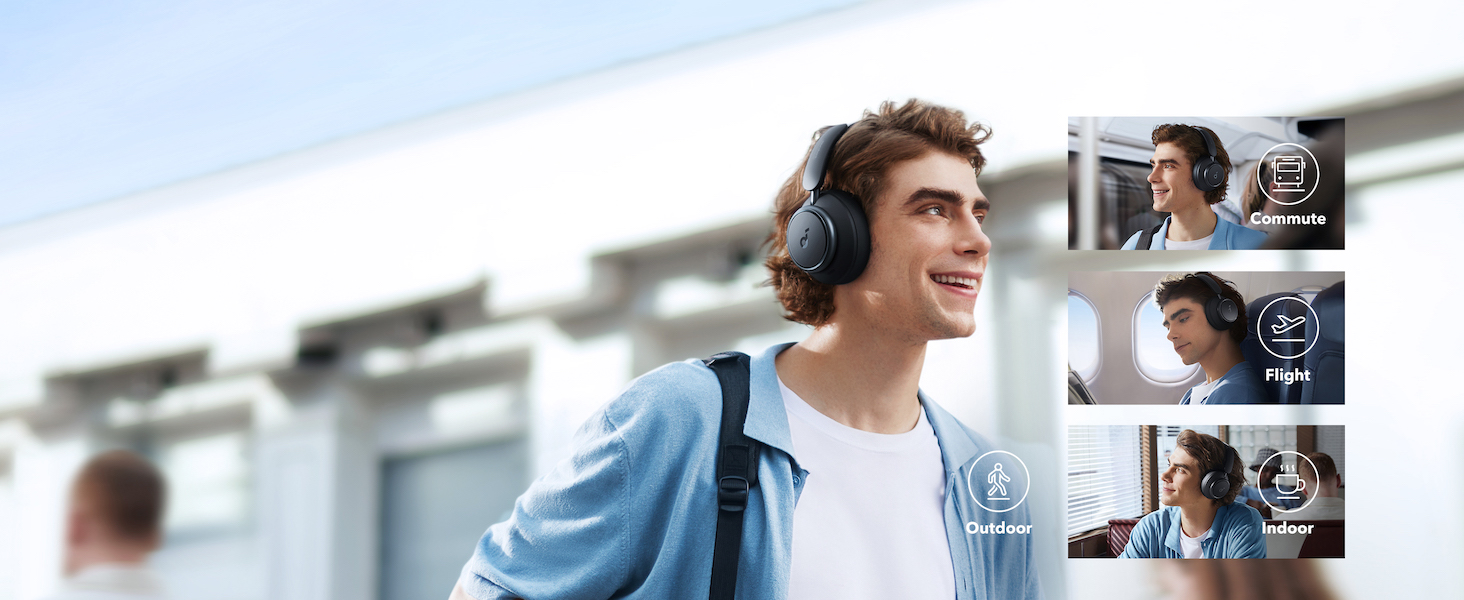
The Space Q45 headphones feature an advanced noise-cancelling system that reduces up to 98% of ambient noise. The adaptive noise cancellation automatically selects a suitable level based on your environment, whether you are indoors, outdoors, commuting, or on a flight. You can also manually select from 5 noise-cancelling levels via the Soundcore app.

7. Heli kvaliteet
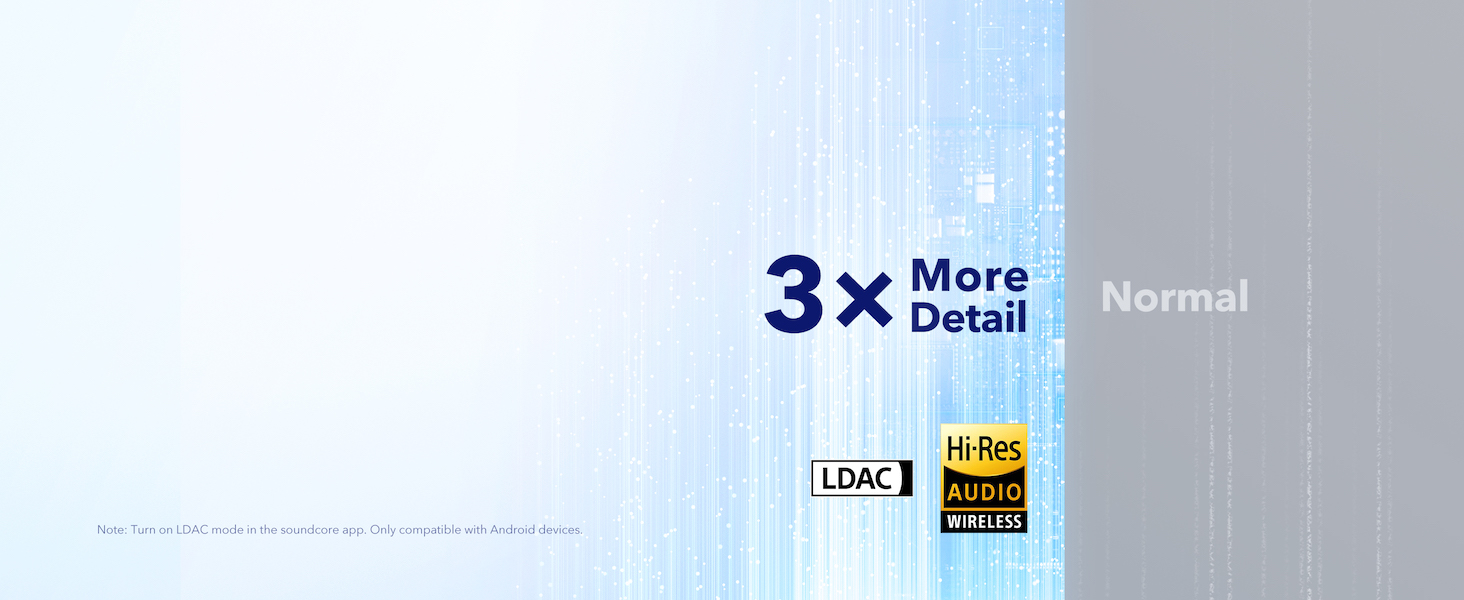
The Space Q45 headphones are equipped with 40mm double-layer diaphragm drivers, crafted from silk and ceramic materials. This innovative design produces sound with intense bass and crisp treble, ensuring every detail of your audio is heard. The headphones also support LDAC for Hi-Res Audio Wireless sound, delivering 3 times more detail than standard Bluetooth codecs.

8. Aku tööiga ja laadimine
The Space Q45 headphones offer impressive battery performance:
- Up to 50 hours of playtime with Noise Cancellation mode activated.
- Up to 65 hours of playtime in Normal mode.
- Kiire laadimine: 5-minutiline laadimine annab umbes 4 tundi mänguaega.
- Täislaadimisaeg: Umbes 2 tundi.

9. Hooldus
9.1. Puhastamine
- Use a soft, dry cloth to clean the earcups and headband.
- Vältige tugevate kemikaalide või abrasiivsete materjalide kasutamist.
- Ärge kastke kõrvaklappe vette.
9.2. Ladustamine
- Kui kõrvaklappe ei kasutata, hoidke neid kahjustuste vältimiseks kaitsvas reisikotis.
- Vältige hoidmist äärmuslikel temperatuuridel või kõrge õhuniiskusega.
10. Veaotsing
If you encounter any issues with your Soundcore Space Q45 headphones, please refer to the following common solutions:
- Toide puudub: Veenduge, et kõrvaklapid on täielikult laetud. Ühendage need USB-C-kaabli abil toiteallikaga.
- Heli puudub: Check the volume levels on both the headphones and your connected device. Ensure the headphones are properly paired via Bluetooth or the 3.5mm AUX cable is securely connected.
- Sidumisprobleemid: Turn off Bluetooth on all other devices, then try re-pairing the headphones with your desired device. If issues persist, reset the headphones (refer to the Soundcore app or online support for specific reset instructions).
- Mürasummutus ei tööta: Ensure the Noise Cancellation mode is activated. Adjust the noise cancellation levels via the Soundcore app.
For further assistance, consult the Soundcore app or visit the official Soundcore support websaidile.
11. Tehnilised andmed
| Mudeli nimi | A3040 |
| Mürakontroll | Adaptiivne aktiivne mürasummutus |
| Ühenduvustehnoloogia | Traadita (Bluetooth 5.3) |
| Bluetoothi vahemik | 10 meetrit |
| Helidraiveri suurus | 40 millimeetrit |
| Aku tööiga (ANC sisse lülitatud) | 50 tundi |
| Aku tööiga (tavarežiimis) | 65 tundi |
| Laadimisaeg | 2 tundi |
| Kauba kaal | 295 grammi (10.4 untsi) |
| Toote mõõtmed | 6.34 x 3.46 x 7.44 tolli |
| Kõrvaklappide Jack | 3.5 mm tungraud |
| Kontrollimeetod | App, Media Control Buttons |
12. Garantii ja tugi
Soundcore products are backed by a limited warranty. For detailed warranty information, frequently asked questions, and customer support, please visit the official Soundcore website or contact their customer service team. You can also find support resources within the Soundcore app.
Websait: www.soundcore.com
E-post: service@soundcore.com


