1. Toote lõppview
The GENBOLT 128GB TF Card (microSDXC) is designed for reliable data storage, particularly suited for continuous recording in devices such as security cameras. It offers high durability and performance for capturing Full HD video.
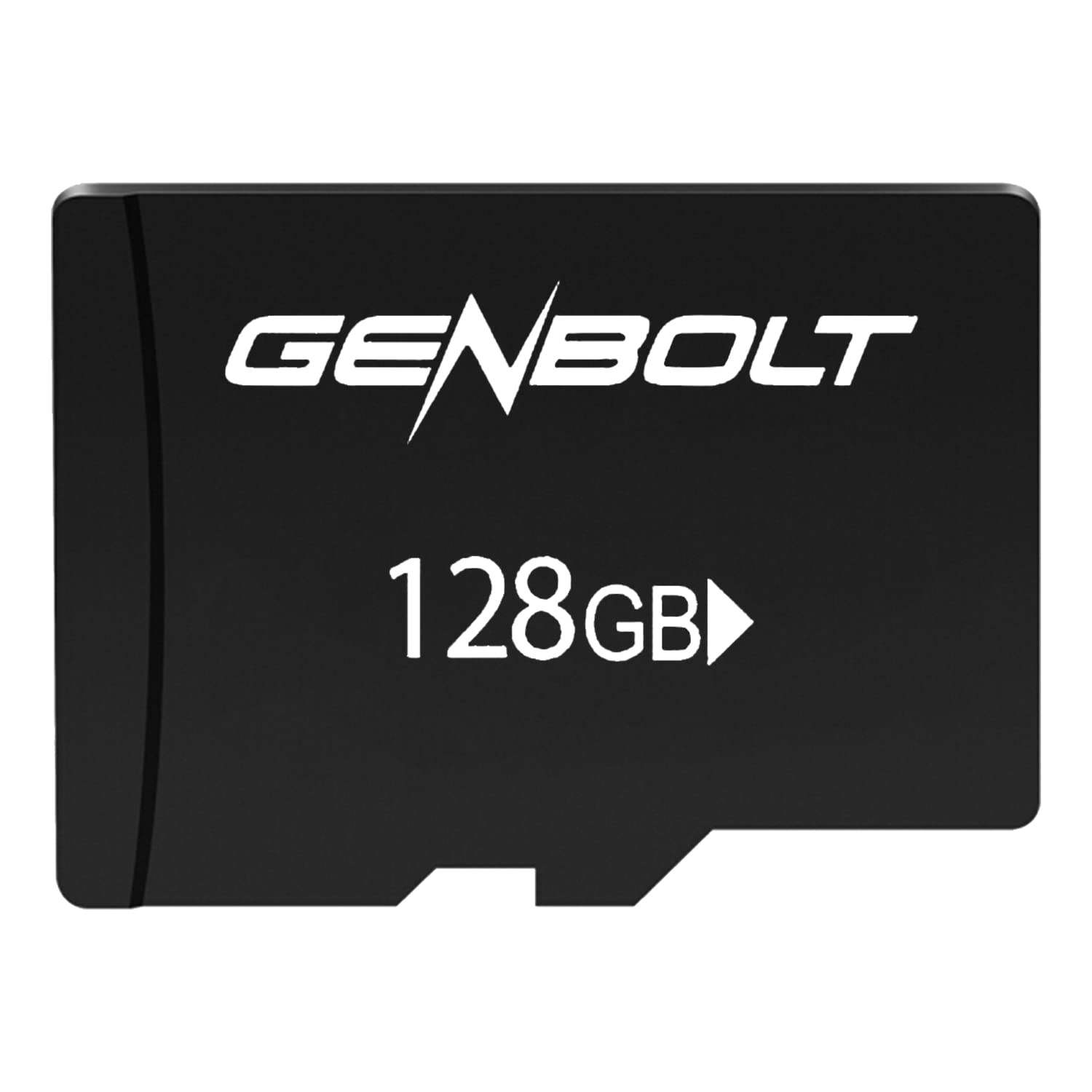
Image: GENBOLT 128GB TF Card. This card is a compact storage solution for various electronic devices.
Peamised omadused:
- Mahutavus: 128GB (approximately 119GB user-accessible).
- Vorming: Pre-formatted to FAT32 for broad compatibility.
- Kiirus: UHS Speed Class 3 and Video Speed Class 10, optimized for Full HD video recording.
- Vastupidavus: Engineered to be waterproof, temperature resistant, shockproof, and X-ray proof.
2. Seadistamine ja installimine
Follow these steps to properly install your GENBOLT TF Card into a compatible device.
- Väljalülitusseade: Ensure the device (e.g., security camera, smartphone, tablet) is powered off before inserting the card to prevent data corruption or damage.
- Leidke kaardipesa: Identify the microSD card slot on your device. Refer to your device's manual if unsure.
- Sisesta kaart: Gently insert the GENBOLT TF card into the slot with the gold contacts facing down (or as indicated by your device's manual) until it clicks into place. Do not force the card.
- Seadme sisselülitamine: Turn on your device. It should automatically detect the new storage.
- Format (If Necessary): Some devices may prompt you to format the card upon first use. If prompted, follow the on-screen instructions. Formatting erases all data on the card, so ensure it is empty or backed up if used previously. The card is pre-formatted to FAT32, which is compatible with most devices.
3. Kasutusjuhised
Once installed, the GENBOLT TF Card functions as an extended storage medium for your device.
- Video salvestamine: For security cameras or other video recording devices, the card will automatically store video footage according to the device's settings. Its UHS Speed Class 3 and Video Speed Class 10 ratings ensure smooth Full HD video recording without dropped frames.
- Storing Photos and Files: For smartphones, tablets, or digital cameras, the card can be set as the default storage location for photos, videos, and other files through the device's settings menu.
- Andmetele juurdepääs: Data stored on the card can be accessed directly through your device's file manager or by connecting the device to a computer. Alternatively, you can remove the card and use a compatible card reader to access its contents on a computer.
- Andmeedastus: Suurte osade ülekandmisel files, ensure a stable connection and avoid interrupting the process to prevent data corruption.
4. Hooldus ja hooldus
Proper care ensures the longevity and reliability of your TF card.
- Füüsiline käsitsemine: Väldi kaardi painutamist, maha kukkumist või liigse jõu rakendamist.
- Puhastamine: If the gold contacts appear dirty, gently wipe them with a clean, dry, lint-free cloth. Do not use liquids or abrasive materials.
- Keskkonnakaitse: While the card is waterproof, temperature resistant, shockproof, and X-ray proof, prolonged exposure to extreme conditions (e.g., direct sunlight, extreme cold, strong magnetic fields) should be avoided to maximize lifespan.
- Ohutu eemaldamine: Always safely eject the card from your device or computer before physically removing it to prevent data loss or corruption.
- Regular Backup: Periodically back up important data from the TF card to another storage medium (e.g., computer hard drive, cloud storage) to prevent permanent data loss.
5. Veaotsing
If you encounter issues with your GENBOLT TF Card, consider the following common solutions:
- Kaarti ei tuvastatud:
- Veenduge, et kaart on seadme pessa täielikult ja õigesti sisestatud.
- Taaskäivitage seade.
- Try the card in another compatible device or a card reader to determine if the issue is with the card or the original device.
- Check if your device supports microSDXC cards and the 128GB capacity.
- Recording Errors or Slow Performance:
- Veenduge, et kaart pole täis. Kustutage mittevajalikud filevõi viige need teise hoiukohta.
- Format the card using your device's formatting function or a computer. Hoiatus: Vormindamine kustutab kõik kaardil olevad andmed.
- Veenduge, et teie seadme püsivara on ajakohane.
- Andmete korruptsioon:
- Enne kaardi eemaldamist väljutage see alati ohutult.
- Avoid powering off the device during read/write operations.
- If data is corrupted, try data recovery software (third-party) or reformat the card.
6. Tehnilised andmed
| Funktsioon | Detail |
|---|---|
| Kaubamärk | GENBOLT |
| Mudeli number | GBTF128GB |
| Välkmälu tüüp | SDXC Card (microSDXC) |
| Mälu salvestusmaht | 128 GB (approx. 119GB user area) |
| Toetatud vorming | FAT32 |
| SD Association Speed Class | 10. klass |
| UHS kiirusklass | UHS-I Speed Class 3 (U3) |
| Video kiirusklass | V10 |
| Eriomadused | Waterproof, Temperature Resistant, Shockproof, X-ray Proof |
| Kauba kaal | 10 g |
| Pakendi mõõtmed | 15 x 12 x 0.3 cm |
| ASIN | B0BCDD4KDH |
| Esimene vaba kuupäev | 1. juuni 2021 |
7. Garantii ja tugi
GENBOLT is committed to providing reliable products. Please review the warranty information and support options below.
Garantii teave:
This product is covered by an initial defective return policy. Returns for initial defects are accepted within 30 days from the Amazon purchase date. Please retain your proof of purchase for warranty claims.
Klienditugi:
For further assistance, technical support, or warranty inquiries beyond the initial 30-day period, please contact GENBOLT customer service directly. Refer to the GENBOLT official website or your product packaging for contact details.
Võite külastada ka GENBOLT Store on Amazon Lisateabe saamiseks toote kohta ja tugiressursside saamiseks.


