1. Sissejuhatus
The Rapoo MT550 is a versatile multi-device wireless mouse designed for enhanced productivity and comfort. This manual provides detailed instructions for setting up, operating, and maintaining your MT550 mouse, ensuring optimal performance across various devices.
Põhifunktsioonide hulka kuuluvad:
- Multi-device connectivity (Bluetooth 3.0, Bluetooth 4.0, and 2.4G wireless)
- Adjustable DPI settings (600/1000/1300/1600)
- Ergonoomiline disain mugavaks kasutamiseks
- Long battery life of up to 12 months
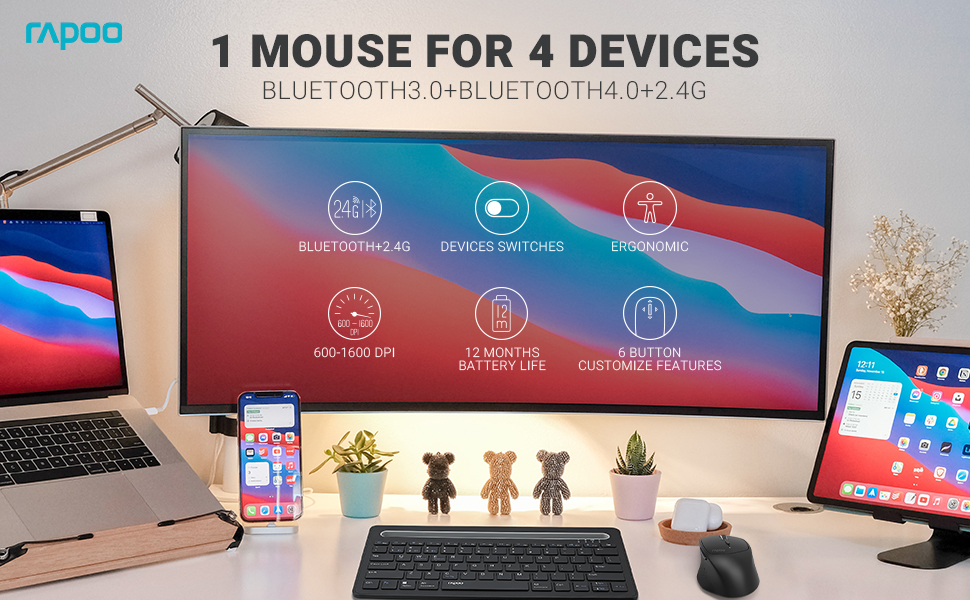
Image: The Rapoo MT550 mouse, highlighting its design for endurance, versatility, and comfort.
2. Seadistamine
2.1. Aku paigaldamine
The Rapoo MT550 mouse requires two AA batteries (included). To install:
- Leidke hiire alumisel küljel patareipesa kate.
- Lükake kate lahti.
- Sisestage kaks AA-patareid, jälgides õiget polaarsust (+/-).
- Sulgege patareipesa kaas.
2.2. Ühendamine 2.4G traadita ühenduse kaudu (USB-vastuvõtja)
For a 2.4G wireless connection:
- Lülitage hiir sisse, kasutades selle allosas asuvat SISSE/VÄLJA lülitit.
- Locate the USB receiver stored in the battery compartment.
- Sisestage USB-vastuvõtja arvuti vabasse USB-porti.
- The mouse should automatically connect. If not, press the device switch button until the indicator for channel 4 (usually indicated by a specific light pattern or number) is active.
2.3. Ühenduse loomine Bluetoothi kaudu
The Rapoo MT550 supports up to three Bluetooth connections. To connect:
- Lülitage hiir sisse ON/OFF lüliti abil.
- Short press the device switch button to select a Bluetooth channel (1, 2, or 3). The corresponding indicator light will illuminate.
- Press and hold the Bluetooth pairing button (often located near the device switch button) for approximately 3 seconds until the indicator light for the selected channel starts flashing rapidly. This indicates the mouse is in pairing mode.
- On your device (computer, laptop, tablet, phone), enable Bluetooth and search for new devices.
- Select "Rapoo MT550" from the list of available devices to complete the pairing process.
- Repeat these steps to pair with up to two additional Bluetooth devices on channels 2 and 3.

Image: Labeled diagram of the Rapoo MT550 mouse, indicating the location of the ON/OFF switch, Bluetooth button, device switch button, battery slot, USB receiver, DPI button, scroller, and other buttons.
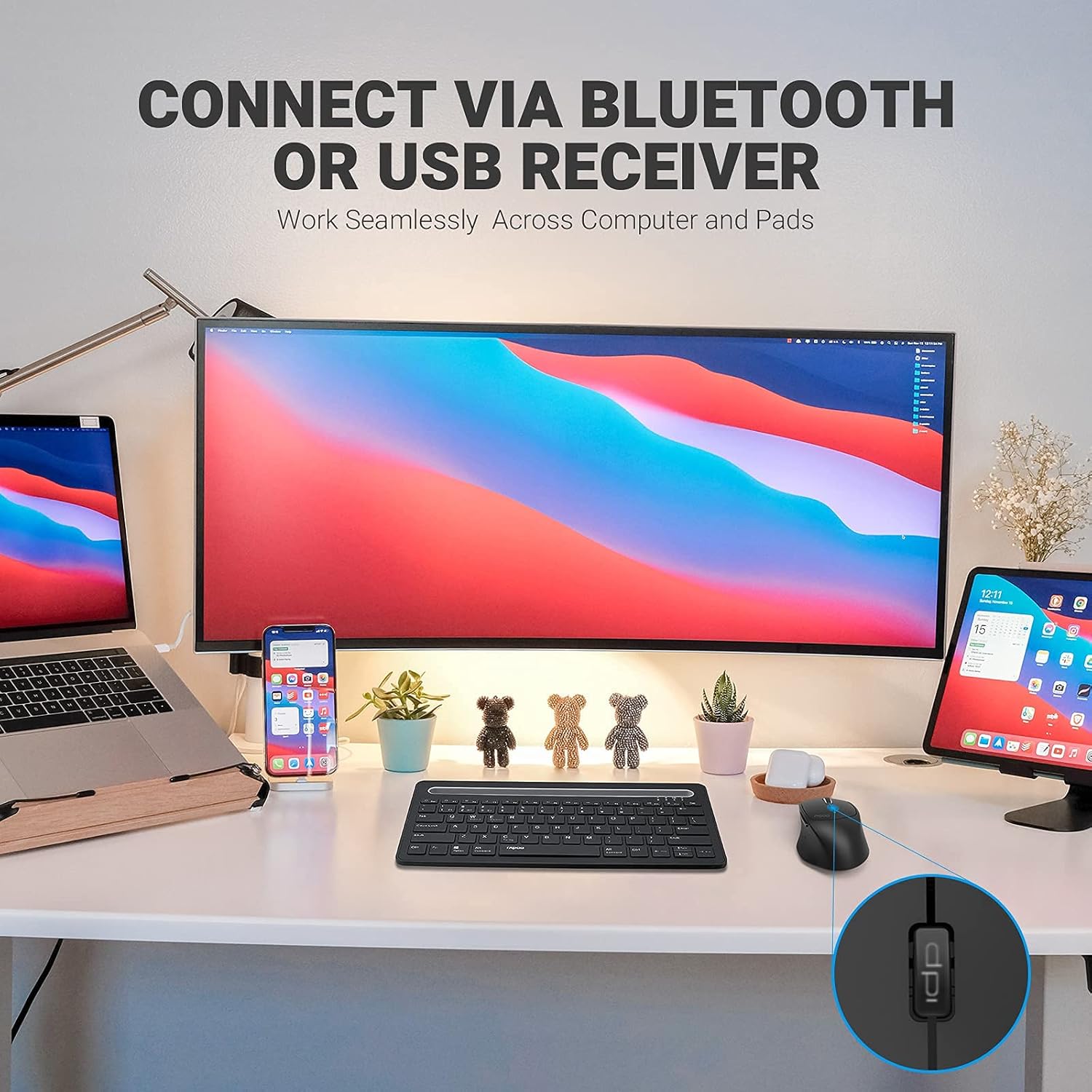
Image: A workstation demonstrating the Rapoo MT550 mouse connecting to multiple devices via Bluetooth or USB receiver.
3. Kasutusjuhised
3.1. Seadmete vahel vahetamine
To switch between your connected devices:
- Short press the device switch button located on the underside of the mouse.
- Each press will cycle through the connected channels (1, 2, 3 for Bluetooth, 4 for 2.4G USB receiver). The corresponding indicator light will show the active channel.
3.2. DPI (tundlikkuse) reguleerimine
The MT550 mouse features four adjustable DPI settings for precise control:
- Press the DPI button, located behind the scroll wheel, to cycle through the available settings: 600, 1000, 1300, and 1600 DPI.
- The indicator light will briefly change to reflect the selected DPI level.

Pilt: Lähivõte view of the DPI button on the Rapoo MT550 mouse, with the indicator light showing the current DPI setting.
3.3. Using Forward/Back Buttons
The two thumb buttons on the side of the mouse provide quick navigation:
- The forward button advances to the next page or folder.
- The back button returns to the previous page or folder.
4. Hooldus
4.1. Puhastamine
To maintain the appearance and functionality of your mouse:
- Hiire pinna pühkimiseks kasutage pehmet ja kuiva lappi.
- Vältige tugevate kemikaalide, abrasiivsete puhastusvahendite või lahustite kasutamist, kuna need võivad viimistlust kahjustada.
4.2. Aku vahetamine
When the low battery indicator appears or the mouse becomes unresponsive, it's time to replace the batteries:
- Järgige aku paigaldamise samme, mis on kirjeldatud punktis 2.1.
- Ensure you use two fresh AA batteries and insert them with the correct polarity.
4.3. Ladustamine
Kui hiirt pikemat aega ei kasutata, hoidke seda kuivas ja jahedas kohas, eemal otsesest päikesevalgusest ja äärmuslikest temperatuuridest.
5. Veaotsing
If you encounter issues with your Rapoo MT550 mouse, refer to the following troubleshooting steps:
5.1. Hiir ei reageeri
- Kontrollige võimsust: Ensure the mouse is turned on using the ON/OFF switch.
- Kontrollige patareisid: Veenduge, et patareid on õigesti paigaldatud ja neil on piisavalt laetud. Vajadusel vahetage need välja.
- 2.4G vastuvõtja: For 2.4G connection, ensure the USB receiver is securely plugged into a working USB port on your computer. Try a different USB port.
- Bluetooth-ühendus: For Bluetooth, ensure Bluetooth is enabled on your device and the mouse is paired to the correct channel. Try re-pairing the mouse if the connection is lost.
5.2. Katkendlik ühendus või viivitus
- Lähedus: Move the mouse closer to your computer or device to ensure a strong signal.
- Häired: Avoid using the mouse near other wireless devices (e.g., Wi-Fi routers, cordless phones) that might cause interference.
- Pind: Ensure you are using the mouse on a suitable surface. While the MT550 is designed for various surfaces, extreme textures or reflective surfaces can affect tracking.
5.3. DPI ei muutu
- Ensure you are pressing the dedicated DPI button, not another button.
- Kui probleem püsib, proovige hiir välja ja uuesti sisse lülitada.
6. Tehnilised andmed
| Toote mõõtmed | 3.93 x 2.55 x 1.57 tolli |
| Kauba kaal | 5.3 untsi |
| Patareid | 2 AA patareid (kaasas) |
| Ühenduvustehnoloogia | Bluetooth (3.0/4.0) and 2.4G Wireless |
| Liikumise tuvastamise tehnoloogia | Optiline |
| Reguleeritav DPI | 600/1000/1300/1600 |
| Nuppude arv | 6 (Left, Right, Scroll, DPI, Forward, Back) |
| Aku tööiga | Up to 12 months (under normal conditions) |
7. Garantii ja tugi
Rapoo provides the following coverage for your MT550 Multi-Device Wireless Mouse:
- Garantii: 3-aastane muretu garantii.
- Tagastamisreeglid: 180-päevane raha tagasi garantii.
For further assistance, technical support, or warranty claims, please visit the official Rapoo websaidil või võtke ühendust oma klienditeenindusega.


