1. Sissejuhatus
This manual provides detailed instructions for the installation, operation, and maintenance of your Mars Gaming MC500 ATX PC Case. Please read this guide thoroughly before beginning assembly or use to ensure proper functionality and safety. The MC500 is designed for high-performance computing, featuring exceptional cooling capabilities and a stylish FRGB lighting system.

Figure 1: Mars Gaming MC500 PC Case with tempered glass design.
2. Pakendi sisu
Veenduge, et pakendis on kõik komponendid olemas:
- Mars Gaming MC500 ATX PC Case
- Accessory box (screws, standoffs, cable ties)
- Kasutusjuhend (see dokument)
3. Seadistamine ja installimine
Follow these steps for proper assembly of your PC components within the MC500 case.
3.1 Juhtumi ettevalmistamine
- Eemaldage ümbris ettevaatlikult pakendist.
- Asetage ümbris stabiilsele ja tasasele pinnale.
- Remove the tempered glass side panel by unscrewing the thumb screws at the rear of the case.
3.2 Emaplaadi paigaldamine
- Paigaldage I/O-kaitse emaplaadi sahtli avasse.
- Align the motherboard with the pre-installed standoffs. Ensure the standoffs match your motherboard's form factor (ATX, Micro-ATX, Mini-ITX).
- Kinnitage emaplaat kaasasolevate kruvidega.
3.3 Salvestusketta paigaldamine
The MC500 supports up to 4 x 2.5" SSDs or 2 x 3.5" HDDs.
- For 2.5" SSDs: Locate the dedicated mounting points on the motherboard tray or drive cages. Secure the SSDs with screws.
- For 3.5" HDDs: Utilize the drive cages located in the dual chamber design. Slide the HDDs into the trays and secure them.

Figure 2: Internal layout showing storage drive mounting locations.
3.4 Toiteploki (PSU) paigaldamine
- Install the PSU into the dedicated compartment at the bottom rear of the case.
- Kinnitage toiteplokk korpuse tagaküljelt kruvidega.
3.5 Graafikakaardi ja laienduskaardi paigaldamine
- Eemaldage korpuse tagaküljelt vajalikud PCIe pesa katted.
- Sisestage graafikakaart või muud laienduskaardid emaplaadi vastavatesse PCIe-pesadesse.
- Kinnitage kaardid kruvidega.
3.6 Kaablihaldus
Kasutage kaablite haldamiseks emaplaadi sahtli taga olevaid kaablikanalite väljalõikeid ja kinnituspunkte. See parandab õhuvoolu ja esteetikat.
4. Kasutusjuhised
4.1 Sisselülitamine
After all components are installed and connected, close the side panel. Connect your monitor, keyboard, mouse, and power cable. Press the power button on the top I/O panel to start your system.
4.2 Ventilaatori töö
The MC500 comes with two pre-installed 18cm XXL FRGB fans at the front, providing excellent airflow. These fans operate automatically once the system is powered on, drawing cool air into the case.
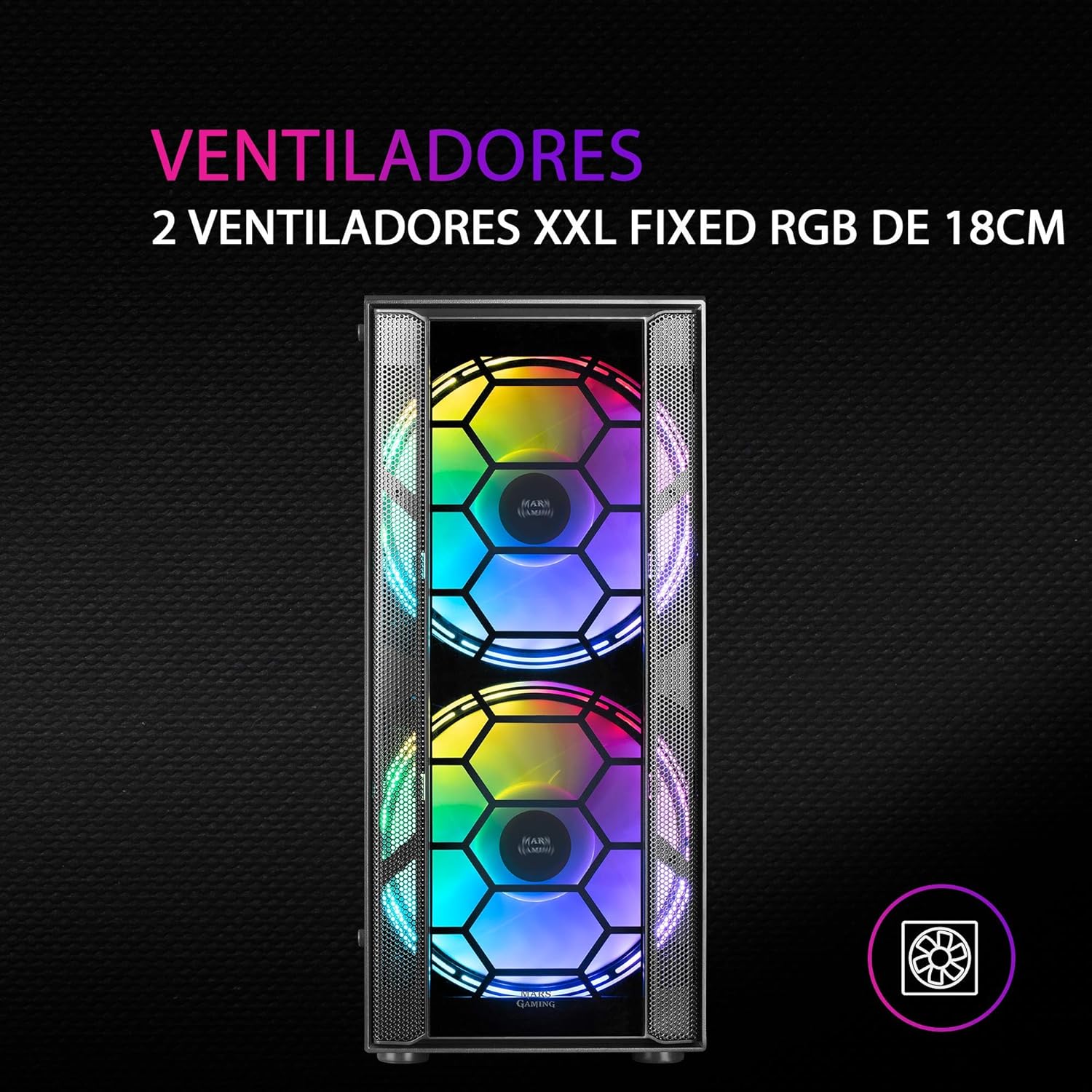
Joonis 3: Esiosa view highlighting the two 18cm XXL FRGB fans.
4.3 FRGB Lighting
The front fans feature Fixed RGB (FRGB) lighting. This lighting system provides a constant stream of colors and activates automatically when the fans receive power. No additional software or controller is required for its operation.
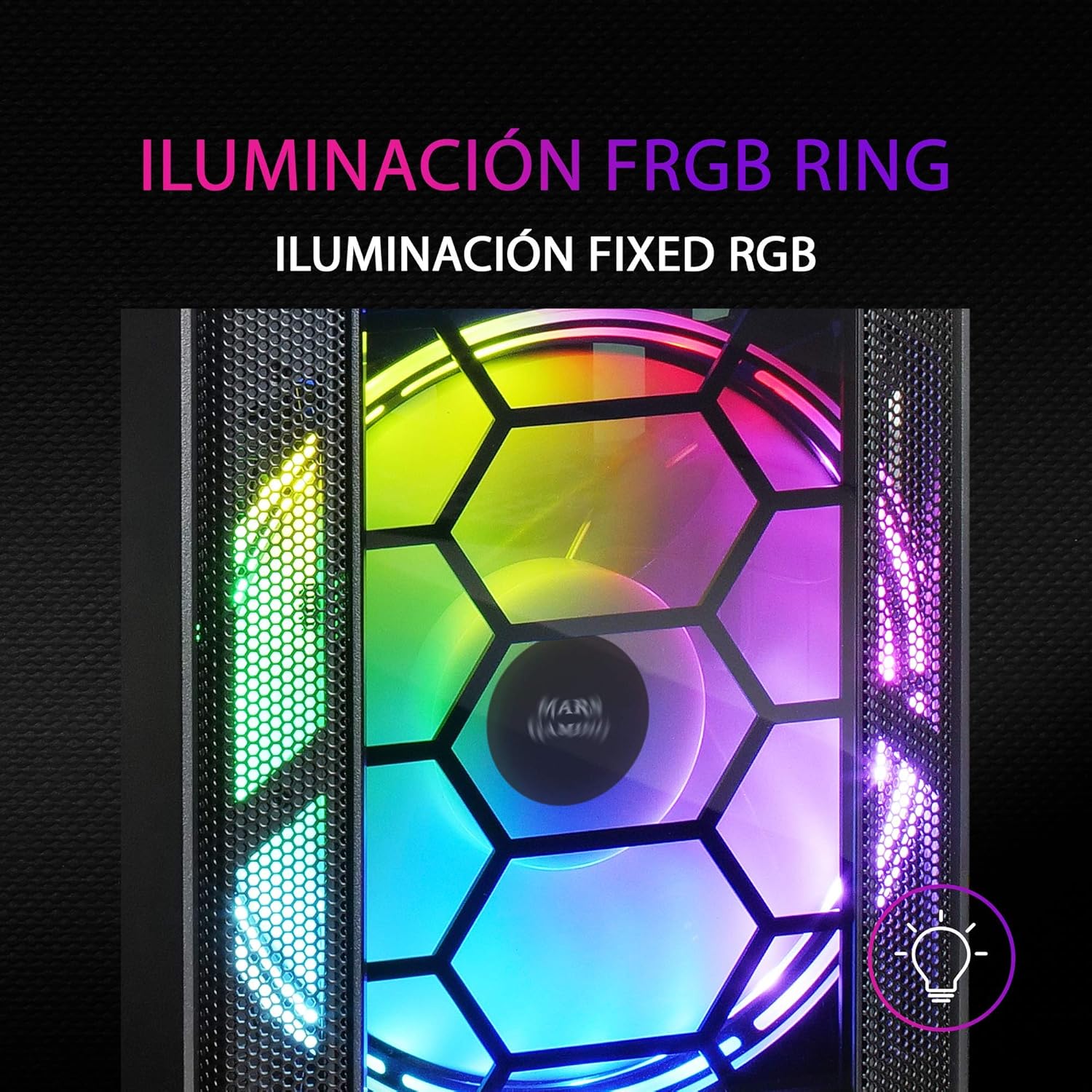
Figure 4: Detail of the FRGB ring lighting on the fans.
5. Hooldus
Regulaarne hooldus tagab teie arvuti korpuse optimaalse jõudluse ja pikaealisuse.
5.1 Tolmufiltri puhastamine
The MC500 is equipped with two removable dust filters to prevent dust buildup inside the case. It is recommended to clean these filters periodically (e.g., monthly) depending on your environment.
- Power off your computer and disconnect the power cable.
- Gently remove the dust filters (typically located on the top and bottom/front of the case).
- Clean the filters using compressed air or by rinsing them with water. If using water, ensure they are completely dry before re-installing.
- Re-install the dust filters.

Figure 5: Removable dust filter for easy cleaning.
5.2 Üldpuhastus
Pühkige korpuse välispind pehme lapigaamp lapiga. Vältige tugevate kemikaalide või abrasiivsete materjalide kasutamist, mis võivad viimistlust või karastatud klaasi kahjustada.
6. Veaotsing
If you encounter issues with your MC500 PC case, consider the following common solutions:
- Süsteem ei lülitu sisse: Ensure all power cables (24-pin ATX, 8-pin CPU, GPU power) are securely connected to the motherboard and components. Verify the PSU switch is in the 'ON' position. Check front panel header connections to the motherboard.
- Ventilaatorid ei pöörle: Confirm that the fan power cables are correctly connected to the motherboard fan headers or a fan controller. Check BIOS settings for fan speed control.
- FRGB Lighting Not Working: Since the FRGB lighting is fixed and powered by the fans, ensure the fans are spinning and receiving power.
- Halb õhuvool/ülekuumenemine: Ensure all case fans are oriented correctly (intake/exhaust). Clean dust filters regularly. Verify no cables are obstructing airflow.
- Lahtised komponendid: If you hear rattling, check that all screws for the motherboard, drives, and expansion cards are tightened.
For persistent issues, consult the documentation for your individual PC components (motherboard, PSU, etc.) or contact Mars Gaming support.
7. Tehnilised andmed
| Funktsioon | Spetsifikatsioon |
|---|---|
| Kaubamärk | Mars Gaming |
| Mudel | MC500 |
| Toote mõõtmed | 37.5 x 44.8 x 20.2 cm |
| Kauba kaal | 5.1 kg |
| Vormitegur | ATX |
| Emaplaadi ühilduvus | ATX, Micro ATX, Mini ITX |
| Juhtumi tüüp | Torn |
| Materjal | Klaas |
| Kaasatud fännid | 2 x 18cm XXL FRGB Fans (Front) |
| Vedelikjahutuse tugi | 240/120mm (Top), 120mm (Rear) |
| Ladustamiskohad | Up to 4 x 2.5" SSDs or 2 x 3.5" HDDs |
| Tolmufiltrid | 2 (Removable) |
| Värv | Must |
8. Garantii ja tugi
8.1 Garantii teave
For detailed warranty information regarding your Mars Gaming MC500 PC Case, please refer to the official Mars Gaming webveebisaidil või ostuga kaasasoleval garantiikaardil. Garantiitingimused võivad piirkonniti erineda.
8.2 Tehniline tugi
If you require technical assistance or have questions not covered in this manual, please visit the official Mars Gaming support page or contact their customer service directly. Contact information can typically be found on their websaidile.


