1. Sissejuhatus
This manual provides detailed instructions for the installation, operation, and maintenance of your BOIFUN DD202 2K Wi-Fi Outdoor Security Camera. Please read this manual thoroughly before using the product to ensure proper functionality and safety. The BOIFUN DD202 is a battery-powered outdoor camera designed for reliable surveillance, featuring 2K Full HD resolution, color night vision, and intelligent motion detection.

Image 1.1: BOIFUN DD202 2K Wi-Fi Outdoor Security Camera
2. Pakendi sisu
Palun kontrollige paki sisu kättesaamisel. Kui mõni ese on puudu või kahjustatud, võtke ühendust klienditoega.
- 1 × BOIFUN DD202 Battery Camera
- 1 × Fixed Mounting Bracket
- 4 × kinnituskruvid
- 4 × Wall Plugs (Nuts)
- 1 × USB-laadimiskaabel
- 1 × Kasutusjuhend
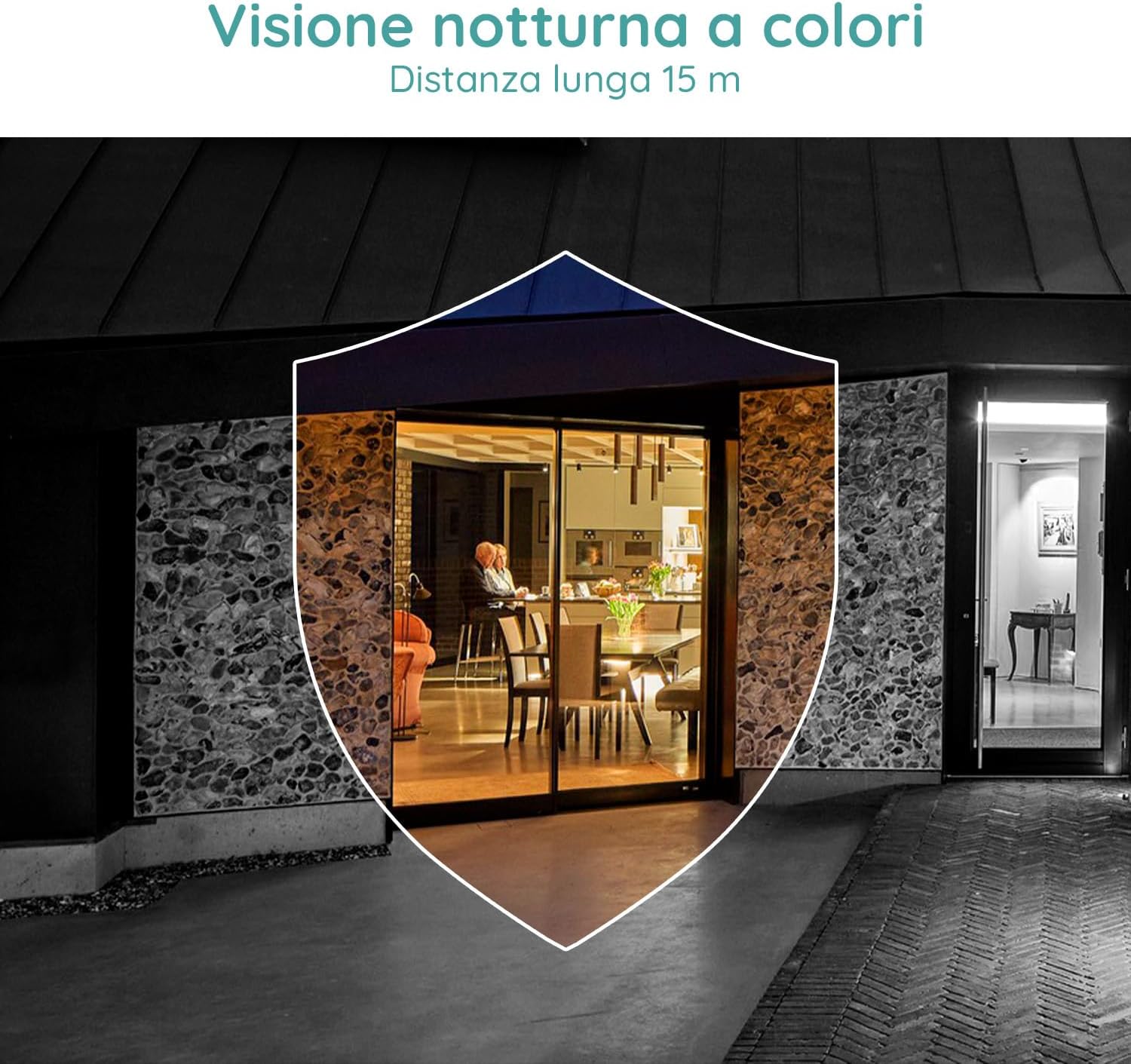
Image 2.1: Included components for the BOIFUN DD202 camera.
3. Toote lõppview
The BOIFUN DD202 camera is designed for outdoor security with several key features:
- 2K Full HD Resolution: Jäädvustab selge ja üksikasjaliku videofootage.
- Värviline öönägemine: Provides full-color video even in low-light conditions up to 20 meters.
- PIR liikumistuvastus: Advanced AI algorithm for accurate human motion detection, reducing false alarms.
- Acoustic Alarm & Spotlight: Deters intruders with a 110 dB siren and bright spotlight.
- 120-päevane aku tööiga: Long-lasting 10400 mAh battery (based on 10 wake-ups/day).
- Kahesuunaline heli: Communicate with visitors or deter unwanted guests remotely.
- IP66 ilmastikukindel: Loodud taluma erinevaid välistingimustes tekkivaid ilmastikutingimusi.
- 2.4 GHz Wi-Fi Connectivity: Ensures stable wireless connection.

Image 3.1: The camera continues to function and record even if the main power supply is interrupted, thanks to its internal battery.
4. Seadistamine
4.1 Kaamera laadimine
Enne esmakordset kasutamist laadige kaamera kaasasoleva USB-kaabli abil täielikult. Ühendage kaabel kaamera laadimisporti ja standardse USB-toiteadapteriga (ei kuulu komplekti).
4.2 Rakenduse installimine ja konto loomine
- Download the official BOIFUN app from your smartphone's app store (iOS or Android).
- Avage rakendus ja järgige ekraanil kuvatavaid juhiseid uue konto loomiseks või sisselogimiseks, kui teil see juba on.
4.3 Wi-Fi-ühendus
The camera supports 2.4 GHz Wi-Fi networks only. Ensure your smartphone is connected to a 2.4 GHz Wi-Fi network during the setup process.
- In the app, select 'Add Device' and choose your camera model.
- Follow the app's instructions to connect the camera to your Wi-Fi network. This typically involves scanning a QR code displayed on your phone with the camera.

Image 4.1: The camera supports 2.4 GHz Wi-Fi, offering better penetration and range compared to 5 GHz networks.
4.4 Füüsiline paigaldus
Kaamera on mõeldud seinale paigaldamiseks. Valige koht, mis pakub soovitud viewing angle and is within range of your 2.4 GHz Wi-Fi network.
- Märkige seinale puurimiskohad, kasutades kinnitusklambrit mallina.
- Puurige augud ja sisestage seinatüüblid.
- Kinnitage kinnitusklamber kruvide abil seina külge.
- Secure the camera to the mounting bracket. Adjust the angle as needed.
5. Kasutusjuhised
5.1 Otseülekanne View ja Salvestamine
Access the live feed of your camera through the BOIFUN app. You can manually record video or take screenshots from the live view.
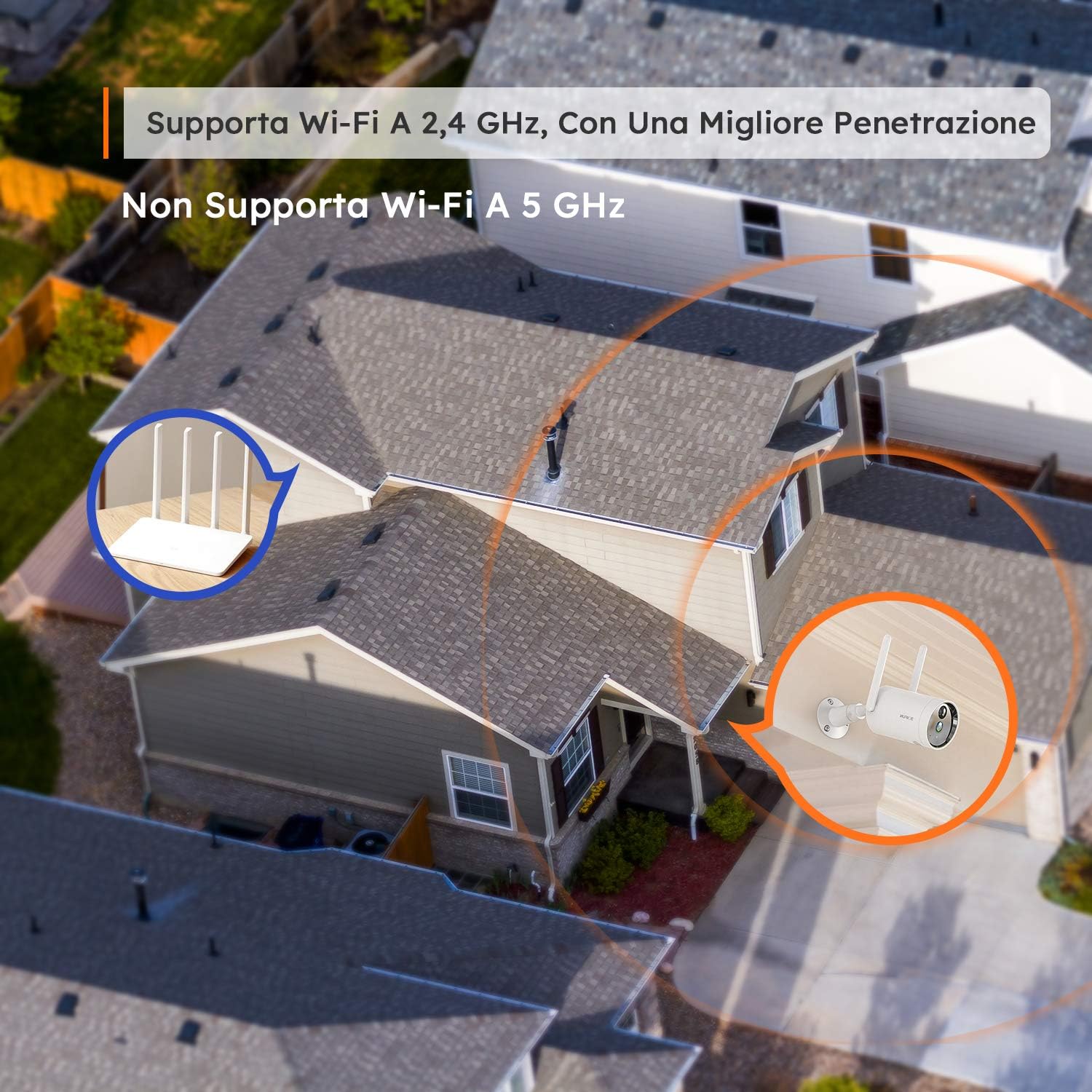
Image 5.1: Monitor multiple camera feeds simultaneously through the BOIFUN app on your smartphone.
5.2 Liikumistuvastus
The camera features PIR (Passive Infrared) motion detection combined with an advanced AI algorithm to distinguish between humans and other moving objects, minimizing false alarms.
- Inimese tuvastamine: Configure the camera to only alert you when a human figure is detected.
- Reguleeritav tundlikkus: Customize the detection sensitivity (levels 1-10) to suit your environment.
- Custom Alarm Zone: Määrake kaamera piires kindlad alad view kus liikumistuvastus peaks olema aktiivne.
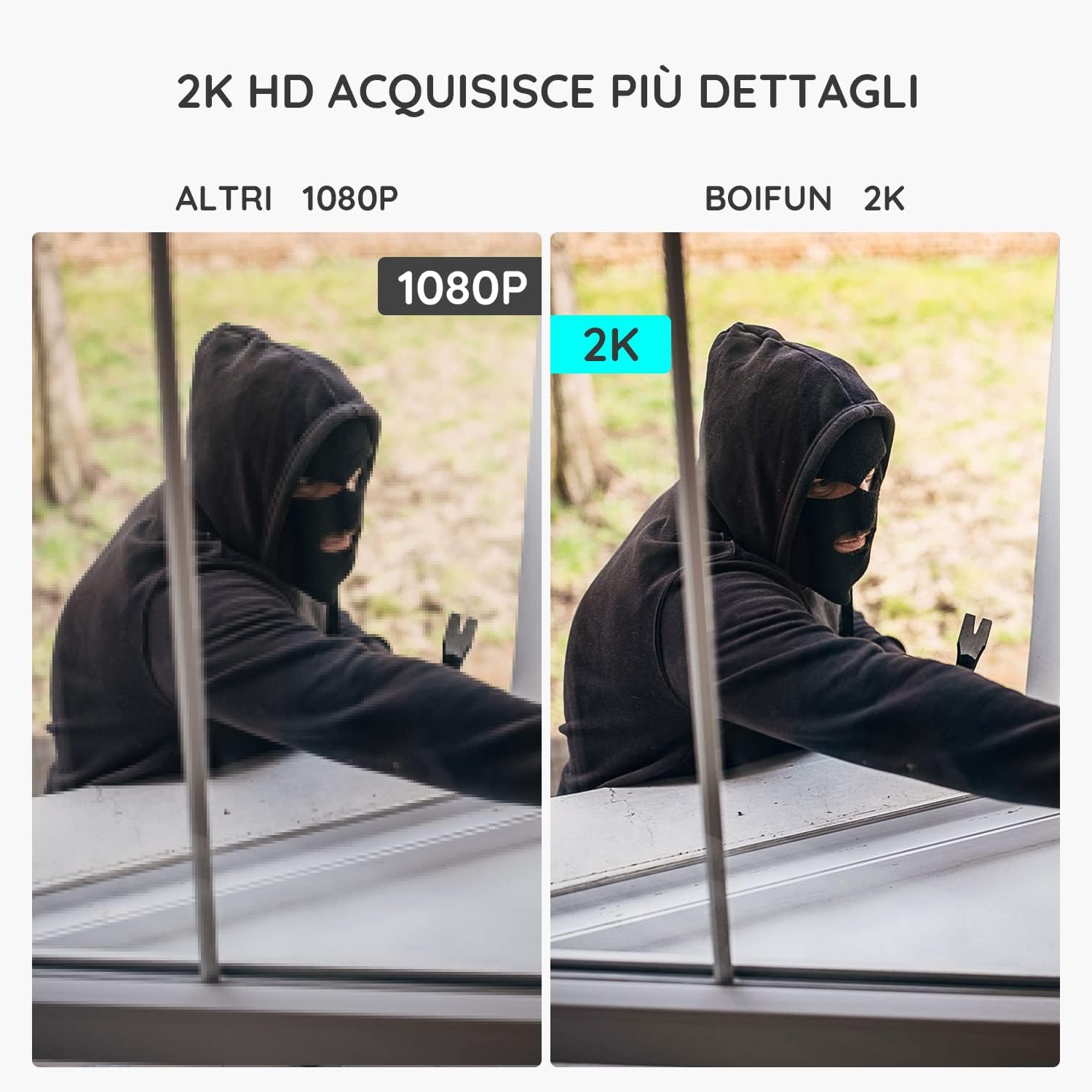
Image 5.2: The camera's PIR human detection accurately identifies people while ignoring other movements like pets or falling leaves, reducing unnecessary alerts.
5.3 Öine nägemine
The BOIFUN DD202 offers 2K Full HD color night vision, allowing you to see clear, detailed, and color images even in complete darkness up to 20 meters. When a human is detected at night, the fill lights automatically activate to provide color footage.

Pilt 5.3: Näideample of the camera's color night vision capability, providing clear visibility in low-light conditions.
5.4 Häirefunktsioonid
Upon detecting motion, the camera can trigger an acoustic alarm (up to 110 dB) and activate its spotlight to deter intruders. You will also receive real-time notifications on your smartphone.

Image 5.4: The camera's real-time alert system, featuring a siren and spotlight to deter potential threats.
5.5 Kahesuunaline heli
The integrated microphone and speaker allow for two-way communication. You can speak through the camera to interact with visitors or warn off unwanted individuals.
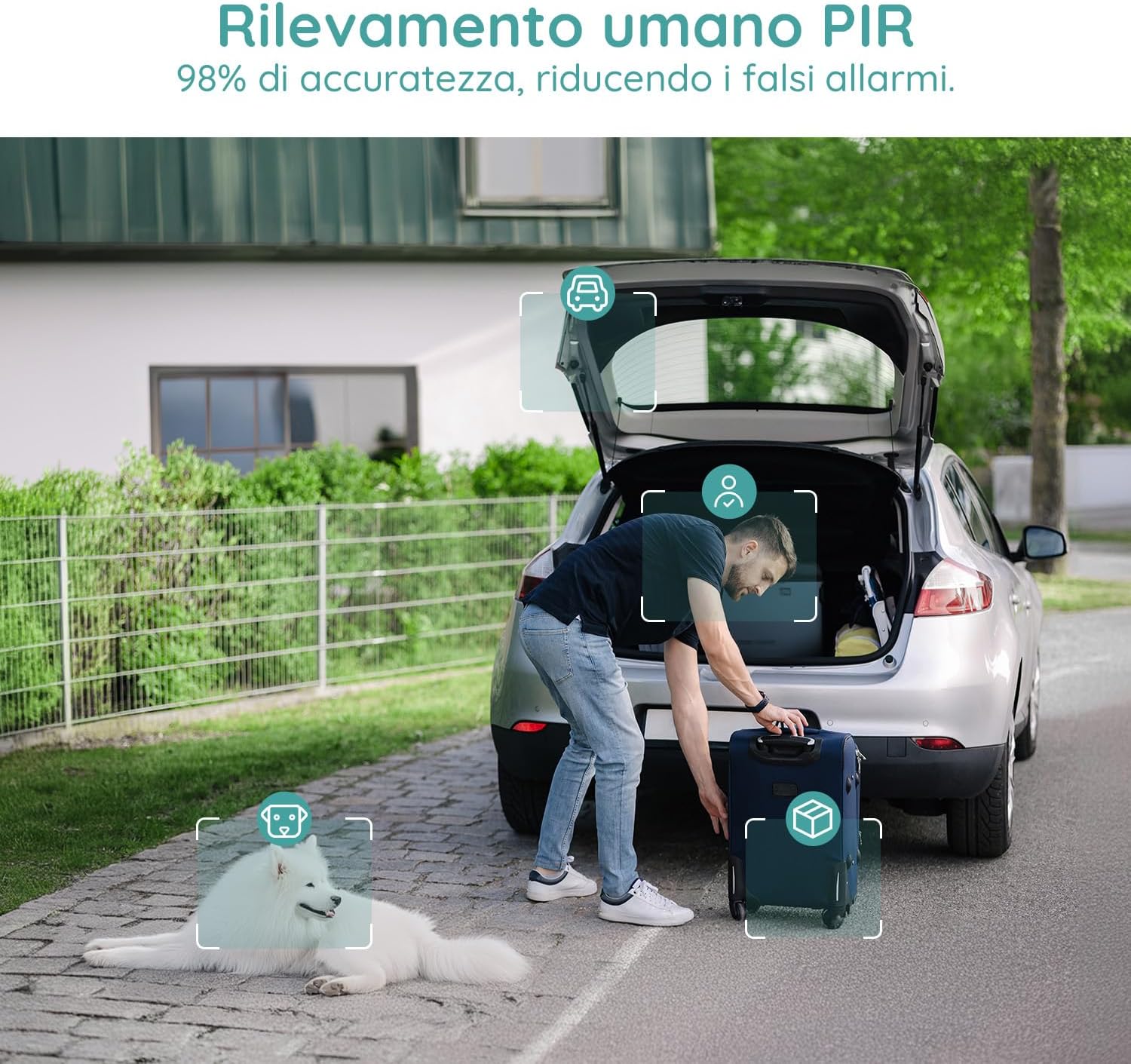
Image 5.5: Use the two-way audio feature to communicate with people near your camera.
5.6 Salvestusvõimalused
- Micro SD kaart: Supports up to 128GB Micro SD card (not included) for local storage. When the card is full, older footage will be overwritten automatically.
- Pilvesalvestus: Offers a 7-day free trial for cloud storage. Subsequent cloud storage requires a subscription. All video files are encrypted for privacy.
6. Hooldus
- Puhastamine: Regularly wipe the camera lens and body with a soft, dry cloth to ensure clear image quality. Avoid using harsh chemicals.
- Aku laadimine: Monitor the battery level via the app and recharge the camera when necessary to ensure continuous operation.
- Püsivara värskendused: Check the app periodically for firmware updates to ensure optimal performance and security.
7. Veaotsing
7.1 Kaamera ei ühendu WiFi-ga
- Veenduge, et teie WiFi-võrk on 2.4 GHz. Kaamera ei toeta 5 GHz WiFi-ühendust.
- Kontrollige, et kaamera oleks teie WiFi-ruuteri leviala piires.
- Veenduge, et teie WiFi-parool on rakendusse õigesti sisestatud.
- Taaskäivitage ruuter ja kaamera ning proovige uuesti ühendust luua.
7.2 Frequent False Alarms
- Adjust the motion detection sensitivity in the app to a lower level.
- Utilize the 'Human Detection' feature to filter out non-human movements.
- Set up a 'Custom Alarm Zone' to exclude areas with frequent irrelevant motion (e.g., busy roads, swaying trees).
7.3 Halb pildikvaliteet
- Veenduge, et kaamera objektiiv oleks puhas ning tolmu- ja plekkidevaba.
- Kontrollige oma WiFi-signaali tugevust. Nõrk signaal võib mõjutada video voogesituse kvaliteeti.
- Verify the video resolution setting in the app is set to 2K (HD).
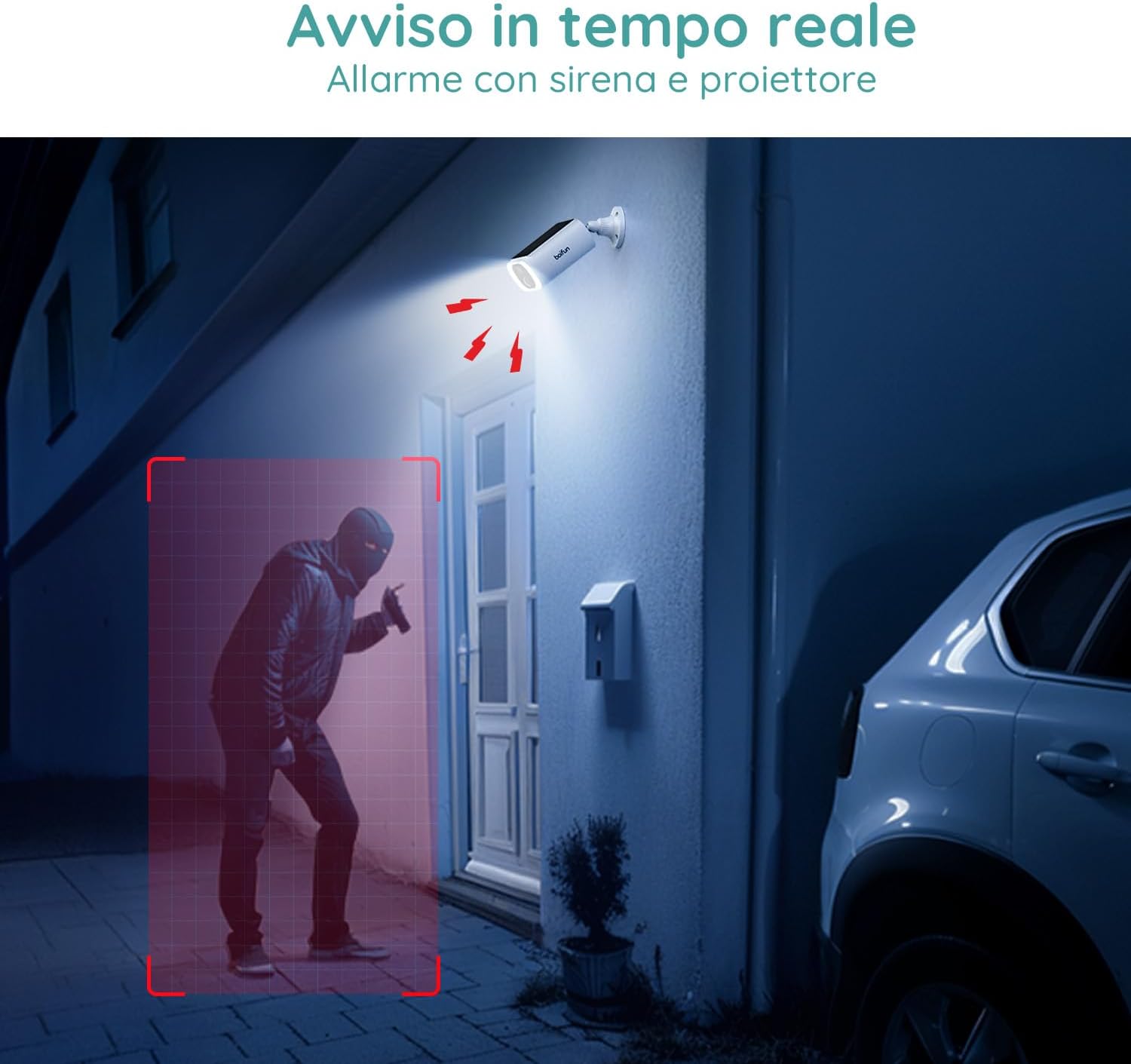
Image 7.1: Comparison illustrating the enhanced detail provided by 2K resolution compared to 1080p.
8. Tehnilised andmed
| Mudeli nimi | DD202 |
| Kaubamärk | BOIFUN |
| Video eraldusvõime | 2K (1296p) |
| Viewing | 130 kraadi |
| Öise nägemise ulatus | 20 meetrit |
| Juhtmevaba tehnoloogia | WiFi (2.4 GHz) |
| Toiteallikas | Akutoitel (10400 mAh liitiumioonaku) |
| Veekindlus | IP66 (veekindel) |
| Materjal | Plastikust |
| Mõõdud (P x L x K) | 12 x 8.5 x 20 cm |
| Kaal | 710 grammi |
| Ühilduvad seadmed | Smartphone, Tablet (Android & iOS) |
9. Garantii ja tugi
BOIFUN is committed to providing advanced intelligent protection solutions and excellent customer service.
- Garantii: Sellel tootel on 3-aastane garantii.
- Tagastamisreeglid: Nautige 30-päevast tasuta tagastuspoliitikat.
- Klienditugi: 24/7 after-sales support is available.
For any questions or assistance, please contact us at: admin@boifun.net

Image 9.1: BOIFUN offers 9 years of focus, a 3-year warranty, and timely support within 24 hours.


