Sissejuhatus
Thank you for choosing the havit MS72 Wired USB Gaming Mouse. This manual provides essential information for the proper installation, operation, and maintenance of your new gaming mouse. Please read this manual thoroughly before using the product to ensure optimal performance and longevity.
The havit MS72 features an ergonomic design, an anti-slipping surface, and adjustable DPI settings (800-1200 DPI) for precise control. It also includes RGB lighting for an enhanced aesthetic experience.
Pakendi sisu
- havit MS72 Wired USB Gaming Mouse
- Kasutusjuhend
Seadistamine
Follow these steps to set up your havit MS72 Gaming Mouse:
- Ühendage USB-kaabel: Locate an available USB port on your computer (desktop or laptop). Insert the USB connector of the havit MS72 mouse into the USB port.
- Automaatne draiveri installimine: Your operating system (Windows, macOS, Linux) should automatically detect the mouse and install the necessary drivers. This process may take a few moments.
- Funktsionaalsuse kontrollimine: Once the drivers are installed, the mouse's RGB lighting should illuminate, and the cursor should respond to movement. Test the left, right, and scroll wheel functions.
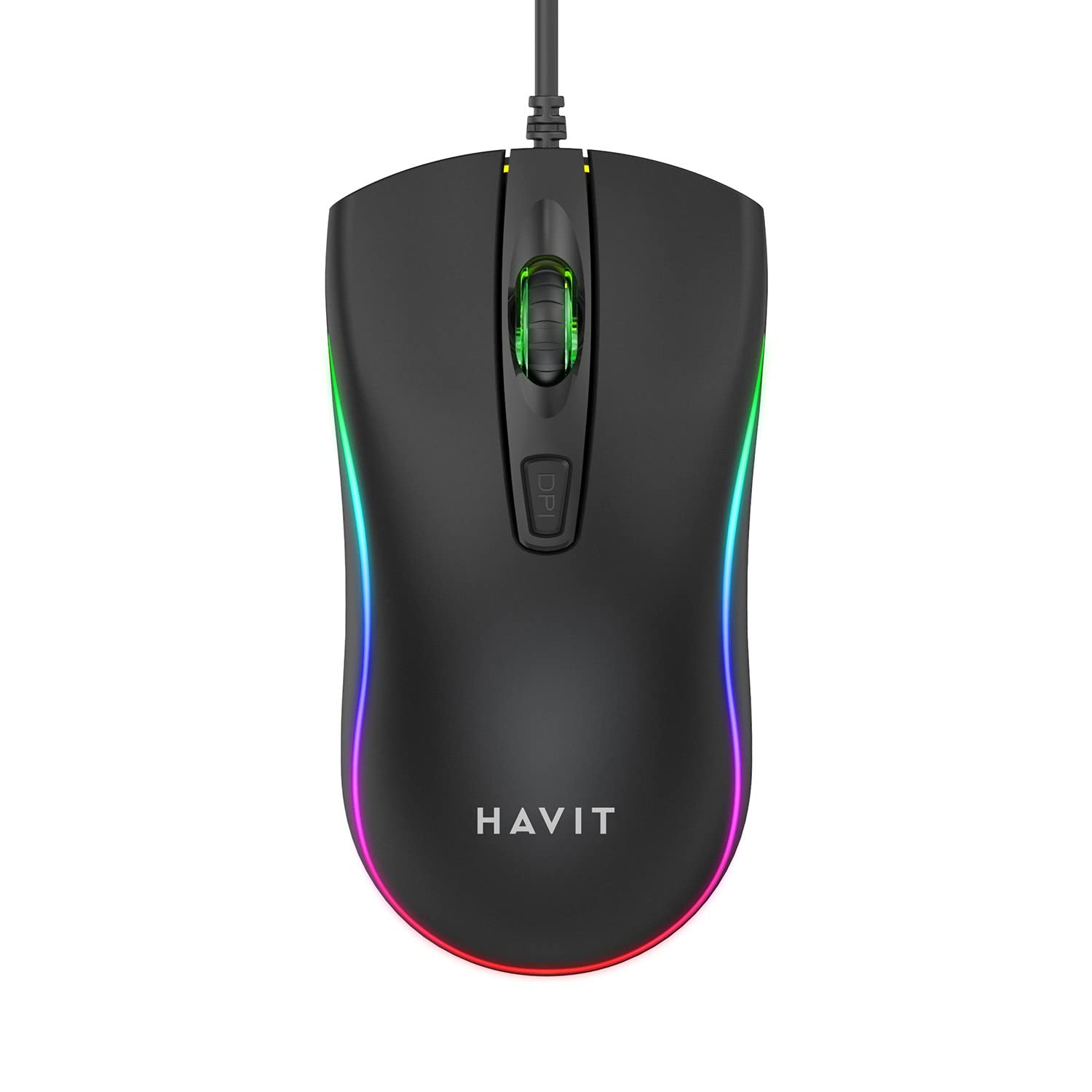
Image: The havit MS72 Gaming Mouse with its USB cable connected, showcasintänu ergonoomilisele disainile ja RGB-valgustusele.
Kasutusjuhised
The havit MS72 Gaming Mouse is designed for intuitive use. Here are its primary functions:
- Vasakklõpsu nupp: Standardne esmane klõpsufunktsioon.
- Paremklõpsu nupp: Standard secondary click function, typically for context menus.
- Kerimisratas: Kasutatakse dokumentide sirvimiseks ja web lehed. Võib toimida ka keskmise hiireklõpsu nupuna.
- DPI reguleerimise nupp: Located behind the scroll wheel. Press this button to cycle through the available DPI settings (800 DPI and 1200 DPI). The mouse's sensitivity will change with each press.
- Külgmised nupud (edasi/tagasi): Typically located on the left side of the mouse. These buttons are commonly used for navigation (e.g., forward/backward in web browsers) or can be programmed for specific in-game actions.
- RGB valgustus: The mouse features integrated RGB lighting that cycles automatically. There are no user-adjustable controls for the lighting patterns or colors.
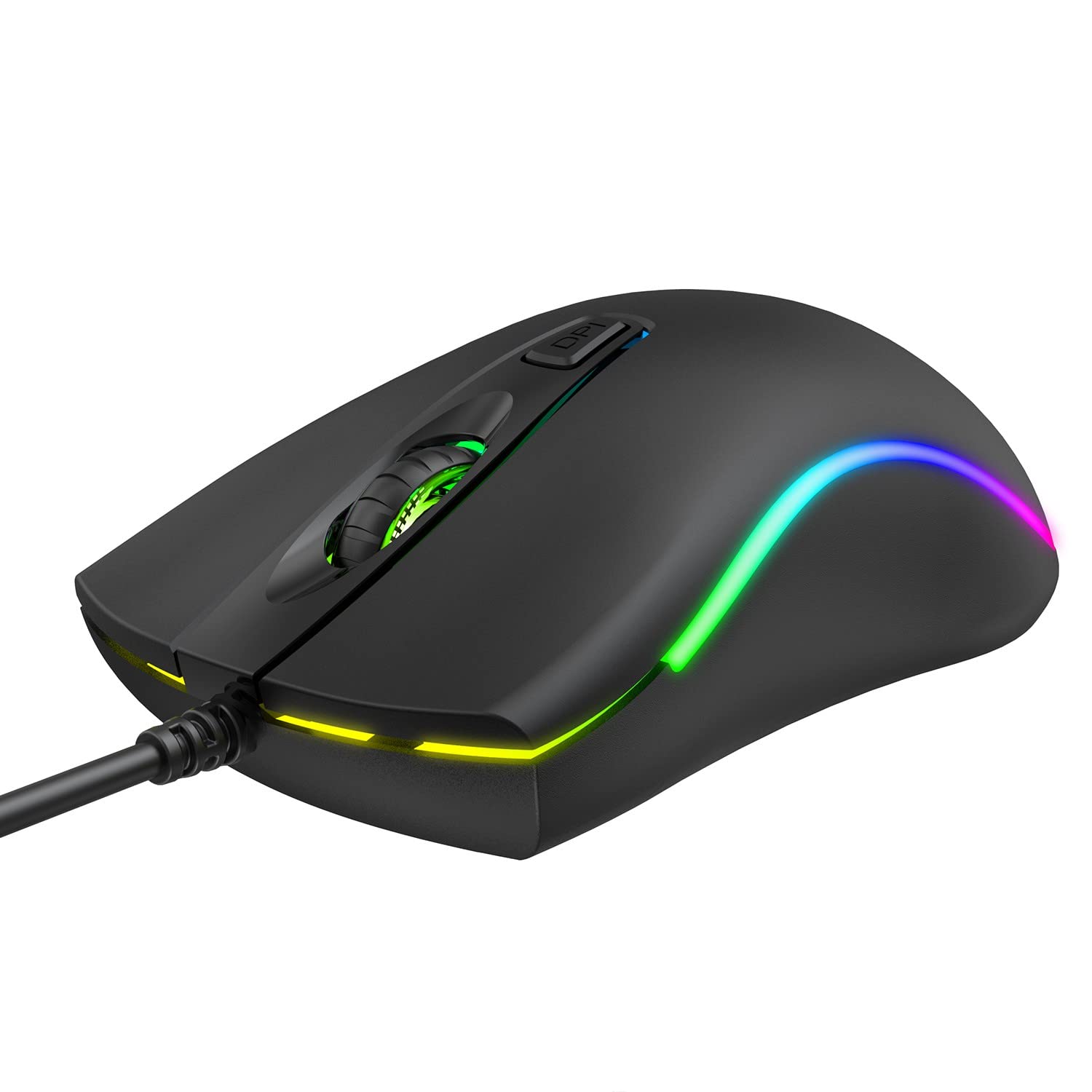
Pilt: Ülemine view of the havit MS72 Gaming Mouse, highlighting the scroll wheel and the DPI adjustment button.

Pilt: Külg view of the havit MS72 Gaming Mouse, illustrating the placement of the forward and backward side buttons.
Hooldus
Nõuetekohane hooldus tagab teie mänguhiire pikaealisuse ja optimaalse jõudluse:
- Puhastamine: Hiire pinna pühkimiseks kasutage pehmet ja kuiva lappi. Kangekaelse mustuse korral kuivatage seda kergelt.ampLoputage lappi veega või õrna puhastuslahusega. Vältige karme kemikaale või abrasiivseid materjale.
- Optiline andur: Periodically clean the optical sensor on the underside of the mouse with a cotton swab to prevent tracking issues.
- Kaabli hooldus: Avoid sharply bending or twisting the USB cable. Store the mouse in a way that prevents stress on the cable connection.
- Hoiustamine: Kui hiirt pikemat aega ei kasutata, hoidke seda puhtas ja kuivas kohas, eemal otsesest päikesevalgusest ja äärmuslikest temperatuuridest.
Veaotsing
If you encounter issues with your havit MS72 Gaming Mouse, refer to the following common solutions:
| Probleem | Võimalik põhjus | Lahendus |
|---|---|---|
| Hiir ei reageeri | Lahtine USB-ühendus, vigane USB-port, draiveri probleem. |
|
| Kursori liikumine on ebakindel või hüplik | Määrdunud optiline andur, sobimatu hiirematt. |
|
| DPI nupp ei muuda tundlikkust | Software conflict, button malfunction. |
|
| RGB valgustus ei tööta | Toiteprobleem, sisemine rike. |
|
Tehnilised andmed
| Kaubamärk | Havit |
| Mudel | MS72 |
| Ühenduvustehnoloogia | USB (juhtmega) |
| Liikumise tuvastamise tehnoloogia | Optiline |
| DPI seaded | 800-1200 DPI (Two gears) |
| Käe orientatsioon | Kahepoolne |
| Eriomadused | Ergonomic Design, Anti-Slipping Surface, RGB Light |
| Ühilduvad operatsioonisüsteemid | Linux, Windows 7, Windows XP, macOS |
| Riistvara platvorm | Sülearvuti, personaalarvuti |
| Toote mõõtmed (PxLxK) | 11.4 x 6 x 3.8 cm |
| Kauba kaal | 150 g |
Garantii ja tugi
The havit MS72 Wired USB Gaming Mouse comes with a standard manufacturer's warranty. Please refer to the warranty card included with your product for specific terms and conditions.
For technical support, warranty claims, or any product-related inquiries, please contact the importer/manufacturer directly:
- Importija: Origin Marketing Private Limited
- Aadress: 121 Raj Ratna Industrial Estate, Liberty Garden, Malad West, Mumbai 400064
- Telefon: 022 40224087
- E-post: service@originmarketing.in
When contacting support, please have your product model (MS72) and purchase details readily available.


