Sissejuhatus
Thank you for choosing the GTRACING GT890MF Gaming Chair. This manual provides detailed instructions for the assembly, operation, maintenance, and troubleshooting of your new gaming chair. Please read this manual carefully before use to ensure proper function and longevity of the product. Keep this manual for future reference.
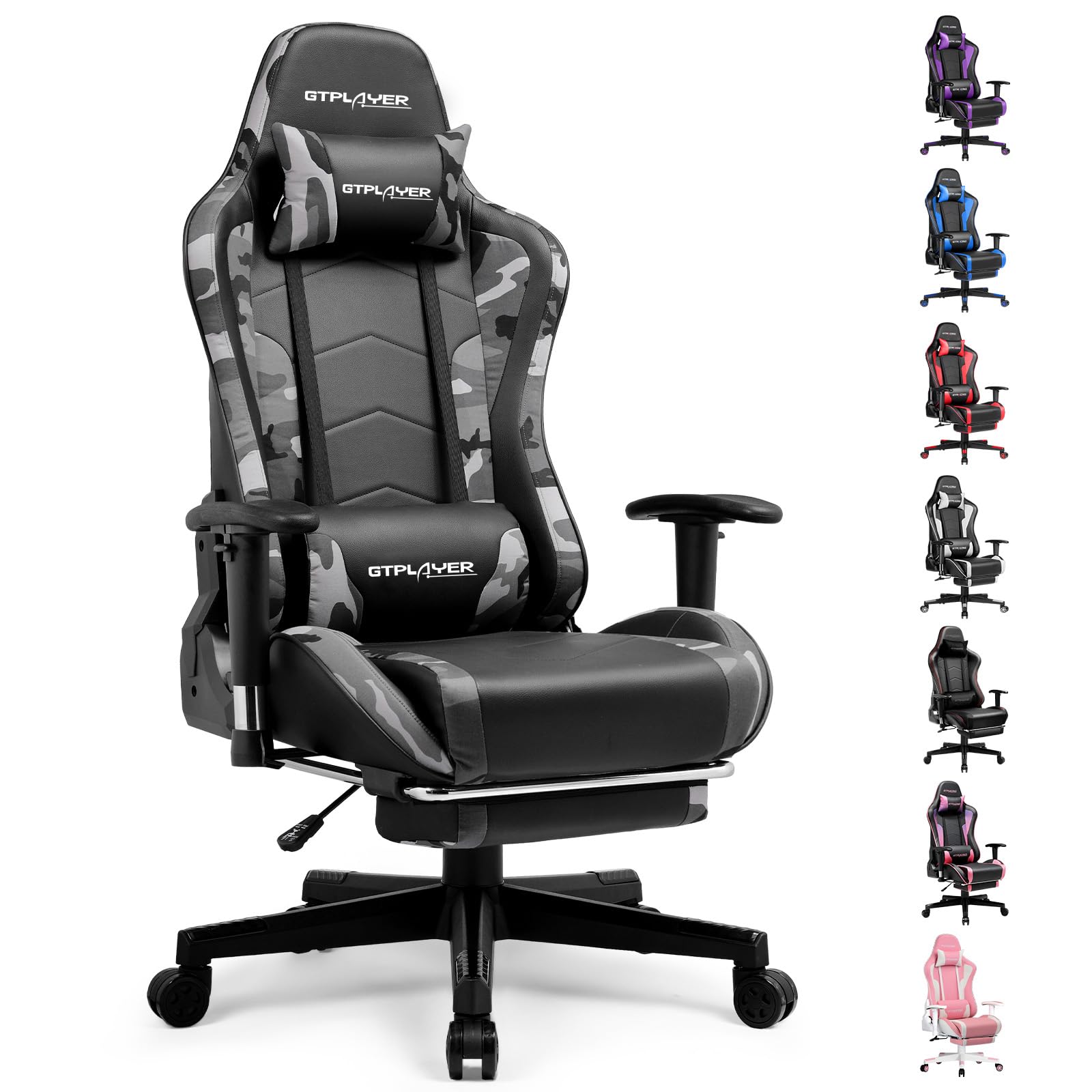
Image: The GTRACING GT890MF Gaming Chair, featuring a camouflage pattern, footrest, and integrated Bluetooth speakers, set up in a gaming environment.
Ohutusteave
- Ainult siseruumides kasutamiseks.
- Maksimaalne kandevõime: 300 kg. Ärge ületage seda piiri.
- Use caution when adjusting chair height and recline to prevent injury.
- Enne kasutamist veenduge, et kõik kruvid ja poldid on kindlalt kinni keeratud, ja kontrollige perioodiliselt, et need poleks lahti tulnud.
- Hoidke reguleerimise ajal käed ja sõrmed liikuvatest osadest eemal.
- Ärge seiske toolil.
Seadistamine ja kokkupanek
Assembly is required for this chair. Please follow the steps below carefully. It is recommended to have two people for assembly.
Pakendi sisu

Image: An exploded diagram showing all components of the GTRACING GT890MF Gaming Chair, including the backrest, seat, armrests, base, wheels, gas lift, and footrest.
Kokkupaneku sammud
- Käetoed kinnitatakse järgmiselt: Securely fasten the armrests to the seat base using the provided screws. Ensure they are oriented correctly.
- Seljatoe ühendamine istmega: Align the backrest with the seat mechanism and attach it using the designated bolts.
- Paigaldage jalatugi: Lükake jalatugi istme all olevatesse ettenähtud pesadesse.
- Pange alus kokku: Insert the casters (wheels) into the star base. Place the gas lift cylinder into the center hole of the star base.
- Istme kinnitamine aluse külge: Asetage kokkupandud iste ja seljatugi ettevaatlikult gaasitõstuki silindrile, veendudes, et need on kindlalt paigas.
- Attach Headrest and Lumbar Pillows: Position the headrest and lumbar support pillows as desired.
Kasutusjuhised
Chair Adjustments
- Istme kõrguse reguleerimine: Pull the lever located under the right side of the seat upwards to raise or lower the seat. Release the lever at the desired height.
- Seljatoe lamamine: Pull the lever on the right side of the chair upwards to recline the backrest. Lean back to the desired angle (90 to 160 degrees) and release the lever to lock it in place.
- Käetoe reguleerimine: The armrests are multi-directional. Use the buttons or levers on the armrests to adjust their height, pivot, and slide forward/backward.
- Jalatoe pikendus: Pull the footrest out from under the seat when desired. Push it back in when not in use.
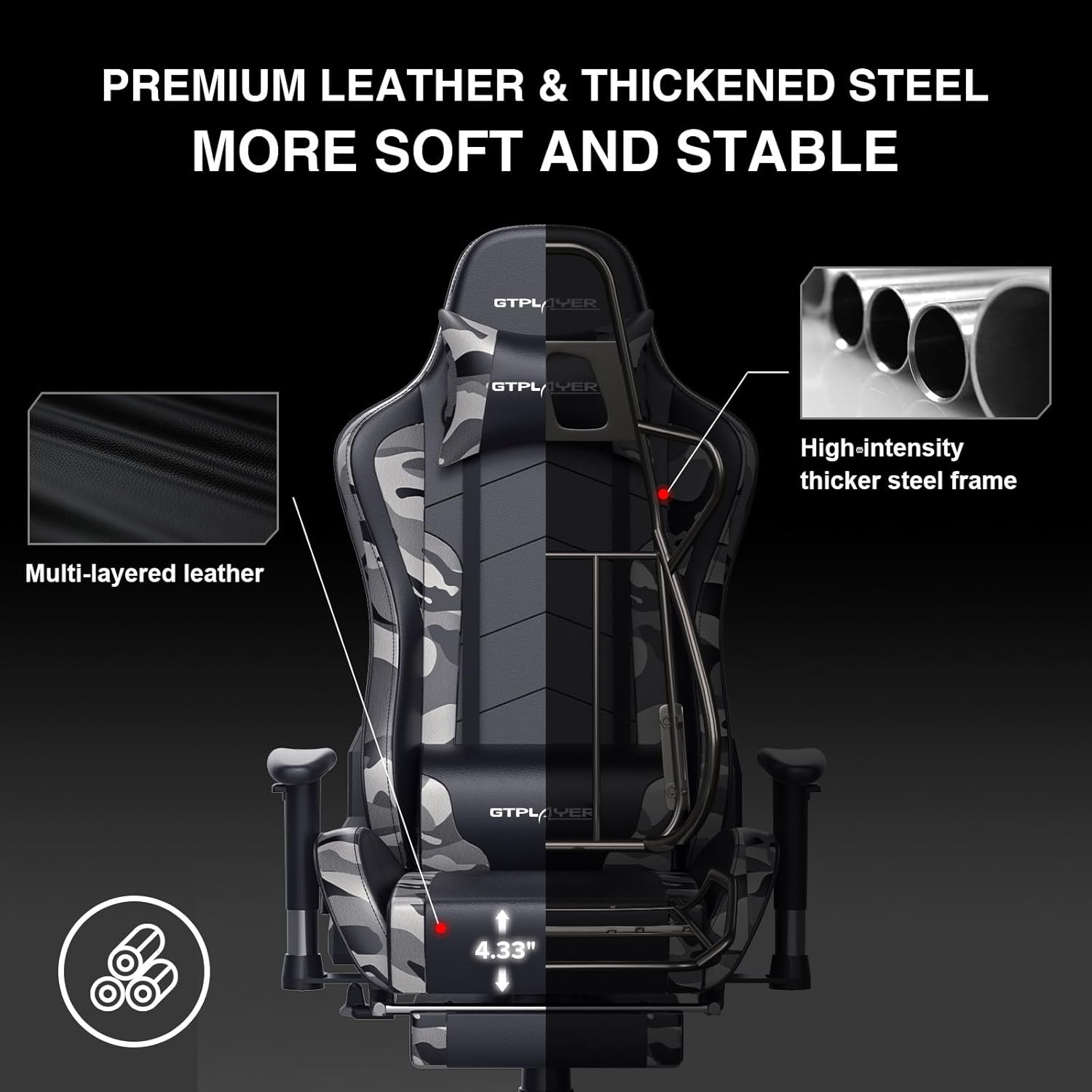
Image: The GTRACING GT890MF Gaming Chair demonstrating its backrest recline function, adjustable from 90 degrees for work to 155 degrees for resting.

Pilt: Lähivõte view of the GTRACING GT890MF Gaming Chair's adjustable multi-directional armrests, highlighting their ability to move up, down, and pivot for optimal positioning.
Bluetoothi kõlari kasutamine
Your GTRACING GT890MF chair is equipped with dual Bluetooth 5.1 speakers for an immersive audio experience.
- Toide sisse: Locate the power button for the Bluetooth speakers, typically on the side or back of the chair. Press and hold to power on. A sound or indicator light will confirm activation.
- Sidumisrežiim: The speakers will automatically enter pairing mode when powered on for the first time, or if no device is connected. An indicator light will usually flash.
- Seadme ühendamine: On your smartphone, tablet, or other Bluetooth-enabled device, go to Bluetooth settings and search for available devices. Select "GTPLAYER" or a similar name to connect.
- Heli taasesitus: Once connected, audio from your device will play through the chair's speakers. Adjust volume from your connected device.
- Toide välja: Press and hold the power button again to turn off the speakers.

Image: The GTRACING GT890MF Gaming Chair with a visual representation of sound waves emanating from the integrated Bluetooth speakers in the headrest area.

Image: A detailed diagram illustrating the dual Bluetooth 5.1 speakers within the GTRACING GT890MF Gaming Chair, highlighting features like clear treble, stereo sound, HiFi audio, and dust prevention.

Image: A user seated in the GTRACING GT890MF Gaming Chair, with an illustration showing how the chair's Bluetooth speakers can connect to various devices like PC/TV, PS4/PS5/XBOX, and other Bluetooth 5.1 enabled devices. A separate USB Bluetooth transmitter is shown as an option for non-Bluetooth devices.
Hooldus
- Puhastamine: Pühkige kuulutusega puhtaksamp cloth. Avoid harsh chemicals or abrasive cleaners that may damage the faux leather upholstery.
- Ülevaatus: Kontrollige regulaarselt kõiki polte ja kruvisid, et need oleksid kindlalt kinni. Vajadusel pingutage uuesti.
- Rataste hooldus: Hoidke rattad juustest ja prahist vabad, et tagada sujuv veeremine.
- Hoiustamine: Store the chair in a dry, cool place away from direct sunlight to prevent material degradation.
Veaotsing
| Probleem | Võimalik põhjus | Lahendus |
|---|---|---|
| Tooli kõrgust ei saa reguleerida | Gaasitõstuki hoob pole rakendatud või gaasitõstuk on vigane. | Ensure the lever is fully pulled. If issue persists, contact support for gas lift replacement. |
| Seljatugi ei lange tagasi/lukustu | Lamamishoob pole rakendatud või mehhanism on takerdunud. | Ensure the recline lever is fully pulled/released. Check for obstructions in the recline mechanism. |
| Bluetooth speakers not pairing | Speakers not powered on, out of range, or already paired to another device. | Ensure speakers are charged and powered on. Move device closer to chair. Disconnect from other devices. Try restarting both chair speakers and your device. |
| Chair is wobbly | Lahtised poldid või ebaühtlane kokkupanek. | Kontrollige ja pingutage kõiki kinnituspolte. Veenduge, et tool oleks tasasel ja ühtlasel pinnal. |
Tehnilised andmed
- Mudeli nimi: GT890MF
- Kaubamärk: GTRACING
- Värv: Kamuflaaž
- Materjal: Faux Leather, Foam Fill, Steel Frame
- Toote mõõtmed (S x L x K): 20.87" x 21.65" x 53.15"
- Istme kõrgus: Adjustable, up to 22.04 inches
- Istme sügavus: 20.87 tolli
- Kauba kaal: 47 naela
- Soovitatav maksimaalne kaal: 300 naela
- Tagasi stiil: Solid Back, Reclining (90 to 160 degrees)
- Eriomadused: Adjustable Height, Adjustable Lumbar, Ergonomic Design, Foot Rest, Rolling Casters, Dual Bluetooth 5.1 Speakers
- Kokkupanek: Nõutav

Image: A diagram illustrating the key dimensions of the GTRACING GT890MF Gaming Chair, including overall height, width, and depth.

Image: A detailed diagram showing various dimensions of the GTRACING GT890MF Gaming Chair, including seat height, armrest height, and backrest height, along with maximum load capacity (330 lbs) and recommended user height (6.2 ft).
Garantii ja tugi
GTRACING offers a worry-free purchase experience for your gaming chair.
- 30-Day Policy: Free replacement or refund within 30 days of purchase.
- 1-aastane garantii: Free replacement or repair within 1 year of purchase for manufacturing defects.
For any questions, suggestions, or support needs, please feel free to contact our customer service team. We are dedicated to ensuring customer satisfaction.

Image: A group of customer service representatives wearing headsets, symbolizing available support.