Sissejuhatus
Tänan ostu eestasing the Helix True Wireless Earbuds. This manual provides essential information for setting up, operating, and maintaining your earbuds. Please read it carefully before use and retain it for future reference.

Image: Helix True Wireless Earbuds, black and white, resting inside their open black charging case. One earbud is also shown outside the case, indicating its design.
Mis on karbis
- Tõeliselt juhtmevabad kõrvaklapid (vasak ja parem)
- Laadimisümbris
- USB laadimiskaabel
- Kasutusjuhend
Seadistamine
1. Esialgne laadimine
Before first use, fully charge the earbuds and the charging case. Connect the USB charging cable to the charging case and a power source. The LED indicators on the case will show charging status.

Image: An open charging case with two earbuds inside. Three blue LED lights are visible on the case, indicating power status. Text overlays highlight "Superior HD Audio", "Hands-Free Calling", and "Power LED Indicators".
2. Power On/Off and Auto-Pairing
The earbuds feature auto on/off and pairing. Simply remove the earbuds from the charging case to power them on. They will automatically enter pairing mode or reconnect to the last paired device. Place them back into the case to power off and begin charging.
3. Bluetoothi sidumine
- Ensure the earbuds are charged and removed from the charging case.
- Mine oma seadmes (nutitelefon, tahvelarvuti jne) Bluetoothi seadetesse.
- Otsi new devices and select "Helix TW" from the list.
- Once connected, your device will indicate successful pairing.
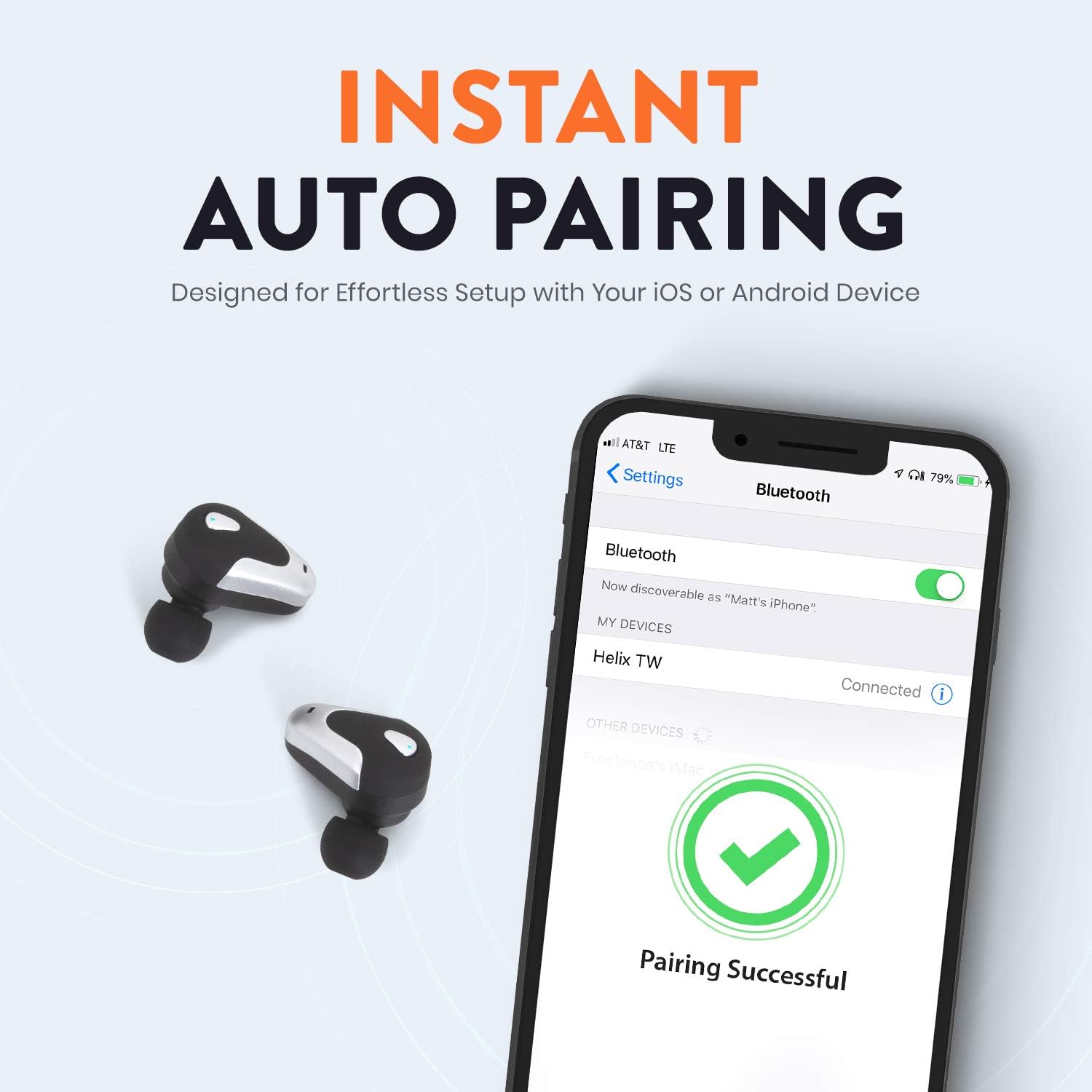
Image: A smartphone screen displaying Bluetooth settings, showing "Helix TW" as a connected device and a "Pairing Successful" message with a green checkmark. Two Helix earbuds are shown next to the phone.
4. SecureLock Fit
The Helix True Wireless Earbuds are designed with an ergonomic SecureLock Fit for comfort and stability during various activities. Gently insert the earbuds into your ears and twist slightly to secure them.

Image: A diagram illustrating the ergonomic SecureLock Fit of the earbuds, showing how they twist into the ear for a secure hold. In the background, people are exercising, suggesting the earbuds' suitability for active use.
Kasutusjuhised
Heli taasesitus
- Esita/peata: Tap the control area on either earbud once.
- Järgmine lugu: Double-tap the control area on the right earbud.
- Eelmine lugu: Double-tap the control area on the left earbud.
Käed-vabad helistamine
- Kõnele vastamine/lõpetamine: Tap the control area on either earbud once.
- Keeldu kõnest: Press and hold the control area on either earbud for 2 seconds.
Häälabi juhtimine
Triple-tap the control area on either earbud to activate your device's voice assistant (e.g., Siri, Google Assistant).
Aku tööiga
The earbuds provide up to 4 hours of run time on a single charge. The charging case extends total listening time to approximately 16 hours.

Image: A graphic illustrating the battery life of the Helix earbuds. It shows "4 HOURS" for a single charge of the earbuds and "16 HOURS" when combined with the charging case.
HD heli
Experience HD audio with unrivaled bass, midtones, and treble frequencies for a rich listening experience.

Image: A graphic titled "NEXT-LEVEL HD AUDIO" with sound wave patterns in blue, representing high-definition audio quality. Two Helix earbuds are depicted in the foreground.
Hooldus
- Puhastamine: Kõrvaklappide ja laadimisümbrise puhastamiseks kasutage pehmet ja kuiva lappi. Ärge kasutage abrasiivseid puhastusvahendeid ega kastke neid vette.
- Hoiustamine: Kui kõrvaklappe ei kasutata, hoidke neid laadimisümbrises, et neid kaitsta ja laetuna hoida.
- Veekindlus: The earbuds are water resistant, but not waterproof. Avoid prolonged exposure to water or submersion.
Veaotsing
| Probleem | Lahendus |
|---|---|
| Kõrvaklapid ei ühendu seadmega. |
|
| Ühest kõrvaklapist ei kosta heli. |
|
| Kõrvaklapid ei lae. |
|
| Halb helikvaliteet. |
|
Tehnilised andmed
| Funktsioon | Detail |
|---|---|
| Mudeli nimi | Helix |
| Mudeli number | ETHTWB |
| Ühenduvustehnoloogia | Bluetooth |
| Bluetoothi versioon | 5.0 |
| Bluetoothi vahemik | 10 meetrit |
| Aku tööiga (kõrvaklapid) | Kuni 4 tundi |
| Aku kogukestus (koos ümbrisega) | Kuni 16 tundi |
| Helidraiveri tüüp | Tasakaalustatud armatuuri juht |
| Sagedusvahemik | 20 Hz kuni 20,000 XNUMX Hz |
| Juhtimistüüp | Media Control, Voice Assistant |
| Mikrofon | Included for Hands-Free Calling |
| Veekindluse tase | Veekindel |
| Kuulari kuju | Kõrvasisene |
| Materjal | Plastikust |
| Värv | Must |
| Kauba kaal | 3.2 untsi |
| Tootja | Helix |
| UPC | 816983019126 |
Garantii teave
Specific warranty details are typically provided with your product packaging or available on the manufacturer's official webveebisait. Täielike garantiitingimustega saate tutvuda ostuga kaasasolevas dokumentatsioonis.
Toetus
For further assistance, technical support, or customer service inquiries, please visit the official Helix website or contact their customer support channels as listed in your product documentation.
Võite külastada ka Helix Store on Amazon toote kohta lisateabe saamiseks.


