Sissejuhatus
This manual provides essential instructions for the safe and efficient use of your Redmi 10000mAh Power Bank (Model PB100LZm). Please read this manual thoroughly before using the product and retain it for future reference.
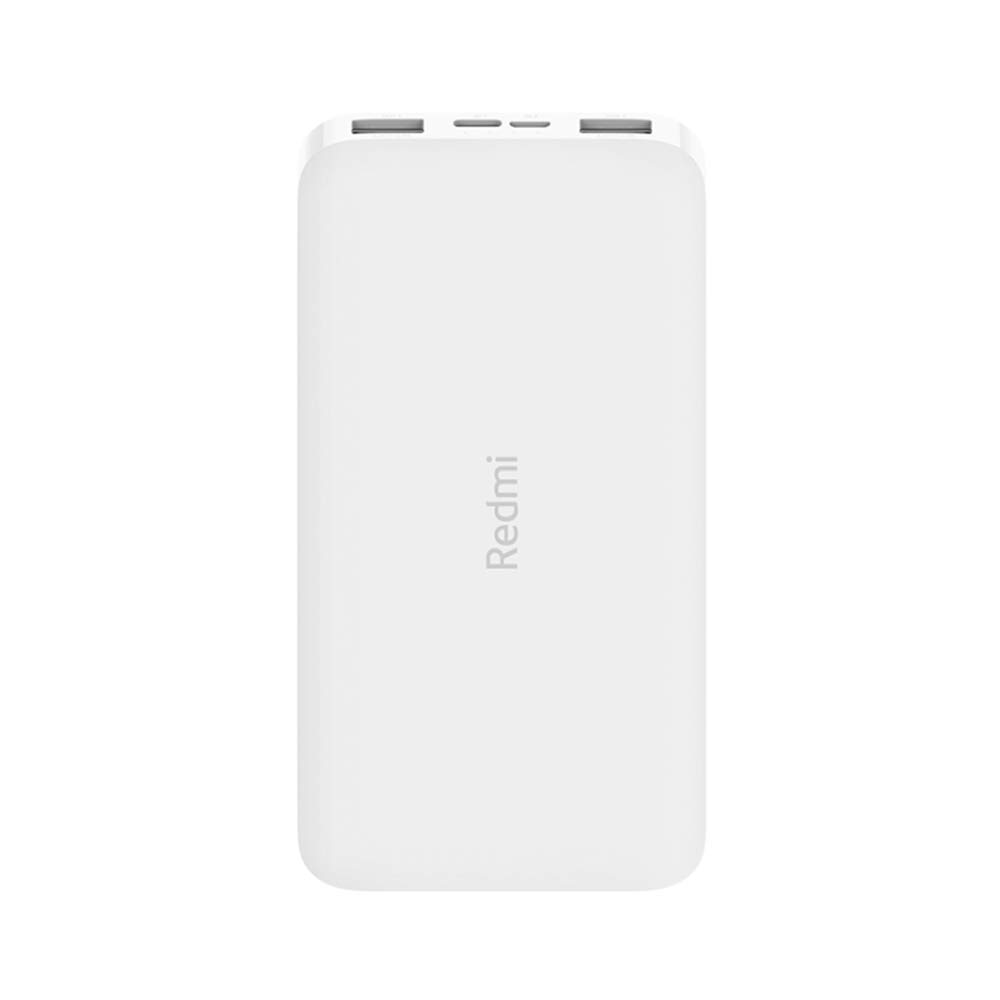
Pilt: Nurk view of the white Redmi 10000mAh Power Bank.
Ohutusteave
To prevent injury, damage to the product, or damage to property, observe the following safety precautions:
- Ärge võtke akupanka lahti, parandage ega muutke seda.
- Do not expose the power bank to fire, high temperatures, or direct sunlight.
- Vältige kokkupuudet vee või muude vedelikega.
- Ärge pillake, lööge ega laske akupangal tugevale vibratsioonile alluda.
- Hoida lastele kättesaamatus kohas.
- Kasutage ainult ühilduvaid laadimiskaableid ja adaptereid.
- Dispose of the power bank according to local regulations.
Toode läbiview
Familiarize yourself with the components of your Redmi 10000mAh Power Bank.

Image: Close-up of the power bank's top edge showing two USB-A output ports (OUT1, OUT2), one Micro-USB input port (IN1), one USB-C input port (IN2), and four LED battery level indicators.
- USB-A väljundpordid (OUT1, OUT2): Kasutatakse väliste seadmete laadimiseks.
- Micro-USB Input Port (IN1): Kasutatakse varupatarei laadimiseks.
- USB-C Input Port (IN2): Kasutatakse varupatarei laadimiseks.
- LED indikaatorid: Four small lights indicating the remaining battery level.
- Toitenupp: Located on the side, used to check battery level or activate charging.

Pilt: Külg view of the power bank highlighting the power button.
Seadistamine
Akupanga esmane laadimine
Before first use, fully charge your Redmi 10000mAh Power Bank.
- Connect a compatible USB cable to either the Micro-USB (IN1) or USB-C (IN2) input port on the power bank.
- Ühendage kaabli teine ots USB-toiteadapteriga (ei kuulu komplekti) või arvuti USB-porti.
- The LED indicators will light up, showing the charging progress. All four LEDs will be solid when fully charged.
Seadmete ühendamine
The power bank is compatible with mobile phones and other USB-powered devices.
- Use the appropriate charging cable for your device.
- Connect one end of the cable to one of the USB-A output ports (OUT1 or OUT2) on the power bank.
- Ühendage kaabli teine ots oma seadme laadimisporti.
Kasutusjuhised
Väliste seadmete laadimine
Once a device is connected, the power bank should automatically begin charging. If not, press the power button once to initiate charging.

Image: The power bank connected via a USB cable to charge a mobile phone, resting on a wooden table.
- The LED indicators will show the power bank's remaining battery level during charging.
- You can charge two devices simultaneously using both USB-A output ports.
Aku taseme kontrollimine
Press the power button once to check the remaining battery level. The LED indicators will light up for a few seconds:
- 1 LED-i: 0-25% akut
- 2 LED-i: 25-50% akut
- 3 LED-i: 50-75% akut
- 4 LED-i: 75-100% akut
Hooldus
- Puhastamine: Pühkige akupanka pehme ja kuiva lapiga. Ärge kasutage tugevaid kemikaale ega abrasiivseid materjale.
- Hoiustamine: Hoidke varupatareid jahedas ja kuivas kohas, eemal otsesest päikesevalgusest ja äärmuslikest temperatuuridest.
- Aku hooldus: For optimal battery life, avoid fully discharging the power bank frequently. Recharge it when the battery level is low. If not used for extended periods, charge it to about 50% every three months.
Veaotsing
| Probleem | Võimalik lahendus |
|---|---|
| Akupank ei lae. |
|
| Seade ei lae akupangast. |
|
| Aeglane laadimine. |
|
Tehnilised andmed
| Kaubamärk | Xiaomi |
| Mudeli number | PB100LZm |
| Mahutavus | 10000 mAh |
| Värv | Valge |
| Aku tüüp | Liitiumpolümeer |
| Sisendpordid | 1x Micro-USB, 1x USB-C |
| Väljundpordid | 2x USB-A (5.1V=2.4A each) |
| Ühilduvad seadmed | Mobile Phones and other USB-powered devices |
| Mõõtmed | 15.8 x 8 x 2 cm |
| Kaal | 276 grammi |
Garantii ja tugi
Based on the provided product information, this product is indicated as having ilma garantiita. For any product-related inquiries or technical support, please refer to the official Xiaomi support channels or your point of purchase.


