Sissejuhatus
Thank you for choosing the Edifier TWS1 True Wireless Stereo Earbuds. This manual provides essential information for the proper use and maintenance of your device. The TWS1 earbuds offer a wire-free audio experience with dynamic stereo sound. They feature an impressive 32-hour total playtime with the charging case and are designed with an IPX5 rating for splash and sweat resistance, making them suitable for various activities.
Please read this manual thoroughly before operating the earbuds to ensure optimal performance and longevity.
Pakendi sisu
Veenduge, et kõik allpool loetletud esemed on teie pakendis olemas:
- Edifier TWS1 True Wireless Stereo Earbuds (Left and Right)
- Laadimisümbris
- USB laadimiskaabel
- Erineva suurusega kõrvaotsad (väike, keskmine, suur)
- Kasutusjuhend
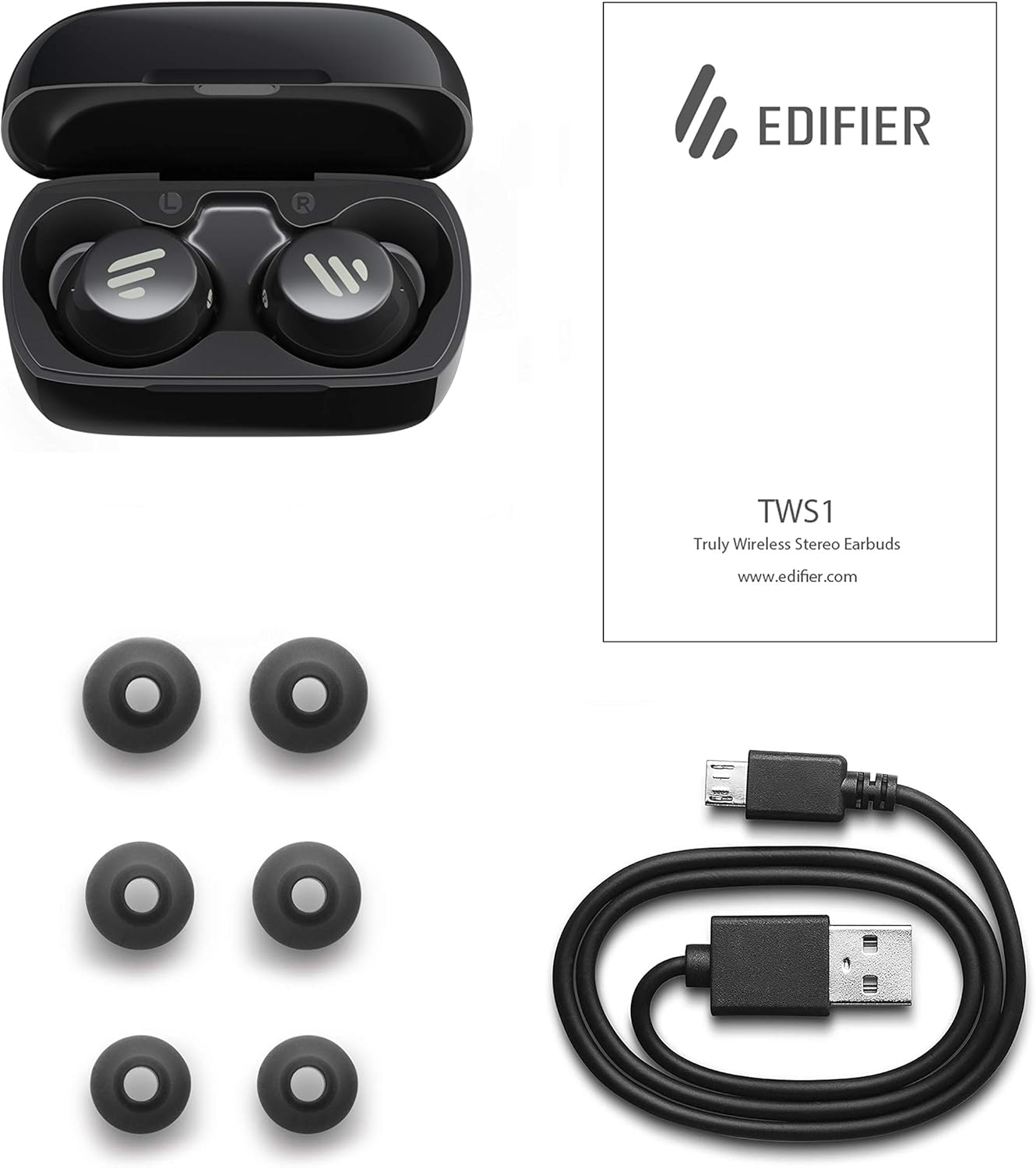
Image: The Edifier TWS1 earbuds, charging case, USB charging cable, and various sizes of ear tips are displayed alongside the user manual, illustrating the complete package contents.
Seadistamine
1. Kõrvaklappide ja ümbrise laadimine
Before first use, fully charge the earbuds and the charging case. Place the earbuds into the charging case. Connect the USB charging cable to the charging port on the case and a power source. The indicator light on the case will show charging status. Once fully charged, the indicator will change or turn off.
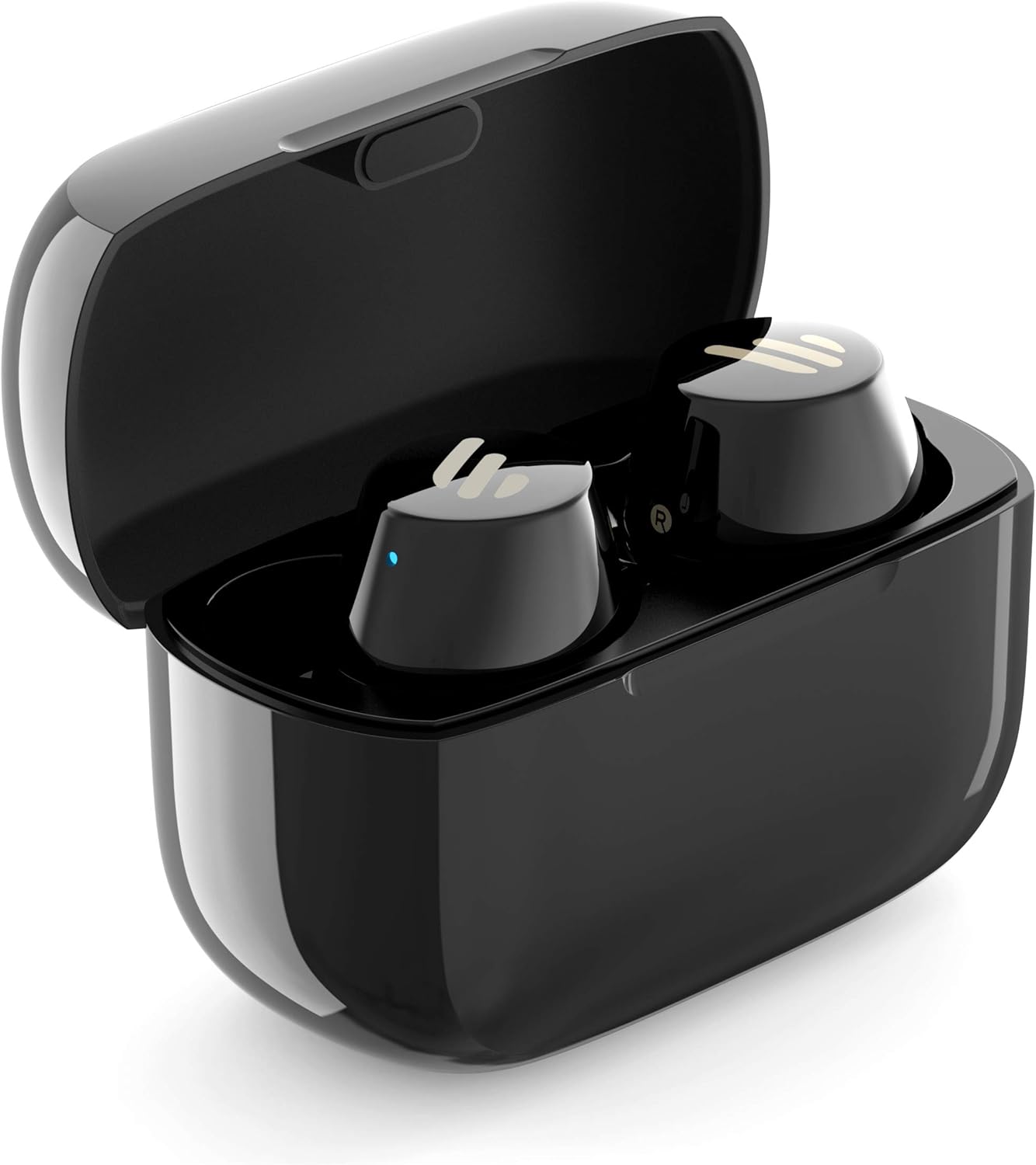
Image: The Edifier TWS1 earbuds are shown nestled within their open charging case, with a blue indicator light visible, signifying charging or power status.
2. Seadmega sidumine
- Veenduge, et kõrvaklapid on laetud.
- Open the charging case. The earbuds will automatically enter pairing mode, and the indicator light on one earbud will flash rapidly.
- Luba oma seadmes (nutitelefon, tahvelarvuti, sülearvuti) Bluetooth ja otsi uusi seadmeid.
- Select "EDIFIER TWS1" from the list of available devices.
- Kui ühendus on loodud, lakkab kõrvaklappide märgutuli vilkumast.
3. Kõrvaklappide paigaldamine
Choose the ear tips that provide the most comfortable and secure fit for your ears. Insert the earbuds into your ear canals and gently twist them until they feel snug and stable. A proper fit is crucial for optimal sound quality and noise isolation.
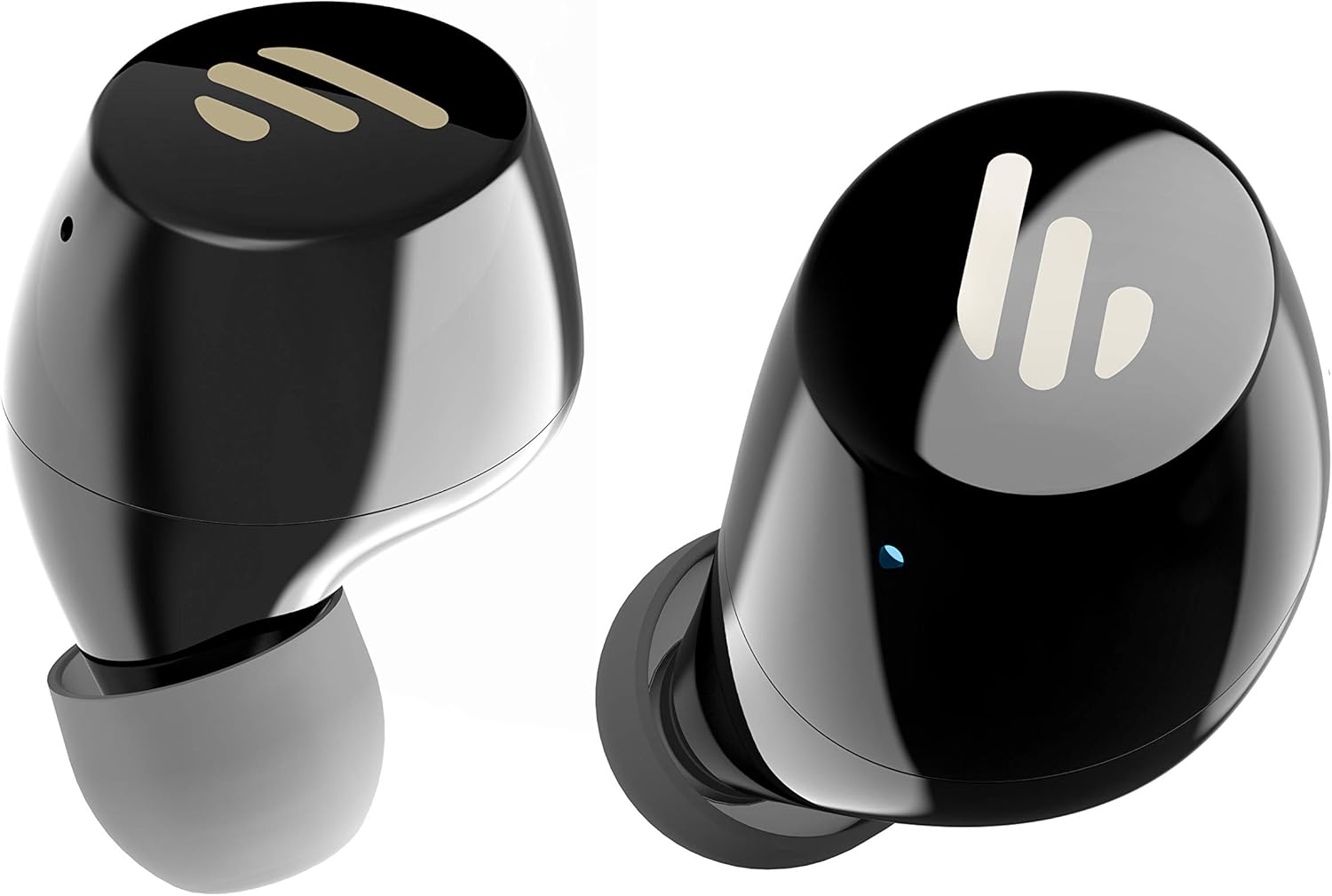
Pilt: detailne view of the Edifier TWS1 earbuds, highlighting their ergonomic shape and the silicone ear tips designed for a comfortable and secure in-ear fit.
Kasutusjuhised
The Edifier TWS1 earbuds feature touch controls for easy operation.
- Toide sisse: Earbuds power on automatically when removed from the charging case.
- Toide välja: Place earbuds back into the charging case to power off automatically.
- Esita/peata: Double-tap the touch panel on either earbud.
- Järgmine lugu: Triple-tap the touch panel on the right earbud.
- Eelmine lugu: Triple-tap the touch panel on the left earbud.
- Kõnele vastamine/lõpetamine: Double-tap the touch panel on either earbud.
- Keeldu kõnest: Vajutage ja hoidke kummagi kõrvaklapi puutepaneeli 2 sekundit all.
- Hääleabi aktiveerimine: Press and hold the touch panel on the left earbud for 2 seconds.
Hooldus
- Puhastamine: Regularly clean the earbuds and charging case with a soft, dry cloth. Do not use abrasive cleaners or solvents.
- Veekindlus: Kõrvaklapid on IPX5 reitinguga, mis tähendab, et need on pritsme- ja higikindlad. Ärge kastke neid vette ega jätke tugeva vihma kätte. Enne laadimist veenduge, et laadimisport on kuiv.
- Hoiustamine: Kui kõrvaklappe ei kasutata, hoidke neid laadimisümbrises, et neid kaitsta ja laetuna hoida. Hoidke jahedas, kuivas ja äärmuslike temperatuuride eest kaitstud kohas.
- Aku hooldus: Aku tööea pikendamiseks vältige kõrvaklappide ja laadimisümbrise sagedast täielikku tühjendamist. Laadige neid regulaarselt, isegi kui neid pidevalt ei kasutata.
Veaotsing
If you encounter issues with your Edifier TWS1 earbuds, please refer to the following common solutions:
| Probleem | Lahendus |
|---|---|
| Kõrvaklapid ei lülitu sisse. | Ensure the earbuds and charging case are fully charged. Place earbuds in the case and close it, then open to power on. |
| Seadmega ei saa siduda. | Make sure Bluetooth is enabled on your device. Ensure earbuds are in pairing mode (flashing indicator). Try forgetting the device in your Bluetooth settings and re-pairing. |
| Ainult üks kõrvaklapp töötab. | Place both earbuds back into the charging case, close the lid, and then open it again. This should re-sync them. If the issue persists, try resetting the earbuds. |
| Heli puudub või on vaikne. | Check the volume level on both your device and the earbuds. Ensure earbuds are properly seated in your ears. Try cleaning the ear tips and speaker mesh. |
| Laadimisprobleemid. | Ensure the charging cable is securely connected. Try a different USB port or power adapter. Clean the charging contacts on the earbuds and inside the case. |
Tehaseseaded
If problems persist, a factory reset may resolve them:
- Asetage mõlemad kõrvaklapid laadimisümbrisesse.
- Press and hold the touch panel on both earbuds simultaneously for approximately 8 seconds until the indicator lights flash rapidly, then release.
- Remove the earbuds from the case and attempt to re-pair them with your device.
Tehnilised andmed
| Funktsioon | Detail |
|---|---|
| Kaubamärgi nimi | Toimetaja |
| Mudeli nimi | TWS1 BK |
| Kauba mudeli number | TWS1_BK |
| Värv | Must |
| Materjalid | Plastikust |
| Ühenduvustehnoloogia | Juhtmeta |
| Traadita side tehnoloogia | Bluetooth |
| Kõrvaklappide vormitegur | Kõrvas |
| Kõrvade paigutus | Kõrvas |
| Kõrvaklappide pesa | Ei Jacki |
| Kontrollimeetod | Puudutage |
| Veekindluse tase | Veekindel (IPX5) |
| Ühilduvad seadmed | Nutitelefonid, tahvelarvutid, sülearvutid, lauaarvutid |
| Toote spetsiifilised kasutusalad | Suhtlemine |
| Toote mõõtmed | 2.32 x 1.72 x 2.04 cm; 130 grammi |
| Kaasatud komponendid | TWS1 Earbuds |
| Vanusevahemiku kirjeldus | Täiskasvanu |
Garantii ja tugi
Edifier products are designed and manufactured to the highest quality standards. For information regarding warranty coverage, please refer to the warranty card included with your product or visit the official Edifier website. For technical support or further assistance, please contact Edifier customer service through their official channels.


