1. Sissejuhatus
This manual provides detailed instructions for the setup, operation, and maintenance of your One For All URC4811 Universal Replacement Learning Remote Control. This remote is designed to be compatible with all LG Televisions, including LCD, LED, OLED, and Plasma models, offering a seamless replacement for your original LG remote.
2. Toote lõppview
The One For All URC4811 remote control is engineered for ease of use and broad compatibility with LG televisions. Key features include:
- Otsene ühilduvus: Functions like your original LG television remote. For most LG TVs, no setup is required; simply insert batteries and it is ready to use.
- Õppefunktsioon: Allows customization of the remote to your specific needs by copying functions from your original remote.
- Rakenduse kiirklahvid: Provides direct access to your favorite streaming services.
- Võtmete arv: 50.
- Kaugjuhtimispuldi tehnoloogia: Infrared (IR).
Tootepildid




3. Seadistamine
3.1. Aku paigaldamine
The remote requires 2 AAA batteries (not included). To install the batteries:
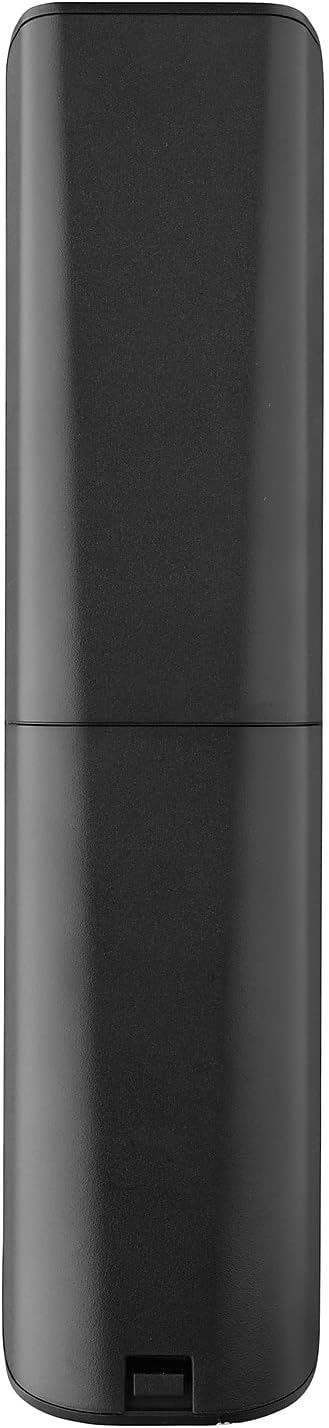
- Remove the battery compartment cover located on the back of the remote.
- Insert 2 AAA batteries, ensuring correct polarity (+ and - terminals).
- Pange patareipesa kate tagasi, kuni see kindlalt paika klõpsatab.
3.2. Initial Pairing / Codeless Setup
For most LG Televisions, the One For All URC4811 remote control is ready to use immediately after battery installation, requiring no additional setup. Simply point the remote at your LG TV and begin using it. If your TV does not respond, refer to the 'Learning Feature' section for advanced setup options.
4. Kasutusjuhised
4.1. Põhifunktsioonid
The remote provides all standard functions of an LG TV remote, including:
- Toide sisse/välja: Use the dedicated power button to turn your TV on or off.
- Helitugevuse juhtimine: Adjust volume up or down using the +/- buttons.
- Kanalil navigeerimine: Change channels using the CH +/- buttons or direct number input.
- Rakenduse otseteed: Spetsiaalsed nupud pakuvad kiiret juurdepääsu populaarsetele voogedastusteenustele.
4.2. Õppimisfunktsioon
The learning feature allows you to copy specific functions from your original LG remote control to your One For All URC4811 remote. This is useful if a particular function is not pre-programmed or if you prefer a custom button layout. Refer to the Quick Setup Guide included with your remote for detailed steps on using the learning feature.
4.3. Ametlik tootevideo
5. Hooldus
Kaugjuhtimispuldi pikaealisuse ja optimaalse jõudluse tagamiseks:
- Puhastamine: Pühkige pulti pehme ja kuiva lapiga. Vältige vedelate puhastusvahendite või abrasiivsete materjalide kasutamist.
- Aku hooldus: Vahetage patareid välja, kui puldi jõudlus halveneb. Eemaldage patareid, kui pulti pikemat aega ei kasutata, et vältida leket.
- Hoiustamine: Hoidke kaugjuhtimispulti jahedas ja kuivas kohas, eemal otsesest päikesevalgusest ja äärmuslikest temperatuuridest.
6. Veaotsing
Kui teil tekib probleeme kaugjuhtimispuldiga, proovige järgmisi samme.
- Kaugjuhtimispult ei reageeri: Kontrollige, kas patareid on õigesti sisestatud ja kas neil on piisavalt laetud. Vajadusel vahetage need välja.
- Vaateväli: Veenduge, et kaugjuhtimispuldi ja teleri infrapunavastuvõtja vahel ei oleks takistusi.
- Teatud funktsioonid ei tööta: Use the learning feature to re-program the affected buttons from your original LG remote.
- TV Not Responding After Battery Change: For some LG models, the remote may require re-pairing or a quick setup process after battery replacement. Refer to the Quick Setup Guide.
7. Tehnilised andmed
| Funktsioon | Spetsifikatsioon |
|---|---|
| Toote mõõtmed | 8.03 x 2.01 x 0.94 tolli |
| Kauba kaal | 2.72 untsi |
| Kauba mudeli number | URC4811 |
| Nõutavad patareid | 2 AAA patareid (ei kuulu komplekti) |
| Kaubamärk | Üks kõigi jaoks |
| Erifunktsioon | Universaalne, õppimisfunktsioon |
| Värv | Must |
| Toetatud seadmete maksimaalne arv | 1 (specifically for LG TVs) |
| Ühilduvad seadmed | LG telerid (LCD, LED, OLED, plasma) |
8. Garantii ja tugi
For warranty information and technical support, please refer to the documentation included with your product or visit the official One For All webveebisait. Hoidke ostutšekk ostutõendina alles garantiinõuete korral.