1. Toote lõppview
The Vimtag CP1 is a wireless IP video monitoring surveillance security camera designed for remote home or business monitoring. It features high-definition video, pan/tilt functionality, two-way audio, and night vision capabilities.
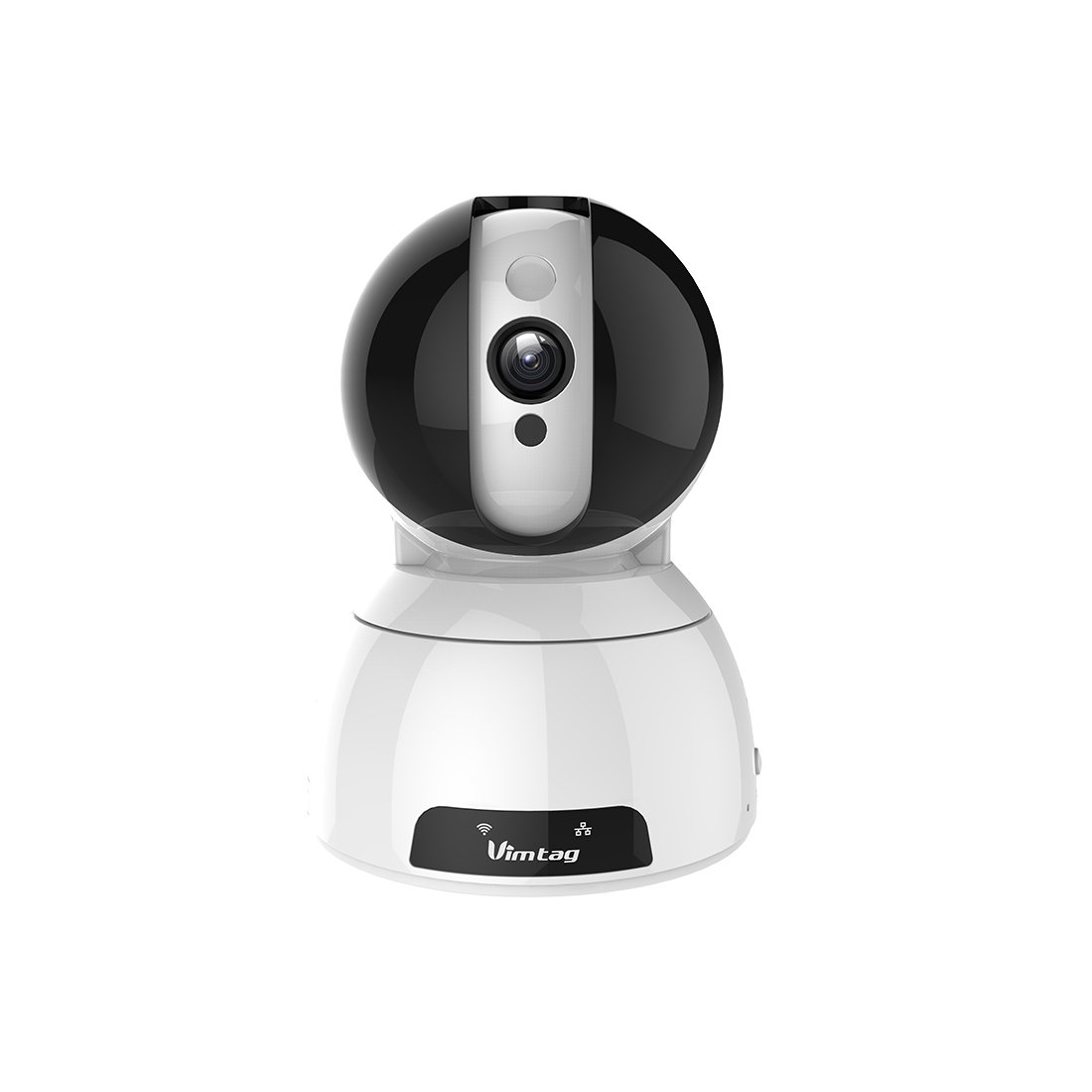
Figure 1: Vimtag CP1 Camera Front View
Peamised omadused:
- HD Video Quality: 1280 x 720p at 25 frames per second for clear monitoring.
- Pan- ja kallutusfunktsioon: 350-degree horizontal rotation and 100-degree vertical tilt to cover a wide area.
- Kahesuunaline heli: Sisseehitatud mikrofon ja kõlar suhtlemiseks.
- Öine nägemine: Infrared LEDs provide clear visibility up to 10 meters in low-light conditions.
- Liikumistuvastus: Alerts with snapshots and video clips upon detecting movement.
- Kohalik ja pilvesalvestus: Supports Micro SD cards up to 64GB and optional cloud storage.
- Lihtne seadistamine: Quick Wi-Fi setup via the Vimtag mobiilirakendus.

Figure 2: Vimtag CP1 Key Features
2. Seadistusjuhend
2.1 Pakendi sisu
Enne alustamist veenduge, et pakendis on kõik esemed olemas:
- 1 x Vimtag CP1 Camera
- 1 x Camera Rack
- 1 x toitekaabel
- 1 x Etherneti kaabel
- 1 x Kasutusjuhend (käesolev dokument)
2.2 Esialgsed seadistamise sammud
- Toide sisse: Connect the power cable to the camera and plug it into a power outlet. The camera will initiate its startup sequence.
- Laadige rakendus alla: Download the free Vimtag app from your smartphone's app store (iOS App Store or Google Play Store).
- Konto registreerimine: Open the Vimtag app and register for a new account or log in if you already have one.
- Lisa kaamera: Follow the in-app instructions to add your new CP1 camera. This typically involves scanning a QR code on the camera or entering its device ID.
- Wi-Fi konfiguratsioon: Configure the camera to connect to your Wi-Fi network using the app. Ensure your Wi-Fi network is 2.4GHz, as 5GHz networks may not be supported.
- Paigaldamine (valikuline): Use the included camera rack to mount the camera on a wall or ceiling if desired.
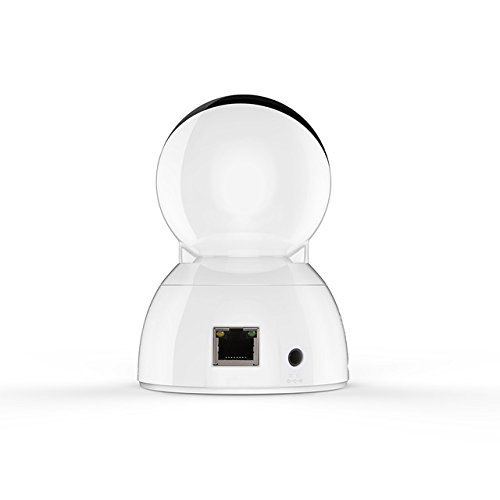
Figure 3: Vimtag CP1 Back View koos sadamatega
For detailed visual guidance, refer to the video tutorials available on the official Vimtag toetust websaidile.
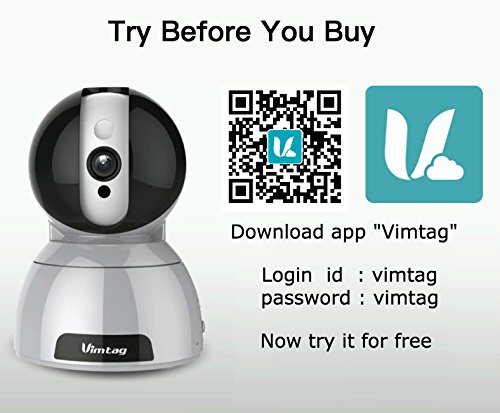
Figure 4: Vimtag App Download and Demo Information
Laadige alla Vimtag rakendus alates vimtag.com/download/.
3. Kasutusjuhised
3.1 Otseülekanne View ja pan/kallutamise kontroll
Once the camera is connected, open the Vimtag app to access the live video feed. Use the on-screen controls to pan the camera horizontally (350 degrees) and tilt it vertically (100 degrees) to adjust the viewnurk.

Figure 5: Pan and Tilt Control via App
3.2 Kahesuunaline heli
The camera supports two-way audio. Tap the microphone icon in the app to speak through the camera's speaker, and listen to audio from the camera's built-in microphone.
3.3 Öine nägemine
The CP1 camera automatically switches to night vision mode in low-light conditions, providing clear black and white video up to 10 meters using its infrared LEDs.
3.4 Liikumistuvastus ja märguanded
Configure motion detection settings within the Vimtag app. You can set sensitivity levels and define specific areas for detection. When motion is detected, the camera can send instant notifications to your smartphone, including snapshots or short video clips.
3.5 Video salvestamine ja salvestamine
Kaamera toetab kahte peamist salvestusmeetodit:
- Micro SD kaart: Insert a Micro SD card (up to 64GB, not included) into the camera's designated slot for local recording. Recordings can be accessed and managed through the app.
- Pilvesalvestus: Optional cloud storage services are available through Vimtag for remote backup and access to recorded footage.
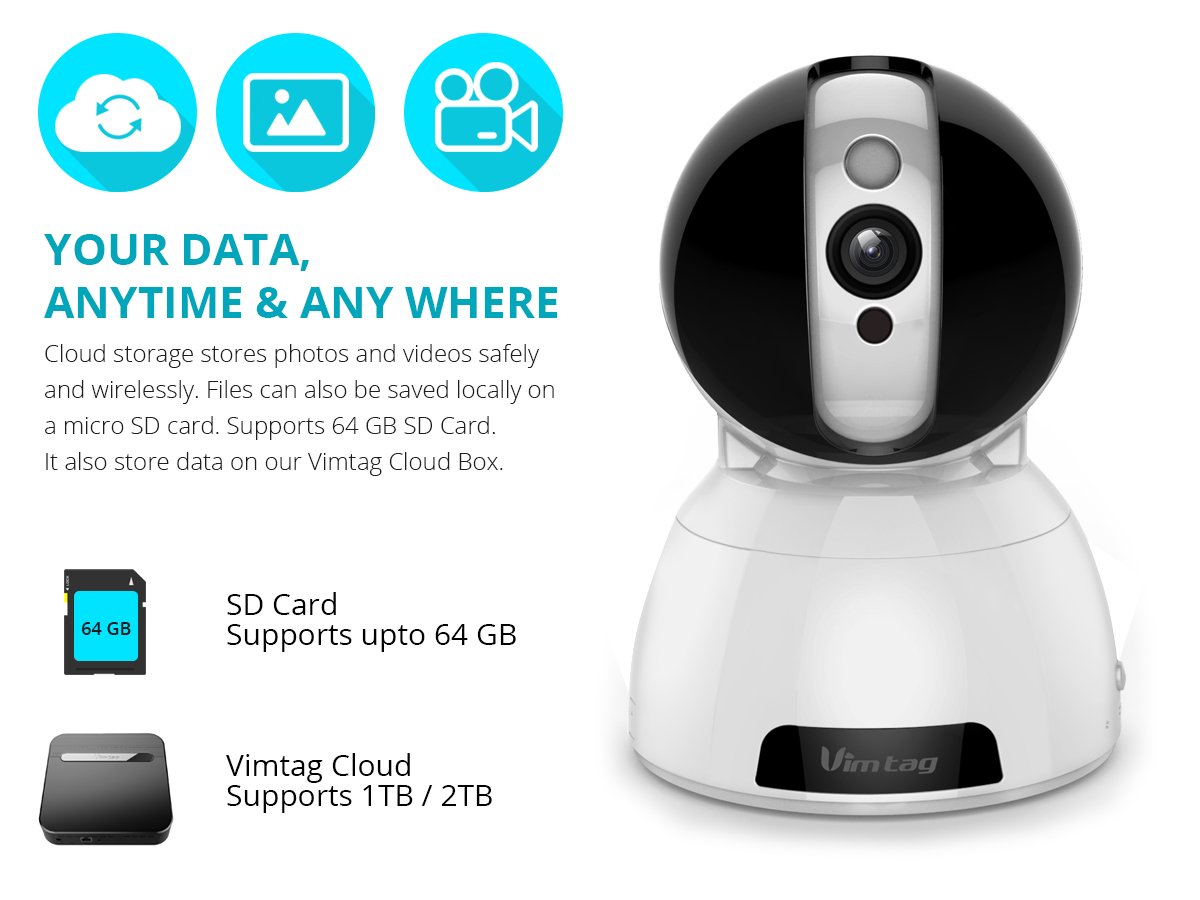
Figure 6: Storage Options for Vimtag CP1
4. Hooldus
4.1 Puhastamine
To maintain optimal performance, periodically clean the camera's lens and exterior. Use a soft, dry cloth. Avoid abrasive cleaners or solvents that could damage the camera's finish or lens coating.
4.2 Püsivara värskendused
Vimtag may release firmware updates to improve camera performance, add features, or enhance security. Check the Vimtag app regularly for available updates and follow the in-app instructions to install them. Ensure the camera remains powered during the update process.
4.3 Keskkonnakaalutlused
The Vimtag CP1 camera is designed for indoor use. Avoid exposing it to extreme temperatures, direct sunlight, high humidity, or water, as it is not water-resistant.
5. Veaotsing
This section addresses common issues you might encounter with your Vimtag CP1 camera.
5.1 Kaamera ei ühendu WiFi-ga
- Kontrollige WiFi sagedusala: Ensure your Wi-Fi network is 2.4GHz. The camera may not support 5GHz networks.
- Signaali tugevus: Place the camera closer to your Wi-Fi router to ensure a strong signal.
- Õige parool: Double-check that you are entering the correct Wi-Fi password in the app.
- Lähtesta kaamera: Locate the reset button on the camera (often a small pinhole) and press it for 5-10 seconds until the camera resets. Then, attempt the setup process again.
- Ruuteri seaded: Verify that your router's firewall or security settings are not blocking the camera's connection.
5.2 Halb videokvaliteet
- Võrgu ribalaius: Ensure your internet connection has sufficient upload speed for streaming HD video.
- Rakenduse seaded: Check the video quality settings within the Vimtag app; you might be able to adjust it.
- Objektiivi puhtus: Puhastage kaamera objektiivi pehme ja kuiva lapiga.
5.3 Two-Way Audio Issues
- Helitugevuse tasemed: Check the volume settings on your smartphone and within the Vimtag rakendus.
- Microphone/Speaker Obstruction: Veenduge, et kaamera mikrofon ja kõlar poleks takistatud.
- Võrgu latentsusaeg: High network latency can affect audio quality and introduce delays.
5.4 Liikumistuvastus ei tööta
- Luba funktsioon: Verify that motion detection is enabled in the Vimtag rakenduse seaded.
- Tundlikkus: Adjust the motion detection sensitivity. If it's too low, it might miss events.
- Tuvastamistsoonid: Ensure the areas you want to monitor are correctly configured as detection zones.
6. Tehnilised andmed
| Mudeli nimi | Vimtag CP1 |
| Kauba mudeli number | 6970167642228 |
| Video jäädvustamise eraldusvõime | 720p (1280 x 720 pikslit) |
| Kaadrisagedus | 25 kaadrit sekundis |
| Panoraami/kallutamise vahemik | 350 degrees (Pan) x 100 degrees (Tilt) |
| Digitaalne suum | 4x |
| Öise nägemise kaugus | Kuni 10 meetrit (infrapuna) |
| Salvestusvalikud | Micro SD (kuni 64 GB), pilvesalvestus |
| Ühenduvus | Wireless (Wi-Fi IEEE802.12b/g/n) |
| Toiteallikas | AC Power Adapter (7 Watts) |
| Mõõdud (P x L x K) | 40 x 30 x 40 millimeetrit |
| Kauba kaal | 450 grammi |
| Kasutamine siseruumides/välistingimustes | Siseruumides |
| Veekindluse tase | Ei ole veekindel |
| Kontrollimeetod | App (Android, iOS), Voice |
7. Garantii ja tugi
7.1 Toote garantii
The Vimtag CP1 camera comes with a 6-kuuline asendusgarantiiSee garantii katab tootmisdefektid ja normaalse kasutamise korral esinevad talitlushäired. Palun hoidke oma ostutõend garantiinõuete esitamiseks alles.
7.2 Klienditugi
For any queries, technical assistance, or warranty claims, please contact Vimtag customer support. Support is available via telephone, chat, Skype, and email. Refer to the official Vimtag websaidilt kõige ajakohasemad kontaktandmed.
Step-by-step setup instructions and video tutorials are also available on the Vimtag support portal to assist you with installation and operation.


