Sissejuhatus
The TAMO Perfect Dinner Automatic Pet Food Dispenser V2 is designed to provide scheduled and portion-controlled meals for your pet, ensuring they are fed consistently even when you are not home. This device features a programmable feeding schedule, voice recording for meal calls, and an easy-to-read LCD display for convenient operation.

Joonis 1: Esiosa view of the TAMO Perfect Dinner Automatic Pet Food Dispenser V2, showing the clear food hopper filled with kibble, the main unit with an LCD screen, and the detachable food bowl.
Ohutusteave
- Read all instructions carefully before operating the dispenser.
- Keep the dispenser away from water and moisture. Do not immerse any part of the unit in water.
- Use only the provided AC adapter. If using batteries, ensure they are inserted correctly according to polarity.
- This product is designed for dry pet food only. Do not use with wet food, canned food, or treats that may jam the dispenser mechanism.
- Keep out of reach of small children and pets when not in use or during assembly.
- Ärge proovige seadet ise lahti võtta ega parandada. Abi saamiseks võtke ühendust klienditoega.
- Ensure the dispenser is placed on a stable, level surface to prevent tipping.
Pakendi sisu
Palun kontrollige paki sisu, et kõik esemed oleksid olemas ja heas seisukorras:
- TAMO Perfect Dinner Automatic Pet Food Dispenser V2 Main Unit
- Food Hopper (transparent container)
- Food Bowl (detachable)
- Vahelduvvoolu adapter
- Kasutusjuhend (see dokument)

Joonis 2: The automatic pet food dispenser alongside its retail packaging, illustrating the product's appearance as received.
Toode läbiview
Familiarize yourself with the main components of your pet food dispenser:
- Toidupunker: Transparent container for storing dry pet food. Capacity up to 7 lbs.
- Põhiüksus: Houses the dispensing mechanism, control panel, LCD display, and battery compartment.
- LCD ekraan: Backlit screen showing time, programmed meals, meal sizes, and meals served.
- Juhtnupud: Buttons for setting time, programming meals, adjusting portions, and recording voice messages.
- Mikrofon: For recording voice messages.
- Kõlar: For playing recorded voice messages.
- Toidukauss: Detachable bowl for pets to eat from.
- Toiteport: Vahelduvvooluadapteri ühendamiseks.
- Akupesa: (Located on the bottom) For optional D-cell batteries (not included) as a backup power source.
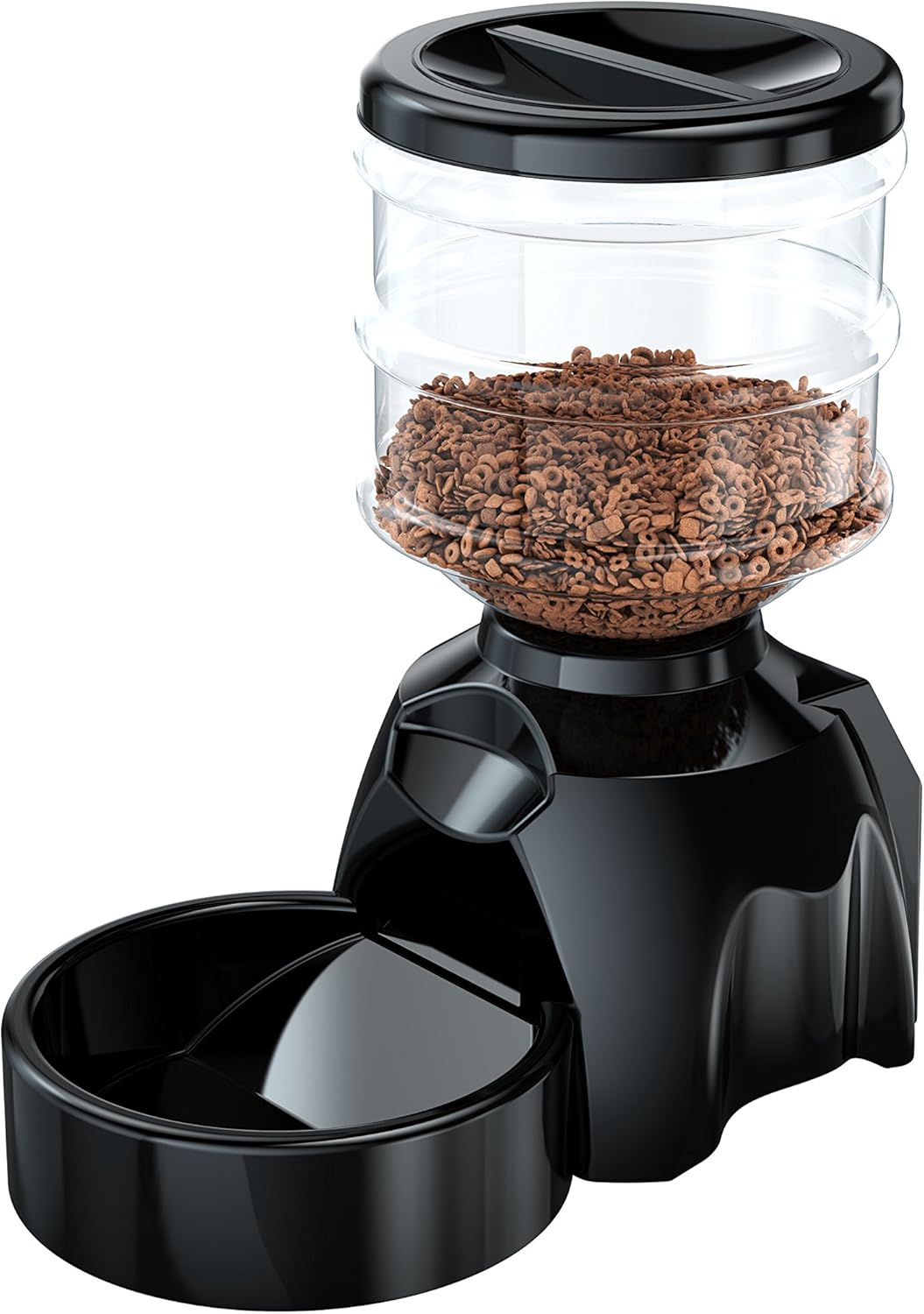
Joonis 3: Külg view of the pet food dispenser, highlighting its compact design and the connection point for the food bowl.
Seadistamine
1. Lahtipakkimine ja kokkupanek
- Eemaldage ettevaatlikult kõik komponendid pakendist.
- Attach the food bowl to the main unit by sliding it into the designated slot until it clicks into place.
- Place the food hopper onto the main unit, ensuring it is securely seated.
2. Seadme toide
- Vahelduvvoolu toide: Connect the AC power adapter to the power port on the back of the main unit and plug it into a standard wall outlet.
- Aku varutoide (valikuline): Jõu eest outage protection, open the battery compartment on the bottom of the unit and insert three (3) D-cell batteries (not included), observing the correct polarity (+/-).
3. Filling the Food Hopper
- Remove the lid from the top of the food hopper.
- Pour dry pet food into the hopper. Ensure the food is of appropriate size to prevent jamming (recommended kibble size: 0.2-0.6 inches / 5-15mm).
- Asetage kaas kindlalt tagasi.
Kasutusjuhised
1. Praeguse kellaaja seadistamine
- Vajutage ja hoidke all nuppu "MÄÄRATA" button until the hour digit on the LCD display starts blinking.
- Kasutage "ÜLES" ja "ALLA" buttons to adjust the hour. Pay attention to AM/PM indicator.
- Vajutage "MÄÄRATA" again to move to the minute digit. Adjust minutes using "ÜLES" ja "ALLA".
- Vajutage "MÄÄRATA" veel üks kord kinnitamiseks ja aja seadistamise režiimist väljumiseks.

Joonis 4: Üksikasjalik view of the dispenser's LCD screen and control buttons, illustrating the user interface for setting time and programming meals.
2. Programming Meals (Up to 6 Meals per Day)
- Vajutage nuppu "MEAL" button to enter meal programming mode. The display will show "MEAL 1" and the hour will blink.
- Set the desired feeding time for Meal 1 using the "ÜLES" ja "ALLA" buttons for hour and minute, pressing "MÄÄRATA" igaühe kinnitamiseks.
- After setting the time, the portion size will blink. Use "ÜLES" ja "ALLA" to select the number of portions (1 portion = approx. 1/3 cup). The dispenser supports 1 to 99 portions per meal.
- Vajutage "MÄÄRATA" to confirm the portion size for Meal 1.
- Repeat steps 1-4 for additional meals (MEAL 2, MEAL 3, etc.) up to a maximum of 6 meals. If you do not wish to program all 6 meals, simply exit the programming mode by pressing the "MEAL" button repeatedly until you return to the main display, or wait for it to time out.
3. Voice Recording (10 Seconds)
- Vajutage ja hoidke all nuppu "REC" button. The microphone icon on the LCD will light up.
- Speak clearly into the microphone located near the LCD screen. You have up to 10 seconds to record your message (e.g., "Here, kitty, kitty!" or "Dinner time!").
- Vabastage "REC" nuppu salvestamise peatamiseks.
- To play back your recording, briefly press the "PLAY" button. The recorded message will play before each scheduled meal.
4. Käsitsi söötmine
To dispense food manually at any time:
- Vajutage lühidalt nuppu "MANUAL" button. One portion of food will be dispensed immediately.
- You can press this button multiple times for additional portions.

Joonis 5: A cat observing the automatic pet feeder, demonstrating its use in a home environment.
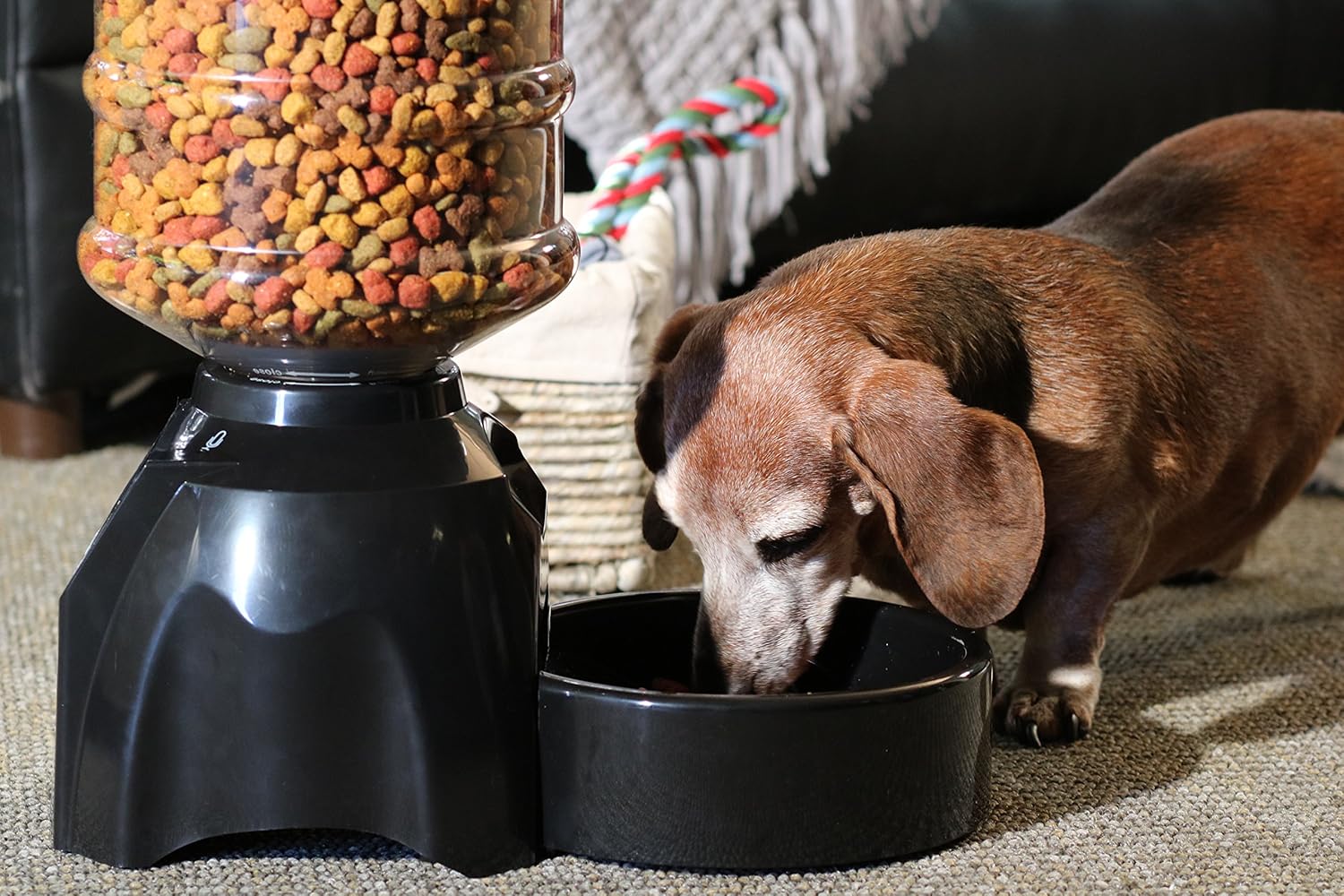
Joonis 6: A small dog consuming food from the dispenser's bowl, highlighting the product's suitability for various pet sizes.
Hooldus
1. Puhastamine
- Always unplug the dispenser and remove batteries before cleaning.
- The food bowl and food hopper are detachable and can be washed with mild soap and water. Rinse thoroughly and dry completely before reattaching.
- Pühkige põhiseadet pehme, damp lapiga. Ärge kasutage abrasiivseid puhastusvahendeid ega kastke põhiseadet vette.
- Ensure all parts are completely dry before refilling with food or reconnecting power.
2. Ladustamine
If storing the dispenser for an extended period:
- Empty any remaining food from the hopper and clean all components.
- Eemaldage patareid patareipesast.
- Hoidke seadet jahedas, kuivas ja otsese päikesevalguse eest kaitstud kohas.
Veaotsing
| Probleem | Võimalik põhjus | Lahendus |
|---|---|---|
| Dispenser not powering on. | No power from AC adapter; batteries dead or incorrectly inserted. | Check AC adapter connection and wall outlet. Replace batteries or ensure correct polarity. |
| Food not dispensing. | Hopper empty; food jammed; dispensing mechanism blocked. | Refill hopper. Check for food jams or foreign objects in the dispensing mechanism. Ensure kibble size is appropriate. |
| Voice recording not playing or unclear. | Recording too short; microphone blocked; speaker issue. | Re-record message, ensuring it's at least a few seconds long. Ensure microphone is clear. |
| Incorrect meal times or portions. | Programming error; time not set correctly. | Re-program meal times and portion sizes carefully. Verify current time setting. |
| Pet not eating from dispenser. | Pet is wary of new feeder; food type changed. | Allow pet time to adjust. Place familiar food in the bowl initially. Ensure voice recording is appealing. |
Tehnilised andmed
| Funktsioon | Detail |
|---|---|
| Mudeli number | TA-PETFEEDV2 |
| Tootja | TAMO |
| Toote mõõtmed | 35.56 x 39.37 x 20.32 cm (14 x 15.5 x 8 tolli) |
| Kauba kaal | 1.41 kg (3.1 naela) |
| Materjal | Polüetüleentereftalaat |
| Värv | Must |
| Punkri maht | 7 naela (umbes 3.17 kg) |
| Sihtliigid | Dog (suitable for most household pets) |
| Toiteallikas | AC Adapter (included), 3 x D-cell Batteries (not included) |
| Häälsalvestus | Kuni 10 sekundit |
| Meal Programming | Kuni 6 toidukorda päevas |
| Portsjoni juhtimine | 1 to 99 portions (1 portion approx. 1/3 cup) |
Klienditugi
For any questions, technical assistance, or warranty inquiries regarding your TAMO Perfect Dinner Automatic Pet Food Dispenser V2, please contact TAMO Customer Care. Our US-based team is dedicated to providing prompt support and ensuring your satisfaction.
Please refer to the product packaging or the official TAMO websaidilt kõige ajakohasemad kontaktandmed.


