1. Sissejuhatus
This manual provides detailed instructions for the proper use and maintenance of your Baseus H08 Immersive Virtual 3D Gaming Headset. Please read this manual thoroughly before using the product to ensure optimal performance and safety. Keep this manual for future reference.
2. Ohutusalane teave
- Kuulmiskaitse: Avoid using the headset at high volume levels for extended periods to prevent hearing damage.
- Keskkonnatingimused: Ärge jätke peakomplekti äärmuslike temperatuuride, niiskuse ega otsese päikesevalguse kätte.
- Puhastamine: Puhastamiseks kasutage pehmet ja kuiva lappi. Vältige vedelaid puhastusvahendeid ega abrasiivseid materjale.
- Lahtivõtmine: Ärge proovige peakomplekti lahti võtta ega muuta. See võib tühistada garantii ja põhjustada kahjustusi.
- Lapsed: Keep the headset and its accessories out of reach of small children to prevent choking hazards.
3. Pakendi sisu
Veenduge, et pakendis on kõik esemed olemas:
- Baseus H08 Immersive Virtual 3D Gaming Headset
- 3.5 mm helikaabel
- Kandekott
- Kasutusjuhend (see dokument)
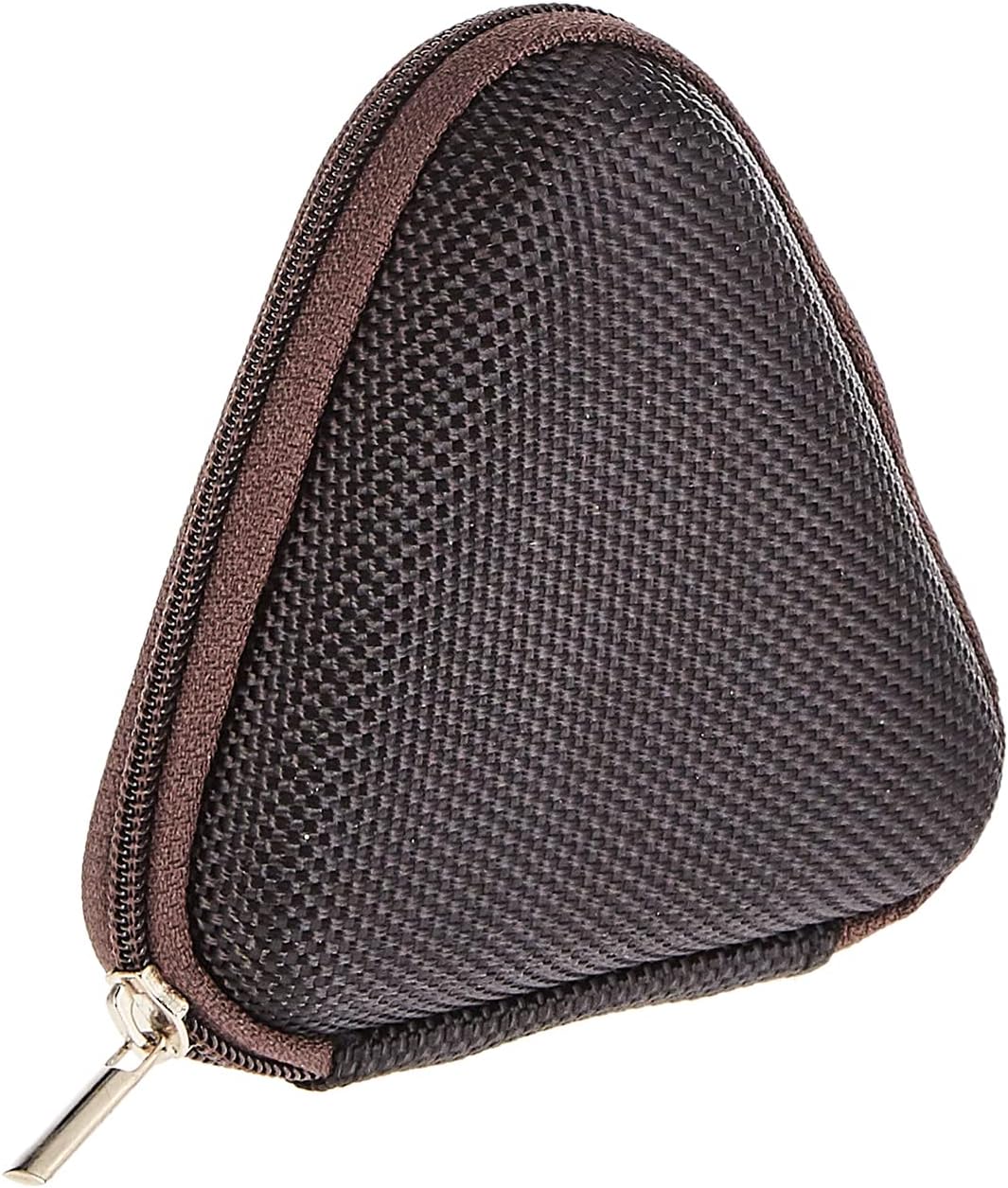
Image: The included triangular carrying case, designed for protecting and transporting the headset.
4. Toote lõppview
The Baseus H08 headset is designed for an immersive gaming audio experience. It features a comfortable over-ear design and integrated controls.

Image: The Baseus H08 Immersive Virtual 3D Gaming Headset, showcasing selle disain ja komponendid.
Komponendid:
- Kõrvaklapid: Padded earcups for comfort and sound isolation.
- Peapael: Adjustable headband for a secure fit.
- Mikrofon: Integrated microphone for communication.
- Helikaabel: Detachable 3.5mm audio cable for connection to devices.
- Helitugevuse juhtimine: In-line or earcup-mounted volume adjustment.
5. Seadistamine
- Pakkige lahti: Eemaldage peakomplekt ja kõik lisatarvikud ettevaatlikult pakendist.
- Ühendage helikaabel: Insert the 3.5mm audio jack into the corresponding port on your gaming device (PC, console controller, smartphone, etc.). Ensure the connection is secure.
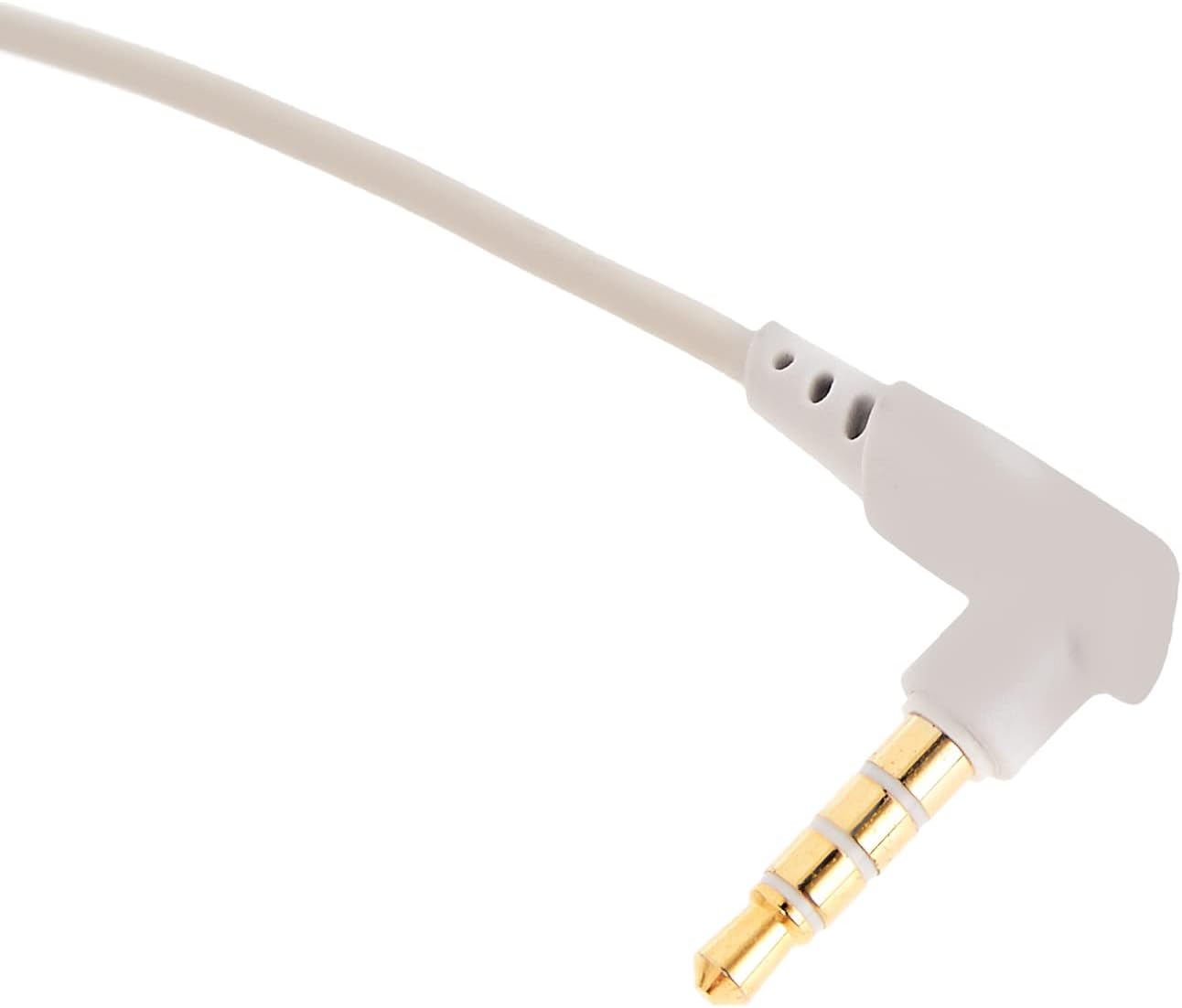
Pilt: Lähivõte view of the 3.5mm audio jack, used for connecting the headset to compatible devices.
- Peakomplekti reguleerimine: Place the headset on your head and adjust the headband for a comfortable and secure fit. Position the earcups over your ears.
- Mikrofoni paigutus: If the microphone is adjustable, position it appropriately for clear voice capture, typically near the corner of your mouth.
6. Kasutusjuhised
- Helitugevuse juhtimine: Use the integrated volume control (if present on the cable or earcup) to adjust the audio output level. Rotate or slide the control to increase or decrease volume.
- Mikrofoni vaigistamine: If your headset features a microphone mute switch, use it to toggle the microphone on or off as needed during gameplay or calls.
- Virtual 3D Sound: The headset provides an immersive virtual 3D sound experience. This feature is typically active upon connection and enhances spatial audio cues in compatible games. No specific activation is usually required unless indicated by your device's audio settings.
7. Hooldus
- Puhastamine: Wipe the headset with a soft, dry, lint-free cloth. Do not use harsh chemicals, cleaning solvents, or strong detergents.
- Hoiustamine: When not in use, store the headset in its carrying case to protect it from dust, scratches, and physical damage. Keep it in a cool, dry place.
- Kaabli hooldus: Avoid sharp bends or excessive pulling on the audio cable to prevent internal damage.
8. Veaotsing
Levinud probleemid ja lahendused:
- Heli puudub:
- Ensure the 3.5mm audio cable is fully plugged into both the headset and your device.
- Kontrollige peakomplekti ja seadme helitugevuse regulaatorit, et see poleks vaigistatud ega liiga madalaks seatud.
- Veenduge, et teie seadme heliseadetes on valitud õige heliväljundseade.
- Halb helikvaliteet:
- Kontrollige lahtiste ühenduste olemasolu.
- Seadmepõhise probleemi välistamiseks testige peakomplekti teise seadmega.
- Veenduge, et heliallikas on hea kvaliteediga.
- Mikrofon ei tööta:
- Ensure the microphone is not muted (if applicable).
- Check your device's sound settings to ensure the headset microphone is selected as the input device.
- Testi mikrofoni teise rakenduse või seadmega.
- Ebamugavustunne kasutamise ajal:
- Adjust the headband and earcup positions for a better fit.
- Take breaks during long gaming sessions.
9. Tehnilised andmed
| Funktsioon | Detail |
|---|---|
| Kaubamärk | Baseus |
| Mudeli nimi | NGH08-2G |
| Kauba mudeli number | B012LZLE1U |
| Toote mõõtmed | 5 x 3 x 10 cm |
| Kauba kaal | 200 grammi |
| Värv | Valge + hall |
| Juhtimistüüp | Helitugevuse juhtimine |
| Artiklite arv | 1 |
| Toote spetsiifiline kasutusala | Ei ole saadaval |
| Kõrvaklappide vormitegur | Ei ole saadaval |
| Kõrvaklappide pesa | Ei ole saadaval |
| Ühenduvustehnoloogia | Ei ole saadaval |
| Traadita side tehnoloogia | Ei ole saadaval |
| Kaasatud komponendid | Ei ole saadaval |
| Vanusevahemik (kirjeldus) | Ei ole saadaval |
| Materjal | Ei ole saadaval |
10. Garantii ja tugi
For warranty information and technical support, please refer to the warranty card included with your product or visit the official Baseus webveebisait. Samuti võite abi saamiseks pöörduda jaemüüja poole, kellelt toote ostsite.
Baseuse ametlik Websait: www.baseus.com


