Sissejuhatus
The Flux WiFi Smart LED Light Bulb offers advanced lighting control through wireless connectivity. This bulb provides dynamic effects, millions of colors, and smart features accessible via your smartphone or voice commands. It is designed to enhance your living space with customizable illumination.
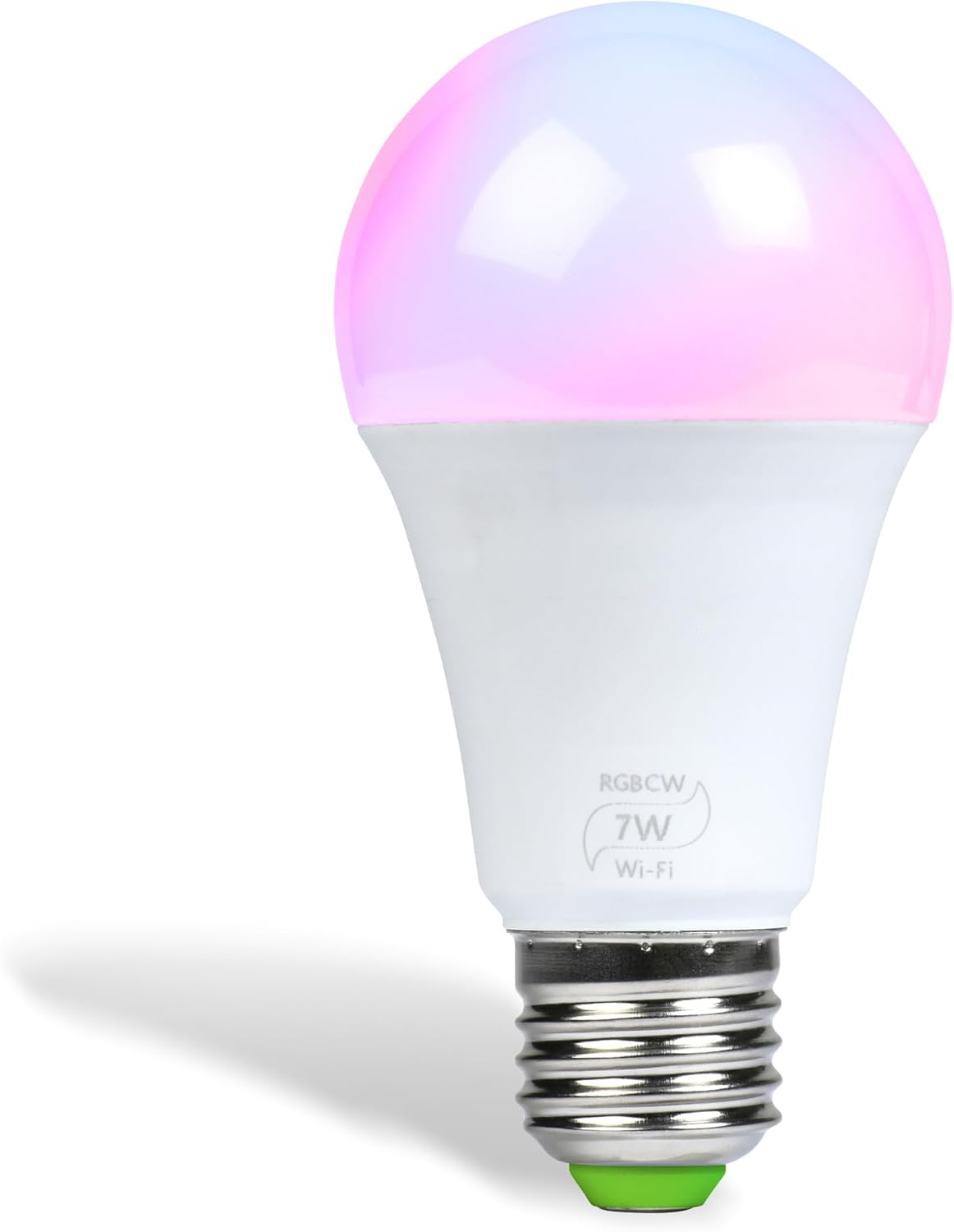
Image: The Flux WiFi Smart LED Light Bulb, showcasing its standard A19 shape and E26 base with a glowing, multicolored top.
Seadistamine
1. Paigaldamine
- Keerake pirn sisse: Carefully screw the Flux WiFi Smart LED Light Bulb into any standard Edison fixture (E26 base).
- Toide sisse: Lülitage lüliti sisse, et pirn saaks voolu.
2. App Download & Connection
To unlock the full potential of your Flux Smart LED Light Bulb, download the free "Flux WiFi" app from your device's app store. The app facilitates connection and control.

Image: A smartphone displaying the Flux WiFi app interface, showing a color wheel for light adjustment and icons for various functions.
Follow the in-app instructions to connect the bulb to your home WiFi network. This typically involves:
- Opening the Flux WiFi app.
- Selecting the option to add a new device.
- Connecting your smartphone to the bulb's temporary WiFi network (usually named something like "LEDnet...").
- Returning to the app and selecting your home WiFi network, then entering its password.
3. Videojuhendi seadistamine
For a visual walkthrough of the setup process, please refer to the official FluxSmart Set-up Video below:
Video: Official FluxSmart Set-up Guide. This video demonstrates the step-by-step process of installing and connecting your Flux WiFi Smart LED Light Bulb to the mobile application.
Kasutusjuhised
1. Color and Brightness Control
The Flux WiFi app provides a comprehensive interface to control your bulb's lighting. You can select from a palette of 16 million colors and adjust the brightness to suit any mood or activity.

Image: A room illuminated with multicolored smart lighting, highlighting the bulb's ability to create various ambiances.
- Värvi muutmine: Access the color wheel in the app to choose any desired color.
- Hämardatav: Adjust the light intensity from 1% to 100% to create the perfect ambiance.
- Valge valguse valikud: Select different shades of white, from warm to cool, to match your preference.
2. Nutikad funktsioonid
- Muusika sünkroonimine: Sync the light's color-changing effects to the beat of your favorite music for an immersive experience.
- Hääljuhtimine: Compatible with Amazon Alexa and Google Home Assistant, allowing you to control your lights using voice commands.
- Light Schedules & Timers: Set custom schedules for the bulb to turn on/off automatically. Utilize the "Sunrise" feature for a gentle wake-up or set timers for gradual dimming at night.
- Kaugjuhtimispult: Manage your lights from anywhere using the Flux WiFi app on your smartphone or tablet, ensuring you never leave a light on unintentionally.
- IFTTT integreerimine: Connect your bulb with IFTTT (If This Then That) for advanced automation and integration with other smart devices.
- Rühmitamine: Control multiple Flux Smart LED Light Bulbs simultaneously by grouping them within the app.

Image: Visual representation of key features including Wake Up Light, Easy Dimming, Set Timers, Color Temperature Control, Relax or Focus modes, and No Hub Required.
Hooldus
The Flux WiFi Smart LED Light Bulb is designed for long-lasting performance with an average life of 20,000 hours. To ensure optimal operation:
- Puhastamine: Enne puhastamist veenduge, et pirn on välja lülitatud ja jahtunud. Pühkige pehme kuiva lapiga. Ärge kasutage vedelaid puhastusvahendeid.
- Paigutus: Avoid placing the bulb in enclosed fixtures that may restrict airflow, as this can affect its lifespan.
Veaotsing
If you encounter issues with your Flux WiFi Smart LED Light Bulb, consider the following:
- Ühenduvus: Ensure the LED smart bulb is within your router’s signal range. A strong WiFi signal is crucial for stable operation.
- Häired: Avoid placing the bulb in metal or enclosed fixtures, as such materials tend to interfere with the wireless connection.
- Toitetsükkel: Try turning the light switch off and on again to power cycle the bulb.
- Rakenduse probleemid: Ensure your Flux WiFi app is updated to the latest version. Restarting the app or your smartphone may also resolve minor glitches.
- Lähtesta: If problems persist, consult the app or product packaging for instructions on how to reset the bulb to its factory settings.
Tehnilised andmed
| Funktsioon | Detail |
|---|---|
| Valguse tüüp | LED |
| Wattage | 7.5 Watts (50 Watts Incandescent Equivalent) |
| Voltage | 110 volti (aktsepteeritud: 100 kuni 120 volti ja 60 hertsi) |
| Valguse väljund | 550 XNUMX luumenit |
| Pirni kuju suurus | A19 |
| Pirni alus | E26 |
| Eriomadused | 16 Million Color Options, Color Changing, Dimmable, Energy Efficient, Full Spectrum |
| Kontrollimeetod | App (WiFi) |
| Keskmine eluiga | 20,000 tundi |
| Toote mõõtmed | 2.5 x 2.5 x 4 tolli |
| Kauba kaal | 1.76 untsi |
Garantii ja tugi
The Flux WiFi Smart LED Light Bulb is designed for durability and comes with an average lifespan of 20,000 hours. A 2-year guarantee on defects is typically offered. For further assistance or warranty claims, please refer to the contact information provided with your product packaging or visit the official Flux Smart Lighting websaidile.


