
1. Sissejuhatus
This user manual provides detailed instructions for the Generic Wireless CarPlay and Android Auto Adapter, model KA-1132. This device is designed to convert your vehicle's existing wired CarPlay or Android Auto system into a wireless connection, offering enhanced convenience and a clutter-free driving experience. Please read this manual thoroughly before using the product to ensure proper installation and operation.
2. Toote lõppview
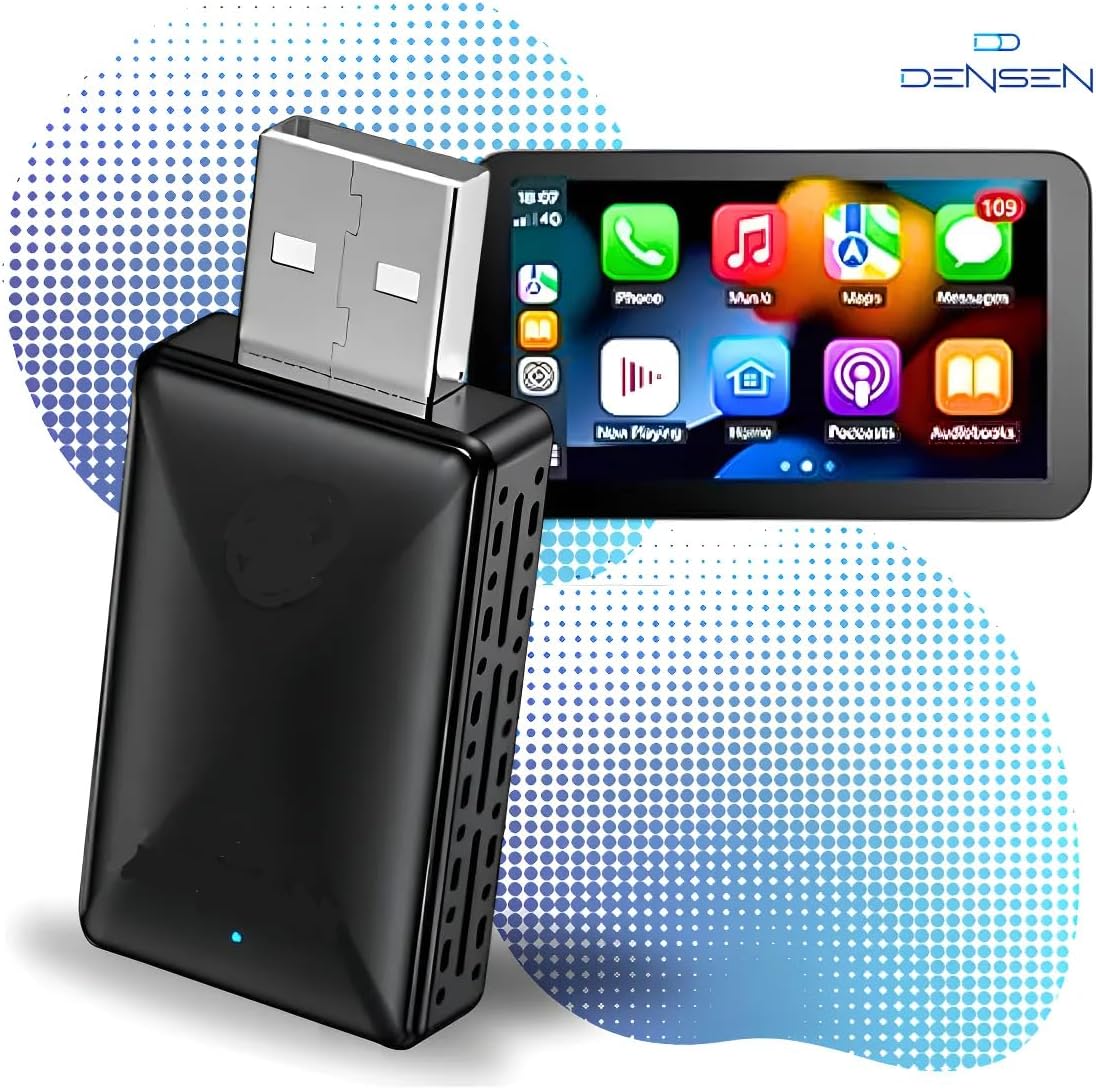
The KA-1132 adapter enables a seamless transition from wired to wireless CarPlay and Android Auto. It is a compact, plug-and-play device that connects to your car's USB port, allowing your smartphone to connect wirelessly to the vehicle's infotainment system.
Peamised omadused:
- Wireless Conversion: Transforms wired CarPlay/Android Auto into wireless functionality.
- Automaatne ühendus: Connects automatically to your paired smartphone upon vehicle startup.
- Plug & Play: Simple installation without the need for additional apps or complex setup.
- Suur kiirus ja madal latentsusaeg: Utilizes 5.0-5.8 GHz transmission for stable audio and media streaming.
- Madal energiatarve: Efficient and stable operation.
- Original Functionality Retention: Supports original microphone, steering wheel controls, and central unit functions.
- Kompaktne disain: Discreet and easy to conceal within the vehicle.
- Updatable Firmware: Ensures the device remains optimized with the latest versions.
Oluline märkus:
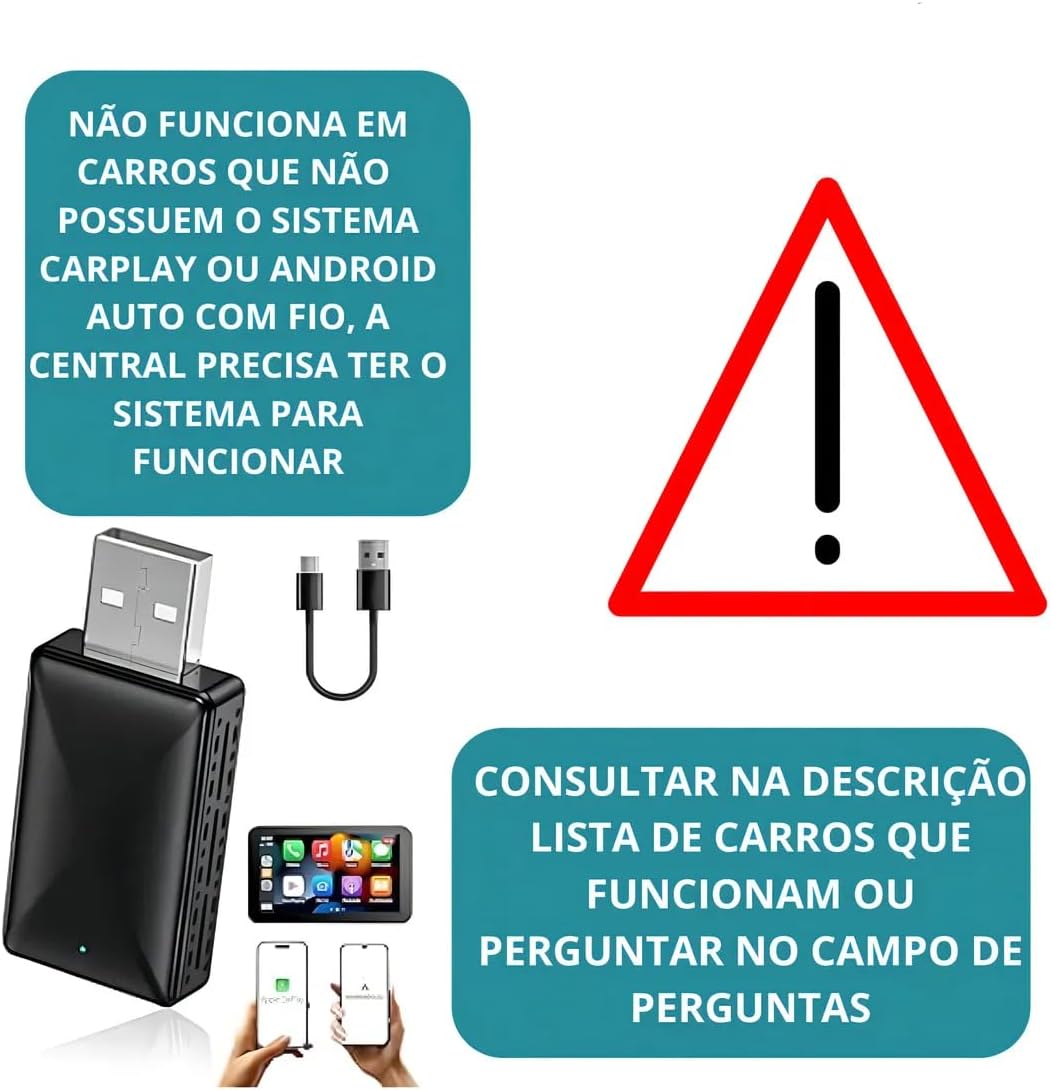
See adapter teeb mitte add CarPlay or Android Auto functionality to vehicles that do not already have it. It only converts an existing wired connection to wireless.
3. Pakendi sisu
Palun kontrollige pakendilt järgmisi esemeid:
- 1x Wireless CarPlay/Android Auto Adapter (KA-1132)
- 1x USB Converter Cable (USB-A to USB-C or USB-C to USB-C, depending on model variant)
- 1x kasutusjuhend
4. Tehnilised andmed
| Funktsioon | Detail |
|---|---|
| Mudeli number | KA-1132 |
| Kaubamärk | Üldine |
| Ühilduvad seadmed | Apple (iOS), Android |
| Ühenduse tüüp | USB-tüüp A, USB-tüüp-C |
| Juhtmeta edastus | 5.0-5.8 GHz |
| Toote kaal | 400 grammi |
| Tootja | KAPBOM |
| Päritoluriik | Brasiilia |
5. Ühilduvus
To use the KA-1132 adapter, your vehicle and smartphone must meet the following requirements:
Vehicle Requirements:
- The vehicle's infotainment system must have factory-installed wired CarPlay or Android Auto.
- Compatible with factory head units from: Audi, Chery, Chevrolet (except MyLink3), GM, Citroën, Fiat, Ford, Hyundai, Jeep, Land Rover, Mercedes, Mitsubishi, Nissan, Peugeot, Porsche, Dodge, Renault, Toyota, Troller, Volkswagen, Volvo.
- Ei ühildu: Tracker, Onix, and Montana 2023 (MyLink3), and some generic Android multimedia centers.
Smartphone Requirements:
- Apple CarPlay jaoks: iPhone 6 or newer, running iOS 10 or higher.
- Android Auto jaoks: Android phone running Android 11.0 or higher.

6. Seadistamine ja installimine
The KA-1132 adapter features a simple Plug & Play setup. Follow these steps for installation:
- USB-pordi leidmine: Identify the USB port in your vehicle that supports wired CarPlay or Android Auto.
- Ühendage adapter: Plug the KA-1132 adapter into the vehicle's USB port. Use the provided converter cable if necessary (e.g., if your car has a USB-C port).
- Oodake indikaatorit: The adapter will power on, and an indicator light (usually blue or green) will illuminate.
- Sidumine Bluetoothi kaudu: On your smartphone, enable Bluetooth and search for the adapter's Bluetooth name (refer to the device label or packaging if unsure). Select it to pair.
- Ühenduse kinnitamine: Once paired, your car's infotainment screen should display the CarPlay or Android Auto interface wirelessly.


7. Kasutusjuhised
Automaatne ühendus:
After the initial pairing, the adapter will automatically connect to your smartphone each time you start your vehicle, provided your phone's Bluetooth is enabled and within range.
Püsivara värskendused:
The adapter's firmware can be updated to ensure optimal performance and compatibility. Instructions for firmware updates are typically provided via a QR code or a specific website mentioned in the packaging or on the manufacturer's support page. It is recommended to keep the firmware updated for the best user experience.
CarPlay/Android Auto kasutamine:
Once connected, operate CarPlay or Android Auto as you normally would with a wired connection. All functions, including navigation, music, calls, and voice commands, will be available wirelessly through your car's infotainment system.
8. Veaotsing
If you encounter issues with your KA-1132 adapter, please refer to the following common problems and solutions:
- Ühendust pole:
- Ensure your vehicle has factory-installed wired CarPlay or Android Auto. The adapter does not add these functions.
- Verify the adapter is securely plugged into the correct USB port.
- Check if your phone's Bluetooth is enabled and paired with the adapter.
- Taaskäivitage telefon ja auto teabe- ja meelelahutussüsteem.
- Katkendlik ühendus:
- Ensure there are no other strong wireless interference sources nearby.
- Check for available firmware updates for the adapter.
- Try using a different USB port in your vehicle, if available.
- Heli/video viivitus:
- This adapter operates on 5.0-5.8 GHz for high speed and low latency. If you experience lag, ensure your phone's Wi-Fi is not being heavily utilized by other applications.
- Kontrollige püsivara värskendusi.
- Adapterit ei tuvastatud:
- Confirm your vehicle model is not listed under "Not compatible" in Section 5.
- Ensure the car's infotainment system is fully booted before plugging in the adapter.
9. Hooldus
To ensure the longevity and optimal performance of your KA-1132 adapter, follow these simple maintenance guidelines:
- Puhastamine: Adapteri puhastamiseks kasutage pehmet ja kuiva lappi. Ärge kasutage vedelaid puhastusvahendeid ega lahusteid.
- Hoiustamine: Kui adapterit pikemat aega ei kasutata, hoidke seda jahedas ja kuivas kohas, eemal otsesest päikesevalgusest ja äärmuslikest temperatuuridest.
- Käitlemine: Vältige seadme maha pillamist ega tugevate löökide saamist.
- Niiskus: Hoidke adapterit vee ja kõrge õhuniiskuse eest.
10. Garantii ja tugi
Selle tootega on kaasas a 30-päevane garantii alates ostukuupäevast. See garantii katab tootmisdefektid ja normaalse kasutamise korral esinevad rikkeid. See ei kata kahjustusi, mis on tekkinud väärkasutuse, õnnetuste, volitamata muudatuste või ebaõige paigaldamise tagajärjel.
For technical support or warranty claims, please contact your retailer or the manufacturer (KAPBOM) through their official support channels. Please have your purchase receipt and product model number (KA-1132) ready when contacting support.