
Sissejuhatus
Thank you for choosing the Recci REP-W42 TWS Bluetooth In-Ear Earbuds. These wireless earbuds are designed to provide a high-quality audio experience with advanced features such as a 13mm audio unit, Bluetooth 5.2 connectivity, and intuitive touch controls. This manual will guide you through the setup, operation, and maintenance of your new earbuds to ensure optimal performance and longevity.
Toode läbiview
The Recci REP-W42 earbuds, also known as 'Bounty Hunter' series, combine a smooth finish with eye-catching precision plating for a sleek design. They feature a large 13mm audio unit for 3D low-frequency flexibility and clear sound. With Bluetooth 5.2, they offer stable and high-speed wireless transmission, coupled with strong battery life and sensitive smart touch operation.
Peamised omadused:
- Bounty Hunter Wireless Earbuds design.
- Smooth finish with eye-catching precision plating.
- Large 13mm audio unit with 3D low-frequency flexibility for clear sound.
- Smooth and sensitive smart touch operation.
- Strong wireless Bluetooth 5.2 battery life with high-speed transmission.
Toote komponendid:
- Recci REP-W42 TWS Earbuds (Left and Right)
- Juhtmevaba laadimise ümbris
- Kõrvaotsad (erineva suurusega optimaalse sobivuse tagamiseks)
- Laadimiskaabel
- Kasutusjuhend
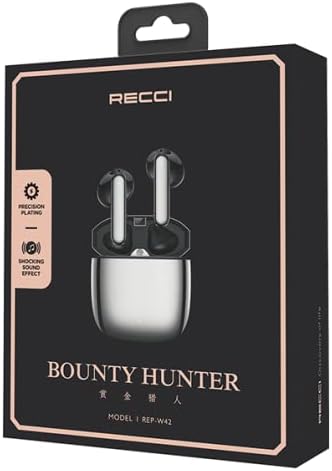
Joonis 1: The Recci REP-W42 TWS Earbuds packaging, showcasing the product and its model number.
Seadistamine
1. Kõrvaklappide ja ümbrise laadimine:
- Asetage mõlemad kõrvaklapid laadimisümbrisesse.
- Connect the charging cable to the charging port on the case and a power source.
- The indicator light on the charging case will show the charging status. A full charge is indicated when the light turns solid or off, depending on the model.
- Ensure the earbuds and case are fully charged before first use for optimal battery performance.

Joonis 2: Illustration of the earbuds and charging case, highlighting battery life: approximately 65 days standby, 5 hours music, 3.5 hours call, and 1.5 hours charging time.
2. Seadmega sidumine:
- Ava laadimisümbris. Kõrvaklapid sisenevad automaatselt sidumisrežiimi, mida näitab kõrvaklappidel vilkuv LED-tuli.
- Luba oma seadmes (nutitelefon, tahvelarvuti, sülearvuti) Bluetooth.
- Otsi available Bluetooth devices and select "REP-W42" from the list.
- Once connected, the LED indicator on the earbuds will stop flashing or turn off.
- Kõrvaklapid ühenduvad ümbrisest väljavõtmisel automaatselt viimati seotud seadmega, kui seadmes on Bluetooth lubatud.
Kasutusjuhised
The Recci REP-W42 earbuds feature sensitive touch controls for easy management of audio playback and calls.
Puutetundlikud juhtnupud:
| Tegevus | Funktsioon |
|---|---|
| Üks puudutus (vasak/parem kõrvaklapp) | Muusika esitamine/peatamine, kõnele vastamine/lõpetamine |
| Topeltpuudutus (parem kõrvaklapp) | Järgmine lugu |
| Topeltpuudutus (vasak kõrvaklapp) | Eelmine lugu |
| Kolmekordne puudutus (vasak/parem kõrvaklapp) | Aktiveerige Voice Assistant |
| Pikk vajutus (vasak/parem kõrvaklapp, 2 sekundit) | Keeldu kõnest |
| Pikk vajutus (vasak kõrvaklapp) | Helitugevuse vähendamine |
| Pikk vajutus (parem kõrvaklapp) | Helitugevuse suurendamine |
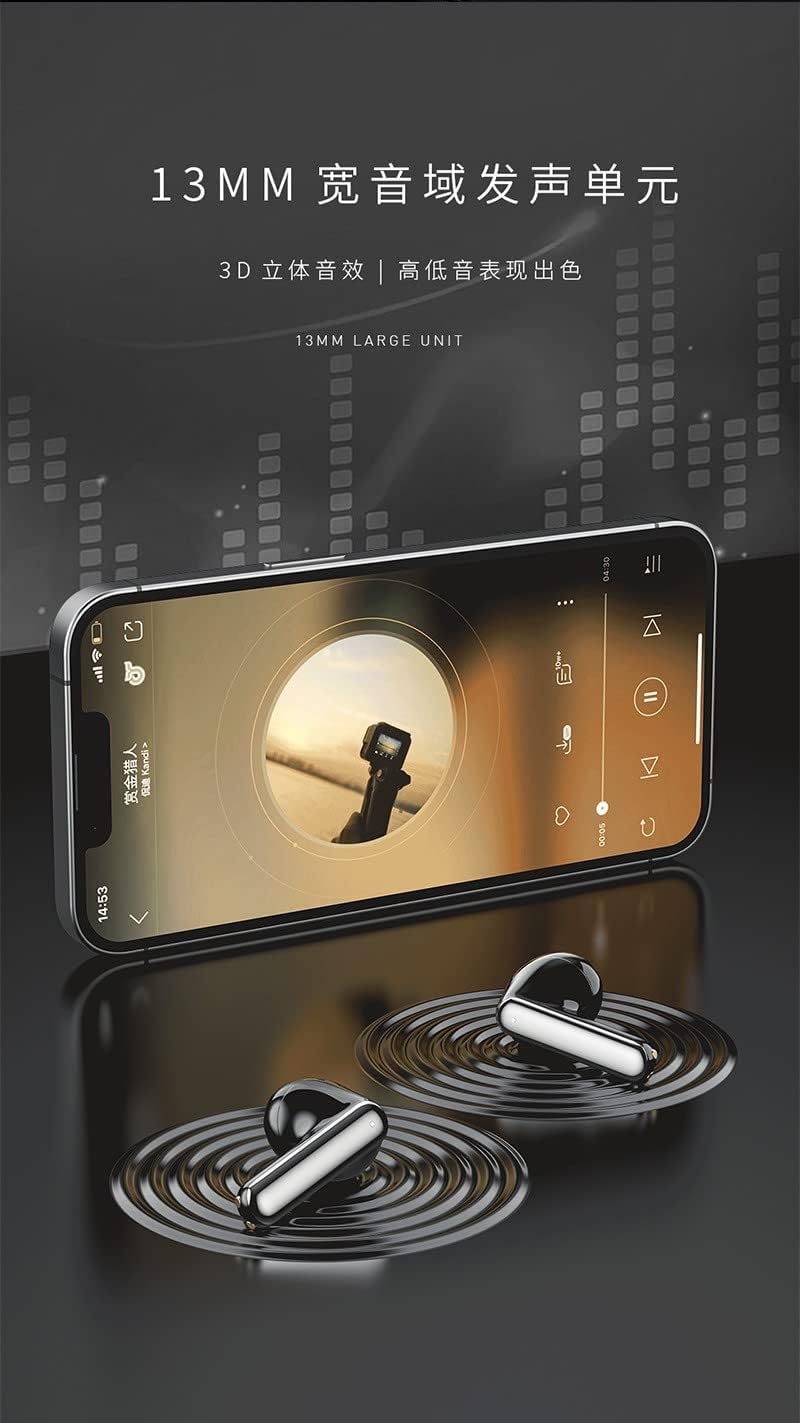
Joonis 3: The Recci REP-W42 earbuds delivering audio, emphasizing the 13mm large unit for enhanced sound quality.
Hooldus
Puhastamine:
- Puhastage kõrvaklappe ja laadimisümbrist regulaarselt pehme, kuiva ja ebemevaba lapiga.
- Ärge kasutage abrasiivseid puhastusvahendeid, alkoholi ega keemilisi lahusteid.
- Eemaldage kõrvaotsikutelt ja kõlarivõrgust õrnalt kõrvavaik või praht väikese pehme harja või vatitupsuga.
Hoiustamine:
- Kui kõrvaklappe ei kasutata, hoidke neid alati laadimisümbrises, et neid kaitsta ja laetuna hoida.
- Hoida jahedas ja kuivas kohas, eemal äärmuslikest temperatuuridest ja otsesest päikesevalgusest.
Aku hooldus:
- Vältige aku sagedast täielikku tühjenemist.
- Charge the earbuds regularly, even if not used for extended periods, to maintain battery health.
Veaotsing
| Probleem | Võimalik lahendus |
|---|---|
| Kõrvaklapid ei ühendu |
|
| Ühest kõrvaklapist pole heli |
|
| Kõrvaklapid ei lae |
|
| Halb helikvaliteet |
|
Tehnilised andmed
Below are the technical specifications for the Recci REP-W42 TWS Bluetooth In-Ear Earbuds.
| Funktsioon | Detail |
|---|---|
| Kaubamärgi nimi | Üldine |
| Mudeli nimi | Recci REP-W42 TWS Earbud |
| Värv | Hõbedane |
| Kõrvade paigutus | Kõrvas |
| Vormitegur | Kõrvas |
| Mürakontroll | Heliisolatsioon |
| Ühenduvustehnoloogia | Juhtmeta |
| Traadita side tehnoloogia | Bluetooth |
| Kaasatud komponendid | Eartip, Wireless Charging Case |
| Vanusevahemiku kirjeldus | Täiskasvanu |
| Artiklite arv | 1 |
| Tootja | Üldine |
| Kõrvaklappide kuju | Ümardatud otsad |
| Juhtimistüüp | Hääljuhtimine |
| Kontrollimeetod | Puudutage |
| Helidraiveri tüüp | Dünaamiline draiver |
| Materjal | Plastikust |
| Toote spetsiifilised kasutusalad | Muusika |
| Toote soovituslikud kasutusalad | Muusika |
| Ühilduvad seadmed | Lauaarvutid, sülearvutid, nutitelefonid, tahvelarvutid |
| Kaabli funktsioon | Kaablivaba |
| Veekindluse tase | Ei ole veekindel |
| Eriomadused | Kergekaaluline |

Joonis 4: Üksikasjalik view of the 13mm dynamic driver, illustrating its components for enhanced audio performance.
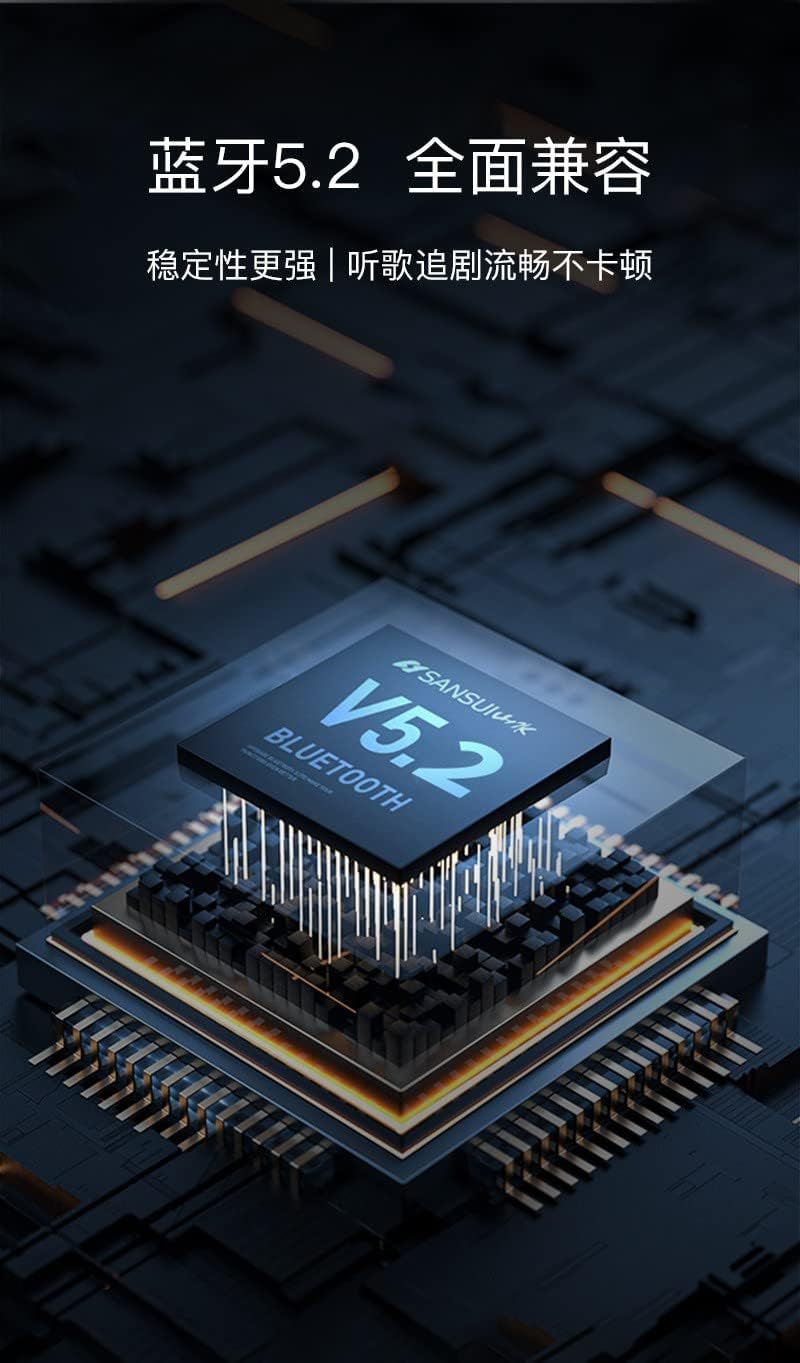
Joonis 5: Representation of the Bluetooth 5.2 chip, ensuring stable and compatible wireless connectivity.
Garantii ja tugi
Specific warranty information for the Recci REP-W42 TWS Bluetooth In-Ear Earbuds is not provided in the product details. Please refer to the warranty card included in your product packaging or contact the retailer/manufacturer directly for details regarding warranty coverage and customer support.
For technical assistance or further inquiries, please reach out to the customer service department of your purchase point.